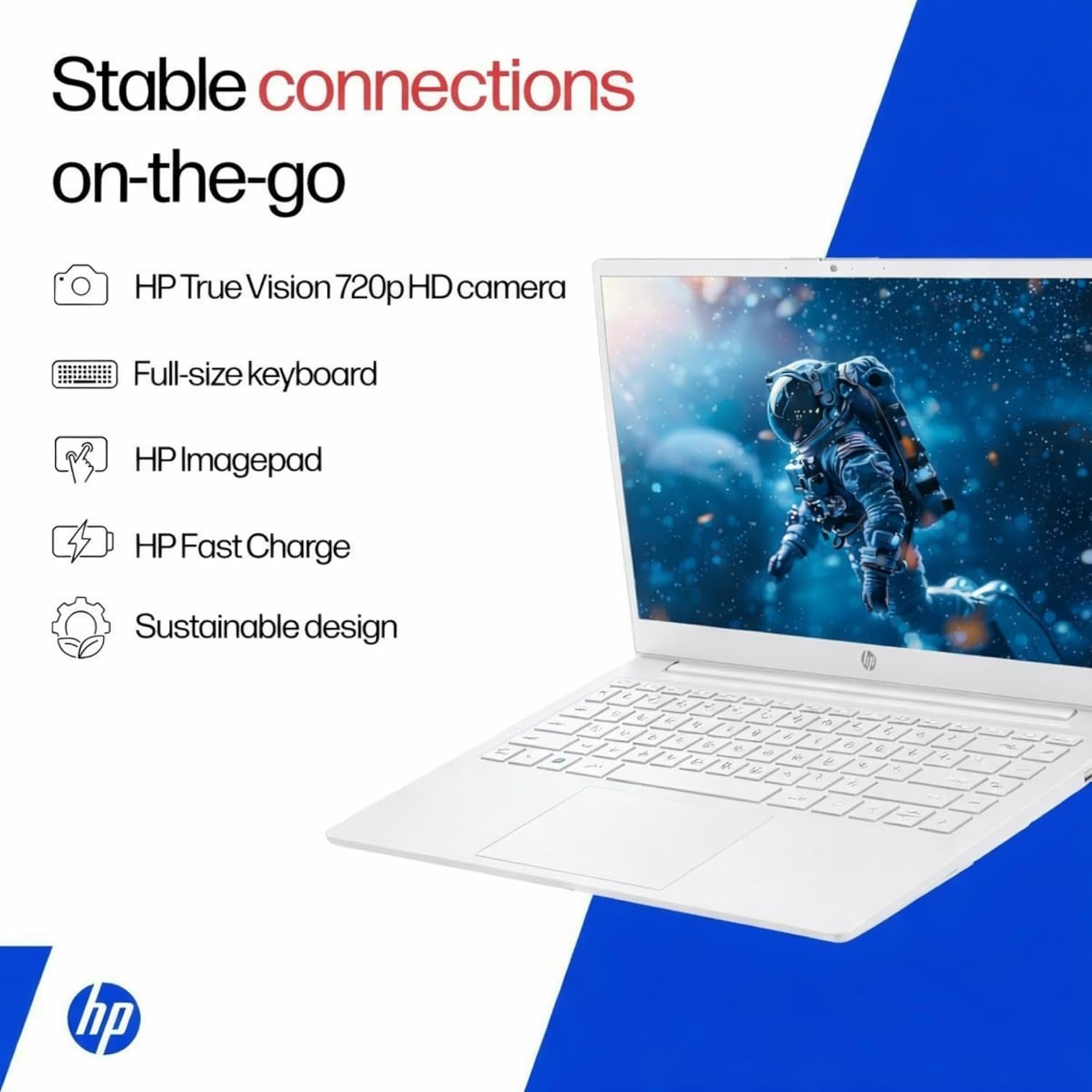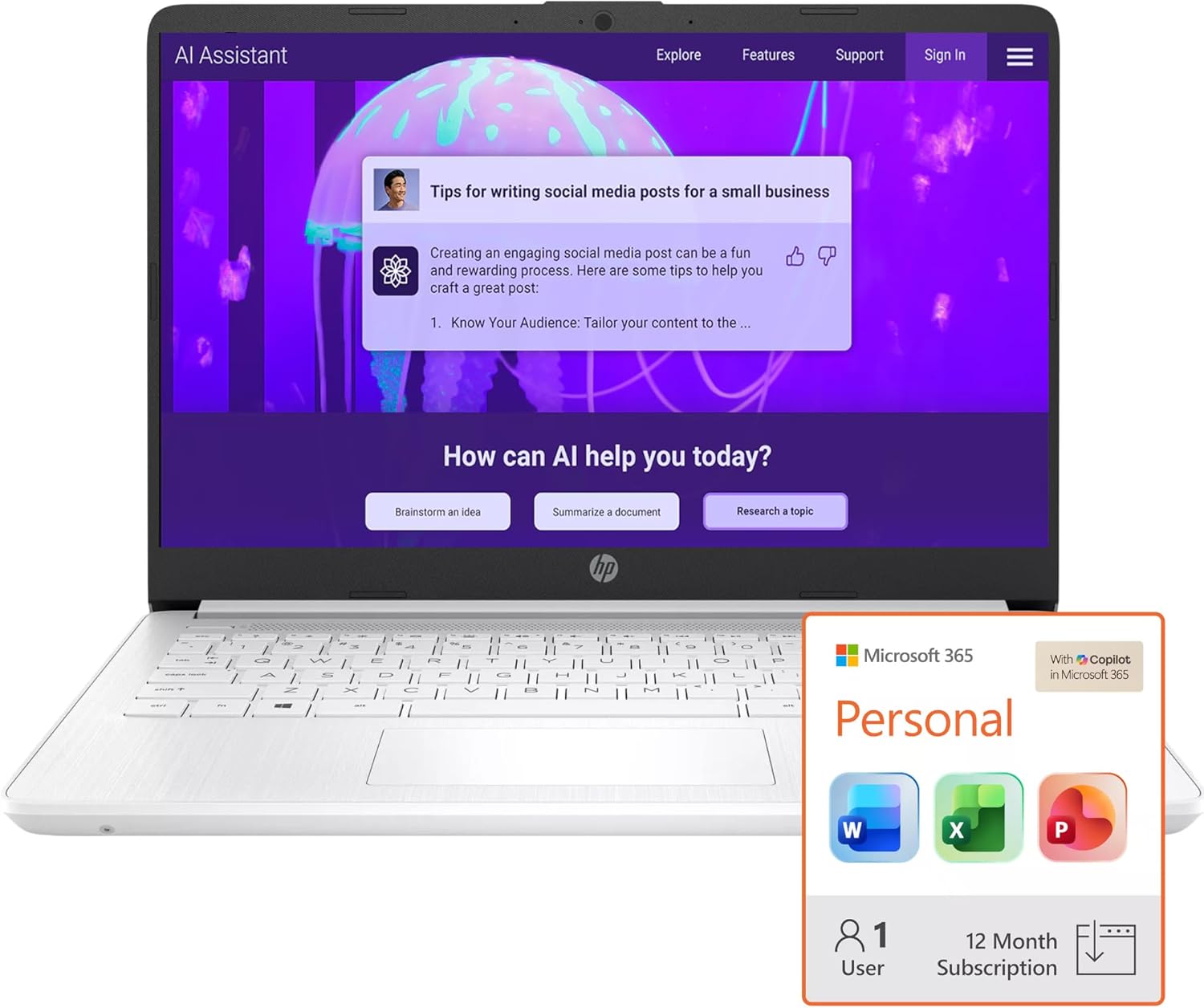


Switching out of S mode in Windows 11 Windows 11 in S mode is designed for security and performance, exclusively running apps from the Microsoft Store. If you want to install an app that isn’t available in the Microsoft Store, you’ll need to switch out of S mode 1. On your PC running Windows 11 in S mode, open Settings > System > Activation. 2. In the Switch to Windows 11 Pro section, select Go to the Store. (If you also see an “Upgrade your edition of Windows” section, be careful not to click the “Go to the Store” link that appears there.) 3. On the Switch out of S mode (or similar) page that appears in the Microsoft Store, select the Get button. After you see a confirmation message on the page, you’ll be able to install apps from outside of the Microsoft Store. HP 14 inch Laptop for Business and Student: Sleek design: Easily take this thin and light PC from room to room or on the road Dual array microphones: With two microphones and advanced noise reduction software, you’ll always sound crystal clear when you video chat or record Display: 14.0-inch diagonal, HD (1366 x 768), micro-edge, BrightView Processor: Intel Celeron N4120, 4 Cores & 4 Threads Graphics: Intel UHD Graphics 600 Operating System: Windows 11 Home in S mode HP Fast Charge: Go from 0 to 50% charge in approximately 45 minutes Battery Life: Up to 11 hours and 30 minutes (video playback); Up to 9 hours (wireless streaming) Webcam: HP True Vision 720p HD camera with integrated dual array digital microphones Connectivity: 802.11a/b/g/n/ac (2×2)(19a) Wi-Fi and Bluetooth combo Dimensions: 12.76 x 8.86 x 0.71 inches Weight: 3.24 lbs
【Make the most out of your 365】Bring your ideas to life.Your creativity now gets a boost with Microsoft 365. Office – Word, Excel, and Power Point – now includes smart assistance features that help make your writing more readable, your data clearer and your presentations more visually powerful. 1 -Year subscription included.
【14″ HD Display】14.0-inch diagonal, HD (1366 x 768), micro-edge, BrightView. With virtually no bezel encircling the display, an ultra-wide viewing experience provides for seamless multi-monitor set-ups
【Processor & Graphics】Intel Celeron N4500, 2 Cores & 2 Threads, 1.10 GHz Base Frequency, Up to 2.60 GHz Burst Frequency, 4 MB Cahce, Intel UHD Graphics 600, Handle multitasking reliably with the perfect combination of performance, power consumption, and value
【Ports】1 x USB 3.1 Type-C ports, 2 x USB 3.1 Type-A ports, 1 x HDMI, 1 x Headphone/Microphone Combo Jack, and there’s a microSD slot
【Windows 11 Home in S mode】You may switch to regular windows 11: Press “Start button” bottom left of the screen; Select “Settings” icon above “power” icon;Select “Activation”, then Go to Store; Select Get option under “Switch out of S mode”; Hit Install. (If you also see an “Upgrade your edition of Windows” section, be careful not to click the “Go to the Store” link that appears there.)
8 reviews for HP 16GB RAM Student and Home Laptop with Microsoft 365, 1TB Cloud Storage and 64GB SSD, Fast Intel Core, Win 11 w/o Earbuds – Perfect for Work & Play
Add a review
$399.99

Constance –
Very nice for travel
Great little laptop for a great pricepoint. I travel with it; it’s light and does everything I need.
reddirtgirl –
Love mine!
This laptop does everything I needed to do. I’ve had absolutely no issues with it and I think it works great. I think it’s a great computer for working from home and just doing home office stuff.
Amazon Customer –
Incredibly slow, don’t buy
This has been the most frustrating laptop experience I’ve ever had. Bought this to replace an old HP laptop that was running slow. I think this one is even slower than my 10 year old one. I use it for a small side-job that only involves Outlook and the web and it’s constantly frozen, Outlook doesn’t open when I click the icon. I have to try over and over to open it. And when the screen falls asleep and I try to wake it back up, nothing happens for at least 30 seconds. I can’t believe this even made it to market. Don’t buy! I’m only keeping it because it was such a pain in butt to set up. The new version of Outlook is a nightmare to setup.
Arianna –
It’s super good
It’s a good laptop at a good price and it comes with the description as it is on the product, really great.
Alexis H. Davis –
Okay laptop for the money- BUYER BEWARE on one key issue!
There is a host of issues with this laptop, but most people probably won’t realize it or care- but they should.See last note for something you are not going to want to miss, and will CHEAT YOU OUT OF YOUR FULL WARRANTY…First, you cannot migrate files from your old computer without signing up for a Onedrive on that one. That means a subscription, as no PC in the world can be backed up with 5gb in this day and age. Once you sign up, backup your old laptop, and go back to the this laptop, it does let you do the restore pretty easily (provided you have your passkey on your mobile phone or on a USB key). If not, forget the restore.After restoring, there is no automatic application of a license to your Microsoft account for the 1TB of storage, so you have to keep paying for that to get the one terabyte of storage. In reality, with the bloatware, you end up with 46GB of free space. It is no wonder this was such a good deal.The screen is excessively blue in tone, and is helped by applying 24×7 night mode to the screen, but it is still quite blue in cast, which is straining to the eyes.The device ships in S-Mode as well, so you cannot install Google Chrome without manually downloading it. Even then, Microsoft pops up tells you it is the same browser and not secure so you should do it. (Scare tactic) When you download it anyway, when you launch it Microsoft pops up and says, “sorry, you are in S-Mode”.So, disable S-Mode. I have seen several comments of people who have gotten viruses while in S-Mode, then couldn’t install any software to fix it… BECAUSE THEY WERE IN S-MODE! HAHAHAHA!The keyboard is pretty cheap. The child-like capital letters on all the keys is just unsightly and when typing I can feel the underlying keyboard flexing slightly.Here is the gem worth making it to the end of the review:The warranty starts from WHEN THE DEVICE WAS MANUFACTURED- NOT WHEN YOU BOUGHT IT!Yes, that is right folks- It is February 13th and when I activated it last night and it shows on EIGHT MONTHS of warranty left. I waited until this morning to see if it would update automatically, and it hasn’t.I tried the warranty check and it is supposed to have a “dispute this” for the warranty date, which right there tells you everything you need to know… really? Seems like that is there to prevent a class action lawsuit. How many people when they get a notice eight months in will be able to find their proof of purchase and know how to input it into the computer? Of course, there was no dispute this link… it said it was because the laptop is apparently available in India. Really? I put United States in as my location.It also will not let you do it via chat. So you have to pick up the phone and spend your time on the phone to get what should be the warranty you paid for at purchase.I have owned HP laptops for business for years. I love them. It is understandable that this unit would be a bit more flimsy, but for the price it is still one heck of a deal. If you need more on PC storage, look elsewhere. And get your warranty date fixed! I would also recommend getting the Asurion protection for two years. The extra year from HP will cost you $69.99. One extra year (two year plan is actually from date of purchase so it is effectively one year beyond HP) from Asurion will cost you $58.99. The four year plan is $99. I have had nothing but great experiences with them. You tell them what is wrong, and 75% they just credit back your full purchase price via gift card to Amazon.
darlene b. –
Great laptop!
I love my new laptop. I love the color and how easy it was to set up. I would definitely buy it again.
Dr Dude –
Slow but adequate performance
I got this laptop to replace my old music server that was having issues snyching with my sound system. This does the job. It’s pretty slow, but once it finishes the startup, it runs well. Don’t expect to do a lot (i.e., any) multitasking.The screen looks fine and the keyboard is actually pretty usable. My bluetooth mouse paired immediately and just works. I have no complaints. Sure, it’s slow, but what did I expect at a $300 price point? It comes with Windows 11 Home in S mode (only products from the Microsoft store can be installed) but has good instructions on how to get it to boot into Windows 11 Home.The product page says “Perfect for Work & Play”. This may be true if your work doesn’t require anything actually productive and your play consists of simple games. It’s not a powerhouse, but if your needs match the specs, it will do nicely.
N. Mason –
Set up was easy but critical errors were a no go
This laptop was so easy to set up so that is a plus. I returned this however after 1 day because there was a good lag between when you hit the power button and when the screen actually came on. It also took SO long to load webpages if you had more then 1 tab open. Those things I could have lived with for the price however during my first couple hours online I got a critical error message saying there was a critical error and my computer must restart. This happened twice in a half hour time. My call to HP support was no help at all and I was not about to spend hours trying to troubleshoot a new computer so back it went.