
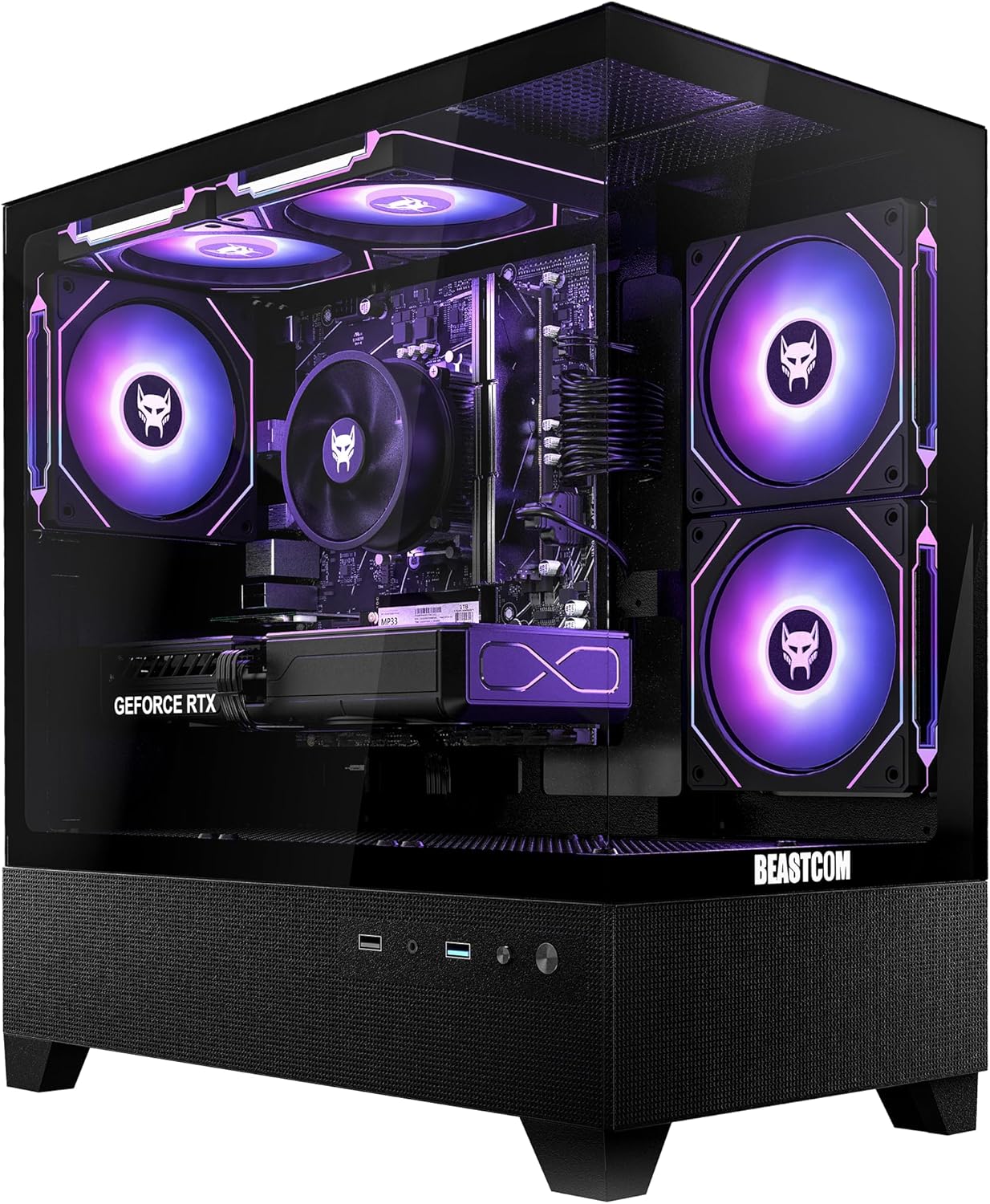
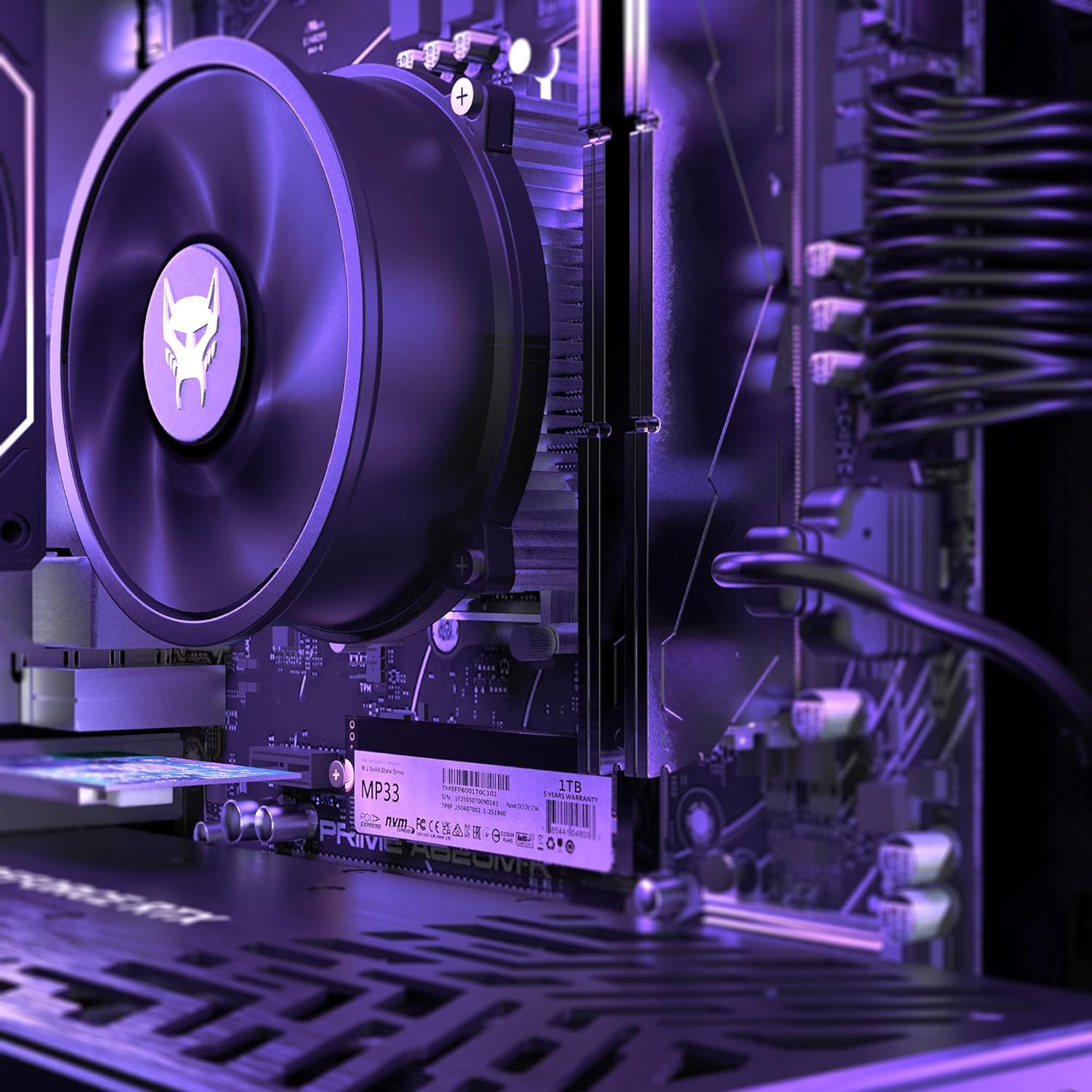
BEASTCOM Q5 Pro Gaming PC | AMD Ryzen 5 4500 6X 4,10GHz 12 Threads | GeForce RTX 3050 6GB | 16GB RAM | 1TB NVMe SSD | WiFi 5
Original price was: $1,199.00.$999.90Current price is: $999.90.
Related Products







Product description




1 Fortnite
2 Call of Duty Black Ops 6
3 Apex Legends
4 GTA 5
5 Eldenring


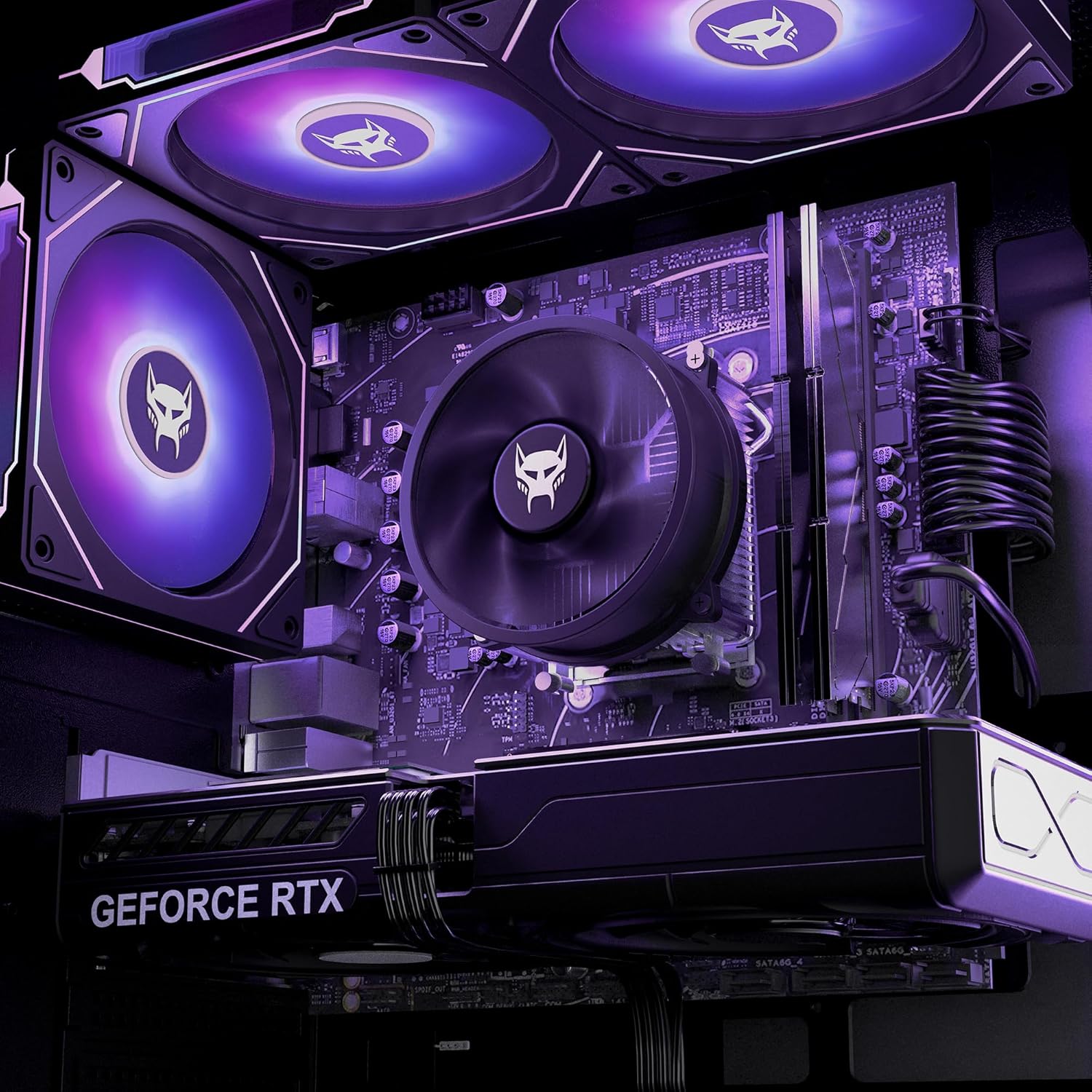
Next Gen Cores. Pure Focus: The Q5 Pro Gaming with Ryzen 5 4500 delivers cutting-edge 6-core speed for 1440p dominance, seamless streaming, and creative multitasking – built to keep you ahead, not just in the game, but everywhere you push.
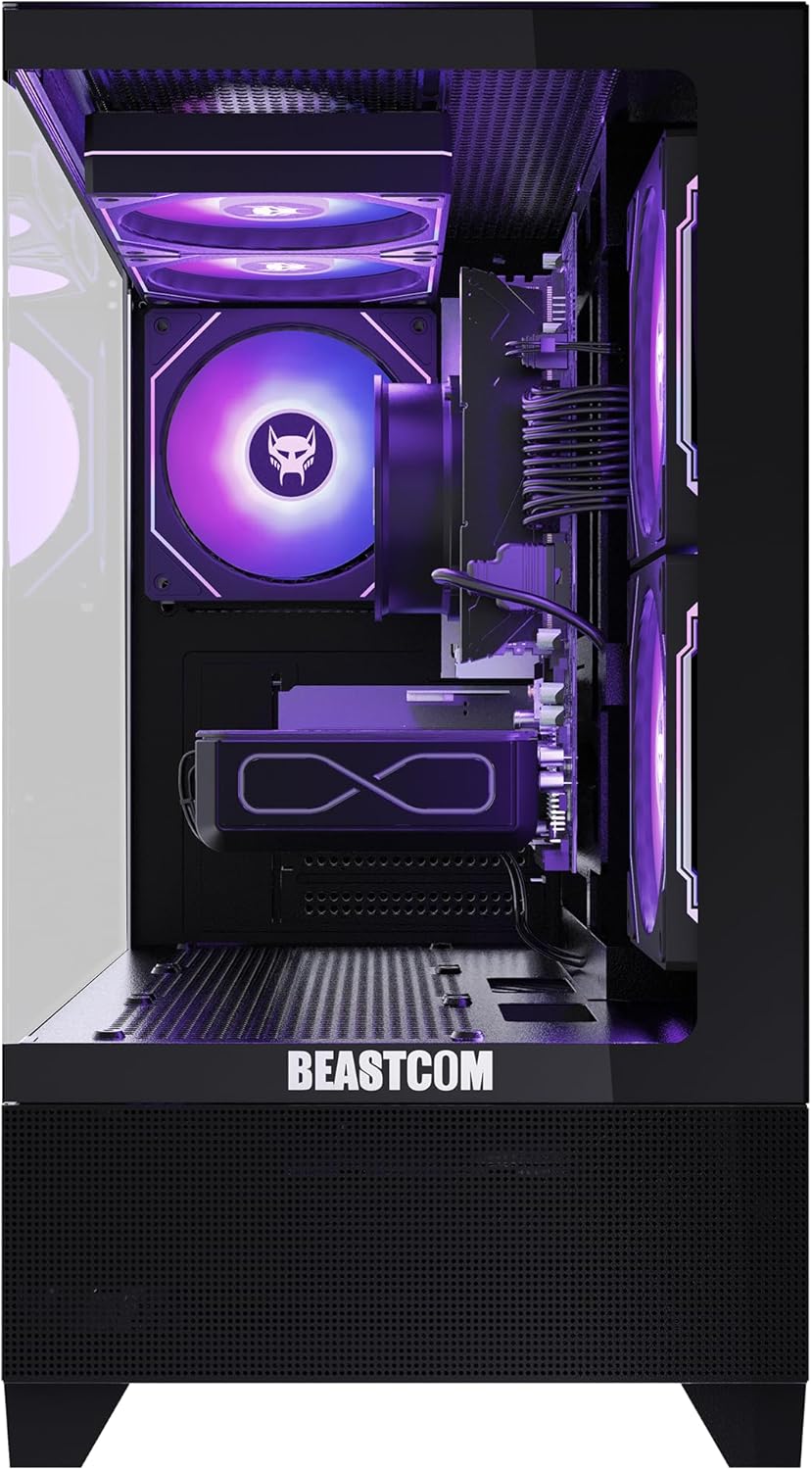
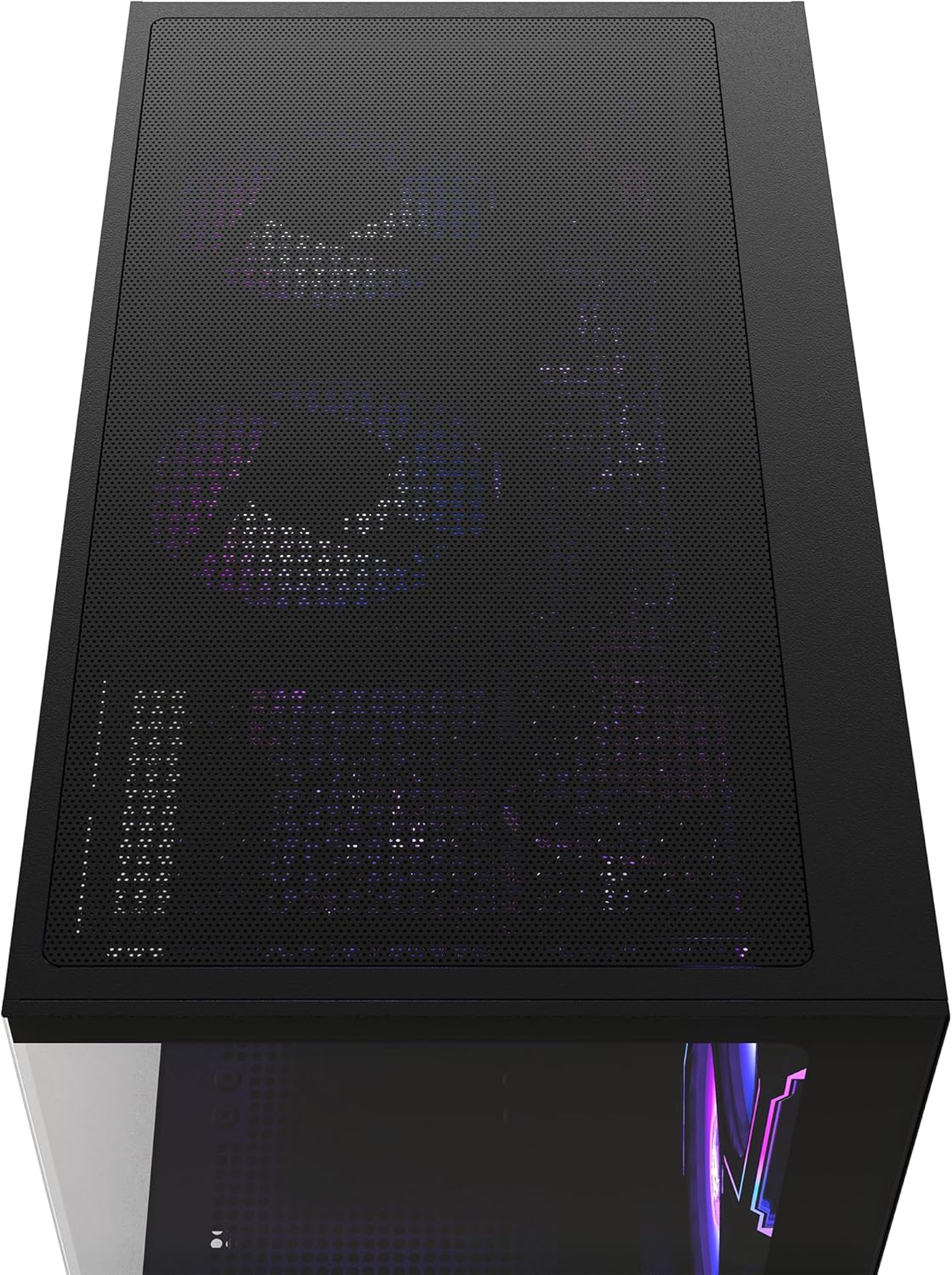
Front Row Presence: Before the Q5 Pro Gaming even turns on, it turns heads – with full-view tempered glass and five glowing RGB fans, it owns the room before the first frame drops.
Plug In. Power On. Go BEAST: Pre-installed with and ready to roll, the Q5 Pro Gaming PC gets straight to the action – no bloat, no drama, no plug-and-pray.
Not Just a PC. It’s Q5 Pro Gaming: Built for those who don’t just play – they compete. They create. They go harder. Welcome to the series that makes no compromises.
8 reviews for BEASTCOM Q5 Pro Gaming PC | AMD Ryzen 5 4500 6X 4,10GHz 12 Threads | GeForce RTX 3050 6GB | 16GB RAM | 1TB NVMe SSD | WiFi 5
Add a review

Original price was: $1,199.00.$999.90Current price is: $999.90.
Aries Mitchell –
Great PC
Computer works great and have had no issues with running high end games. Pc is also very quiet compared to our old one which is awesome!!!Ran into a small issue with the Windows 11 Pro. Said that it needed to be activated randomly after about a month or 2. Contacted the seller and they responded super quickly (took them less than a day to get back to us) and solved the issue. Not sure why others mention the support was not good, personally had no issues and was very happy very with the result.
Jess –
Already not working and poor customer support
EDIT 10/13/25: Beastcom issued an apology,, and a $150 refund pending withdrawal of my A-Z guarantee claim.EDIT 9/30/25: Beastcom sent the Windows activation code, and I was able to set it up. For now everything seems to be working. Will update if there are any changes.EDIT 9/25/25: The new computer finally arrived last night. It is set up and functioning, though there is an issue with the Windows activation. Beastcom does not send a product code, so I am trying to figure out how to resolve the issue. But for now, it works.EDIT 9/23/25: Beastcom sent my replacement computer 9/17/25. It has sat in customs with an incomplete invoice since then. Yesterday I told them that if it wasn’t addressed today I wanted a refund instead; this morning they finally sent the documentation and cleared customs. Once again, I will update once more when I have the computer.EDIT 9/15/25: Beastcom finally responded to me 9/5, after I posted my reviews and emailed their support directly instead of through their contact form on their website. They offered to replace the computer in exchange for a new one, and started they would upload a shipping label. After 9 days of pestering, they finally sent me the label yesterday. I dropped off the computer to UPS first thing this morning. I will update again once I receive the new computer.(Inital review)I am incredibly disappointed and borderline livid. I ordered my Beastcom Q5 off of Amazon just over a month ago. My video and sound glitched out on both my monitors, and now my computer is not putting out any video signal. I know the monitors still work because I tried them with other devices. I have tried restarting the computer multiple times while trying the DP cable in all 3 ports, and checking the HDMI cable as well. I sent a message to Beastcom through their website on 8/29, and have not received so much as a confirmation that they received it. I contacted Amazon as well; they said the computer is still under manufacturer warranty and they also sent Beastcom a message. Nothing. I sent another message to Beastcom early this morning (9/4) and still haven’t received a response now that it’s well after hours. I spent over $1000 on this computer. It’s not even two months old, and now it’s a pretty paperweight. Beastcom’s customer support is non-existent. Don’t waste your money.
Michael carpenter –
Great Value for a Great Machine!!!!
Awesome buy works great with multiple monitor setup for gaming and work. AMD Ryzen 5 with 32 GB of ram a ASUS 3050 GPU with 6 GB is more than Efficient. Wi-fi connectivity .Great blue tooth sound quality. I terra byte Solid state storage capacity .Great build quality .Great Value for the money. Love this machine.
Kevin viebrock –
Great budget gaming PC
Great entry level product for anyone who doesn’t have the time to build a PC. My son has been playing Arc Raiders 1080p at around 120FPS and he’s loving it.
Heather M Lyman –
Good performance
This computer has good performance for a pre-built computer at a fair price!
Paige Brennan –
Great Performance and Value!!
I’m really impressed with this gaming PC. It runs smoothly, starts up fast, and handles games and everyday tasks without any issues. The design is clean and the RGB fans look amazing. Setup was super easy and everything worked right out of the box. For the price, the performance is definitely worth it. Highly recommend!
John sherer –
Not internet….in ANY WAY
I had internet for a day since ive had this tower pre build. The fans header wasnt plugged into the mother board….well it was plugged into the motherboard but not connected to the header. Simple fixed that. Ever since i shut the unit down and plugged the header in, the cpu no longer recognizes the pcie realtek ethernet chipset. Ok. Shut computer down. Turned power off again. Unplugged the header. Rebooted system and no internet. System says the pcie is disconnected and not operational. Tried buying an netgear wifi/ethernet to install and possibly update anything that possibly needed updating to possibly resolve the issue. The netgear wifi stick wont even light up after installing the programm from the usb. But my keyboard and mouse work fine and the usb connected and allowed me to install the program and driver for the netgear wifi. I tried with 2 different ethernet cables straight to the modem….. the cpu wont even pick up the ethernet cord. Looked into the cpu case again after shutting down and disconnecting power for any loose cords or maybe the chipset was loose? Found no other cords/cables to be loose, however though i did find the bottom right (closest to the garphics card) mount for the motherboard not under the motherboard supporting it, but below the motherboard with a mounting screw missing. Carefully removed the graphics card, the realtek ethernet/bluetooth chipset and all cables connected to the motherboard and then removed the motherboard. Removed the brass colored mount from the incorrect position and installed it to where its upposed to be for mounting the motherboard. Carefully reinstalled all hardware, plugs, etc. Rebooted the ecm, everything stated up fine except still not wifi/internet. Still wont connect to the internet with the hard line. Tried another pcie and installed the drivers. Wont recongnize any pcie chipset, wont recognize wifi from a netgear usb connection, wont connect to internet with a cable. And i cant get ahold of someone that speaks english to understand troubleshooting to save my life…..can i exchange it for one that works!? I just wanted to look at houses and play games on down time smh.
Susannah –
Sweet product!
I am a relatively real person, i think. This company did me well and I am impressed with component quality (electrical, software and mechanical) except that my frame, in the location which receives the largest pane of glass, arrived with an improperly tapped upper left mounting hole(the other three bolts thread in fine, so nbd). Thanks BeastCOM I actually am a real fan. #SFSU