

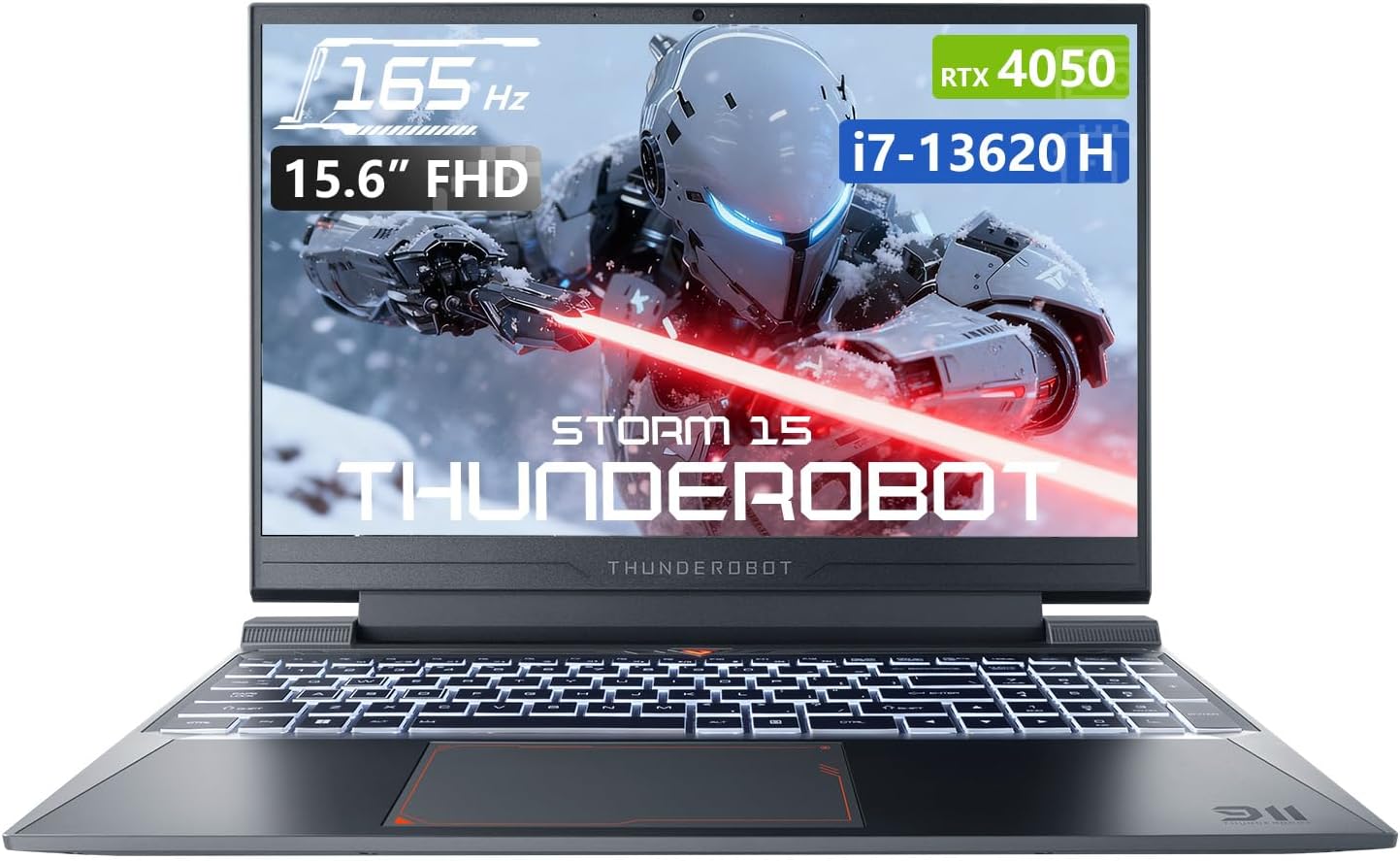
Thunderobot Storm 15 4050 Gaming Laptop, Intel Core i7-13620H, GeForce RTX 4050, 15.6″ FHD 165Hz Display, 32GB RAM, 1TB SSD, Backlit Keyboard, HDMI, Wi-Fi, Win 11 Home, Black
$949.00
Related Products







Product description


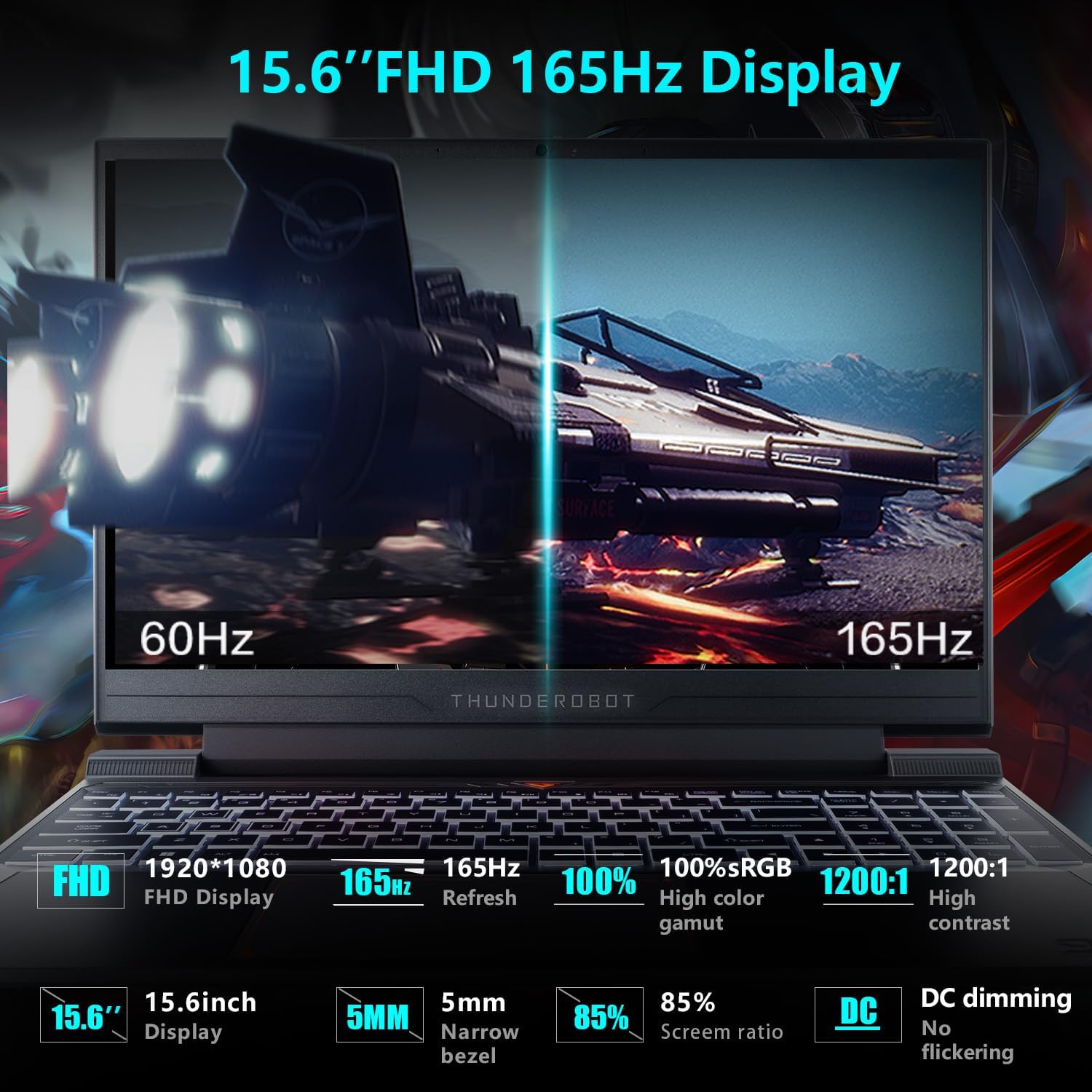
1 UItimate Display
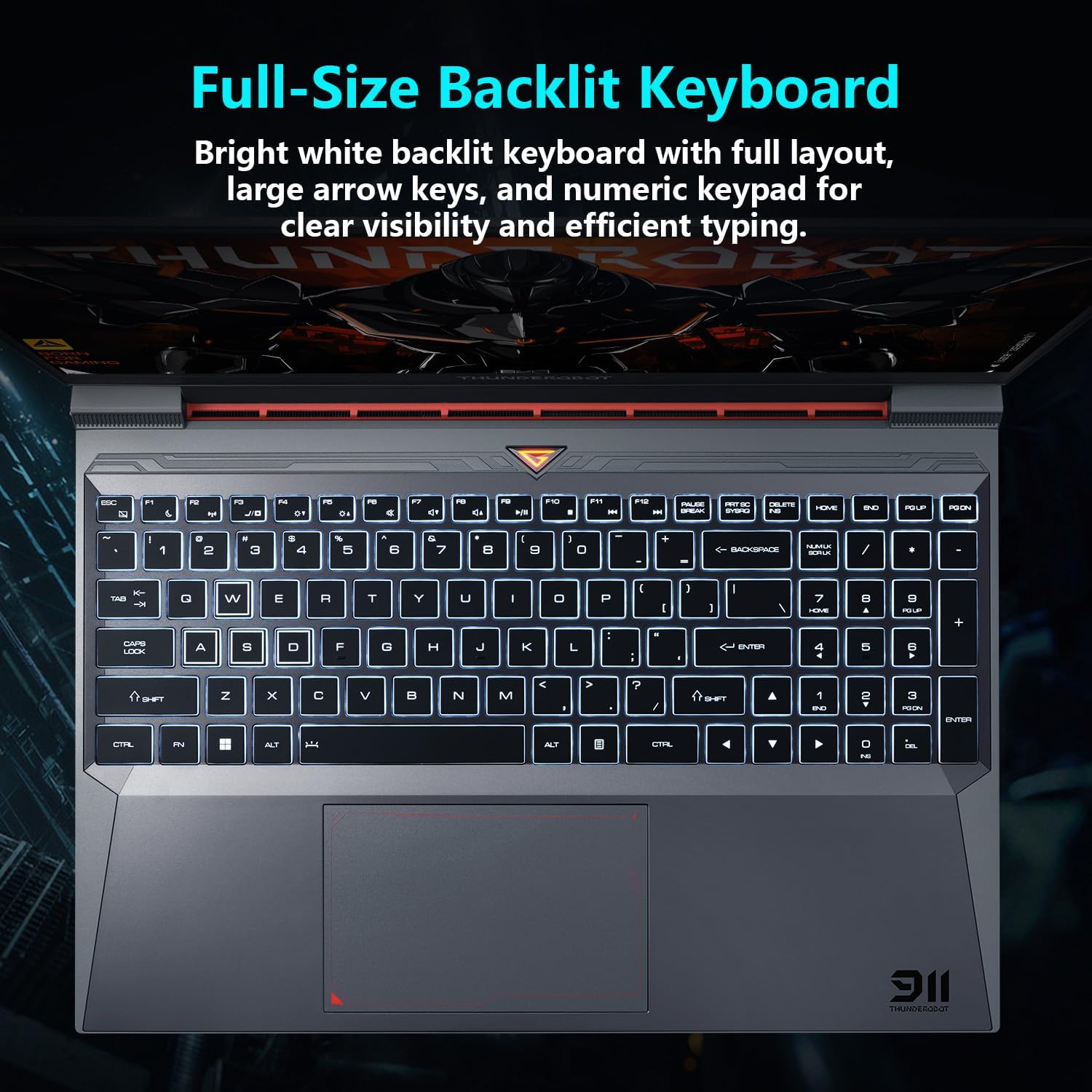
2 Backlit Keyboard
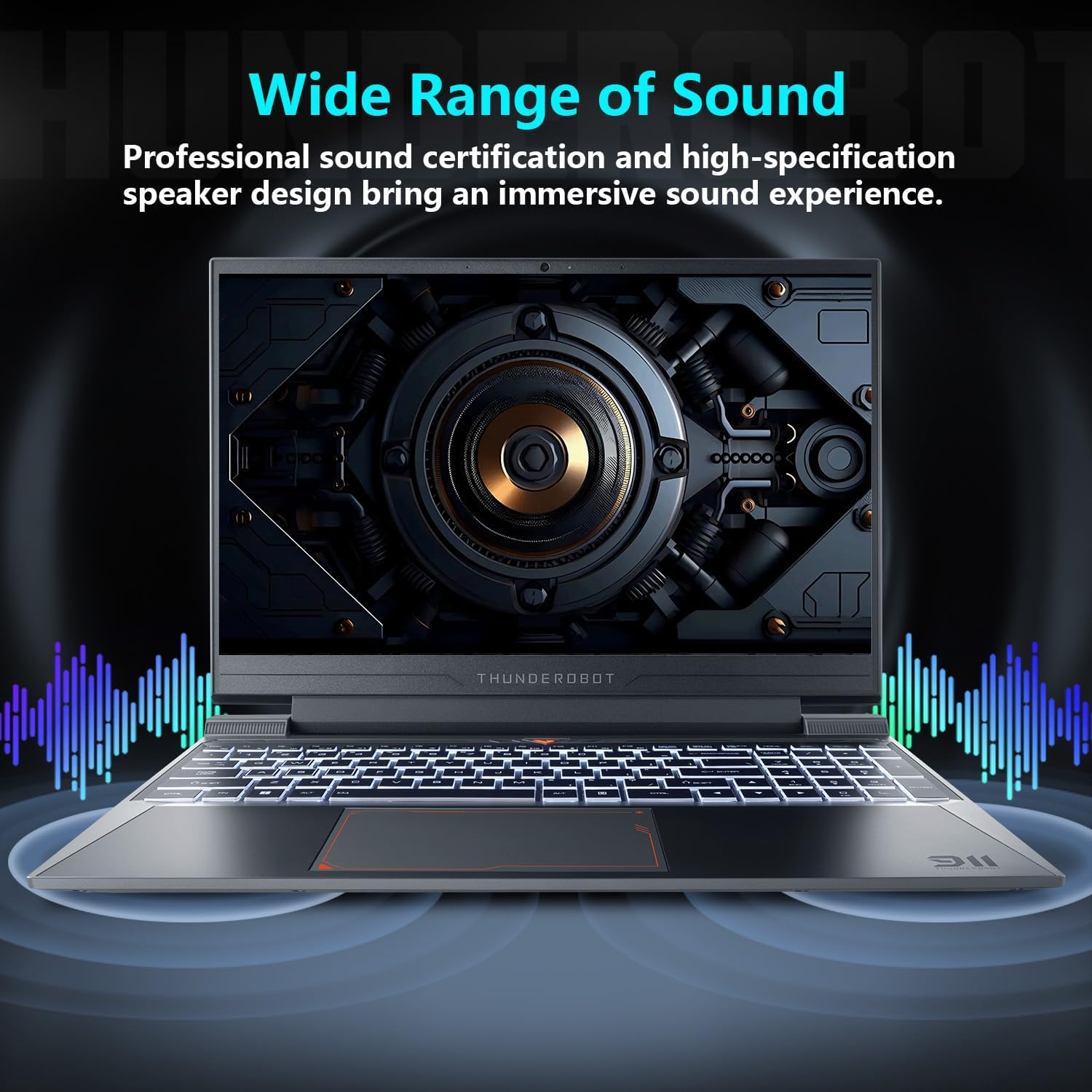
3 Audio & Mic
4 Connectivity


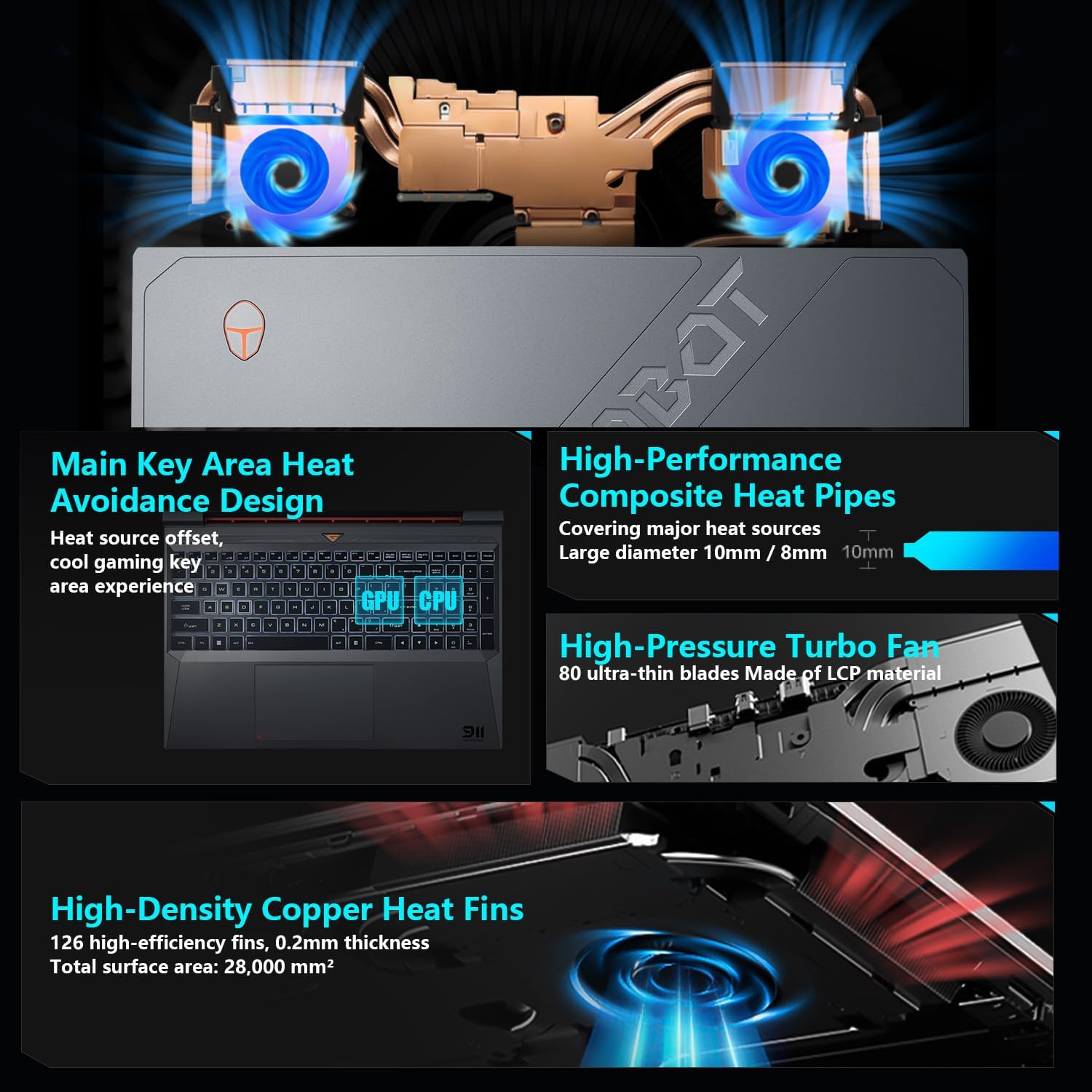
1 Advanced Cooling
2 Control Center
3 Durability Test

When do I need the dedicated GPU, and how do I switch between integrated and discrete graphics?
For gaming, creative work, or high-performance tasks, we recommend using discrete GPU mode. Some models also require it to enable the highest refresh rate. Switch via BIOS or Control Center. A restart is usually needed for the change to take effect.
Can I customize my laptop settings?
Yes. You can customize performance modes, keyboard lighting, display settings, and fan control through the Control Center. Some models support per-zone/per-key RGB Customization. When switching system modes, ensure the device is plugged in.
Is it normal for the fan to get loud during gaming?
Fan noise during gaming or heavy use is normal—it’s the cooling system working to maintain stable performance. You can switch between Office, Gaming, and High-Performance modes or set a custom fan curve via the Control Center.
How is battery life optimized on this laptop?
Battery life varies by model and usage. Thunderobot laptops focus on performance with powerful GPUs, cooling, and vivid displays. For gaming or creative tasks, please plug in. For longer battery life, use Office Mode and turn off the discrete GPU.
What should I do if I have a problem while using the computer?
If you have any questions about the product, setup, performance, or usage, feel free to contact pconline with your order number. Our support team will get back to you as soon as possible to help resolve the issue.
[Ready for Every Battle] Say goodbye to loading screens—32GB DDR4 RAM and a 1TB PCIe M.2 SSD give you blazing speed and immense storage inside a sleek, modern chassis.
[Unstoppable Power: Blazing-Fast Speed & Graphics] Core i7-13620H ( 10 Cores, 16 Threads, 24MB L3 Cache, 1.80GHz base frequency, up to 4.9 GHz max turbo frequency), with GeForce RTX 4050.
[165Hz Ultra-Smooth Visuals: Built for Gamers] 15.6″ Full HD display with pro-grade color accuracy and 165Hz refresh rate, delivering sharp detail and seamless motion in every battle.
[Lag-Free Gaming Setup] Stay connected with multiple ports (USB-A, USB-C, HDMI, RJ-45, audio), Wi-Fi, and Bluetooth. Enjoy a gamer-friendly RGB backlit keyboard, numeric keypad, webcam, and Win11 Home for a complete experience.
[Advanced Frost Cooling System] Innovative multi-heat-pipe design with 10mm/8mm composite pipes, high-pressure turbine fan with 80 ultra-thin LCP blades, and 126 dense copper fins (28,000mm²) ensures superior heat dissipation, keeping the main gaming keys cool for stable and immersive performance.
[Battle-Ready Design: Built for Performance] Dominate with a 15.6″ gaming screen crafted for durability and style. Enhanced cooling and rich audio combine with portable form to deliver immersive, high-speed gaming and entertainment anywhere.
[Thunderobot] Established in 2014, Thunderobot has grown to serve over 20 million gamers worldwide. Our vision is to empower every player, turning passion into peak performance and concept into pro play through cutting-edge design and innovation.
5 reviews for Thunderobot Storm 15 4050 Gaming Laptop, Intel Core i7-13620H, GeForce RTX 4050, 15.6″ FHD 165Hz Display, 32GB RAM, 1TB SSD, Backlit Keyboard, HDMI, Wi-Fi, Win 11 Home, Black
Add a review

$949.00
A Valentine –
Works well for gaming & light graphic design needs.
I am very impressed with how well this is working for me. I am used to a 17″ monitor but didn’t really need that this time since I rarely do graphic content any more. I do question if it dedicated like it claims. There are just points of graphic lag I get I wasn’t seeing with my old computer & the graphics card in that was a far cry from this ones. I am not knocking anything off the rating for that because it may just be technology changes.
Karl Brauning –
good computer for the buck
so far so good, no problems runs good keeps up enough to play WoW without little to no lag ( except for ether net) I would recommend this computer
JPC –
Excellent System & Great Value
Awesome system. Works great for gaming.
Delmas Benton –
Honest review
Pros: Fast, runs smoothly, and well worth the price.Cons: fans are loud, you can put it in quiet mode which does work but it’ll run hot. External Speaker is lacking but sounds great on headphones, minor issues for the price.
Jeronimo Bertoni –
La compu es muy buena
Todo perfecto