We sells laptop-computer with upgraded configurations. If the computer has modifications (listed above), then the manufacturer box is opened for it to be tested and inspected and to install the upgrades to achieve the specifications as advertised. If no modifications are listed, the item is unopened and untested. Defects & blemishes are significantly reduced by our in depth inspection & testing.
Microprocessor: Intel Processor Core i5-1334U (10 Cores, up to 4.6 GHz)
Memory: Upgraded to 16GB DDR4 RAM
Solid state drive capacity: Upgraded to 1TB SSD
Video graphics: Intel UHD Graphics
Display: 14″ FHD(1920×1080) display, micro-edge
Wireless connectivity: Wi-Fi 5 and Bluetooth 5.1 combo
External ports: USB 3.2 Gen 1 Type-C | USB 2.0 Type-A | 2 USB 3.2 Gen 1 Type-A | HDMI 1.4 | Combo Audio Jack | DC-in
Minimum dimensions (W x D x H): 12.79 x 8.42 x 0.7 in
Weight: 3.09 LB
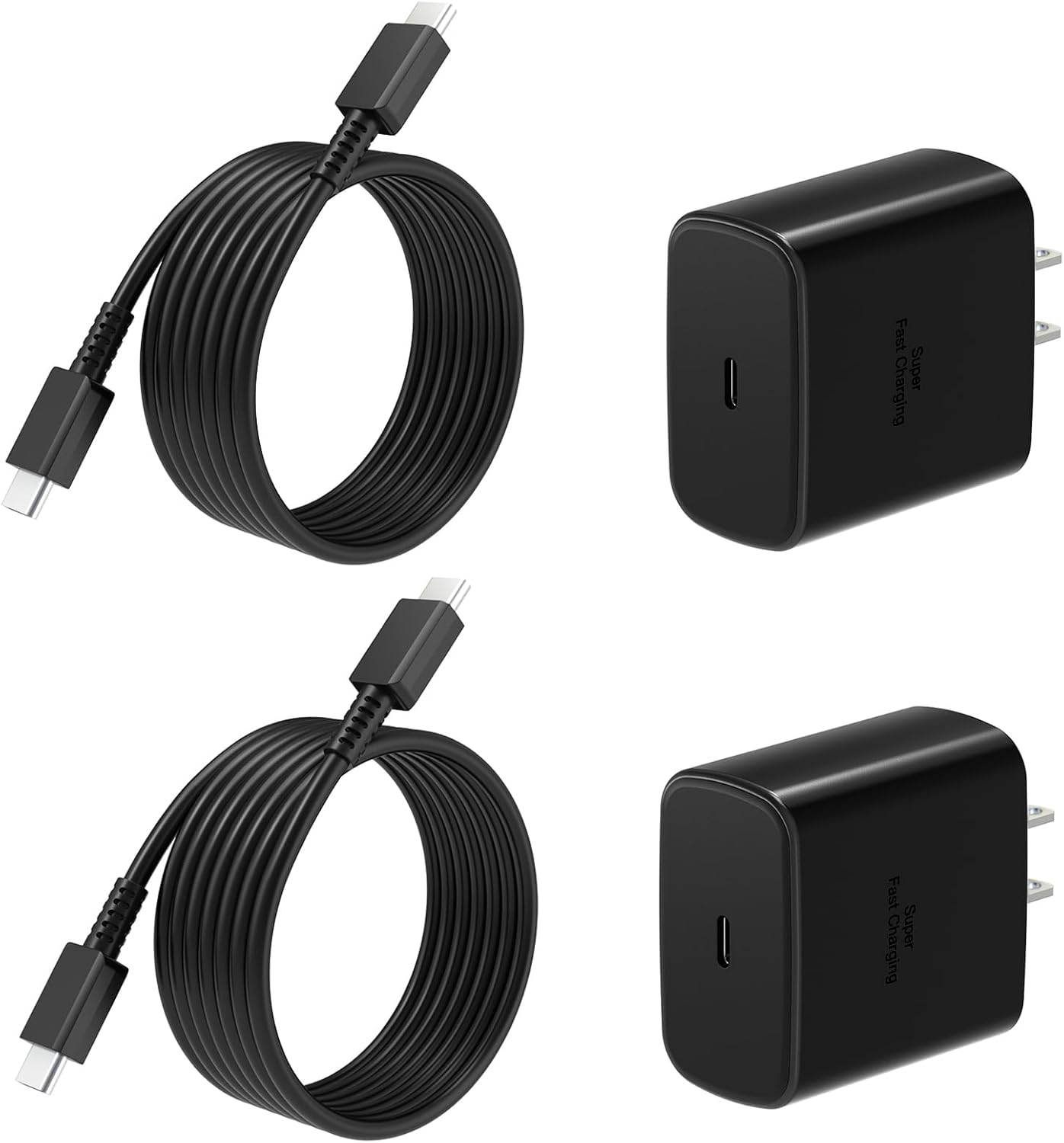
Accessories included: 4in1 accessory and a 64GB SD card
Battery life mixed usage: Up to 8 hours and fully recharge in just 1 hour and 20 minutes
Webcam: Wide Vision 720p HD private camera and AI noise reduction microphones
Operating system: Windows 11 Home
How to switch S mode to windows 11
On your PC running Windows 11 in S mode, open Settings > Update & Security > Activation.
In the Switch to Windows 11 Home or Switch to Windows 11 Pro section, select Go to the Store. (If you also see an “Upgrade your edition of Windows” section, be careful not to click the “Go to the Store” link that appears there.)
On the Switch out of S mode (or similar) page that appears in the Microsoft Store, select the Get button. After you see a confirmation message on the page, you’ll be able to install apps from outside of the Microsoft Store.
【Powerful 10-Core Processor】Experience seamless multitasking and blazing-fast performance with the latest Intel Core i5-1334U (Up to 4.6 GHz) and 16GB DDR4 RAM. Whether you’re running complex data analysis in excel, photo/video editing, or light gaming, this combination ensures smooth and efficient operation without lag.
【Fast & Reliable 1TB SSD Storage】Experience lightning-fast boot times, instant app launches, and seamless file transfers with the ASUS laptop’s efficient 1TB solid-state drive. Perfect for storing lecture notes, work presentations, and multimedia projects, this SSD delivers smooth performance and responsive operation—with plenty of space for all your essential files and apps.
【Vibrant 14-inch Display】Immerse yourself on a brilliant 16:9 ASUS laptop screen with FHD (1920×1080) resolution and ultra-narrow bezels. The combination offers an immersive viewing experience for streaming lectures, reviewing presentations, or unwinding with your favorite shows—all while reducing eye strain during long study or work sessions.
【All-Day Battery Life & AI Productivity】Stay productive for up to 8 hours on a single charge, ideal for full days on campus or at the office. With Microsoft Copilot integrated into Windows 11, harness AI-powered tools to streamline tasks, organize notes, and enhance creativity—making it easier than ever to tackle assignments and collaborate on projects.
【Advanced Connectivity Options】 Equipped with an HD(720P)private camera, Wi-Fi 5, Bluetooth 5.1, and muliti ports, this ASUS laptop keeps you connected wherever you go. Join video calls with clarity, transfer files wirelessly, and sync peripherals like mice and headphones effortlessly—whether you’re studying in a cafe or working remotely from home.
2 reviews for ASUS Vivobook 14″ FHD Laptop, Intel 10-Core i5-1334U (Beat i7-1250U), 16GB RAM 1TB SSD, NumberPad, Long Battery Life, Private Webcam, Windows 11 Laptop for Student, Business, Home, School
Add a review
Original price was: $1,499.99.$488.89Current price is: $488.89.


C.G –
Big bang for your buck! Great Laptop
Overall this is an awesome laptop!Pro’s:- Great Battery life….using turbo mode contantly and performing various tasks I can usually get 6 hours or so, which is pretty good. With turbo mode off and setting the LCD brighness down and changing a few other settings will probably keep you going longer, but for what I need it for I leave turbo on constantly and am very happy with 6 hours or more.- Seems to be very durable, it has brushed aluminum for a top cover and around the keyboard/touchpad area. Makes it look very nice/sleak. Also with being less that 1″ thick, it this laptop looks very modern and sleak.- HDMI output port is awesome. I use this contantly to connect my 50″ flat panel TV to it. Nice to watch streaming video, hd content, etc on the big screen! The best part is it’s plug and play too, soon as I plug the cord in, it’s ready to go and fits on my Television screen perfectly without having to change any settings.- Very lightweight and portable, but still very powerful and fast! Probably almost as light or lighter than most netbooks, but much more powerful! I don’t play any hardcore graphic intense games on this, but this laptop seems much more powerful/fast than some of the netbooks I’ve used. This is probably the main reason I picked this laptop.- Fast Boot/Instant On feature is pretty cool. You can boot to just an Internet browser very quickly if needed without having to boot up into Windows.- It is very quiet and stays pretty cool in terms of temperature.- There probably are many other pros, but these are what come to mind most.Cons:- Some might say the screen is too glossy, which might be true, but it doesn’t bother me and most laptops I’ve looked at has the glossy feature anyways so I would of been stuck with that with almost any model laptop out there.- Touchpad takes a little getting used to. The first day I got this it seemed very touchy/in-accurate, but after adjusting the settings and getting used to it now it seems like I like it now. You can scroll thru pages with two fingers in a flicking motion and do a right-click with three fingers so once you get used to these features then you’ll find yourself cruising thru webpages, docs, etc. very quickly. So give it some time to get used to and you’ll probably find yourself happy too.- Bloatware – although there is not a terrible amount of it there was a little bit. Mostly just free trialware games, kindle shortcuts, trial antivirus software, etc. I would prefer a clean install of Windows 7 with just the Asus drivers added, but it’s not that big of a deal. I’m probably going to re-load a clean install of Windows 7 when I have time to, but in the meantime I’ll live with it.So in summary I think this laptop is great! Definitely worth the money spent. Asus gives you 1 year accidental coverage included which is a really nice offering and if you register within, I think, 30 days they’ll give you an extra year of accidental coverage. Not sure if that’s offered to everyone or not, but it was included in my shipment. And the con’s I’ve listed are really not that big of a deal in my opinion so I wouldn’t worry about them. The pro’s definitely outweigh any con’s listed.
BudLife –
Best Laptop so far..
For the past few months, I was looking to replace my old Acer laptop with a new one. I was attracted by ASUS because of their Global Two year warranty and One Year accidental damage. I was looking for a laptop that offers- Decent Battery Life- Is under 5 lbs- 14 inch screen which I think is ideal for desktop replacement at home and also easy to carry around- Backlit Keyboard- Dedicated Graphics.I tried two similar laptops but now finally decided to stay with this U80V-B2. The other laptop that were on my list were Toshiba E205 and ASUS UL80.Toshiba E205 -I first tried New TOshiba E205 which is recently launched at BestBuy. ALthough E205 has backlit keyboard, slot loading DVD drive and the new Core- i5 processor, I decided to return that beacause- It would get quite warm on the keyboard and touchpad which is rare among ASUS laptops that I have tried. The palm rest of E205 was kinda small and uncomfortable. IT was also not as snappy as I expected although it featured new Core-i5 processor.ASUS UL80-Although the UL80 has a slim profile with brushed Aluminium lid, featured a Core 2 DUO processor, has rated 8 hrs real life battery life, I missed a backlit keyboard and Bluetooth. The ULV processor was not smooth for some heavy multitasking and the touch pad was a disaster.Finally I decided that U80V-B2, which is infact a older model than UL80, would best suit my needs at least based on its specification. When I saw its price came down to $ 699 at amazon, I decided to buy it and got it just yesterday. So far I am pretty much impressed with it for the value i paid for it.The touch pad is a breeze to use, although its located more towards the right and not in center. The multi-touch features work great. The back-lit keayboard is also awesome since you can adjust the brightness. It has bluetooth so that I have been able to syncronize my cell-phone and use my bluetooth wireless mouse. The laptop remains super cool after a prolong use also and is very quiet. I have been able to get 5 hours battery life on Battery saving mode which is not bad for a 6-cell battery. Overall, its the most efficiently made laptop i have ever tried. You can find more expensive laptops out there, but this laptop gives you back the every penny you invested with features no other laptop gives at that price.Good Job ASUS !