

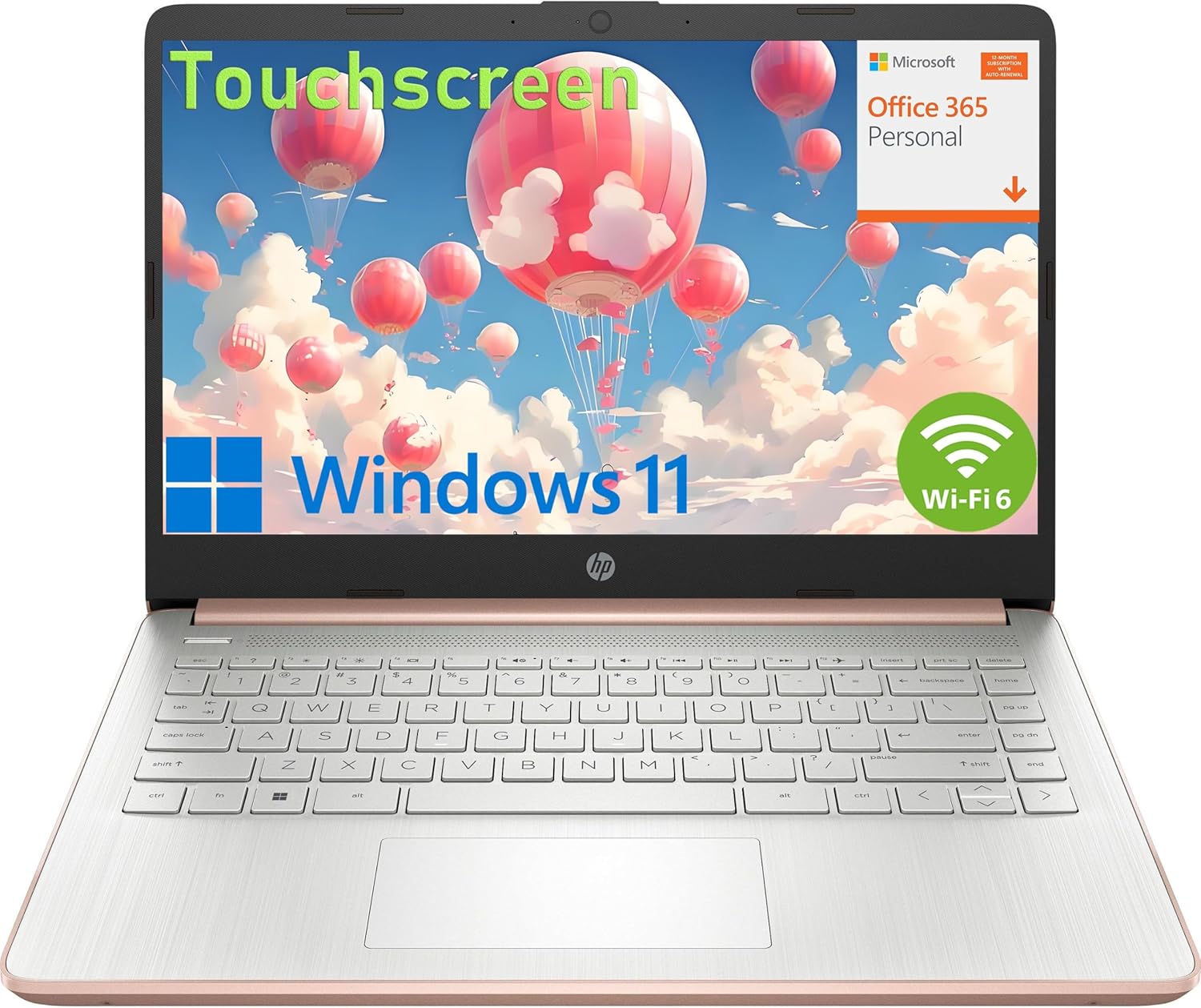
HP 14″ Touchscreen Laptop Computer for Student Study Home, 1-Year Office 365, Intel Processor, 16GB RAM, 256GB PCIe SSD, WiFi 6, Bluetooth 5.4, Type-C, HDMI, Pale Rose Gold, Windows 11 Home S
Original price was: $1,999.99.$419.99Current price is: $419.99.
Related Products







Operating system Windows 11 Home in S mode
Processor
Intel Celeron N4500 (1.1 GHz base frequency, up to 2.8 GHz burst frequency, 4 MB Cache, 2 cores)
Chipset
Inte Integrated SoC
Display
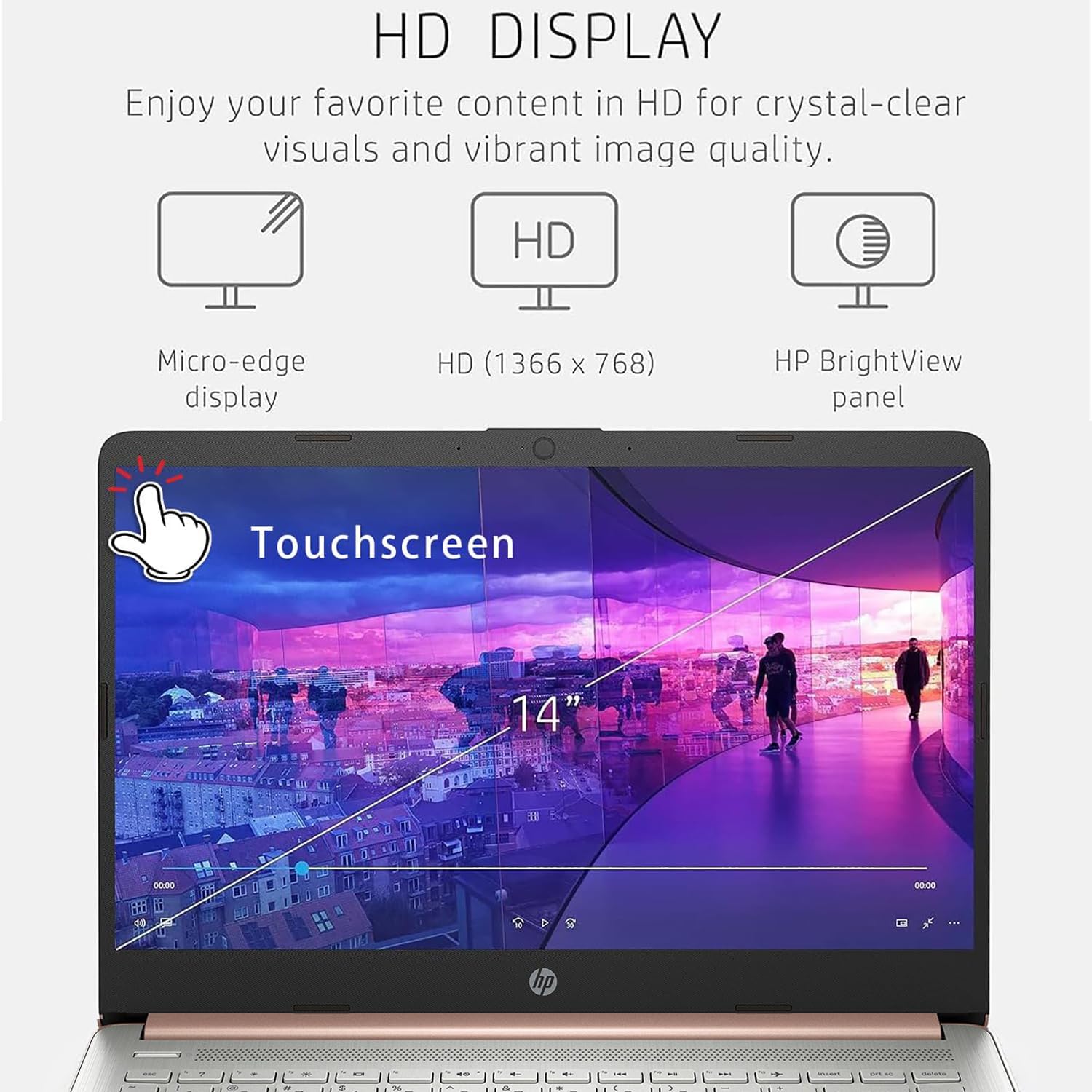
14″ Diagonal HD (1366 x 768) Micro-edge Anti-glare Touchscreen Display
Memory
16GB DDR4 RAM
Hard drive
256GB PCIe NVMe M.2 SSD
Graphics
Intel UHD Graphics
Ports
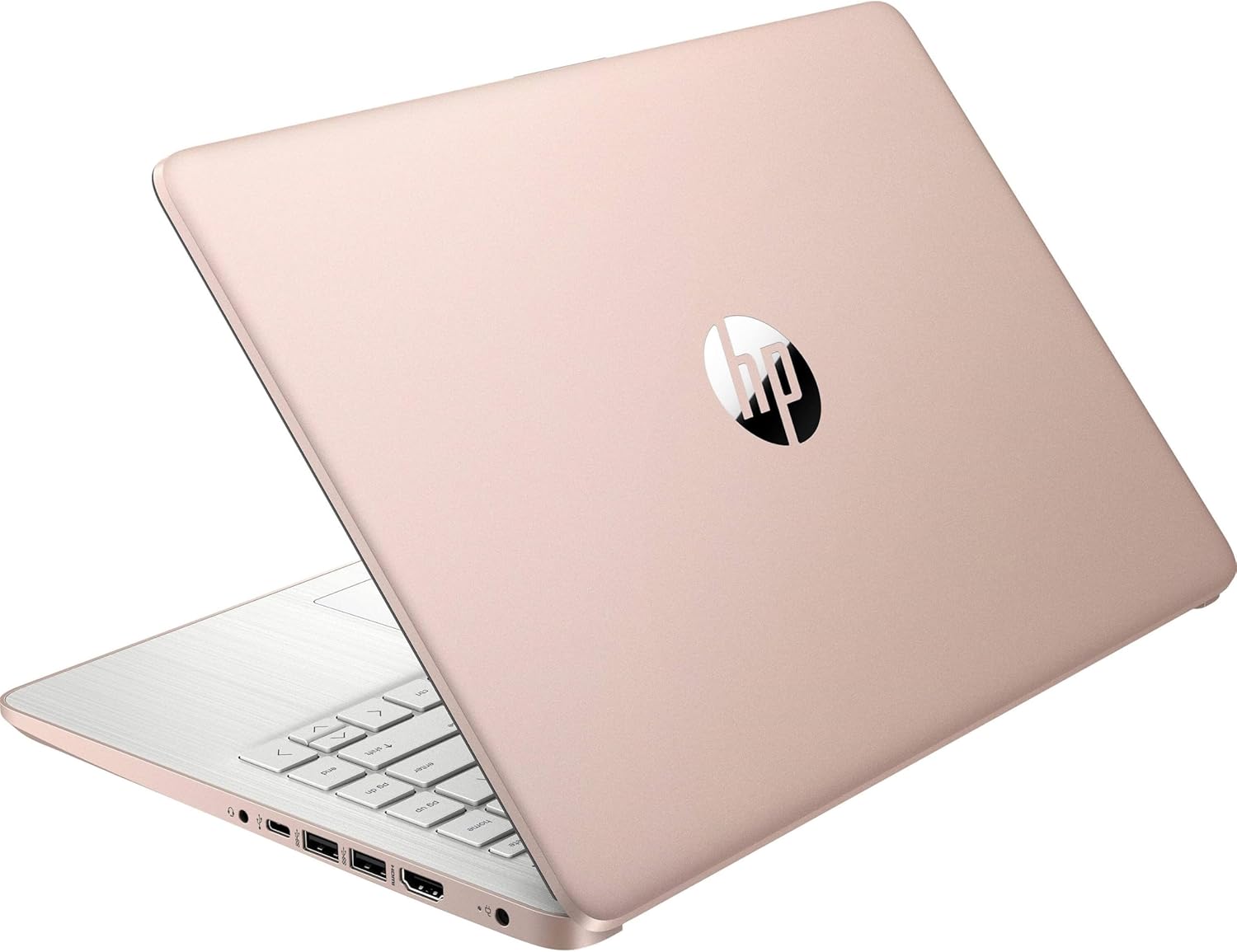
- 1 USB Type-C 5Gbps signaling rate (supports data transfer only and does not support charging or external monitors)
- 2 USB Type-A 5Gbps signaling rate
- 1 AC smart pin
- 1 HDMI 1.4b
- 1 headphone/microphone combo
Expansion slots
1 multi-format SD media card reader
Camera
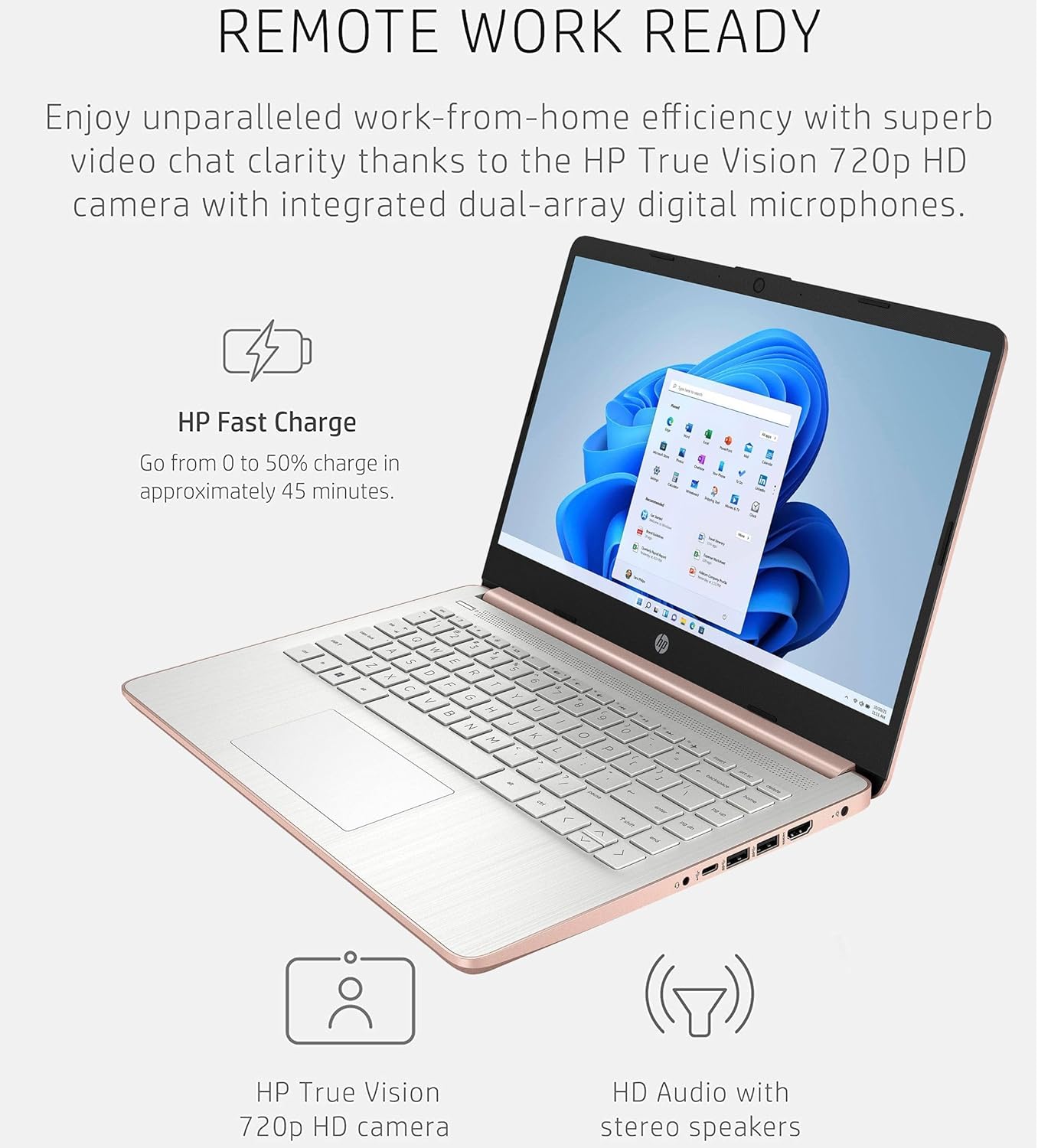
HP True Vision 720p HD camera with temporal noise reduction and integrated dual array digital microphones
Audio
Dual speakers
Keyboard
Full-size Natural Silver Keyboard
Pointing device
HP Imagepad with multi-touch gesture support
Wireless
Realtek Wi-Fi 6 (2×2) and Bluetooth 5.4 wireless card Miracast compatible
Power supply type
45 W Smart AC power adapter
Product design
Pale Rose Gold cover & base and Natural Silver keyboard frame
Security management
Trusted Platform Module (Firmware TPM) support
Product color
Pale Rose Gold
Powered by the Intel Celeron N4500 Processor @ 1.10GHz ( 2 Cores, 4M Cache, up to 2.80 GHz), this HP 14 laptop ensures smooth, responsive computing – perfect for work, web browsing, or light content creation.
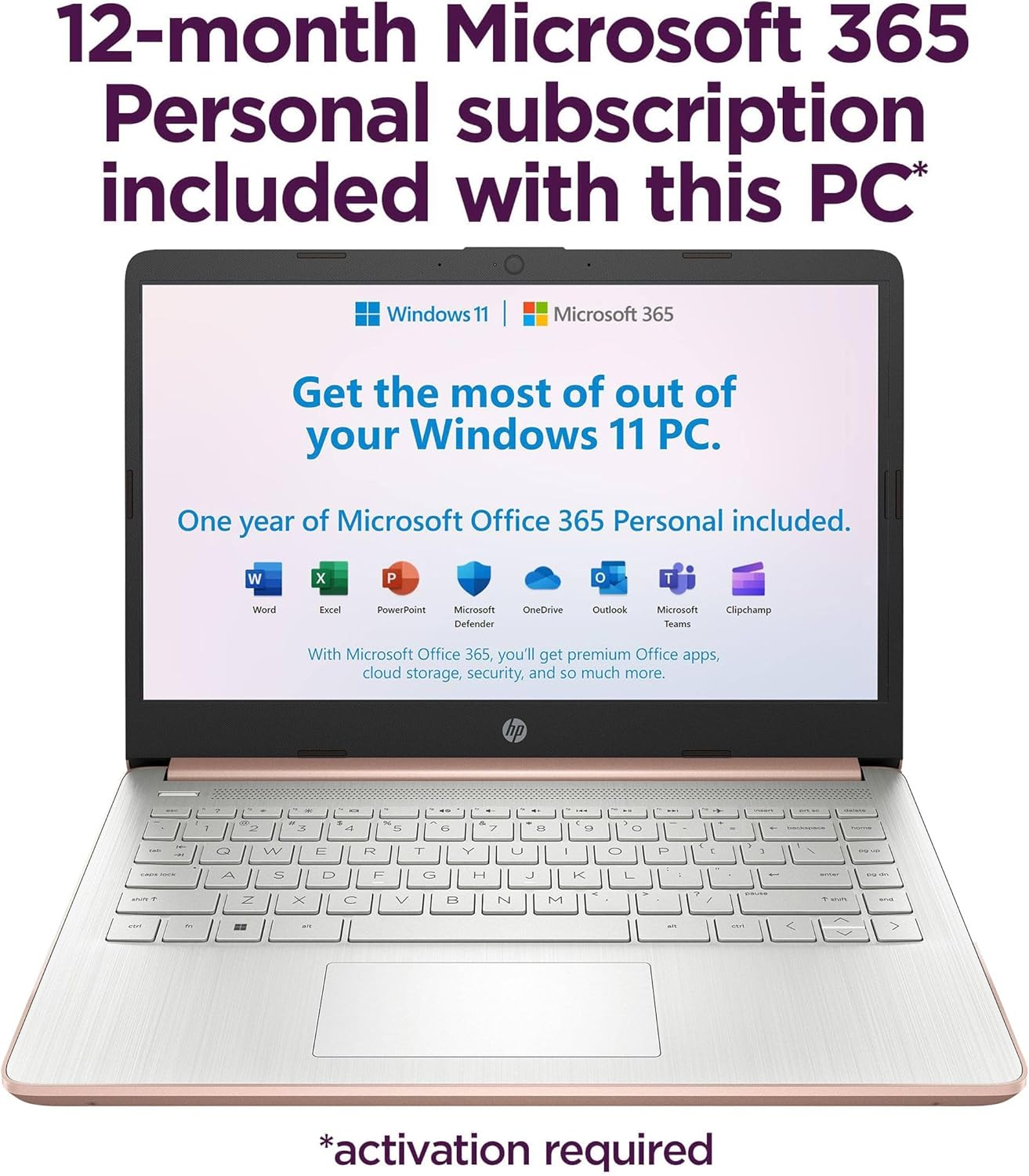
This HP 14 laptop features a 14″ Diagonal HD (1366 x 768) Anti-glare Touchscreen display with micro-edge BrightView technology and 250 nits brightness. The ultra-thin bezel offers an expansive viewing experience, ideal for multi-monitor setups. The HP True Vision 720p HD webcam with dual-array mics ensures crisp video calls, even in low light. 1 Year Office 365Take your productivity and work mobility to the next level with the Microsoft 365 Office Suite (1 year subscription included).
Memory and Storage for Business and Study: With 16GB DDR4 RAM, this HP business laptop handles multitasking effortlessly. It includes 256GB PCIe NVMe M.2 SSD for ample file space. The long battery life keeps you productive through a full day of work or study, making it a great HP student business laptop
Connectivity: Realtek Wi-Fi 6 (2×2) and Bluetooth 5.4 wireless card ensure fast, stable connections. Whether for work or play, this HP 14 laptop keeps you flowing. Stay connected with multiple ports, including 1 USB Type-C 5Gbps signaling rate (supports data transfer only and does not support charging or external monitors), 2x USB Type-A, HDMI 1.4b, and an SD card reader.
OS: Windows 11 Home in S mode; Pale Rose Gold; The HP 14 Laptop is designed to be ultra-portable, weighing just 3.24 lbs and measuring only 0.71 inches in thickness. This thin and light laptop is perfect for students and business professionals on the go. You can easily carry it anywhere for work and entertainment without being troubled by its weight.
13 reviews for HP 14″ Touchscreen Laptop Computer for Student Study Home, 1-Year Office 365, Intel Processor, 16GB RAM, 256GB PCIe SSD, WiFi 6, Bluetooth 5.4, Type-C, HDMI, Pale Rose Gold, Windows 11 Home S
Add a review

Original price was: $1,999.99.$419.99Current price is: $419.99.
Francisco –
great laptop
good price fast shipping came with a free backpack for your laptop
Denise T. –
Reliable Performance
Consistent and stable operation. Never lets me down when I need it.
Amazon Customer –
Comfortable Keyboard
The keys have perfect tactile feedback. A pleasure to type on.
Constantino soriano –
Grasias por el servicio
Me gusto y llego ha tiempo el paquete anterior etuve esperando dias y no me llego pero este si ,muchas grasias
Amac –
2020 HP 14in Laptop – it’s ok
The price was great, so I shouldn’t complain. You really get what you pay for. I have found I can’t conduct a zoom meeting and look for documents without the sound getting static. I don’t get clear beautiful pictures on it. It is smaller than I thought it would be, so documents aren’t always shown in their entirety. I found that some of the features listed in the product information do not work as advertised. I didn’t think I would miss the touch screen feature, but I do. If you need a spare this will work. It’s ok. I am thinking of purchasing a laptop with the features I miss, which I should have done in the first place.
Howard Epperson Jr –
Don’t carry a lot of weight in the backpack just computer
Need backpack
Norman R. Root –
Laptop
Too slow, returned
Toney –
Not good for anything
Took an hour to start up blue screened multiple times and I couldn’t go online do not get
BOURON ALAIN –
Cette imprimante correspond tout a fait à nos attentes. Le recto-verso fonctionne très bien, les couleurs des photos sont impeccables, le scanner et l’impression sont très efficace, le tout étant très rapide. Seul le fax n’a pas été testé.Je recommande tout a fait, d’ailleurs j’en ai acheté 2 pour mes enfants.
Chrisitne Schalkowski –
Preis – Leistung ist super. Sehr schnelle Lieferung, alles sehr gut gelaufen.
Michael –
Per quanto e come ho avuto modo di utilizzarla fino ad ora, posso tranquillamente affermare che è un’ottima stampante. Le stampe, sia in bianco e nero che a colori, sono molto veloci e molto chiare. Un “plus” e soprattutto comodissima la funzione e la possibilità di stampare fronte-retro automaticamente, senza dover manualmente girare il foglio che esce dalla stampante (il foglio nello scanner va girato ovviamente manualmente). Anche il fax ottimo e molto veloce grazie anche al fatto di poter inserire più fogli-documenti uno dietro l’altro. Altrettanto comodissima la funzione che permette di registrare un indirizzo mail al quale poter inviare qualsiasi cosa da stampare, in ogni momento ed in qualunque posto ci si trovi. Le funzioni sono tutte molto semplici, chiare, intuitive e di facile comprensione anche e soprattutto grazie all’ampio schermo touch a colori. La stampante nel complesso (sia quando è in funzione che quando è in modalità stand-by) è silenziosissima ed una volta agganciato il router non perde più il segnale. Se proprio dovessi trovare un appunto da fare (non so se possa essere un difetto o fa parte del suo normale funzionamento, magari altre persone che l’hanno acquistata possono verificarlo) ho notato che, nell’accenderla (non avendo un pulsante “fisico” ma touch) può capitare di dover poggiare il dito più volte prima che la stampante si accenda. Lo stesso comportamento lo si ha per lo spegnimento o dallo stato di stand-by (il primo o i primi tocchi sono per “risvegliarla” ed il successivo/successivi per spegnerla) oppure quando è accesa ed operativa può capitare che non si spenga al primo tocco. La finitura lucida e le dimensioni (non è molto ingombrante) la rendono anche bella a vedersi e un bel complemento d’arredo.
R. Macrae –
It is easy to set up, easy to work, and you can also use the HP ap as well, which is good. Overall, it is really good and easy to setup. I definitely recommend it.
WinDoof –
es geht um den Drucker HP Envy 7640. Wir waren auf der Suche nach einem Ersatz für unseren Canon MG7150; der druckte zwar in exzellenter Qualität, jedoch sehr langsam und vor jedem Druck oder Scan(!) wird eine 1 bis 2 minütige Druckkopfreinigung durchgeführt. Das nervte auf Dauer, weil mehr Tinte zum Reinigen verbraten wird, als zum Drucken selbst… nach dem Studieren diverser Testergebnisse habe wir uns dann für diesen Drucker entschieden. Anbei im Schnelldurchlauf unsere bisherigen Erfahrungen:1.) Auspacken und einrichtenDer Drucker ist schnell ausgepackt und an Hand der Kurzanleitung in ein paar Minuten eingerichtet. Wir betreiben den Drucker über Ethernet und beim Einbinden in Windows10 und Ubuntu 16.10 wird dieser sofort erkannt. Auch der Scanner wird unter Linux einwandfrei erkannt.2.) Bedienung über TouchdisplayDie Funktionen (Kopieren, Scannen, etc.) sind selbsterklärend und ohne Anleitung durchführbar. Fax haben wir nicht getestet, weil wir es nicht brauchen. Die Funktion “Scan to Computer” funktioniert perfekt; Somit kann sowohl meine Frau, als auch ich den Scanner ohne Probleme an den jeweiligen Rechnern verwenden (genauer, die gescannten Dokumente direkt an den entsprechenden Rechner schicken). Dieses Feature ist leider unter Linux nicht verfügbar.3.) Druck-QualitätNach den diversen Testberichten waren wir anfangs etwas skeptisch, ob der Drucker die gleiche Qualität, wie der Canon erreicht. Nach dem ersten Test waren wir jedoch beruhigt. Fotos werden in sehr guter Qualität gedruckt; Textdokumente kommen ebenfalls in sehr guter Qualität raus. Und das, obwohl der Drucker nur eine schwarze Patrone und ein 3-Farbpatrone hat. Lasst euch also von den Testberichten nicht irremachen, wie wir am Anfang *G*4.) Hardware-QualitätDas Gerät macht einen robusten Eindruck und ist auch nicht zu groß.Für unseren Hausgebrauch ist der HP eine sehr gute Lösung; wir sind damit voll zufrieden.