

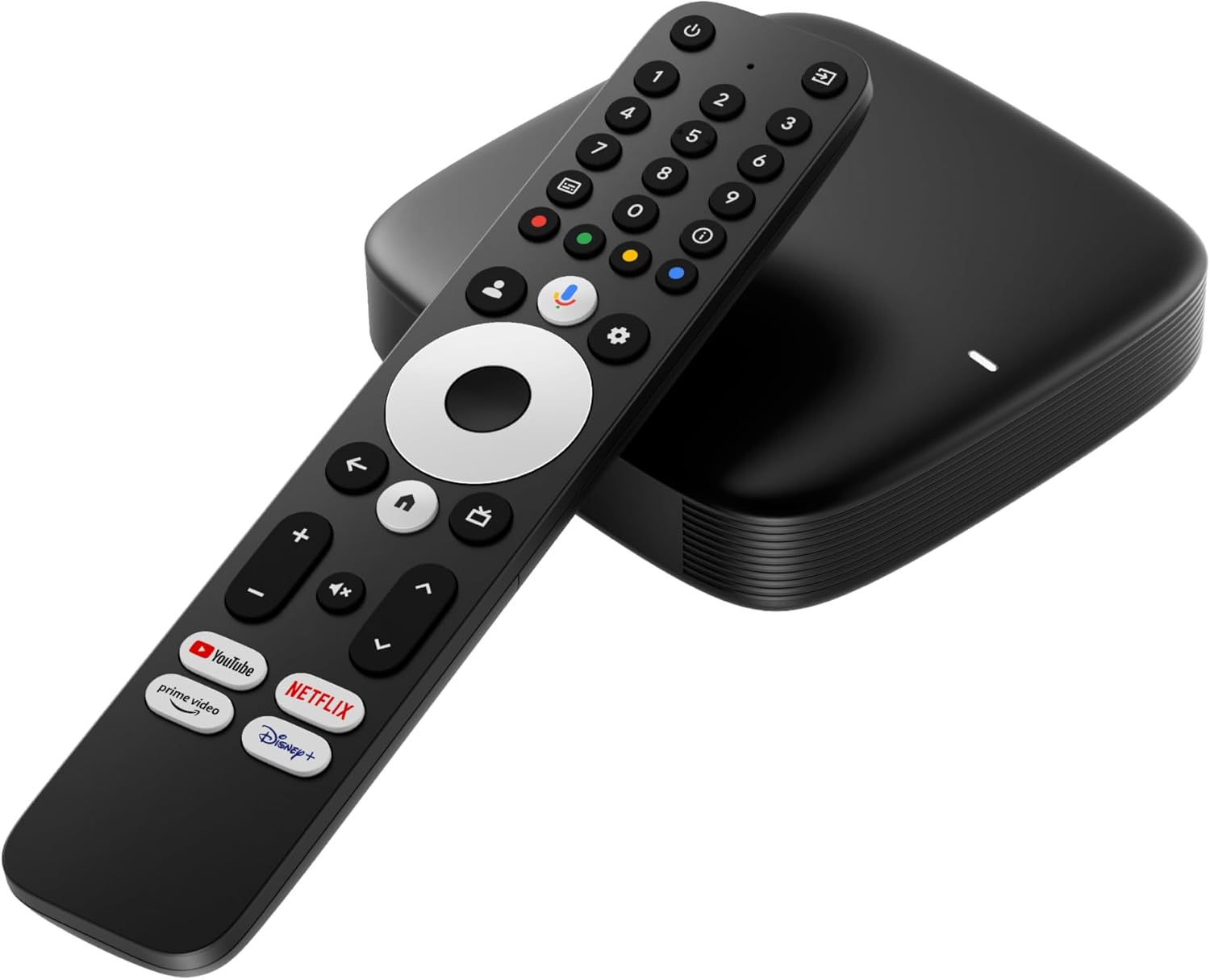
MAG555 Streaming Media Player Google TV™ 2025 | 4K HDR | Voice Remote | Dual-Band Wi-Fi | Chromecast Built-in | HDMI + AV Output
$79.00
Related Products


From the brand
Infomir
Buy MAG555 here for genuine firmware, OTA updates & Infomir support – tested for reliable, smooth streaming.
Visit Our Brand Store
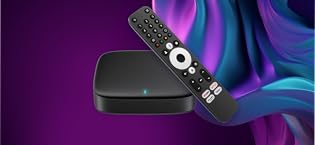
MAG555
Powerful 4K Streaming Experience: The MAG555 Streaming TV Box delivers smooth, high-quality video playback in stunning 4K Ultra HD resolution, providing an immersive home entertainment experience for movies, shows, and live TV.
How do I connect the MAG555 to my TV?
Settings › Accounts & Sign-In › Add account, then follow prompts or scan a phone code. Multiple profiles can coexist; remove any time.
I cannot sign in with my Google Account on first start. What should I do?
Hold the Assistant button, speak, then release. Open apps, search shows, or control smart-home devices.
How do I use Google Assistant?
In Google Home tap + › Set up device › New device, pick your home; the player appears if on the same Wi-Fi. Link to cast media or add to voice routines.
Powerful 4K Streaming Experience: The MAG555 Streaming TV Box delivers smooth, high-quality video playback in stunning 4K Ultra HD resolution, providing an immersive home entertainment experience for movies, shows, and live TV.
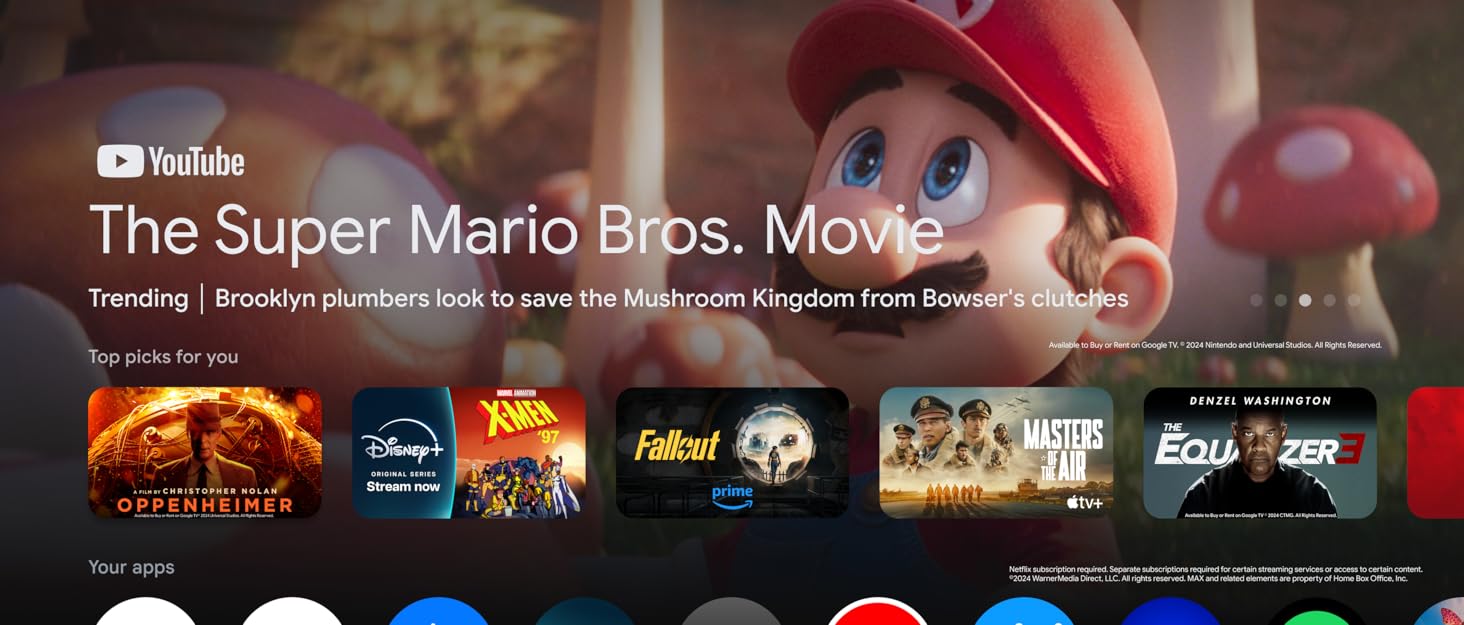
Google TV with Endless Content: Enjoy access to 10,000+ apps and streaming services like Netflix, Hulu, Disney+, and YouTube via the Google Play Store, turning your TV into a smart entertainment hub with personalized recommendations.
Convenient Voice Control with Google Assistant: Control your TV hands-free with the built-in microphone on the remote. Easily search for content, adjust settings, and manage smart home devices using simple voice commands.
Reliable Connectivity for Smooth Streaming: Equipped with high-speed Wi-Fi, HDMI, USB, and Ethernet ports, the MAG555 ensures stable connections for uninterrupted streaming, online gaming, and media sharing.
Compact & Sleek Design: This lightweight, compact TV box blends seamlessly with any entertainment setup, providing powerful streaming capabilities without cluttering your space. Perfect for upgrading any TV with smart features and 4K streaming capabilities.
Enhanced Smart TV Features & Seamless Compatibility: Connect the MAG555 to any TV with an HDMI port and enjoy advanced streaming with media casting, screen mirroring, and personalized content. Discover live TV, on-demand services, and endless entertainment options.
13 reviews for MAG555 Streaming Media Player Google TV™ 2025 | 4K HDR | Voice Remote | Dual-Band Wi-Fi | Chromecast Built-in | HDMI + AV Output
Add a review

$79.00
mahamadou dembele –
Easy to manage with excellent images
Very good product thanks
Terry Postlethwaite –
Easy streaming
This mag box is great , very fast and reliable. It meets all my requirements and wish I had purchased one earlier .
Siva –
Product Quality
The Video and Audio quality of this STB are excellent.
Amazon Customer –
Great!!!!
Great!!!!!!
Toni –
Nice and dented
Came with dented batteries and looks used. Came with no seal sticker on the box. Bummer.Picture of the batteries and lack of any seal on box.
Tader –
Vivid color; easy to download my favorite apps.
After some self learning, this product works very well. I was able to downloan my other apps. Picture is vivid; I will buy another one for my bedroom tv.
michalis –
How can I solve this problem??
I bought it about a month ago and I received it 12 days ago. I connect with the MAGig Launcher and was working fine. Suddenly 3 days ago started showing the loading bar in front of the broadcasting channels. I factory reset it 3 times with no luck. Turn it on and off nothing. The loading bar is always in front!!
VIJAYKUMAR M. –
Mag 555
Exactly what I was looking for . I can stream my Iptv and also can watch you tube , Netflix, Disney etc
Harsimranjeet Singh –
Good product
Stef T –
Great product. I watch a lot of love sports on it. Clear image, amazing sound. But you need to link it with a Google account though. Recommended
KD –
The Magic launcher app doesn’t work that well. It needs an update to fix the bugs but GoogleTv is satisfactory.
Amazon Customer –
So far I love the picture quality and all the app in the box
Sebti –
Très complexe