

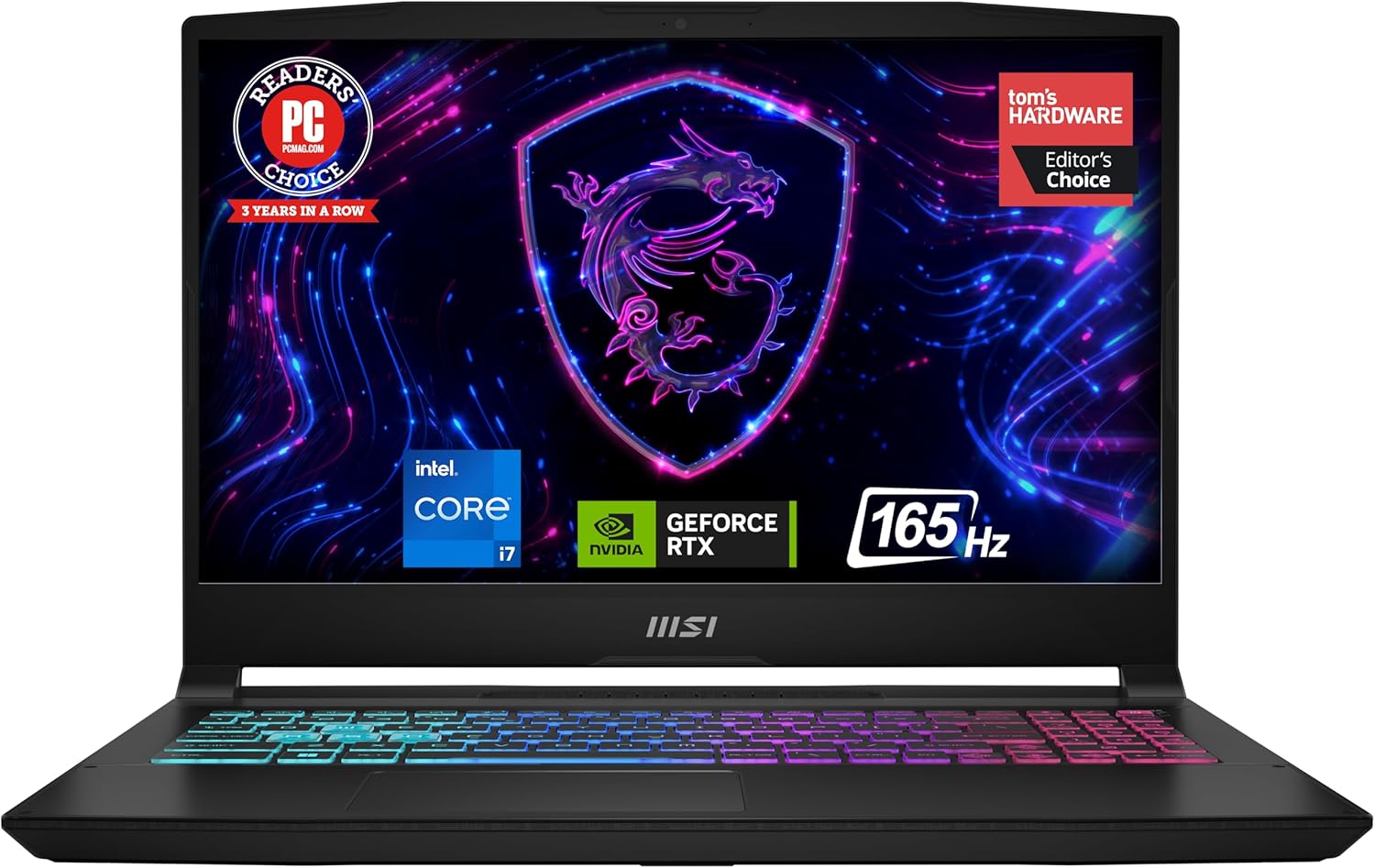
MSI Katana 15 15.6” 165Hz QHD Gaming Laptop: Intel Core i7-13620H, NVIDIA Geforce RTX 4070, 16GB DDR5, 1TB NVMe SSD, Cooler Boost 5, Win 11: Black B13VGK-2000US
$1,349.00
Related Products







MSI Katana 15 15.6” 165Hz QHD Gaming Laptop: Intel Core i7-13620H, NVIDIA Geforce RTX 4070, 16GB DDR5, 1TB NVMe SSD, Cooler Boost 5, Win 11: Black B13VGK-2000US
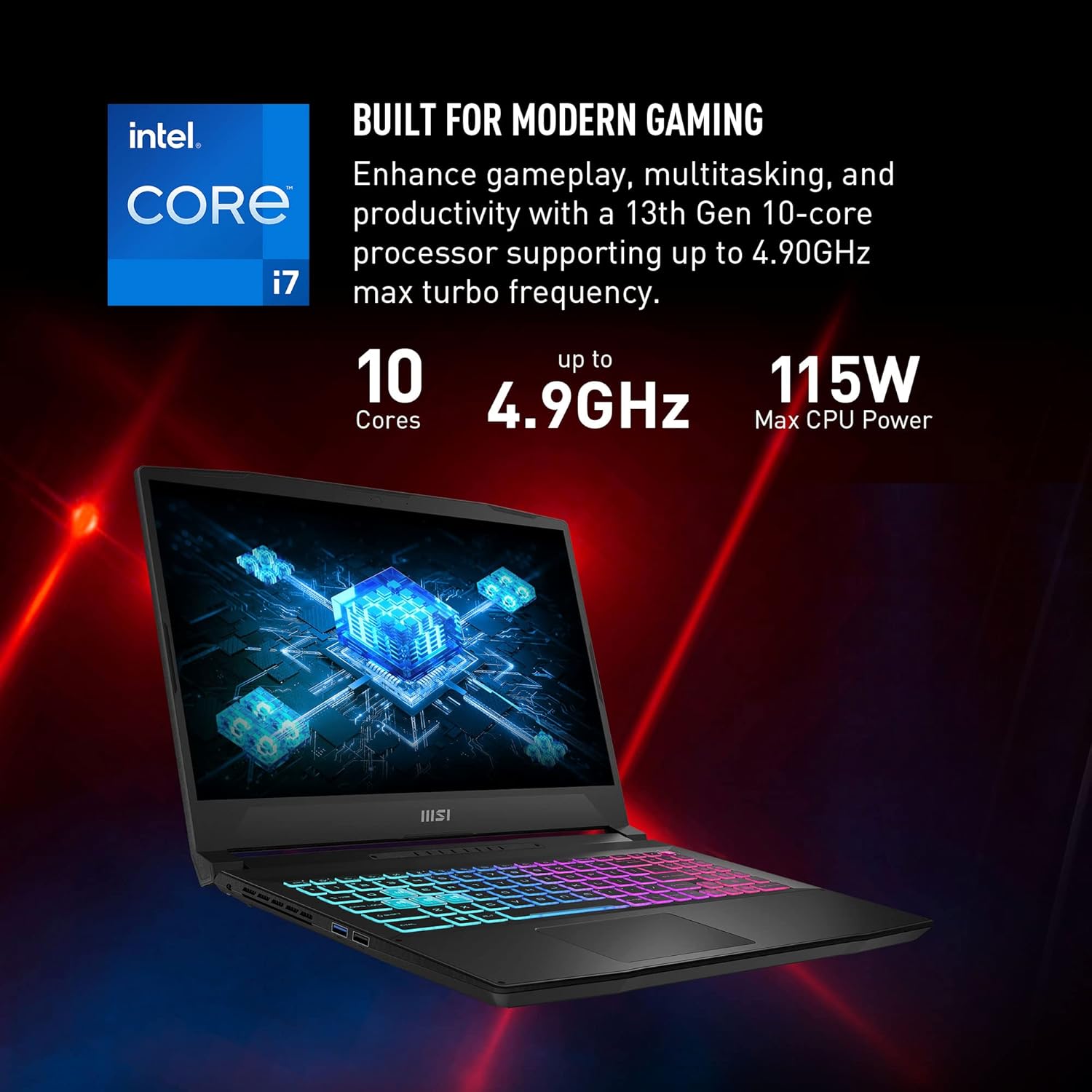
Supercharged Process: The 13th Gen. Intel Core i7 processor delivers the ultimate immersive experience in gameplay, multi-task work and productivity.
Simplistic Design: Enjoy the latest generation of Windows 11 Home for your everyday needs. *MSI recommends Windows 11 Pro for business use.
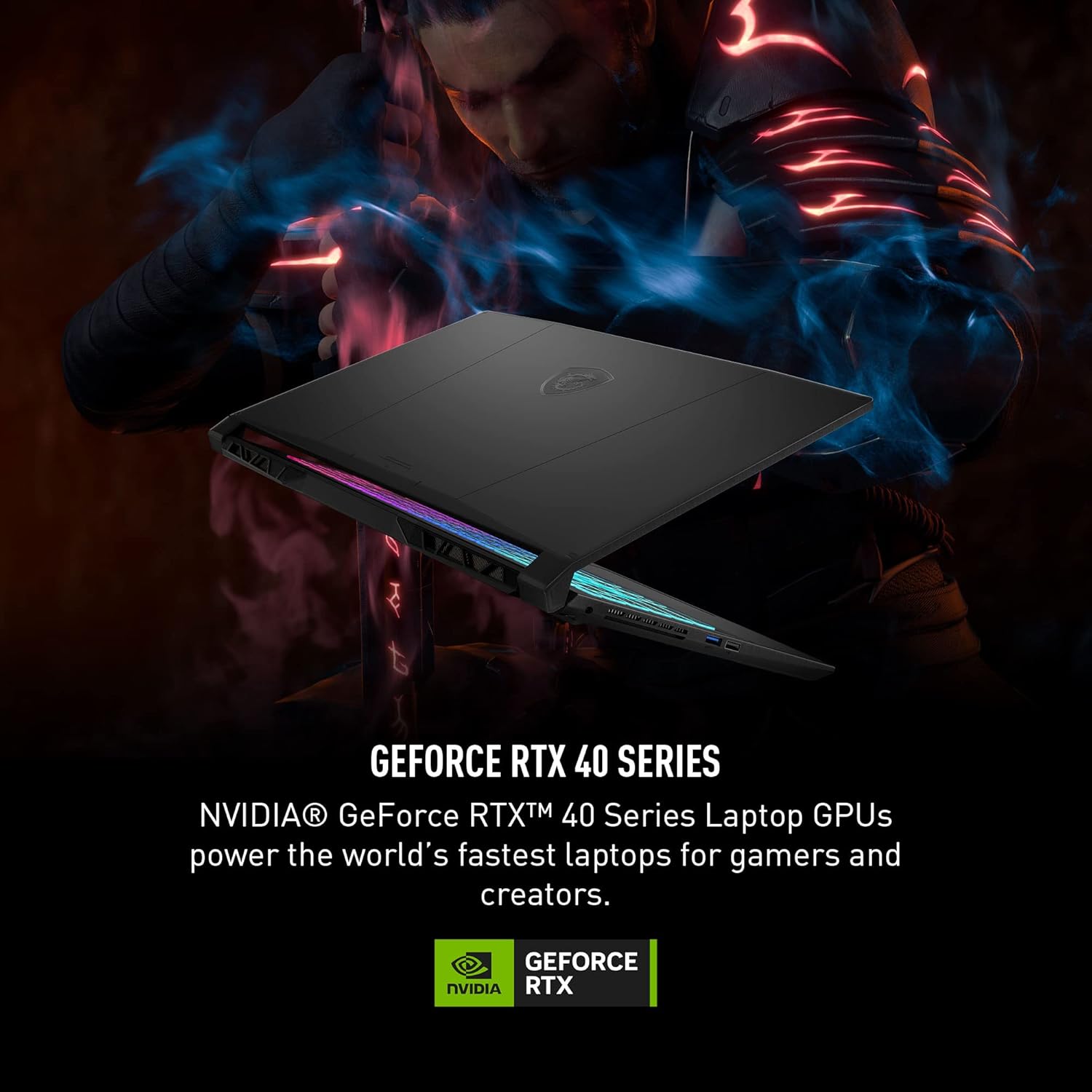
Beyond Fast: The NVIDIA GeForce RTX 4070 GPU powered by the Ada architecture unleashes the full glory of ray tracing, which simulates how light behaves in the real world.
QHD Display: The 15.6” 165 Hz QHD display brings more vivid colors and pixel density for the ultimate gaming experience.
Powerful Cooling: Cooler Boost 5 to ensure optimal thermal dissipation and provide the best gaming experience.
10 reviews for MSI Katana 15 15.6” 165Hz QHD Gaming Laptop: Intel Core i7-13620H, NVIDIA Geforce RTX 4070, 16GB DDR5, 1TB NVMe SSD, Cooler Boost 5, Win 11: Black B13VGK-2000US
Add a review

$1,349.00
Rajaravisankar Shanmugam –
Amazing laptop
It’s an amazing laptop. It is actually worth the price because there is nowhere else you could get a rtx 4070 laptop for this cheap. It is also running well, giving a lot of fps on games, and it is good for all work. Even if it is a good laptop, it also has its cons like the fans sound is a bit loud(not loud as other fans), its heavy, it have a really low battery life(cannot complain because it is a gaming laptop), and in my opinion, I thought the design had a rgb logo on the back, so that disappointed me. Other wise, great laptop to buy.
The Bearcat –
Desktop performance in a laptop
I bought the Katana 15 B13V with 16 GB of DDR5 Ram, RTX 4070 gpu, and i7-13620H cpu on Prime Day marked down to $1349 from $1599.I primarily bought this because my desktop’s motherboard uses DDR4 and is becoming dated and I wanted to play Baldur’s Gate 3 at max settings. I’d like to build another desktop, but want to drop that kind of money until DDR6 is a thing instead of building it in the middle of the DDR5 Lifecycle. That’s still a few years out.So this was a great purchase for my needs. It is literally desktop performance in a laptop at a mid-range price.Let’s start with the cons and why I don’t careThe display isn’t the best. Don’t get me wrong, its great, but not anything special. That doesn’t bother me, because its connected to my 4k monitor. Who cares about laptop screens anyway. 4k resolution doesn’t make much of a functional difference on a small screen. Costs were cut there for sure. Costs were probably also cut on the battery. It doesn’t last long not plugged in on normal loads, and its probably not even feasible to use it unplugged while gaming. This would suck if I planned to use it unplugged, but again, this matters not to me. There is also a technology implemented called CoolerBoost 5. Its pretty necessary to run when gaming newer games at max settings. It gets PlayStation loud. If you’re an audiophile, then you’re going to need some good noise-canceling headphones to really enjoy anything on this machine. This doesn’t bother me, because I’m not an audiophile, and even if I was, I have a couple great sets of noise-canceling headphones. It also doesn’t bother me because without it, all of the great things about this thing wouldn’t mean squat…. let me explain…Now for the Pro’sThis thing runs great without load on balanced power settings (No CoolerBoost). Without CoolerBoost, its about as quiet as it comes. I only use it for browsing and playing music outside of gaming. It does great. I haven’t tried watching any 4k videos on it yet, but I imagine it would handle that well on balanced power settings as well.Remember when I mentioned the noise level from the CoolerBoost 5 as a con. Well, Coolerboost is probably just as important of a feature as any of the hardware this machine packs. Gaming laptops get a bad rep, mostly because they literally burn up a lot faster than a desktop and are difficult and expensive to fix when they do. The reason being is inadequate cooling. This is a tiny box to fit all of those extreme heat producing components in. Getting desktop-like cpu temps and gpu temps in a laptop should be a pipedream. Seeing temps in the 85-90 degree Celsius range or higher is just part of the territory. With CoolerBoost on, this thing hangs in the 60-75 degree range with BG3 running max settings. That’s as good or better than my desktop. Have you heard of temp-throttling? Yeah, that’s only a thing if you let it be a thing with this machine. That said, without CoolerBoost active while running BG3 at max settings, I watch those temps move to the Upper 80s and low 90s, like one would expect with this kind of hardware in such a small box. It is well worth the noise to have a machine packing an i7 13th gen chip and RTX 4070 gpu that can sport desktop temps while actually using the hardware at its potential.Final ThoughtsThis machine is fantastic if you’re looking to replace a desktop with a laptop that will likely last. All of the right corners have been cut. Due to the temps sitting at desktop level, I anticipate the hardware components to potentially last indefinitely. This will still be a very serviceable and more portable machine when I do get my desktop built. The potential issues I see are needing to replace fans at some point due to the CoolerBoost. They could also last too, its just a possible logical consequence of running the fans at high RPMS. I imagine the most important fix that I’ll run across is replacing the battery. Those things will always go bad eventually, but more quickly if there are periods of high humidity in your gaming area. Think about spring or fall days where the AC isn’t running. Years of that will kill a battery.
Sydney –
CHANGE FACTORY SETTINGS!!!!
LISTEN UP!You MUST go into the hidden bios and turn down the power limit from P1 and P2 to 80w and 120w. Also, you need to enable overclocking so it will actually get benefits from these power limits.It was factory set to disable overclocking AND maintain a power draw of 200w???? This laptop got EXTREMELY hot, and i understand why because of these settings, but the average Joe isn’t gonna know to deep dive into a bunch of settings to fix things.Since I’ve made these changes, the laptop runs sooooooo much cooler, quieter, and faster! It was really sluggish at first because of thermal throttling, I legit started a return and packed it up to be sent back.But then I gave it another chance and deep dived into the intimidating settings and fixed the poor thing, and it’s sooooo snappy! It responds and loads applications wildly fast, I actually feel like I got this thing for an absolute STEAL at $1,000!!!
Nicholas Evans –
It’s a good laptop but…
Honestly, this laptop is pretty good. I did upgrade the ram and added another m.2 drive (hardware not included…really?) If you contact support they will give you the hardware plus a thermal pad, make sure when you are putting the m.2 in that the thermal pads are on the top of the m.2 and not on the bottom. Then remove the protective film from the bottom chassis of the laptop.Some complaints I have, this may be a personal preference though. The charging port on the left side really doesn’t work for me. I feel that the charger is always laying on top of your feet or laptop. The charging port is also quite loose as well. The other thing is, is the FN keys are to the left why are you putting FN command key on the right? The volume control buttons could also be FN and the arow keys instead of it being F3. I use the volume control more often than fan control and a crosshair for FPS games.Other than that, it is a good laptop.Update: I have been using this laptop for some time now, and can get over some of the cons that I noticed when I first bought it. However, 1 thing that I will say is the charging port needs to be improved. The charger keeps popping out of the charging port, all the time. I know one reason is, that it is on the left side but it is EXTREMELY loose. I have never had a laptop with such a loose charging port and is a real inconvenience. Every time I have this laptop charging, the power cord constantly falls out of the port. Gets really annoying that most of the time I end up having to hold the plug into the port to keep it charging.Second update: Well the charger no longer stay plugged in, it’s very loose. I can not recommend this laptop at all.
Fernando Salas –
Great piece for the price
For the specs, is a bargain in my opinion. Great graphics, great drive room and fast as you spect. The box came a bit damaged in the front with a scratch and there were some marks on the case that looked like something sticky was on it before, so I was worried at first, then it didn’t turn up, so I was even more worried, but then I realized there were no scratches directly in the laptop case, the marks in the case were easily cleaned with a paper towel and as soon as I connected it to the power supply and turned it on, it started working perfectly. Windows is always easy to set up, although would prefer windows 10 but 11 is ok I guess.
Farshad –
Really good value laptop with RTX 4070 GPU !!
Fernando L. –
Me encanta que tenga una 4070 en su interior… vamos puedo jugar a juegos no tan exigentes a 4k sin problema conectandola a una tv simplemente hermosoElegi esta lap y esta marca porque siempre he sabido que MSI tiene productos de calidad y no me defraudo la vddCon esta laptop puedo jugar sin dudas hasta a cyberpunk a muy buena calidad y frames sin problema… la vdd me sorprendio porque no pensaba que una laptop pudiera correr cyberpunk simplemente supero mis espectativas.Lo que mas me gusto fue que es una computadora relativamente compacta y no se calienta tanto como otras marcas tiene buena disipacion… lo que pudiera mejorar quiza seria el cuerpo de construccion osease sus materiales y la pantalla quiza seria mejor una 2k pero la vdd asi estamos muy bien por el precioExcelente producto
أنس خليل منصور –
ممتاز ذات مواصفات رهيبة مقارنة بالسعر
Hussain Saad –
جهاز قوي لكن لا ادري ليه تحسه بطيء بعض الشيء مع ان التخزين m.2 غريب عندي pc ب SSD عادي سرعة 540Mb بحجم 240gb اسرع منه في التشغيل
Alejandro Beltrán –
La mejor computadora que he tenido en muchisimo tiempo. Viene perfecta para todo lo que uno necesite