
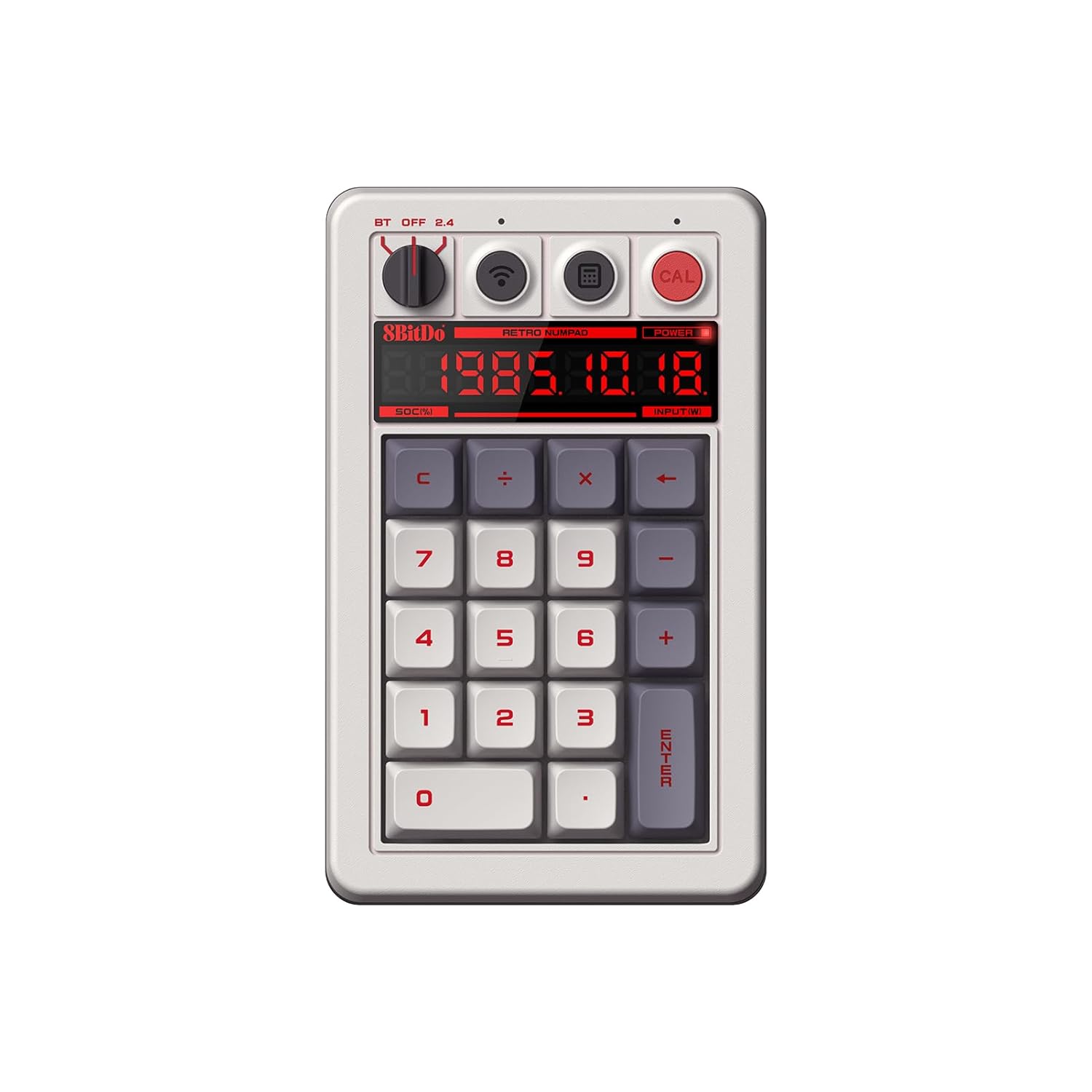
8BitDo Retro 18 Mechanical Numpad, Supports Calculator Mode, Bluetooth/2.4G/Wired Numpad for Windows and Android – N Edition
Original price was: $44.99.$39.99Current price is: $39.99.
Related Products



Product description


Inspired by the classics. Compatible with Windows and Android.
2-in-1 numpad: PC numpad mode (connects to Windows or Android devices) / Standard calculator mode (standalone use)
Windows Calculator app shortcut button
Retro LED display. Independent control panel.
Kailh Box White Switches V2. Dye-sub PBT keycaps for N, Fami, and M Editions.
Top mount style. Hot-swappable PCB. Support n-key rollover.
13 reviews for 8BitDo Retro 18 Mechanical Numpad, Supports Calculator Mode, Bluetooth/2.4G/Wired Numpad for Windows and Android – N Edition
Add a review

Original price was: $44.99.$39.99Current price is: $39.99.
SpaceVaquero –
Phenomenal keypad!!!
8BitDo has produced a phenomenal keypad! Super fast connection, Bluetooth connects super easy and the numbers project flawless. The keypad is aesthetically pleasing to look at it, it captures the retro vibe perfectly. It also has a calculator mode. Now I wasn’t sold on the idea at first but wow has it come in handy!! Super easy to toggle on and off. Has a bright red button for it. And for the most important question? How does it sound?? Sounds are like 1980s arcade machine. You can not go wrong with this keypad, 1000 percent recommend it.
Rafael Acosta –
Awesome retro numpad
Awesome numpad, yes its pricey but worth it. Got the matching keyboard for Christmas so this was the matching numpad. Great retro design, yes the keys are loud, which makes it super cool. You’re able to use it as a numpad, has a shortcut button to activate the laptop computer and the best feature was the capability of using it as an actual calculator with a light up display.
Trevor J. Radle –
A little niche but really cool
I don’t own the keyboard that goes with it.Did I need this? No.Will I even get much use out of it? Probably not.Was this an impulse purchase? Absolutely.And yet I kinda love it? The keys are tactile, the text is bright and legible, every switch and button feels high quality. The bluetooth, attached dongle, and USB-C port mean it works with basically anything. As a stand alone calculator it’s going to be accurate and comfortable if you ever need to do a lot of math for any kind of paperwork, and as a numpad for your PC it’s excellent.The only thing that feels like kind of a flaw is the button to open the calculator app on your PC where a numlock button would have made way more sense in my opinion. But there is a hotkey method to activate numlock (hold CAL and press C) and you can rebind the calculator input in your OS to something more useful so even that isn’t a hard flaw.All in all, if a chunky retro style calculator sounds like something that would tickle your interests or you just need a solid numpad for your PC or to go with the 8bitdo keyboard I think this thing is excellent. I don’t regret buying it.
Pablo da Silva –
Great quality
Great quality, really nice feel and sound when typing, very handy built-in calculator, superb retro design.
Inksweat –
It works as expected.
The calculator function is useful. The battery is lasting me a long time on a single charge. It powers off if left unattended. 2.4Ghz dongle paired perfectly. The integrated storage for it is very functional and convenient.8-BitDo obviously nails their aesthetic.The only thing I don’t like is the nonstandard layout, but splitting the “+” key is an acceptable compromise to allow it to have a calculator function. However, there is no button to make a value negative. If you need to work with negative numbers, you’ll have to plan ahead.It could be improved by adding the ability to remap keys allowing me to use it as a macro pad. But it does what I set out to do–have an on demand numpad so I can have the comfort of my smaller keyboards and still do rapid numeric entry when it comes up too.
EndangeredApple –
Please make switches hot swappable
8BitDo Retro 18 Mechanical NumpadPros:Bluetooth – no adapter required (but it does also have the adapter)Looks and ease of use: I love how it looks, and the simple layout and options are wonderful. The ability to quickly switch to the built-in calculator is great.Typing Quality – it is decent to type on. The keycaps feel good, and the switches are decent if you like the clicky, but it is hollow, and you can hear that in the keystrokes.Customizable – I can change the keycaps but that’s it.Cons:Size – it is huge and not easily portable.Loud – I am not a fan of the loud clicky switches. It is too loud just typing in my own home, let alone working in a public space.Not enough customization – can’t change the switches or program any keys.Ultimately, I didn’t keep this number keypad because of the clicky switches. I really wish I could change out the switches because I think I would have kept this one based on the looks and simplicity to use. It isn’t portable and I would not travel with it, but I really wanted to like this one for at home use.Context:I recently started a remote job that I need a number keypad, and my work laptop doesn’t have one. I couldn’t decide which one to get so I grabbed several different options to try. Things in order of importance to me: Bluetooth (not a 2.4 Ghz adapter because I want to keep the USB ports open), portable (I might have to travel with it), sound (not too loud in case I am working in a public space), typing quality (preferably mechanical keys), and customizable (hot swappable keycaps and switches and maybe programmable). I didn’t extensively use each: I assume all of them work so I tested most of them without connecting them.
Kris M –
Excellent 10-Key
No complaints. It’s well-built, the switches feel good, it matches the keyboard, and the 2.4ghz connection is really fast and reliable. It’s nice that it also works as a calculator.
Sierra –
Almost Perfect
Numpad works flawlessly. It’s a bit bulky, but worth the ability to quickly switch to calculator mode to do simple arithmetic. The physical switch between the three modes is perfectly executed. It’s clear and visible which mode it’s in, and extremely easy to switch.Wishlist items that are merely annoyances, and detract nothing from the experience.1. Ability to select different switches during purchase. Not important since this uses a hot swappable PCB, but would be nice to have the option; though if this keeps the price down, then keep using the same white switches!2. Inclusion of backspace key, thus squishing -/+ into the space typically reserved for +. I don’t know where else you would put a backspace button, but I understand the inclusion. I would be fine with just the Clear button, but to each their own.
Jordi –
Curioso, muy curioso y atractivo, tener un teclado numérico mecánico, al más puro estilo retro al que nos tienen acostumbrados desde 8bitdo.Tal cuál sucede con el teclado mecánico del mismo estilo, sorprende desde que lo desembalas. El tacto es perfecto, los acabados premium y de una sutileza increíble. Funciona tanto por BT como con 2.4GHz gracias a su adaptador USB. Y lo más curioso, es que funciona tanto conectado al PC, como independientemente, como calculadora retro…Simplemente increíble!Indispensable si te pillas el teclado del mismo estilo pero en formato corto. Me encanta!Altamente recomendable, sin duda alguna.
Jack Munday –
Initially purchased because I replaced my keyboard with one without a keypad and now absolutely love this one. Battery life has been incredible, only needed to charge it once since purchasing. It’s got a great tactile feel to the keys and the fact it can be used as a standalone calculator by toggling the power and pressing a single key is great.The standalone calculator isn’t going to blow you away for complex functions (your phone will do a better job than that for sure), but for the retro feel you really cannot go wrong. The fact is is USB-C for charging too is a real bonus.
Amazon カスタマー –
打鍵感も打ちやすくてものすごく気に入っていますが、やっぱりファミリーコンピューターみたいなこのレトロ感がGoodでした!
Andrea –
Sono soddisfatto dalla qualità e dalle funzionalità. L’ho comprato insieme alla tastiera. Questo tastierino numerico mi serve per programmi come Blender.Il tastierino non si fissa alla tastiera, è completamente indipendente. Oltre alla funzione più evidente, è possibile utilizzarlo come calcolatrice, senza collegarlo ad un pc. Il piccolo schermo mostra anche la carica residua. Può essere usato tramite WiFi con la chiavetta sul retro, mantenuta in posizione da un magnete, o dal Bluetooth. Con il collegamento Bluetooth la reattività è buona, quando non si usa per un po’ di tempo ci mette meno di un secondo per “svegliarsi” e connettersi, senza perdere alcun tasto premuto.Il lato dolente è l’applicazione per desktop, che nel mio caso non funziona ed ha crash casuali quando si collega il tastierino. È poco importante, siccome si può usare anche senza app ufficiale.
Heliman90 –
Indispensabile, insieme alla mia tastiera 60%