
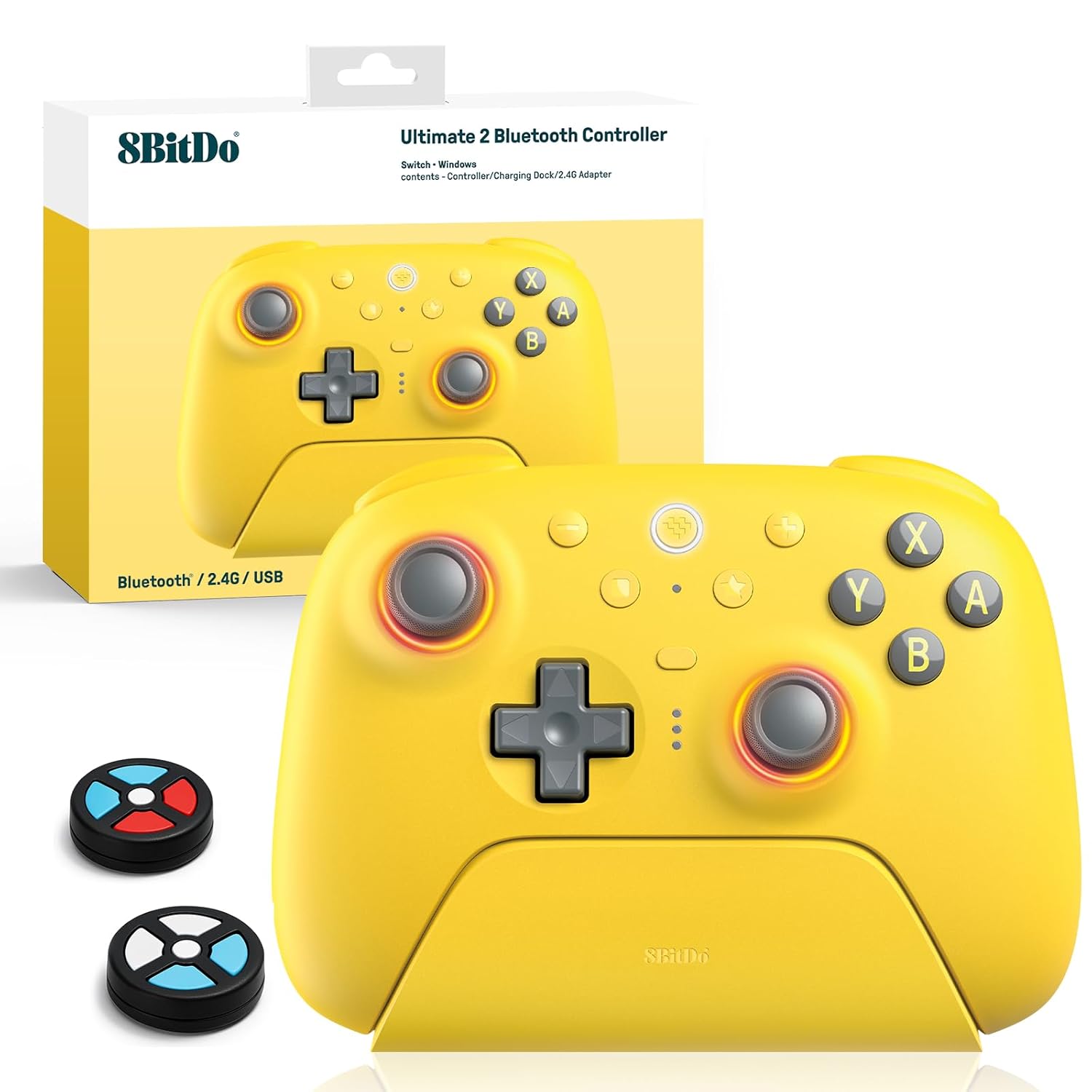
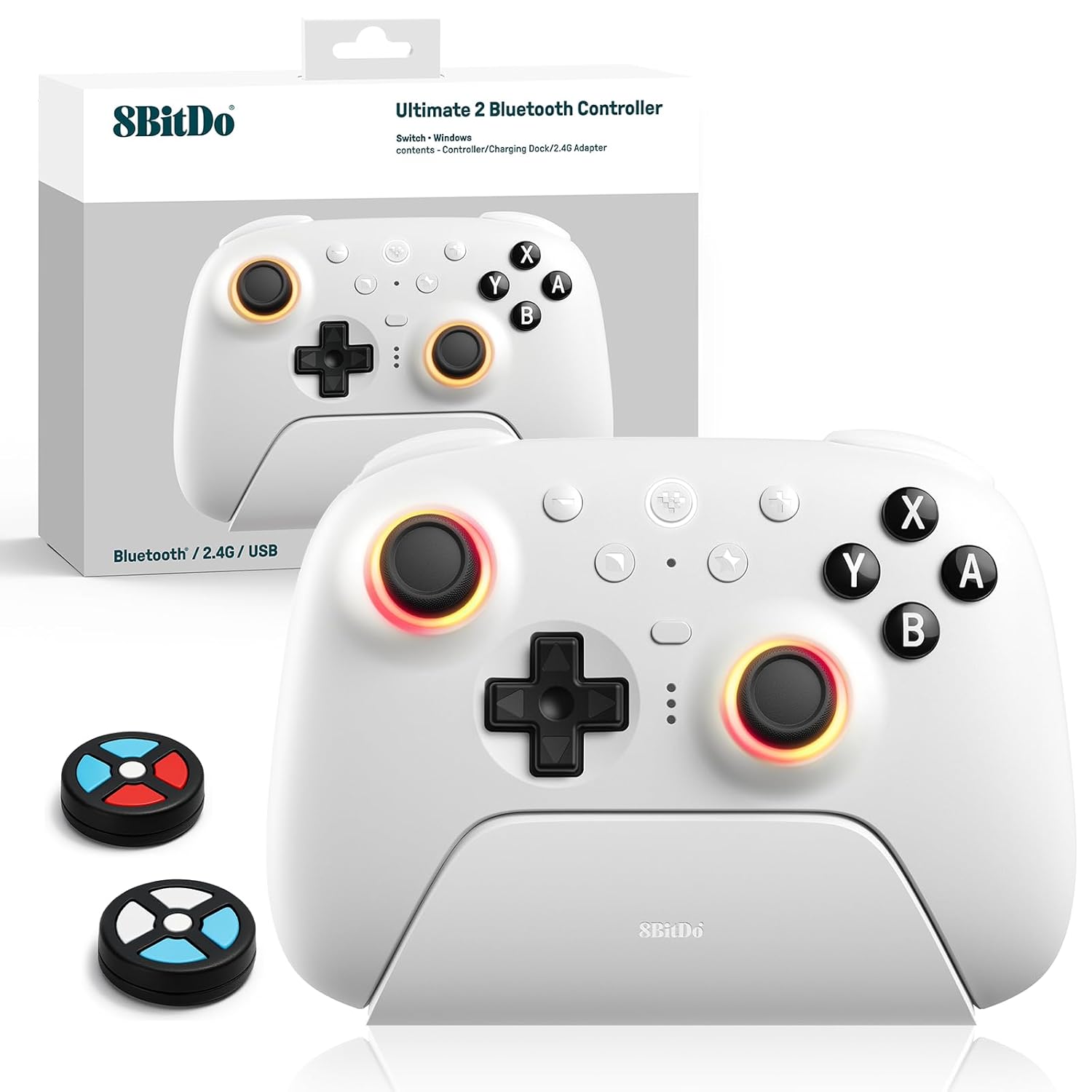
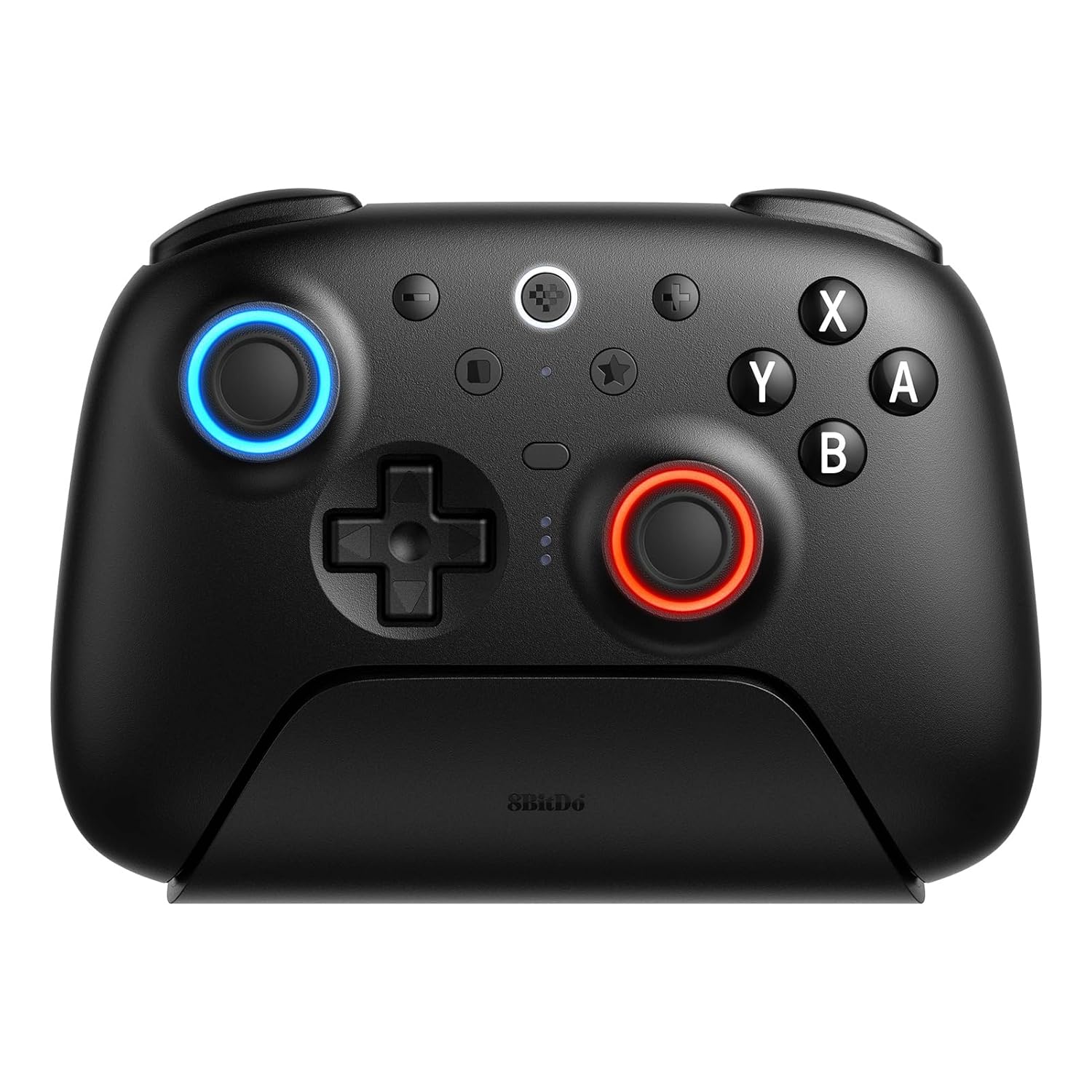
8Bitdo Ultimate 2 Bluetooth Controller (TMR Joystick Update), RGB Fire Ring, Switchable Hall Effect/Tactile Triggers, Vibration and Motion Control for Switch/Switch 2, Windows PC (Lemon Yellow)
$69.99
Related Products
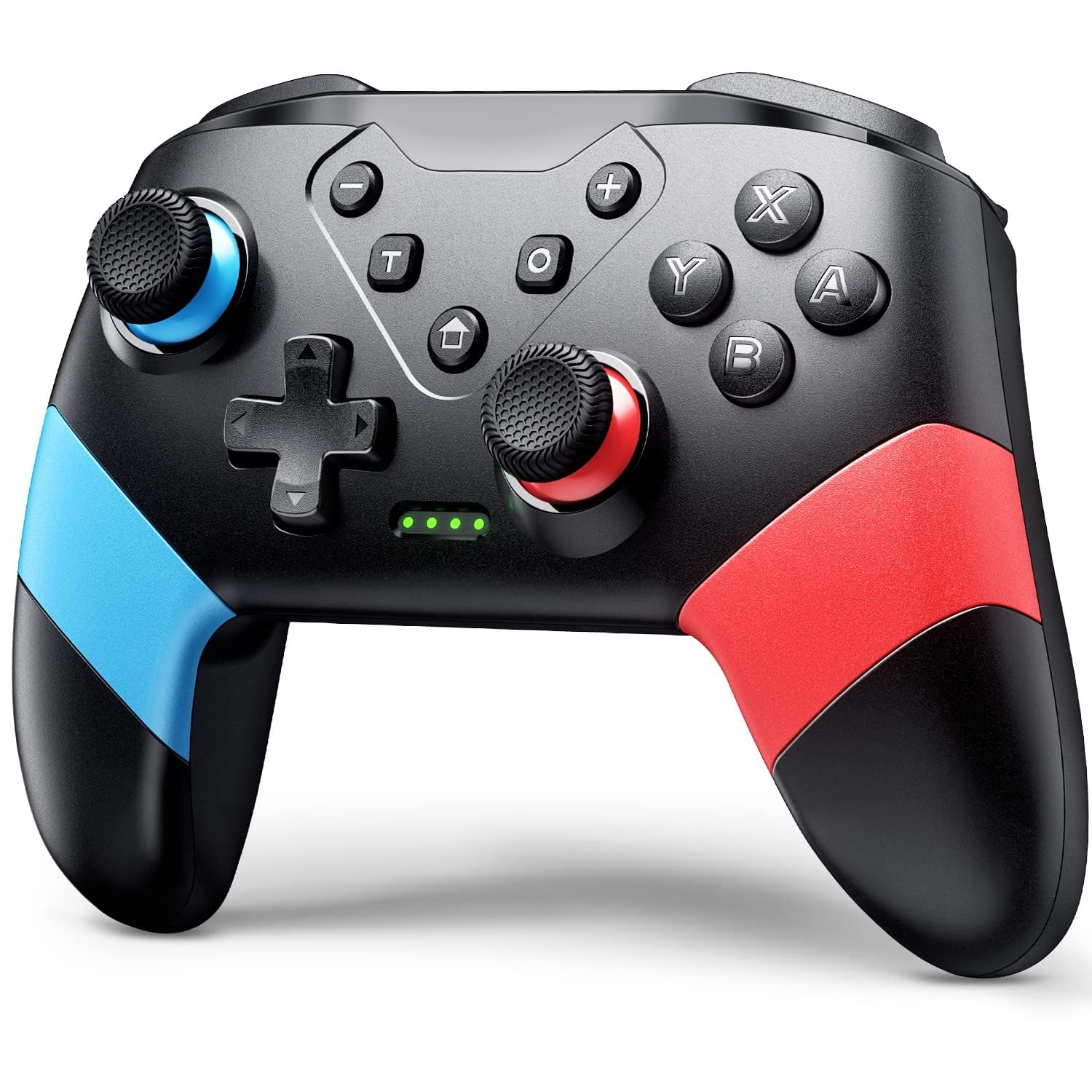


Product description


Flagship Performance, Fully Upgraded – Our 8Bitdo Ultimate 2 Bluetooth Controller compatible with Switch (via Bluetooth, 2.4G, or Wired USB) and Windows (via 2.4G or Wired USB).
TMR Joysticks with RGB Fire Ring – Features high-sensitivity TMR joysticks for improved precision and durability, plus wear-resistant joystick rings and customizable RGB lighting for an immersive experience.
Advanced Control Features – Includes vibration and motion control (for Switch only), Turbo function, and support for the latest 8BitDo Ultimate Software V2 for enhanced customization.
Trigger Mode Switch – Instantly toggle between linear Hall Effect triggers and tactile triggers to match your gameplay style and improve control across various game genres.
Pro-Level Customization – Equipped with two rear programmable buttons, additional R4/L4 bumpers, tactile feedback on bumpers and D-pad, and support for up to 3 custom profiles.
Convenient and Versatile Docking – Wake-on-shake functionality with a multi-functional charging dock and USB-C adapter included for seamless charging and quick connectivity.
10 reviews for 8Bitdo Ultimate 2 Bluetooth Controller (TMR Joystick Update), RGB Fire Ring, Switchable Hall Effect/Tactile Triggers, Vibration and Motion Control for Switch/Switch 2, Windows PC (Lemon Yellow)
Add a review

$69.99
Dave M –
Great controller!
Feels great. Hall-effect sticks are a must-have.Bummed the rear-facing trigger buttons only work on PC, not Switch.
Ted Williams –
Right joystick sticking in place less than 3 months of use
Edit September 21st, 2024: 8bitdo is working with me to send me a replacement controller. I had to pay the shipping cost. I have not received the replacement yet, and they told me the red version is discontinued so I chose white.-Edit November 16th, 2024: After a long delay caused by Hurricane Helene, and then shipping from overseas, I can say I finally have the replacement controller in my hands and everything works as intended. This saga is over with for now. If anything changes I will let you know. Thank you 8bitdo!Original review:First of all – I love this controller. It has a great shape, grip, triggers, works Bluetooth so you don’t have to plug the USB dongle into the Switch, hall effect joysticks that don’t drift – every future game controller should have these. They’re super, super smooth.But what do you do when the stick itself gets stuck in place?Suddenly my camera was going crazy when I was trying to aim. I thought it was drift, but calibration was okay. And then I noticed the problem of the stick not returning to center when tilted in the 10-11:00 o’clock position.Amazon return window is closed. Only one month. Lovely.Contacted 8bitdo Support days ago. They’ve been responding once a day. They first told me to press down extremely hard to “reseat” the joystick. I had already tried that, because it seems like it could be catching on the housing.I tried it many times. It did not solve the problem. It just made it worse. Now it also sticks in the 5:00 o’clock position.I have since read on the internet in several different places that this has been an issue with the controller, and the company, for a few years now and they do nothing to correct the issue in manufacturing or otherwise.Another issue is the left stick – it seems to not have any protection while rotating, so its like it is grinding down into a fine powder. 🥴 It hasn’t been an issue yet. If any stick was stuck in place, I would have assumed it to be that one, but no.I hate that, because this is the best controller I have ever had. Or it was. I’m tired of this slow back and forth. Using the joycons in the joycon grip sucks. I changed the joysticks in them to hall effect, but the triggers and buttons are way too small, and the sticks are super, super sensitive.I wanted something to use with TV with hall effect sticks and turbo, but there was a reason I never bought 3rd party controllers… I got a lemon again. I never should have stopped using the Switch Pro Controller when I had it.Truly heartbreaking. Until they actually do something about this and not put you at risk of getting a defective controller, I would look somewhere else or get the stuff to change drifting sticks yourself, or buy one someone else has modded for sale. That may be my next project. Switch Pro Controller with hall effect sticks, or wait for the Switch 2 Pro Controller if it has them…
Jeff Seely –
The ultimate in convenience.
This has become my go-to controller for my PC and Switch. I have the charging dock for one plugged into my PC and the charging dock for another one plugged into my Switch, and each charging dock has a 2.4 GHz dongle inside it. With each controller set to 2.4 GHz mode (via the toggle switch on the back), all I have to do is take the controller off the charging dock and it automatically turns on and connects. When I’m done using it, I just set it back into its dock and it automatically turns off. That’s a whole new level of convenience for me when it comes to controllers. No plugging it in via a USB cable to charge it. No frustration from trying to establish a connection every time with my PC or Switch. All I have to do is dock it to charge it and take it off the dock when I want to play.The 2.4 GHz connectivity for these controllers is so good that I don’t even bother with the Bluetooth functionality they were named for. It works, but it’s totally unnecessary for connecting to PC and Switch.In addition, these controllers have a Super Nintendo-style d-pad and hall effect sensing analog sticks (which is supposed to eliminate the stick drift problem that can crop up in some controllers).I can only assume that any negative reviews for this controller must be from people who just had some bad luck and received a lemon, because my 8BitDo Ultimate controllers have been working beautifully so far. I’ve owned a lot of 8BitDo products over the years, and this the best one I’ve owned.
B –
Great Controller, perfect size for Steam Deck Travel
Easy connectivity and small enough to travel with when I bring my Steam Deck. I just throw it in my backpack and doesn’t take up too much space. Plus I charge with USB cable when needed without bringing the dock for it. Connected Bluetooth to my Steam Deck pretty easily but will be recognized as a Nintendo pro controller in the controller properties. One word of suggestion is changing it from Nintendo button layout when playing steam games.To do this go to Settings – Controller – make sure Nintendo Pro controller is selected – uncheck Use Nintendo Button Layout.This will make the controller map to the position of the steam deck and not switch the button layouts around. If you play on on handheld and go to controller the button positions will match. They just won’t be correct on the controller when looking at it but muscle memory always takes over. You can also turn back on when playing Nintendo games it matches up perfectly.It also comes with two pedal trigger under bottom of controller if you are actually using them on the Steam Deck.
NightSlash –
A great controller, only a couple of flaws
I bought this controller over the official Nintendo one because I wanted to avoid stick drift. It works well so far and is comfortable to hold. The real issue I have is with the analog triggers, which don’t do anything on the Switch. While they can be used on PC (Wired/2.4g only), they are not great for some games, and can take time to get used to. Since the triggers are similar to the PS5 Controller, I bought trigger stops in hope that they work on this one too. If you play casual games this may not be an issue for you.Some other things about this controller:On use on Switch, you can see the battery life of the controller, which is a feature that isn’t on all unofficial controllers.On Steam Deck, Wired or 2.4g connection sets the controller to Xbox One layout. This means a couple things. You lose motion controls, you lose a button and can’t use the screenshot feature because of that, and the gui buttons are inaccurate (can be fixed using Universal Face Button Glyphs).Else you get the Switch layout and lose analog triggers.EDIT: The trigger shape is different than the PS5 controller and the trigger stops didn’t work
Marcela Sujol –
Me gustó mucho el control. Se siente mucho mejor que el joycon pro original, además de que tiene mejor configuración de botones y luces xon el Iltimate software. Desafortunadamente, solicité la devolución porque noté que el rumble del lado izquierdo está dañado. Lo pediré de nuevo.
Genopsyde –
July 31, 2025:Turbo feature is Excellent for Donkey Kong Bananza on the Switch 2.Saves me a lot of painful button mashing.This controller has the same grip feel as a Switch 2 Pro Controller. Very nice build quality.ONLY complaint is the brightness of the Home Button Status LED (the centre button).There is currently no way in the software or otherwise to dim this, or turn it off.If you play in a dark room, you’ll have a literal flashlight pointed at your face, and it will disturb someone sleeping next to you.The LED rings around the sticks can be dimmed to a comfortable level… just not that home button :(Update… Feb.16, 2026:8BitDo Support are aware, but either haven’t yet, or cannot set LED brightness on any of the function lights such as home button.So I took matters into my own hands, opened up the controller, and applied black acrylic paint onto the home button LEDs, leaving just a pinholes worth of light to come out into the diffuser ring.The difference is drastic and great. While I cannot plainly see if the controller is on in bright rooms without covering it with my hand (easily done)… the night time brightness is such an eye relief, and I don’t have to use cardboard and tape over it anymore like a peasant.
Buğra –
Genel olarak başarılı bir gamepad. Xboxun normal ve elite kollarını kullanmış biri olarak gönül rahatlığıyla öneririm. Lakin bağlantı konusunda oldukça problemleri olan bir kol. İki adet aldığımdan özellikle daha çok problem yaşadım. 8bitdo’nun sitesinde çözüm bulmak epey zor oldu. Sonunda bir yazılım ile problemim çözüldü. Xbox kadar başarılı değil bu konuda. Ayrıca şeklinin bazı kullanıcılar için konforlu olmayacağını düşünüyorum. Çünkü tutma yerleri xbox gibi açılı değil. Pozitif yanlarına gelirsek yazılım olarak çok başarılı. Her şeyi ayarlayabiliyorsunuz. Windows yazılımını çalıştıramadım ama telefonda düzgün çalışıyor. Dpad ve joysticklerin hissiyatı çok iyi, kullanması eğlenceli. Genel olarak başarılı bir gamepad tabi fiyatını göz önüne aldığınızda bazı eksiklikleri mevcut. Ayrıca amazon yurtdışı kargo süresi gerçekten çok başarılı.
Gus –
Muy buen control, buen agarre, los materiales se sienten de calidad, configurable facilmente; probado en un Switch 1; todo muy bien, totalmente recomendable.
Lale –
Prodotto come da descrizione. Preso per giocare su switch 2, ma si connette solo alla 1 (OLED). Per usarlo su switch 2, bisogna aggiornare il firmware tramite PC: andare sul sito 8BitDO, scaricare il firmware ultimate (quello per il modello in questione, cioè ultimate 2 bluetooth), unzippare e collegare il joypad. Vi servirà, quindi, un PC per l’aggiornamento. Dopodiché si connette praticamente subito a switch 2 e non ha alcun input lag (su Mario kart world). Carino l’effetto luminoso.