


Acer Aspire 16 AI Copilot+ PC | 16″ WUXGA 120Hz Multi-Touch Display | Snapdragon X | NPU: 45 Tops – GPU: Up to 1.7 TFLOPs | 16GB LPDDR5X | 512GB PCIe Gen 4 SSD | Wi-Fi 7 | A16-11MT-X669
Related Products








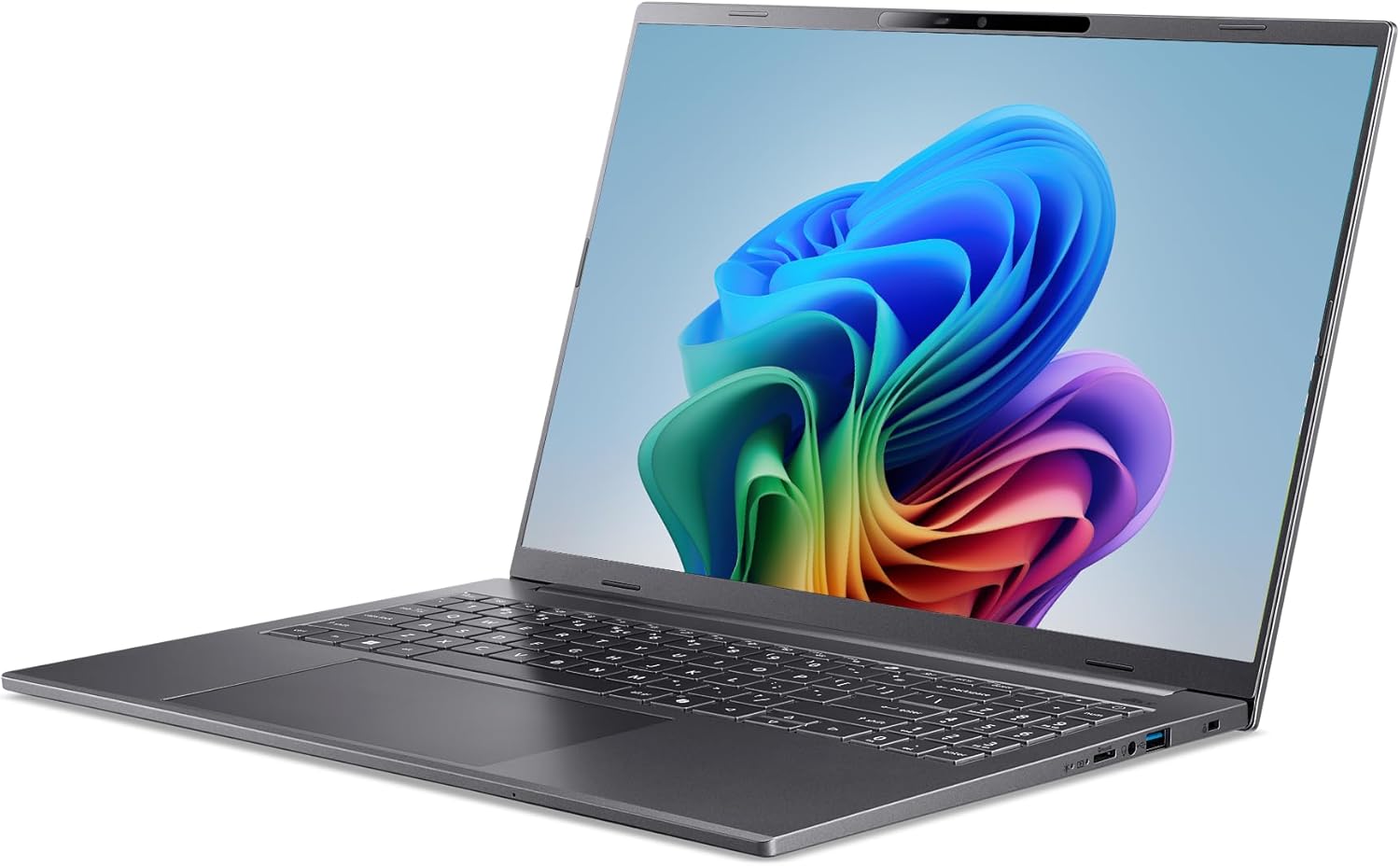


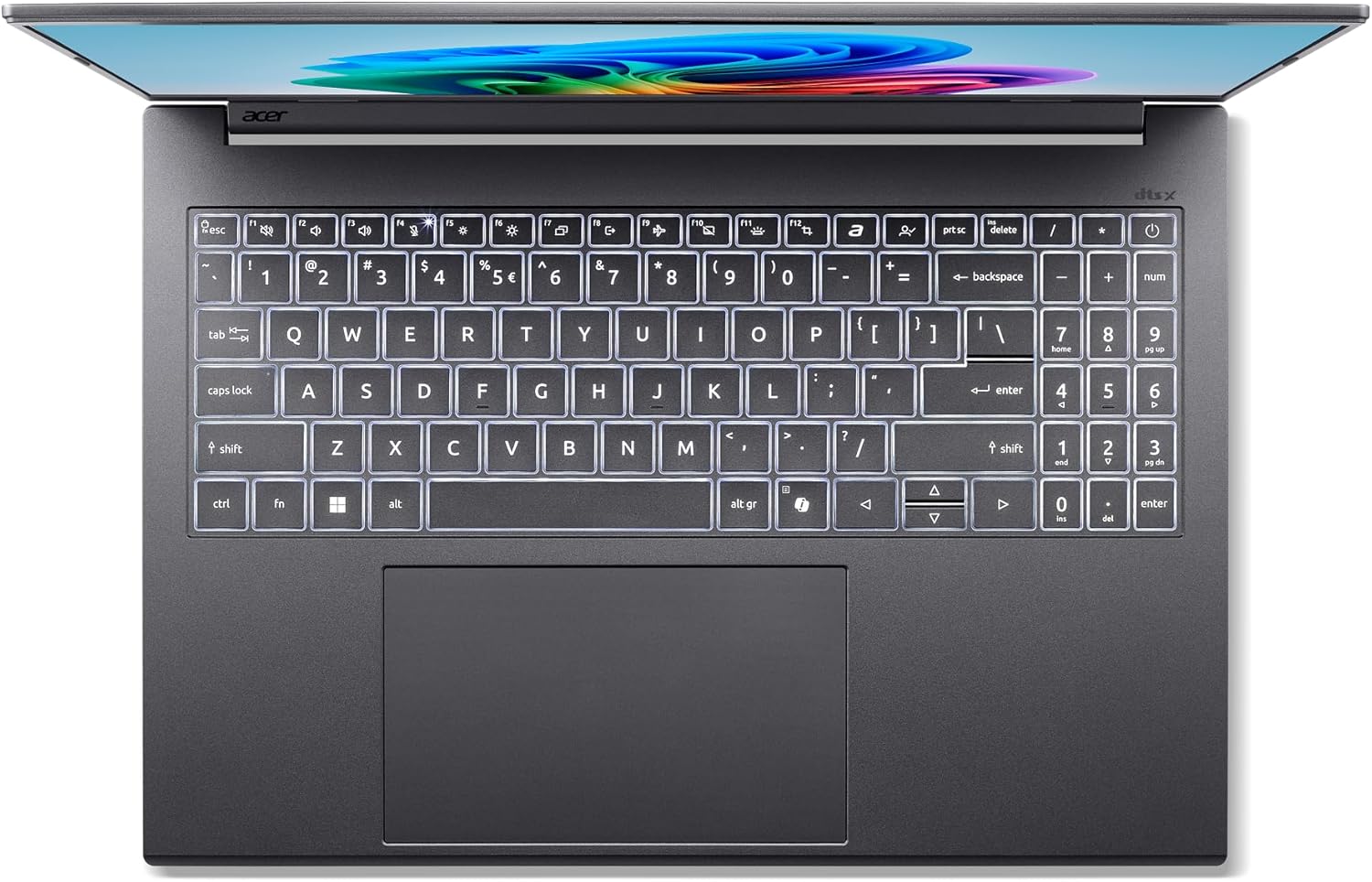

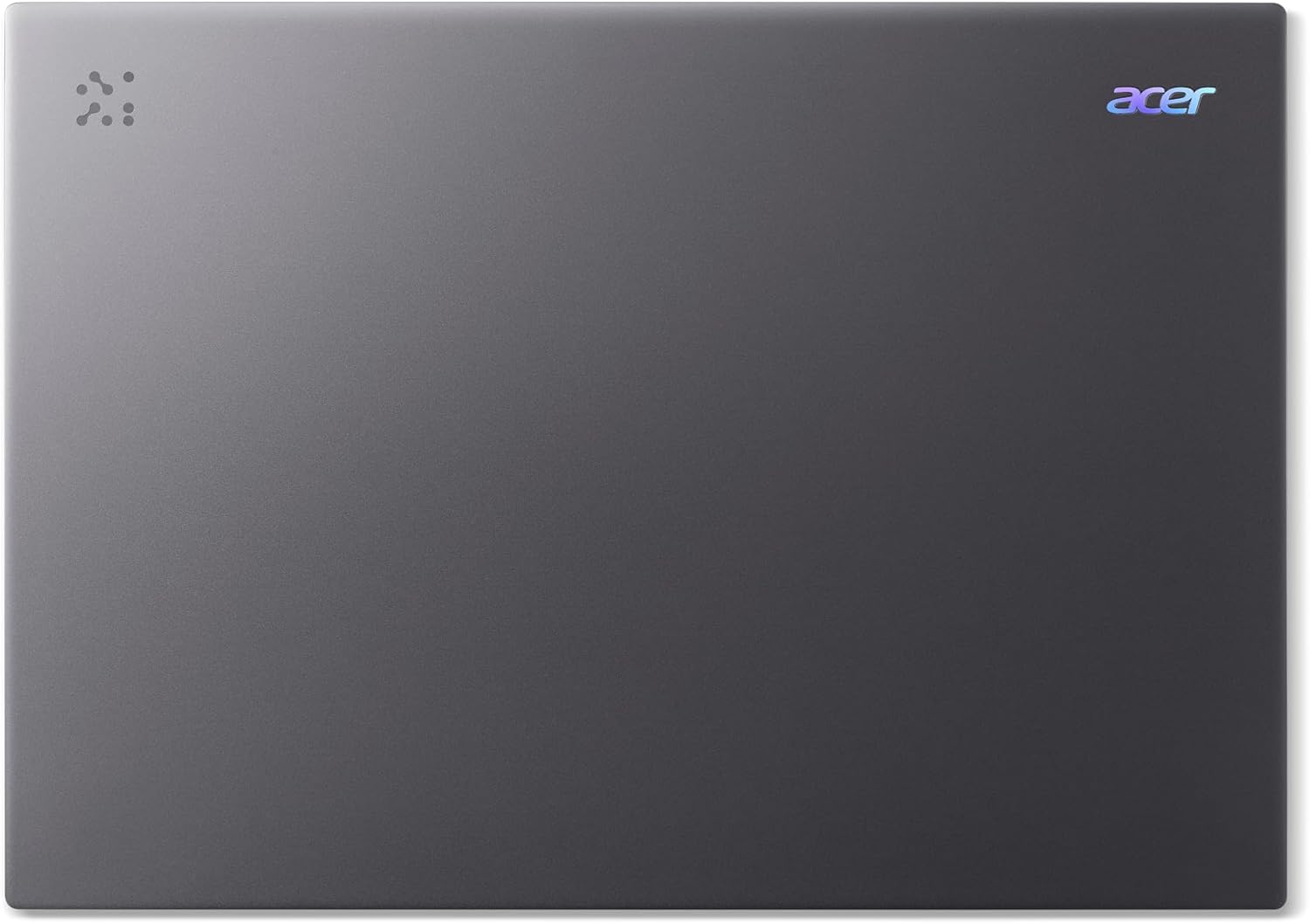
Learn. Evolve. Aspire. – Get ready for a seismic shift in how you get things done. Equipped with intuitive AI capabilities on a versatile, modern design, the Aspire16 AI delivers powerful intelligence that’s made easy. Stay productive and inspired with the perfect partner on your quest for success. Transform how you uncover knowledge by simply asking for exactly what you need and getting tailored responses. It’s not just ahead of the curve; it’s defining it. Acer Aspire 16 AI Copilot+ PC— we’ve got you covered! (NX.JMTAA.001) [* Copilot+ PC experiences vary by device and market and may require updates continuing to roll out through 2025; Recall and Click to Do will be coming to European Economic Area later in 2025; timing varies. See aka.ms/copilotpluspcs.]
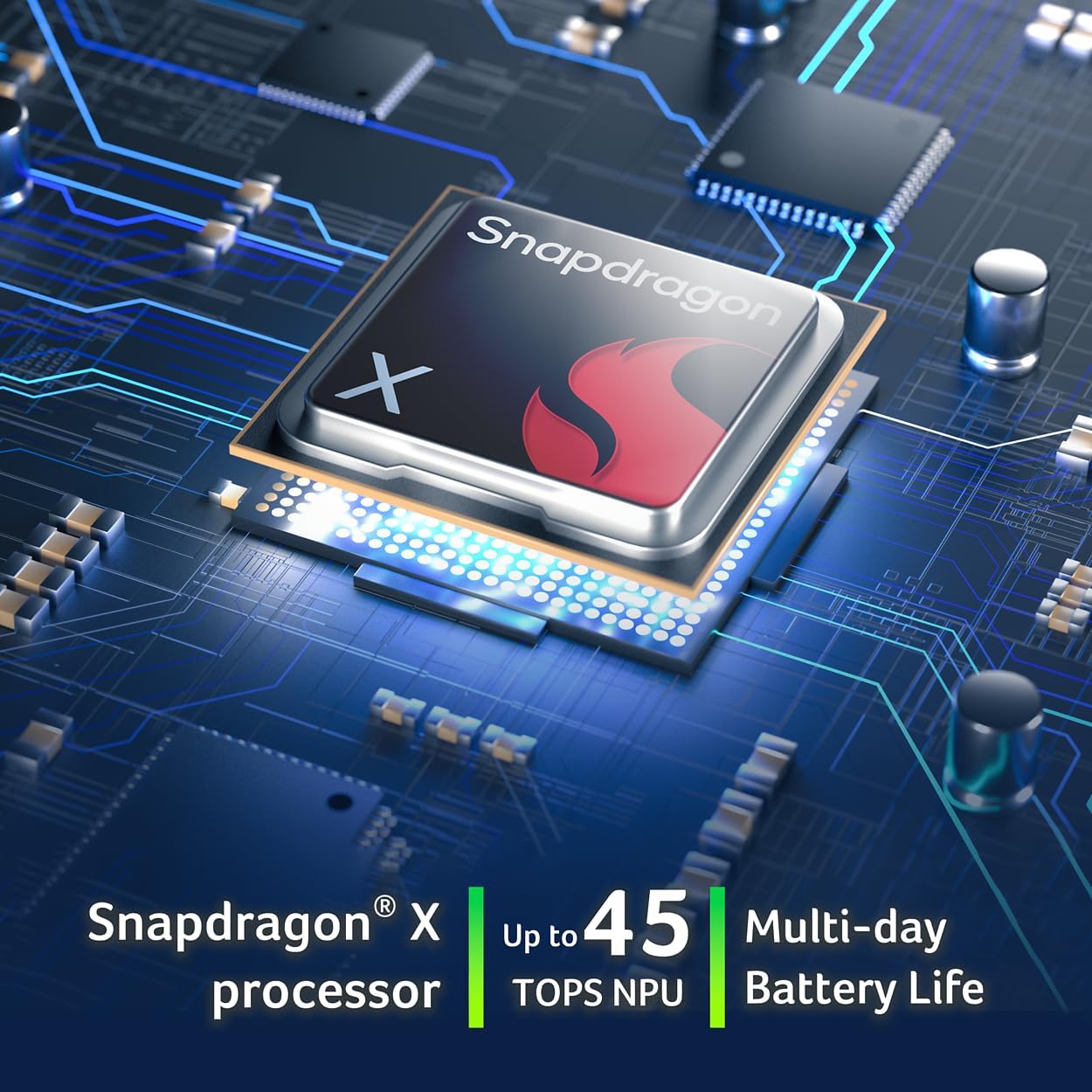
Step Up to Next-Level Performance – Redefine your laptop experience with the Acer Aspire 16 AI. Powered by the Snapdragon X, a premium integrated GPU with up to 1.7 TFLOPs and NPU with 45 TOPs for optimized processing across CPU, GPU, and NPU workloads and delivering best-in-class performance and power efficiency.
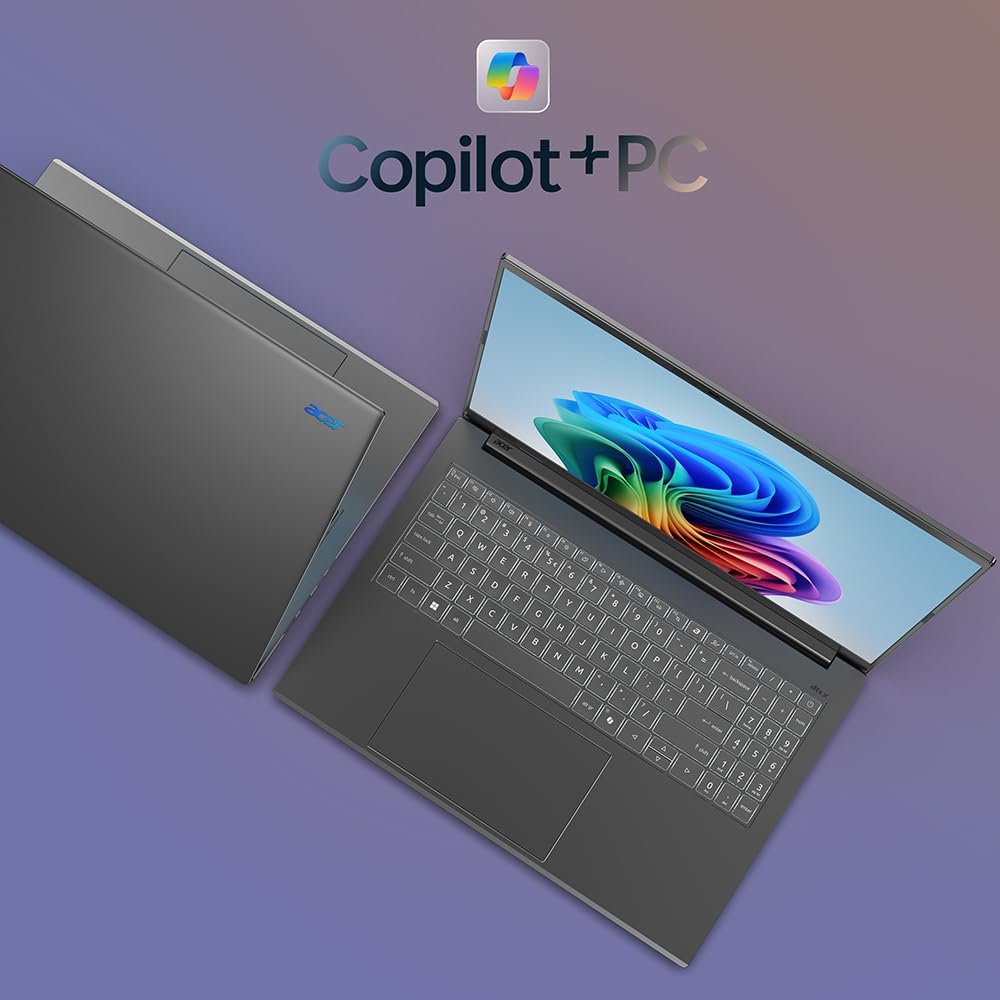
New AI Superpowers – Discover the power of Recall (preview), improved Windows search, and Click to Do (preview) on Copilot+ PCs. Effortlessly locate past content, perform natural searches, and interact with text and images – all while ensuring your data remains private and you stay productive*.
Built on Brilliant AI Foundations – The Acer Aspire 16 AI harnesses the industry-leading Qualcomm AI Engine with an integrated Qualcomm Hexagon NPU, delivering transformative experiences for creativity, video conferencing, security, and productivity assistants. The Qualcomm AI Engine supports Windows Studio Effects and many other AI-accelerated applications and experiences, to make possibilities endless.
Screens that Speak to Your Senses – Immerse yourself in a world of vibrant visuals. Enjoy stunning clarity, rich 100% sRGB colors, and sharp detail on the 16″ 120Hz WUXGA ultra-high-resolution touchscreen display – acting as a panoramic playground for entertainment, artistic expression, and engaging AI experiences that dazzle the eye.
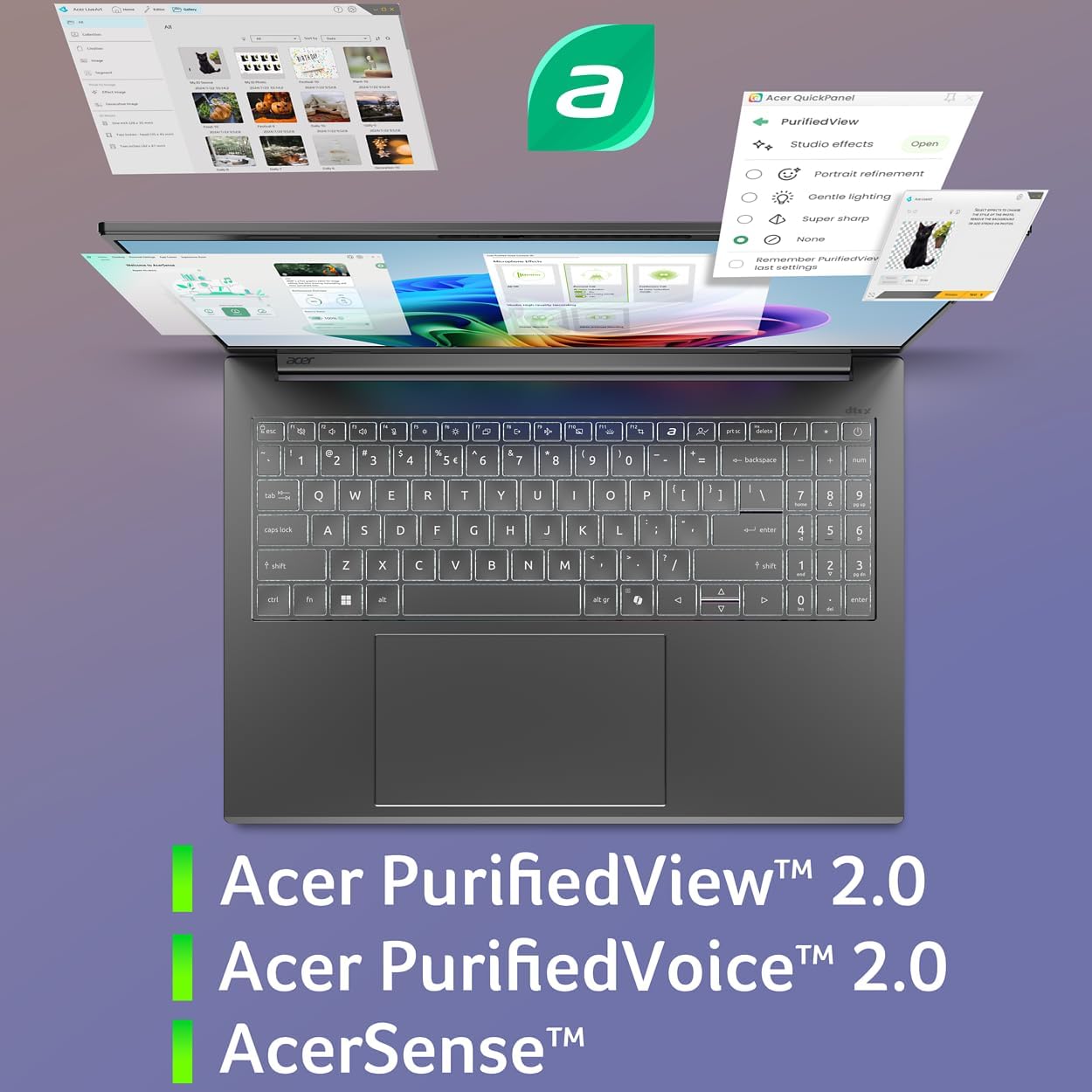
Streamline Your Settings with AcerSense – Intelligent Acer AI solutions are at your fingertips. Effortlessly get answers, streamline settings, optimize your video presence, and elevate communication. Experience intuitive AI that’s easy to use and seamlessly enhances your productivity.
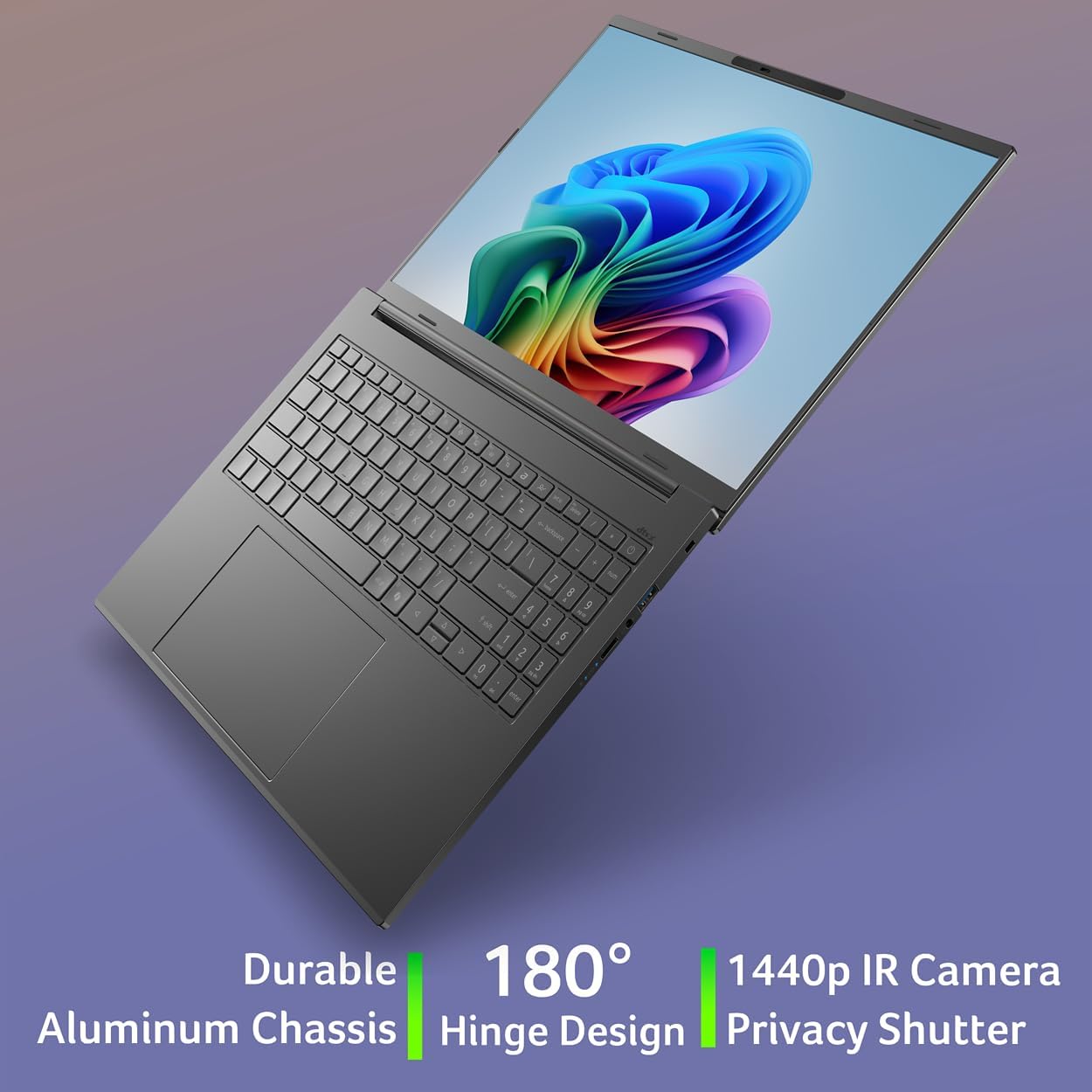
Style and Substance – Aspire 16 AI features a durable, thin and lightweight aluminum chassis in an ultra-modern design. A 180° lie-flat hinge delivers versatile convenience, making work, study, or creative projects easy wherever you go.
Better Video Calls Anywhere – The 1440p QHD webcam with Acer PurifiedView 2.0 puts your best face forward. Experience new supersharp resolution and portrait refinement features to go with automatic framing, advanced background blur, and gaze correction. Employing a 3rd mic and AI noise cancellation, Acer PurifiedVoice 2.0 suppresses unwanted background noise – ensuring voices heard and spoken are exceptionally clear and crisp.
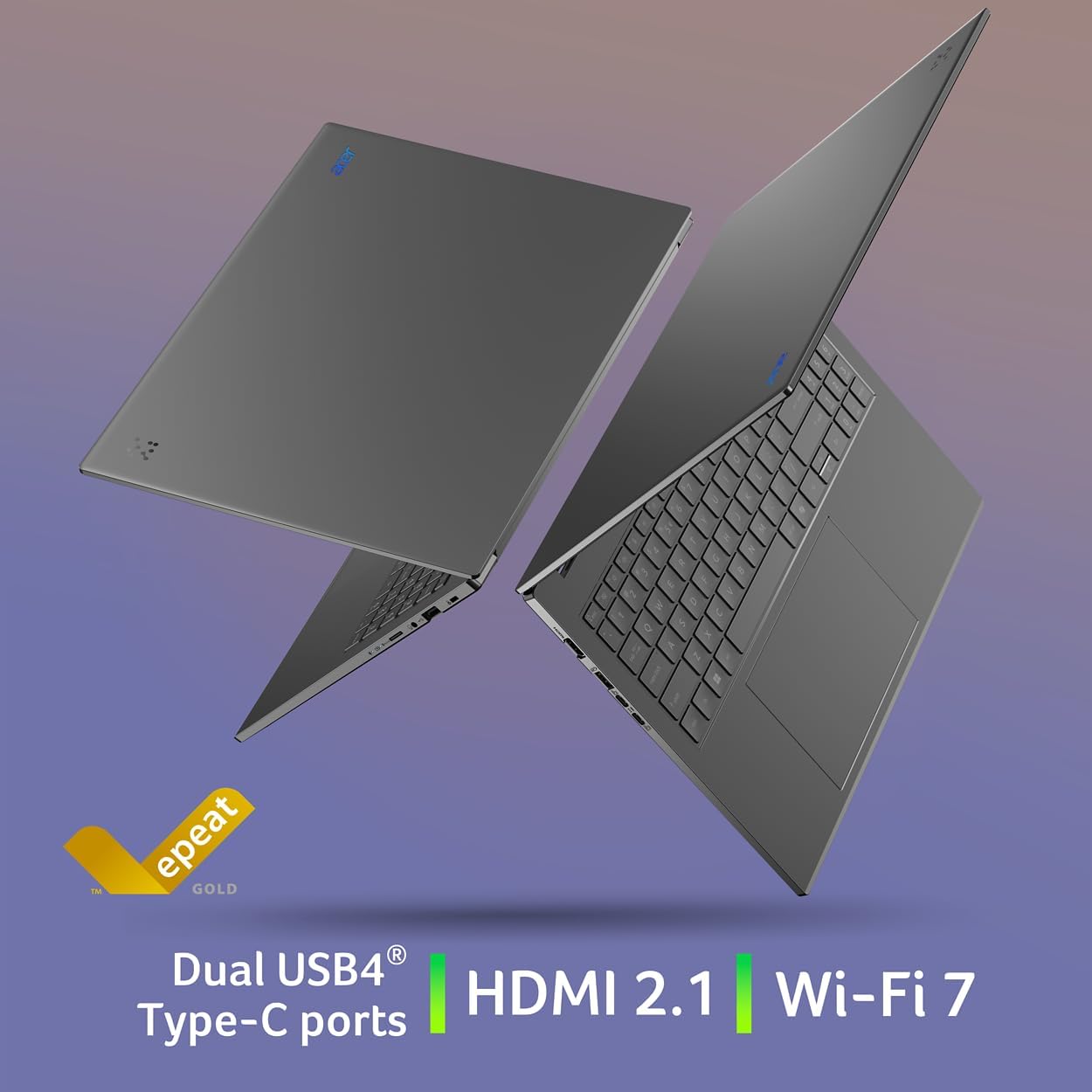
Designed With Purpose – Built with intuitive features for everyday versatility, Aspire 16 AI delivers practical convenience, including dual USB4 ports, a camera privacy shutter, and Bluetooth 5.3 – all while packaged in 100% recyclable materials and EPEAT Gold registered.
Snapdragon X X1-26-100 (30MB Total Cache) – CPU: Qualcomm Oryon CPU (8-Cores and 3.0GHz) – NPU: Qualcomm Hexagon NPU (45 TOPS) – GPU: Qualcomm Adreno GPU (Up to 1.7 TFLOPs) | Wi-Fi 7 supports dual-stream Wi-Fi in the 2.4GHz, 5GHz and 6GHz bands, including 2×2 MU-MIMO Technology | (MLO – Multi-Link Operation and 4K QAM | Supports Bluetooth 5.3 or above
16GB Onboard LPDDR5X Memory and 512GB PCIe Gen 4 SSD | 2 – USB Type-C Ports – support USB4 (up to 40Gbps), USB Charging & Power Delivery (Up to 65W) | 2 – USB 3.2 Gen 1 Ports (one featuring power-off charging) | 1 – HDMI 2.1 Port with HDCP Support | 1 – Headphone/Speaker/Line-out Jack | Up to 19-hours battery life (based on Video Playback Tests) | Up to 18-hours battery life (based on Web Browsing Tests) | System Dimensions: 14″ W x 9.85″ D x 0.63″ H | Windows 11 Home
8 reviews for Acer Aspire 16 AI Copilot+ PC | 16″ WUXGA 120Hz Multi-Touch Display | Snapdragon X | NPU: 45 Tops – GPU: Up to 1.7 TFLOPs | 16GB LPDDR5X | 512GB PCIe Gen 4 SSD | Wi-Fi 7 | A16-11MT-X669
Add a review

Chris –
Great laptop BUT…
I only have had this laptop for one day and I love it. I’m mainly using it for college. However before I get into all of that I want to talk about the battery life before you buy this. The ONLY way to get the extended battery life is using is on eco mode. Otherwise it’s a standard battery life of 6-8 hours depending on what you’re doing, screen brightness etc. That’s the little detail they leave out. Once in eco mode and mid level brightness it says it can last up to 18 hours. So hopefully that’s the case.I replaced this with my previous laptop being an Aver Inspire 5 which I loved and had for over 5 years. This new laptop is everything I need and then some. Nice big screen, HD clarity, backlit keyboard, touchscreen and even a slide to cover the camera. My favorite feature is when you walk away from the laptop it auto locks so no one can mess with your work. I got this on sale during Black Friday and worth it. I’ll update as time goes on but definitely worth the money early on.
Rebecca M –
Works with two external monitors!!!!
I felt like I was looking for the unicorn of laptops until I found this. I wanted a numeric keyboard, backlit keyboard and the ability to connect to two external monitors – this has all of those plus a touchscreen! I use Google and Dropbox for file storage so the 512GB of storage works for me and saved me a little money on a laptop with more storage.This was easy to set up and start using, removing some of the ads and junk loaded in was easy. I connected two external laptops, one via HDMI and one via USB-C (this laptop thankfully supports video) and they worked right away without having to refine any settings or search for monitors which made me SO happy. I’m able to charge via the second USB-C port so I’ll never have to choose between connecting to a monitor or charging. Connecting Bluetooth devices like keyboard, mouse, headset or Airpods was really easy and I find that they work seamlessly with the laptop, no lag at all.I find this to be fast and makes reading emails and searching online a breeze because I’m not waiting for things to load like I was on my previous Chromebook – it feels like a big upgrade.I’ve never had a Snapdragon processor but so far I’m happy with it. I find that it’s fast and the battery life is fantastic, one charge lasts all day depending on what I’m using it for.I would absolutely recommend this to someone looking for an affordable laptop for day-to-day tasks and connecting to external equipment when needs turn to more work-related jobs.
CMV –
Awesome wifi 7 computer
Love it so far. Copilot is a game changer
Amazon Customer –
A solid general purpose laptop
This is long, so the TLDR is that it’s a good laptop if you are using it like a laptop and aren’t hoping to turn AI flips. As a travel or school computer, I think you would be very happy with it. If you care for more detail, read on…==== First Impressions ====The laptop is sleek, lightweight, and has a large nice screen. I am usually not one for lighting effects, but the white glow off the side of the keys actually looks really nice.It’s been about 10 years since I last bought a laptop. One of the things that immediately struck me was the size of the trackpad. It’s massive! Maybe that’s how things are now, but the freedom of movement compared to my last laptop is great. But, there were no trackpad buttons on it so doing a right-click was a mystery at first (tap with two fingers to right click). Once figured out, it’s nice.Although, scrolling is still an issue. It’s just more awkward.Initial setup was smooth but irritating. There is no ethernet port so WiFi is REQUIRED to even boot up the first time. No ethernet port is nonsensical, so instead of being in my office I have to sit in the kitchen to use it.You also have to log in with a Microsoft account, to make sure they can track every single thing you do. This is more of a Microsoft issue than specific to the laptop, but that’s the OS it’s running so it counts.Lastly, the setup process is loaded with stuff to spy on you. Most of it wants you to agree, but not all. It was one question after another of can we monitor your browsing habits, can we upload your private data to our servers, and on and on. At this point, you have to expect some of this nonsense, but this went to the point of feeling like a strip search.Again, most of this was Microsoft, though some was Acer.Aside from that, it didn’t take too long and there were no issues.==== Speed ====It seems zippy for general use. Most of my laptop use is for web browsing, e-mail, and web-based apps. For that it’s plenty fast and there was no real difference between it and my powerful desktop system.==== AI Features ====I found these to be gimmicky. It’s all flash and sounds impressive, but none of it was actually useful. The closest would be image classification and search based off of a description, but most people will not be storing their family’s photo album on a laptop that may get lost or stolen. If you do, cool feature. But, even for the most photo-enthusiastic, I can’t see using that more than once a month.While it’s cool to be able to generate pictures that would be State Of The Art (SOTA) 2 years ago locally off of your own NPU, if you are doing it for anything other than playing around, you will be using something operating at today’s capabilities.==== Neural Processing Unit (NPU) ====This was what I was really interested in! The marketing around the idea makes it sound like using an NPU could be more powerful than a traditional GPU for running AI models.One thing to be aware of out of the gate is that the laptop’s Qualcomm Snapdragon processor is an ARM processor. This means that it’s running a special version of Windows and won’t run just anything (though for super common software it shouldn’t be a problem).Fortunately, LM Studio has an ARM version just for this, so I was able to get going and set up PHI-4 Thinking without any issues. The response speed was not bad, definitely within an acceptable range, but when I went to check processor usage what I noticed was that the CPU was at 80% and the NPU was at 0%.As it turns out, you can’t just run an AI model as you normally would. Instead, it has to have been converted from GGUF/llama.cpp that you would typically find as standard to Qualcomm’s vendor specific format (QNN). And that is, most certainly, not a plug and play option.Looking at Qualcomm’s AI Hub, which is their own central repository for AI models that are ready to run on their special hardware and that they use to promote their ecosystem, there are a lot of models to choose from, but they are not up to date. For example, they have Qwen 2.5 but Qwen 3 has been out for 4 months. Similarly, they only have PHI 3.5 and PHI-4 has been out for 9 months.The point being, Qualcomm’s Snapdragon and NPU feels like a dead end technology. Even the hardware manufacturer is letting it sit on the vine. This whole NPU thing sounds great, but nobody is using it and the models are limited.That said, if you have a need like efficient image recognition, it could still be useful.==== Everything Together ====While I think you should totally take out all the AI and NPU hype from your decision, it is a good laptop if you are buying it for a laptop. It is lightweight but still offers a good size keyboard, large screen, great battery life, much better speed than might be expected, and good ergonomics and physical appeal.If you are buying this to stay up on e-mail and web-based work while you are traveling or need something for school, this would be a really good fit and I actually have zero complaints (minus the no ethernet port, which irks me).I have also not heard any fan noise and only felt slight warmth if I put my hand on the bottom after extended periods of heavy CPU use. My guess is that it is just super efficient so it doesn’t generate much heat, while performance is still good. Silence and staying cool is a definite plus.So for typical laptop uses, I love it.
Stuart Miller –
Great budget laptop
Product performs as described. Great budget laptop.
Robert S –
Aluminum frame.
Very nice sturdy laptop so far. Have been very happy with Acer.
Amazon Customer Maeve –
Finally
I’m truly pleased with this Acer laptop.
L. Gino –
Worth it
Sleek, smooth Ana’s fast.