
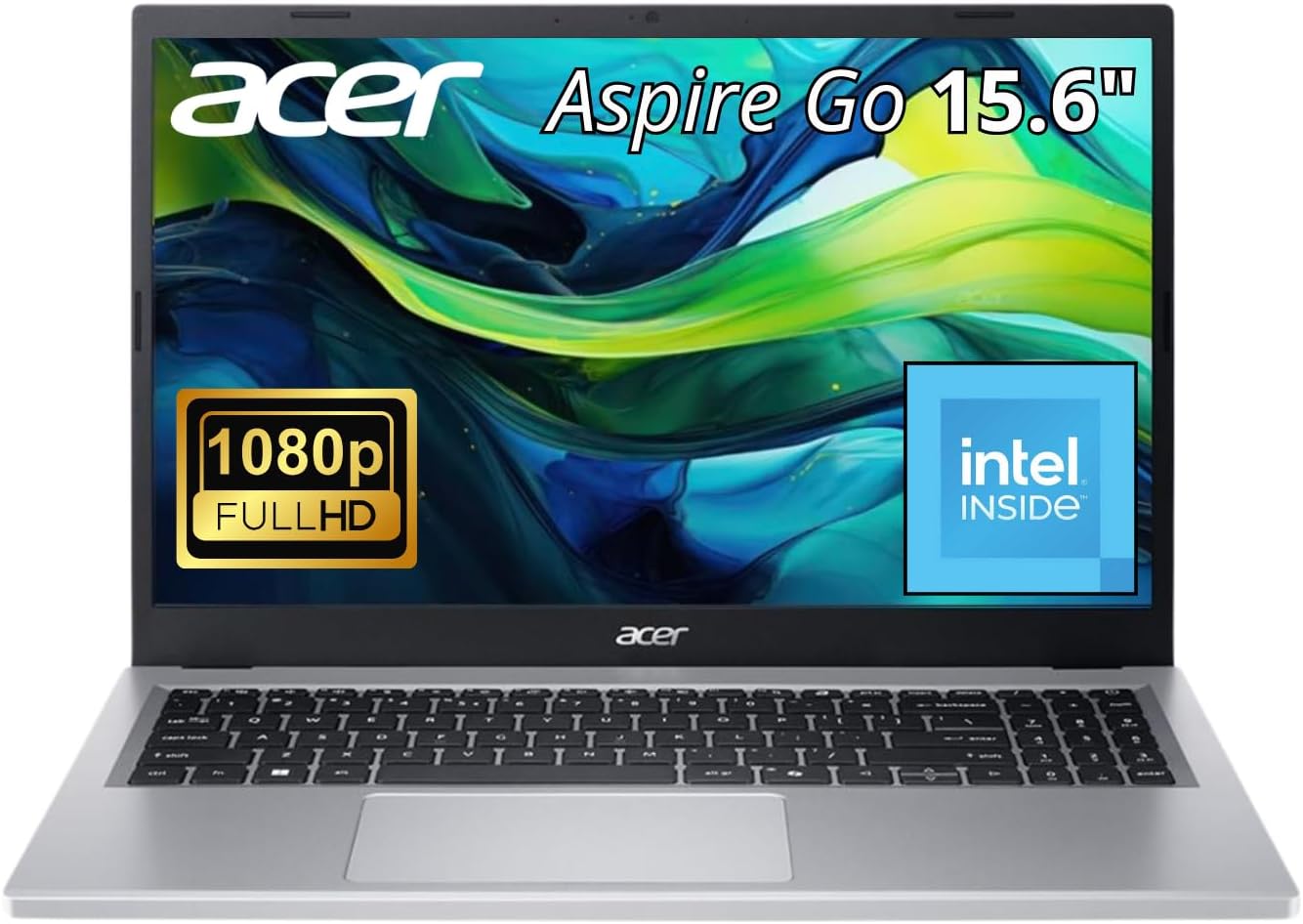
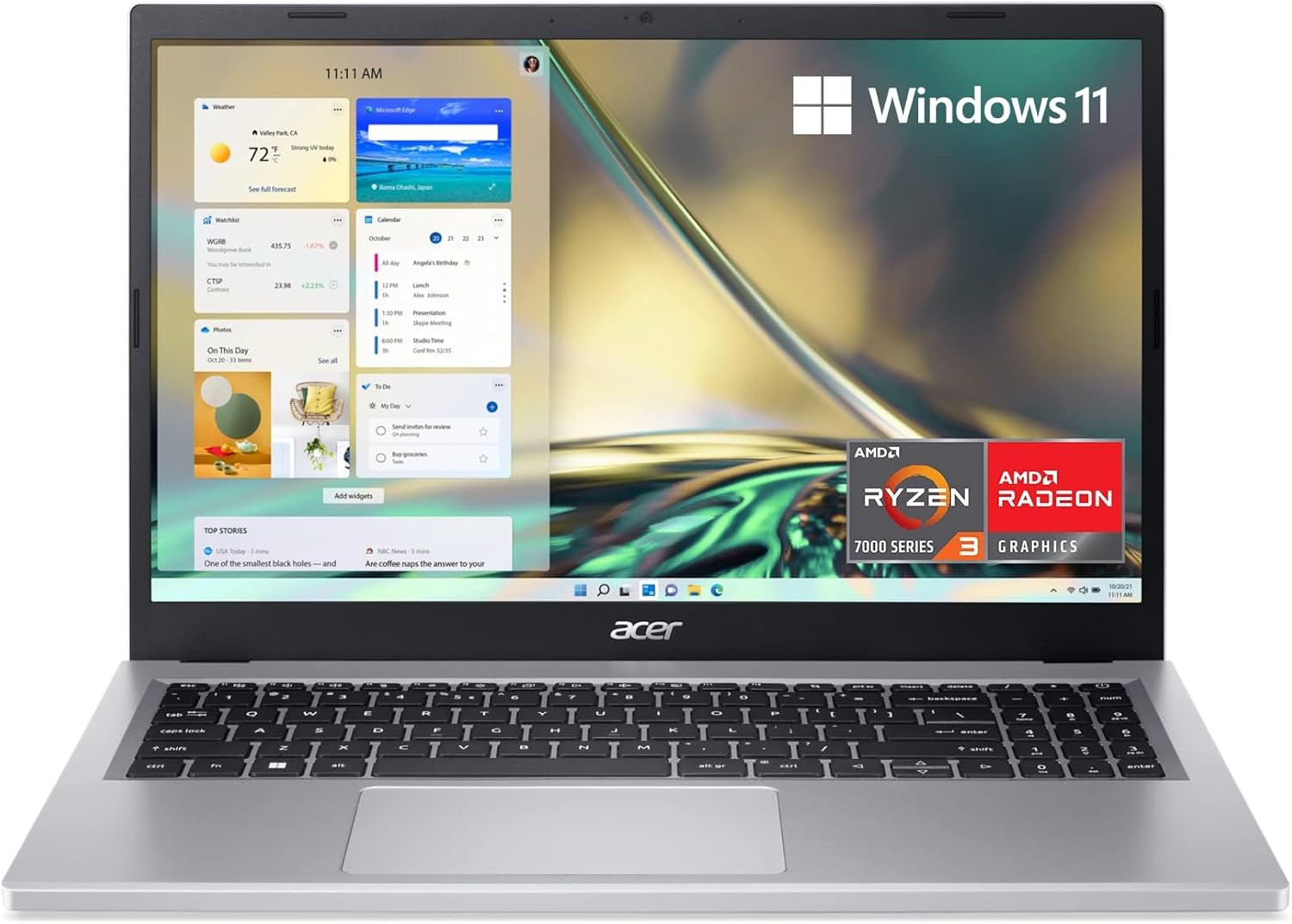
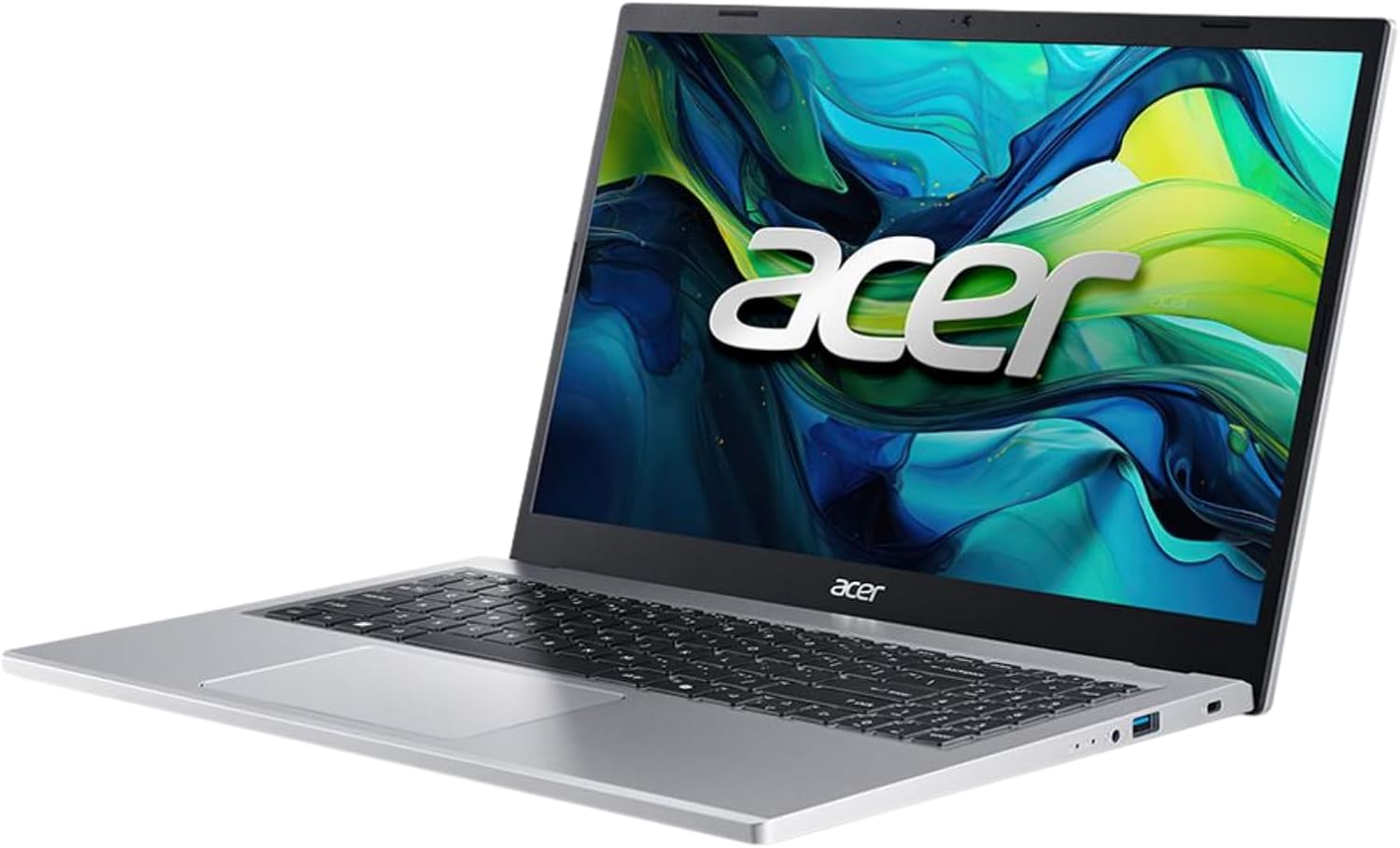
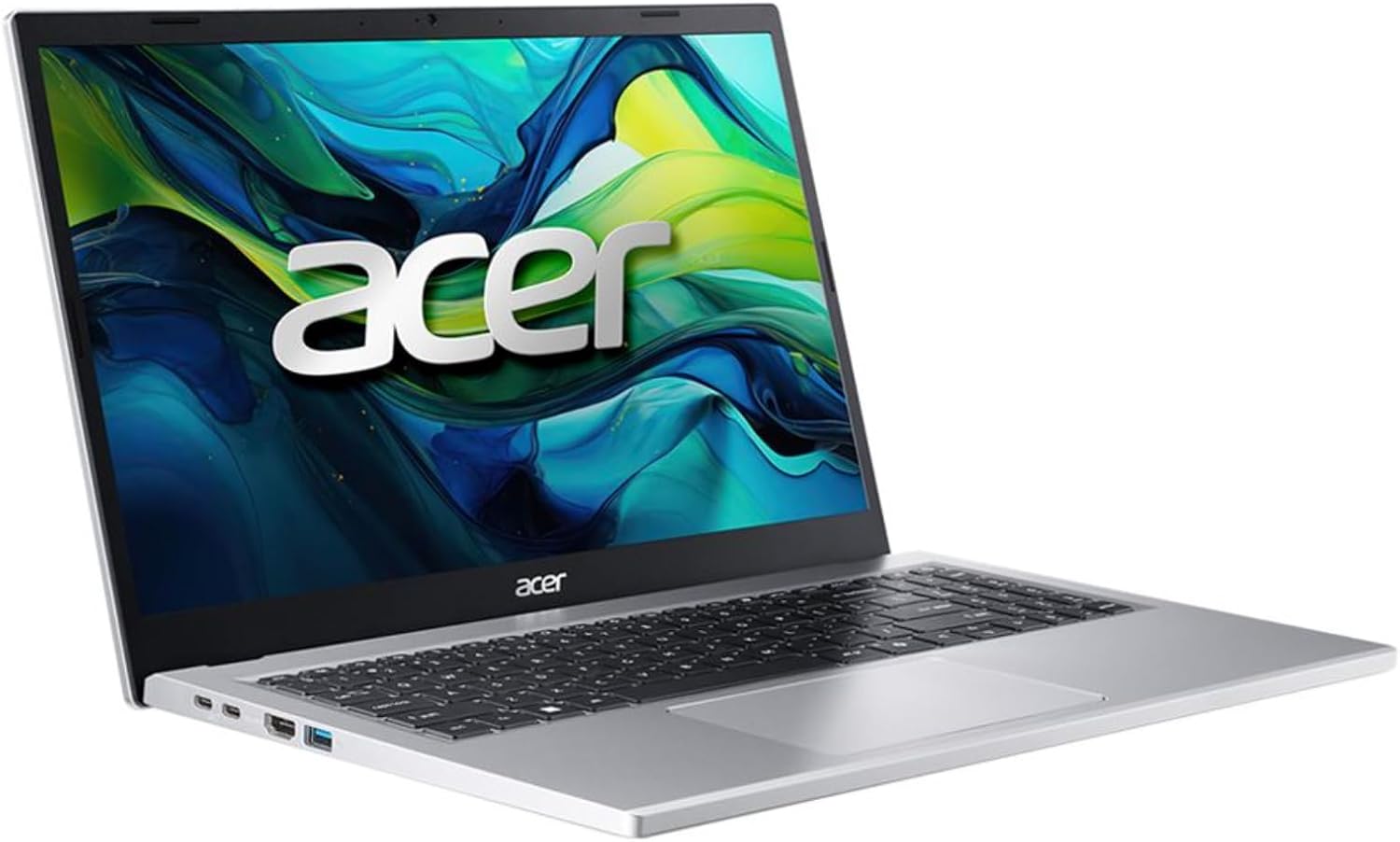
acer Aspire Go 15 Slim Laptop G15-32P-30YE | 15.6″ FHD IPS Display | Intel Core i3-N305 | 16GB LPDDR5 RAM | 512GB PCIe Gen4 SSD | Intel Graphics | Wi-Fi 6 | Bluetooth 5.2 | HDMI 2.1 | USB-C | W11H
$499.99
Related Products



From the brand

Innovation. Power. Style.
Acer’s computer line blends sleek design with cutting-edge performance, offering laptops and desktops that meet diverse needs.
Acer

For the Many, Not the Few
Acer exists to make technology accessible to as many people as possible.
Acer sees problems not as things to be solved, but as opportunities to better understand the ever-changing needs of end users. Everything Acer makes carries its customers and the industry forward. If it’s not improving lives, it’s not worth making.Acer makes products for the many, not the few. Its drive doesn’t come from publicity or awards, but to empower people.
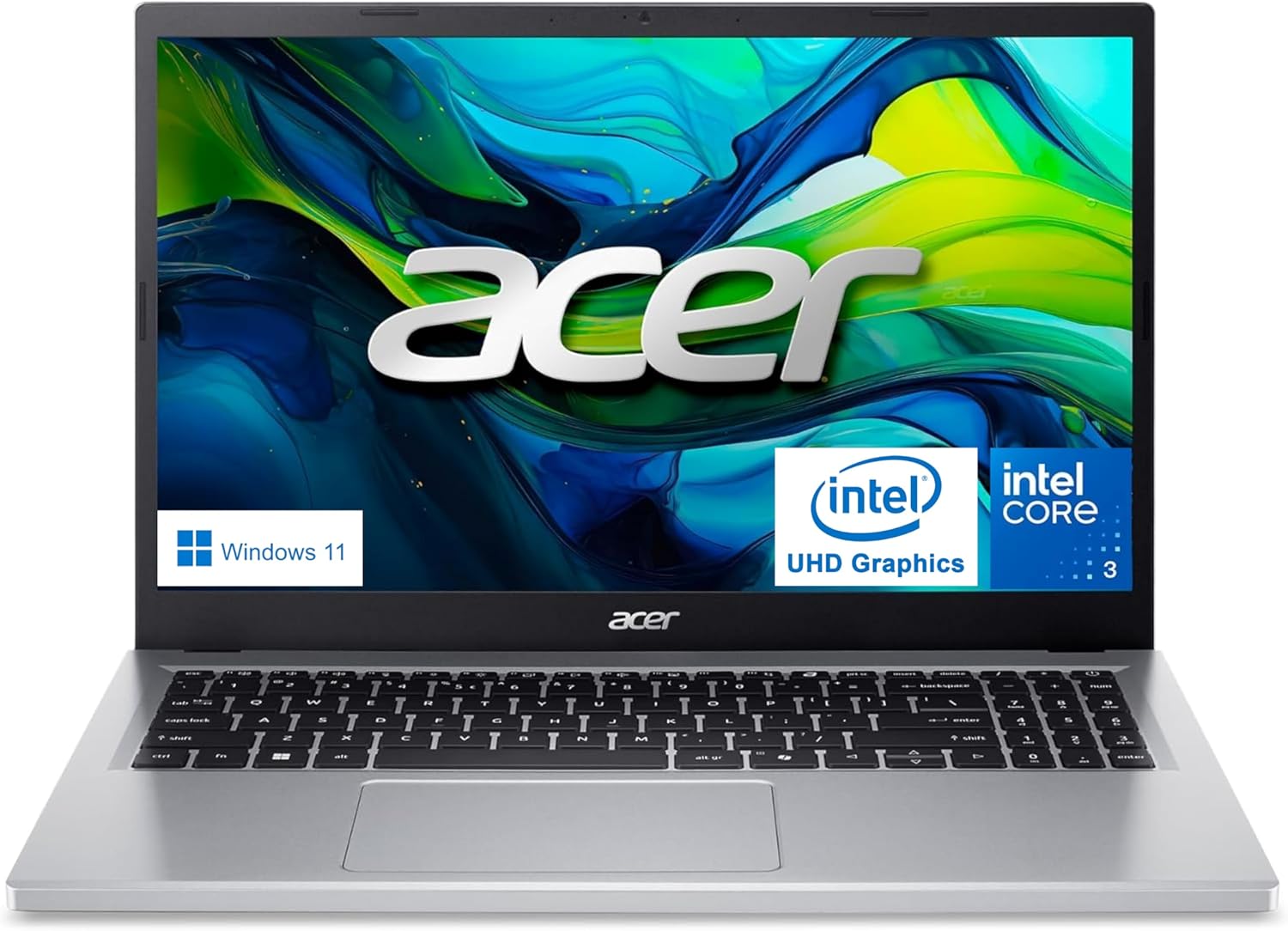
Full HD IPS Display: Experience sharp visuals with a 15.6-inch Full HD IPS display that delivers clear images and wide viewing angles for work, study, or entertainment
High-Speed Memory: 16GB of modern DDR5 RAM ensures fast multitasking, quick switching between apps, and enhanced performance
Large Storage Capacity: Store more and access files quickly with a large and responsive 512GB PCIe Gen4 SSD for work or study needs
Efficient Processing Power: Enjoy smooth performance for everyday computing tasks powered by an efficient Intel Core i3-N305 processor
Advanced Connectivity: Stream, browse, and video chat with reliable Wi-Fi 6 and Bluetooth 5.2 for faster and more stable wireless connections
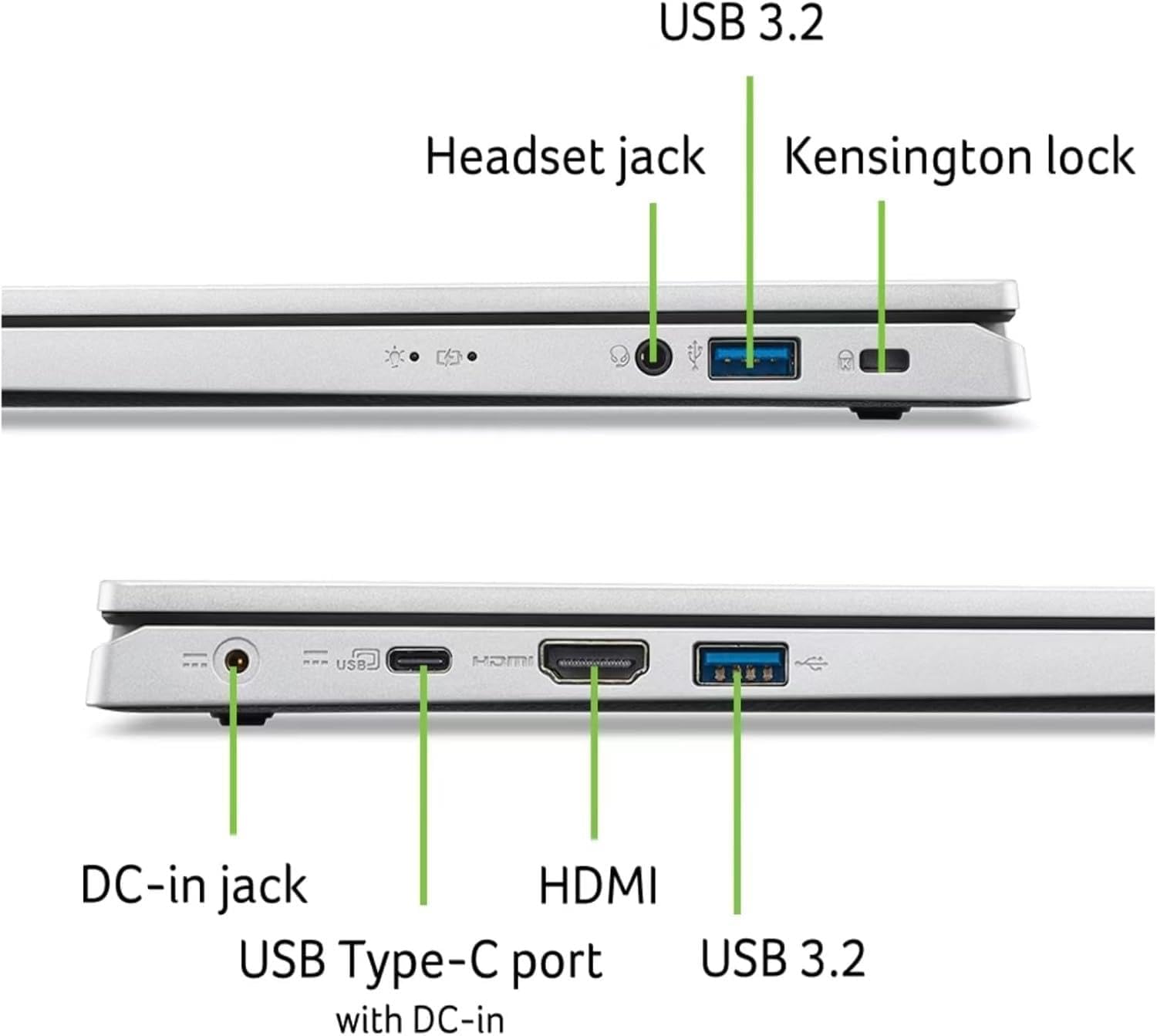
Modern Port Selection: Equipped with HDMI 2.1 and USB-C ports for versatile connectivity to external displays and peripherals
Integrated Graphics: Intel UHD Graphics provide smooth visuals for everyday tasks including video streaming and web browsing
2 reviews for acer Aspire Go 15 Slim Laptop G15-32P-30YE | 15.6″ FHD IPS Display | Intel Core i3-N305 | 16GB LPDDR5 RAM | 512GB PCIe Gen4 SSD | Intel Graphics | Wi-Fi 6 | Bluetooth 5.2 | HDMI 2.1 | USB-C | W11H
Add a review

$499.99
Suzie henry –
Easy setup
Easy to use
owner of Westies –
It did take a long time for the update of Windows to load, which was the first step. You need to be very patient and walk away from the laptop. The laptop will get it done. Once that step was over, it took only a couple of minutes to finish setting up the laptop – connecting to Onedrive and setting up email. My Dad really is enjoying his new laptop.