
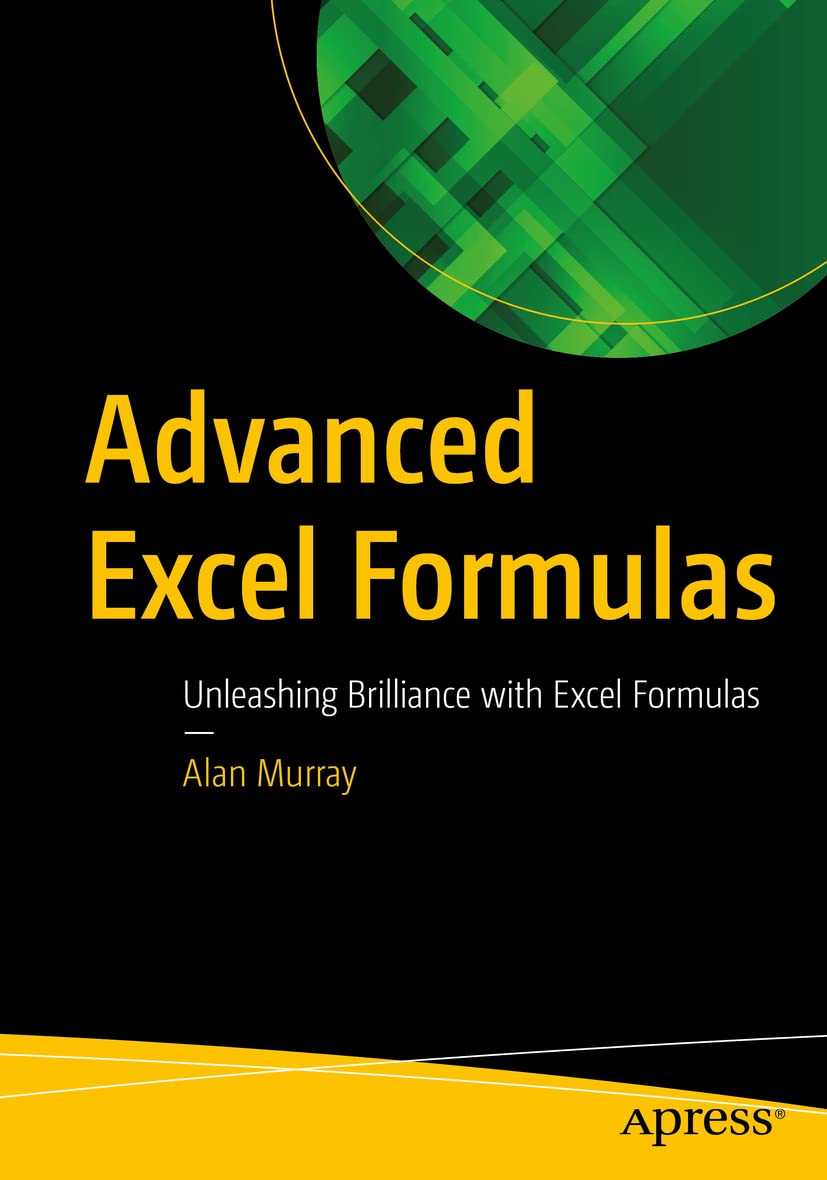
Advanced Excel Formulas: Unleashing Brilliance with Excel Formulas
Original price was: $54.99.$31.22Current price is: $31.22.
Related Products



Enhance and upgrade your Excel knowledge with this comprehensive guide to formulas in Excel. Over 150 of the most useful Excel functions are covered with numerous practical examples of their use. This book is fully updated and includes examples of the most recently released functions in 2022. It is written in a manner that you can read it cover-to-cover or pick it up and learn something new in just 5 minutes.
The book begins with a primer on Excel formulas and functions. Starting from a basic level, but diving into intricate detail and building a solid understanding of the fundamentals. It may not always be sexy, but learning why, in addition to how, is important to truly understanding Excel formulas. Having strong fundamentals is the most advanced skill.
The book covers all the most popular functions in Excel including VLOOKUP, SUMPRODUCT, COUNTIFS, MATCH, SORT and so much more. You will learn how to return multiple results with a single formula. Harness the power of the dynamic array engine and functions such as SEQUENCE, SORTBY, UNIQUE, XLOOKUP and FILTER to create top N Lists, models and reports that would seem impossible without array formulas. In the final chapter, we discover the amazing LAMBDA function in Excel. Create your own Excel functions to simplify future Excel formulas and share them with others.
In this book, the formulas are not only written to return values to the grid, but also for use with other Excel features such as charts and Conditional Formatting, to take them to another level. Practice files are provided to follow all examples shown in the book.
What Will You Learn
Gain intimate knowledge of Excel formulasUnderstand efficient and practical use of Defined Names and TablesMaster the most popular functions of Excel – VLOOKUP, COUNTIFS, MATCH, SUMPRODUCT, and so much more
Learn to return multiple results from a single formulawith the magical array formulas.Know the best lookup functions for dynamic spreadsheetsKnow true power of classic Excel functions such as IF, SUM, and INDEX
Use new Excel functions including XLOOKUP, VSTACK, LET, and LAMBDA
Who Is This Book For
Excel users who are familiar with formulas but want to improve their current skill level
Publisher : Apress
Publication date : August 29, 2022
Edition : First Edition
Language : English
Print length : 846 pages
ISBN-10 : 1484271246
ISBN-13 : 978-1484271247
Item Weight : 3.2 pounds
Dimensions : 7 x 1.5 x 10 inches
Best Sellers Rank: #93,160 in Books (See Top 100 in Books) #16 in Microsoft Office Guides #17 in Microsoft Excel Guides #22 in Spreadsheet Books
Customer Reviews: 4.8 4.8 out of 5 stars (75) var dpAcrHasRegisteredArcLinkClickAction; P.when(‘A’, ‘ready’).execute(function(A) { if (dpAcrHasRegisteredArcLinkClickAction !== true) { dpAcrHasRegisteredArcLinkClickAction = true; A.declarative( ‘acrLink-click-metrics’, ‘click’, { “allowLinkDefault”: true }, function (event) { if (window.ue) { ue.count(“acrLinkClickCount”, (ue.count(“acrLinkClickCount”) || 0) + 1); } } ); } }); P.when(‘A’, ‘cf’).execute(function(A) { A.declarative(‘acrStarsLink-click-metrics’, ‘click’, { “allowLinkDefault” : true }, function(event){ if(window.ue) { ue.count(“acrStarsLinkWithPopoverClickCount”, (ue.count(“acrStarsLinkWithPopoverClickCount”) || 0) + 1); } }); });
12 reviews for Advanced Excel Formulas: Unleashing Brilliance with Excel Formulas
Add a review

Original price was: $54.99.$31.22Current price is: $31.22.
Jeff Stevens –
THE best book on Excel functions and formulas
As many data aficionados know by now, Microsoft Excel has changed a LOT since 2018. The introduction of dynamic arrays (SORT, XLOOKUP, FILTER and a whole host of other new functions) as well as LET and Lambda to allow users to create fully customizable reports and analyses with even one just formula has been a complete game-changer. Using this new set of tools in the most robust and efficient way is a must for anyone who doesn’t want to be left behind. However, most Excel users are still only using VLOOKUP, Pivot Tables and possibly SUMIFS formulas as the most advanced tools in their spreadsheet arsenals. And that is seriously NOT cutting it any longer!Until now the only way to really learn this new data environment was though a lot of research and much trial and error. Fortunately for all of us, there is now this excellent book, Advanced Excel Formulas by Alan Murray (from Comptergaga.com and a long time Microsoft MVP and Excel trainer). Throughout this comprehensive book from Alan (along with technical editing by one of my Excel mentors, Mark Proctor), you get the full lay of the land of this new environment. After finishing the book, I can safely say that Alan covers the entirety of this new data landscape. Starting with the basics that we’re all familiar with, he goes through the importance of using Tables (something I’ve been advocating for many years now) as well as the newer functions for manipulating text, thorough reviews of the best older functions (VLOOKUP, SUMPRODUCT, and CHOOSE/SWITCH) and many chapters on the newer functions listed above before finishing up with the uses of LET, Lambda (creating your own functions without VBA) and all of the Lambda helper functions.If you’re at all interested in upping your Excel game, this is a must-have resource and one I’ll be going back to many times as I work on incorporating all that I’ve learned into my work. Highest recommendation.
Zach –
Taking Hard Concepts and Simplifying Them
This book is incredible, I’ve never seen someone break down concepts like Xlookups in such simple terms. They have a GitHub with all of the sample files to work along with too. I’m so happy I found this book!
Rame Ahmetaj –
Website found with difficulty
Had some difficulties to find the website because of the added brackets on the web address.
David H Ringstrom –
A comprehensive Excel reference
This book is chock full of over 500 formula examples, but it’s so much more than a formula reference book. The author covers Excel features as well. When I first opened the book I landed in Chapter 2, “You Need To Start Using Tables”. You’ll learn about Conditional Formatting, Name Manger, Data Types, and recent editions to Excel, such as in Chapter 12: “XLOOKUP: The New Kid on the Block.” The closes out with Chapter 15, “LET, LAMBDA, and the Helper Functions.” Not only will you learn how to use Excel worksheet functions, you’ll find specific uses, such as calculating pay rate based upon day of the week. I highly recommend this reference book!
ISAAC SAPATO –
Recommend
Very good book
JBK –
Great book!
Really helpful book that explains the ins and outs of excel. Highly recommend this book!
Kathi Mills –
A wonderful addition to the reference books on my desk
Full disclosure: I was fortunate enough to win a print copy of this book by answering a question the author posed — “What’s your favorite Excel function?”I found the question preposterous, because each has a special place in my heart. AND, I have discovered, they each have a special place in this wonderful resource. It’s obvious that Alan spent considerable time compiling the book and each function is introduced with the Microsoft explanation of the function, syntax, and arguments. OK, that’s all available online or in the help within Excel, so what’s the big deal you ask? The big deal is that after all the explanation of everything you likely don’t need to understand, Alan shows a “real use” scenario. All well and good, but not really earth shattering. But then, the true value is realized as alternative uses are shown. Almost as if you can hear Alan in your head saying, “have you ever considered doing THIS, though?”I am lucky to have MS365 to use for work and consider myself on the low end of the Advanced Skills spectrum, but a lot of our clients don’t have 365 therefore don’t have all the new functions I love. If you want an good understanding of the new functions then this is a great book for you. If, like me, you are sometimes forced to go back to the old-school (painful, in retrospect) way of doing things, this is the book for you.I will say that I have referred to this book several times just to remind myself how I used to get things accomplished. XLOOKUP is my a function that I use so often these days that I had to go back to this book to figure out why my VLOOKUP wasn’t working. Duh, I forgot about the FALSE argument.If you’ve seen the Table Of Contents you get a sense of the author’s sense of humor. It is well organized by function types, but the chapter titles are pun-filled. For example, “XLOOKUP: The New Kid on the Block” and “The Infamous VLOOKUP Function”There truly is something for everyone to gain in Advanced Excel Functions. My only fear is that new editions will have to be published every year and I’ll run out of room in my bookcase.
Gerrydir –
The book is easy to follow and explains formulae clearly and you can download examples. It is fully up to date and a must by for newbies and experts
Alex –
The author has taken a great effort to explain the formulas with pictures. The paper and print quality of the book is good. It has black and white colours unfortunately.Experts may find it not that interesting but its good for the rest.
Sandy –
Simply the best book on advanced Excel functions! You get a solid understanding of advanced Excel functions and the book also provides excellent practical tips and tricks for use cases of these functions.
Client d’Amazon –
Ce livre est la Bible des formules ! 800 pages !C’est l’Evangile manquant d’Excel et Alan Murray est le Messie !Si vous voulez performer et devenir un expert des formules Excel, de la plus basique à la plus avancée, ce livre est fait pour vous !Merci Alan pour ce magnifique travail, vivement le tome 2 !Et pourquoi pas un tome spécial sur “Power Pivot & Power Query” ?
Andrew Howe –
I managed to get a paper copy for 9.99 (and an ebook for 7.99 at Springer / Apress). Buying in this price territory is a *complete* no-brainer. I ordered it immediately. I now have it and am impressed. It’s not the most advanced Excel / VBA book I’ve got – it classifies itself as intermediate and I have all the PED and RibbonX stuff – but it may rapidly become one of the most useful. Why?Informed Excel types know that there has been an explosion in Excel formulae since around 2018, most being dynamic arrays. As an example, if you wanted to calculate the number of distinct items in a range you used to have to be a bit of an Excel guru (sort data and use formulae) or VBA guru (use dictionaries). Now you can just type =COUNTA(UNIQUE(myrange)). Job done in 10 seconds.The problem is that Microsoft is making Excel better – in particular the function range – faster than most of us can keep up. FWIW I’ll also say that the usefulness of functions is also improving; I used to use about 1/5 of the functions, but expect I use 1/2 of the post-2018 functions.For me I can see this book will have (at least) three purposes:1) A refresher on older functions with examples of creative use which I’ve missed. For me that’s useful but a fast read; I don’t expect to learn a *huge* amount, but it would be great to be wrong.2) A central repository of the more recent functions – I’m thinking mostly 2018+ stuff i.e. dynamic arrays. As noted above, it’s quite hard to keep up.3) Similarly creative and real-world use of (2). This book is much more than a list of functions and syntax.In theory one might have been able to pull all the above from collating web-based stuff, but to be able to get this quality coverage in one place is invaluable; the alternative is tens of hours effort with an uncertain result.My one concern about buying the book was the level of the content and the balance between (1) above and the rest; I’d got the table of contents a while back and feared that I wouldn’t get much out of it before chapter 10. Having got the book I can now see that there’s enough quality material in chapters 11+ to make getting it worthwhile, even at a higher price and even if I got *zero* from chapters 1-10 – unlikely of course.So, thoroughly recommended for those who want a 21st-century take on Excel functions.