
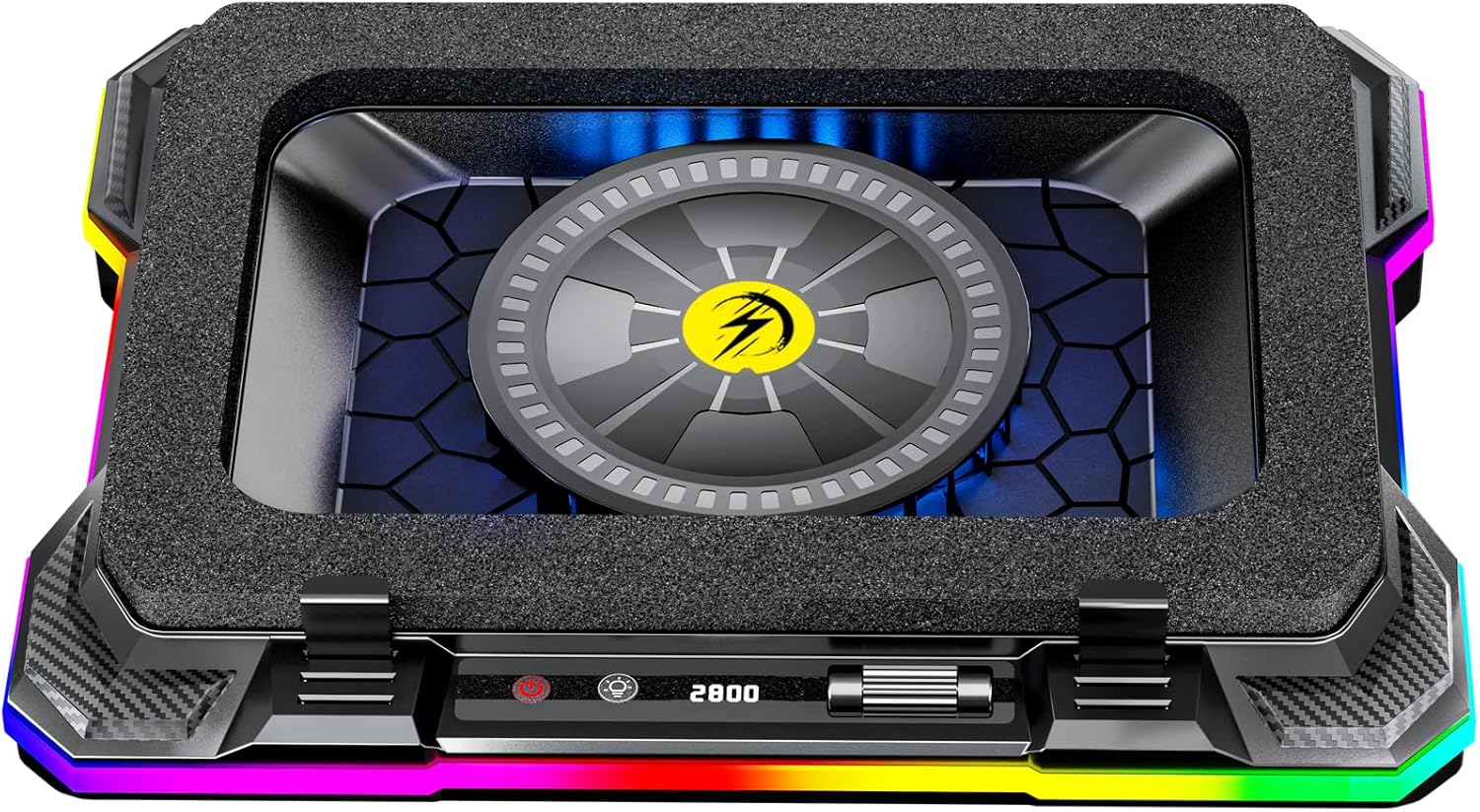
AICHESON Gaming Laptop Cooler Cooling Pad, Ultra Cooling with 10°C-35°C Temperature Drop, RGB Turbo Fan Stand Base for 14-19 inch Computer Laptops
$69.99
Related Products
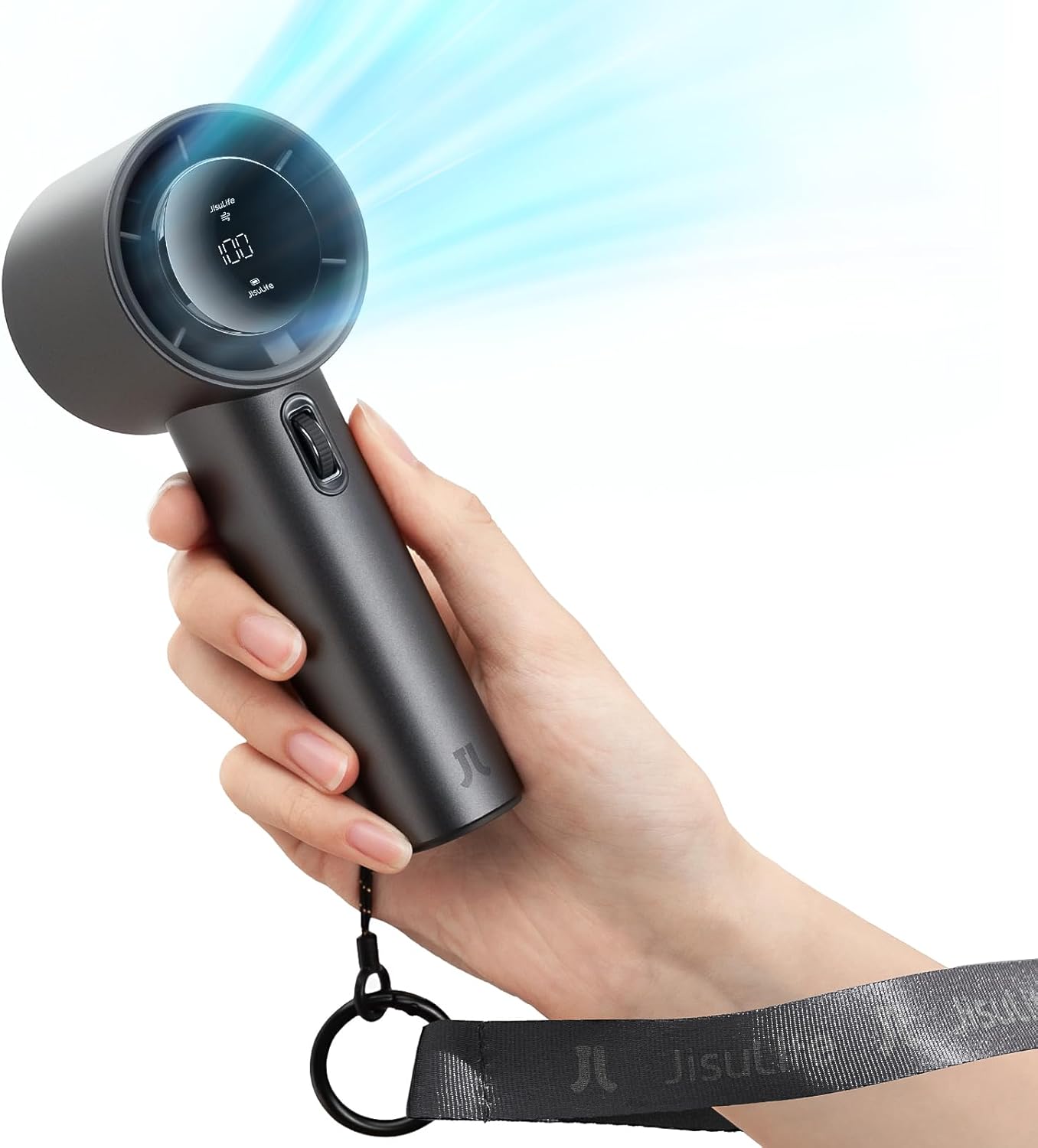
![JISULIFE Handheld Mini Fan, 3 IN 1 USB Rechargeable Portable Fan [12-19 Working Hours] with Power Bank, Flashlight, Pocket Design for Travel/Summer/Concerts/Lash, Gifts for Women (Fuchsia)](https://bestdealsavvy.com/wp-content/uploads/2025/12/61D9HgfRiaL._AC_SL1500_.jpg)



Product description


1 Cool RGB Lights
2 Ergonomics
3 4 in 1 HUB
4 Easy to Control


1 Strong Turbo Fan
2 Button Panel
3 Sealed Foam
Model K1 12V Fan 140mmx140mm Airflow 72.8MmH2O Fan Speed 600-2800RPM Cooling Effect 10°C-35°C in CPU and GPU RGB Lights 10 Modes, Turned off seperately Noise Level 28-78dBA Compatibility 15”-19“ Laptops Ports 1x USB C(Connect to laptop) , 4 x USB A Power 12V 36W
Take a look at other models of ccoler from AICHESON!
Add to Cart
Add to Cart
Add to Cart
Add to Cart
Add to Cart
Add to Cart
Customer Reviews
4.2 out of 5 stars 63
4.2 out of 5 stars 498
4.4 out of 5 stars 130
4.3 out of 5 stars 10,684
4.3 out of 5 stars 2,779
4.3 out of 5 stars 1,108
4.2 out of 5 stars 498
Price
$69.99$69.99
$22.67$22.67
—
$24.37$24.37
$39.97$39.97
$18.87$18.87
$39.97$39.97
Fans Quantity
1
1
1
5
15
6
15
LED Lights Color
RGB Lights
Blue Lights
RGB Lights + Blue Lights
Blue Lights
RGB Lights + Blue Lights
Blue Lights
RGB Lights + Blue Lights
USB Ports Quantity
4
2
2
2
2
2
2
Adjustable Stands
✔
✔
✔
✔
✔
✔
✔
Adjustable Fan Speed
✔
✔
✔
✔
✔
✔
✔
Item Dimension
16.85″ x 12.5″ x 2.95″
15.75″ x 11.41″ x 1.26″
16.85″ x 12.5″ x 2.95″
15.95″ x 11.02″ x 0.98″
15.75″ x 11.4″ x 1.5″
13.58″ × 9.84″ × 1.26″
15.75″ x 11.4″ x 1.5″
Item Weight
3.5 lb
1.7 lb
3.5 lb
1.93 lb
3.2 lb
1.53 lb
3.2 lb
Compatibility
15″-19″ Laptops
13″ -17.3″ Laptops
15″-19″ Laptops
15.6″ – 17.3″ Laptops
15″ – 17.3″ Laptops
11″ – 15.6″ Laptops
15″ – 17.3″ Laptops
[Superior Cooling Performance] With a large 5.5 inch cooling fan, 600-2800RPM airflow pressure at 72.8MmH2O, and an operating voltage of 12V 36W, the laptop cooler ensures lower your laptop’s CPU and GPU temperatures by 10°C-35°C
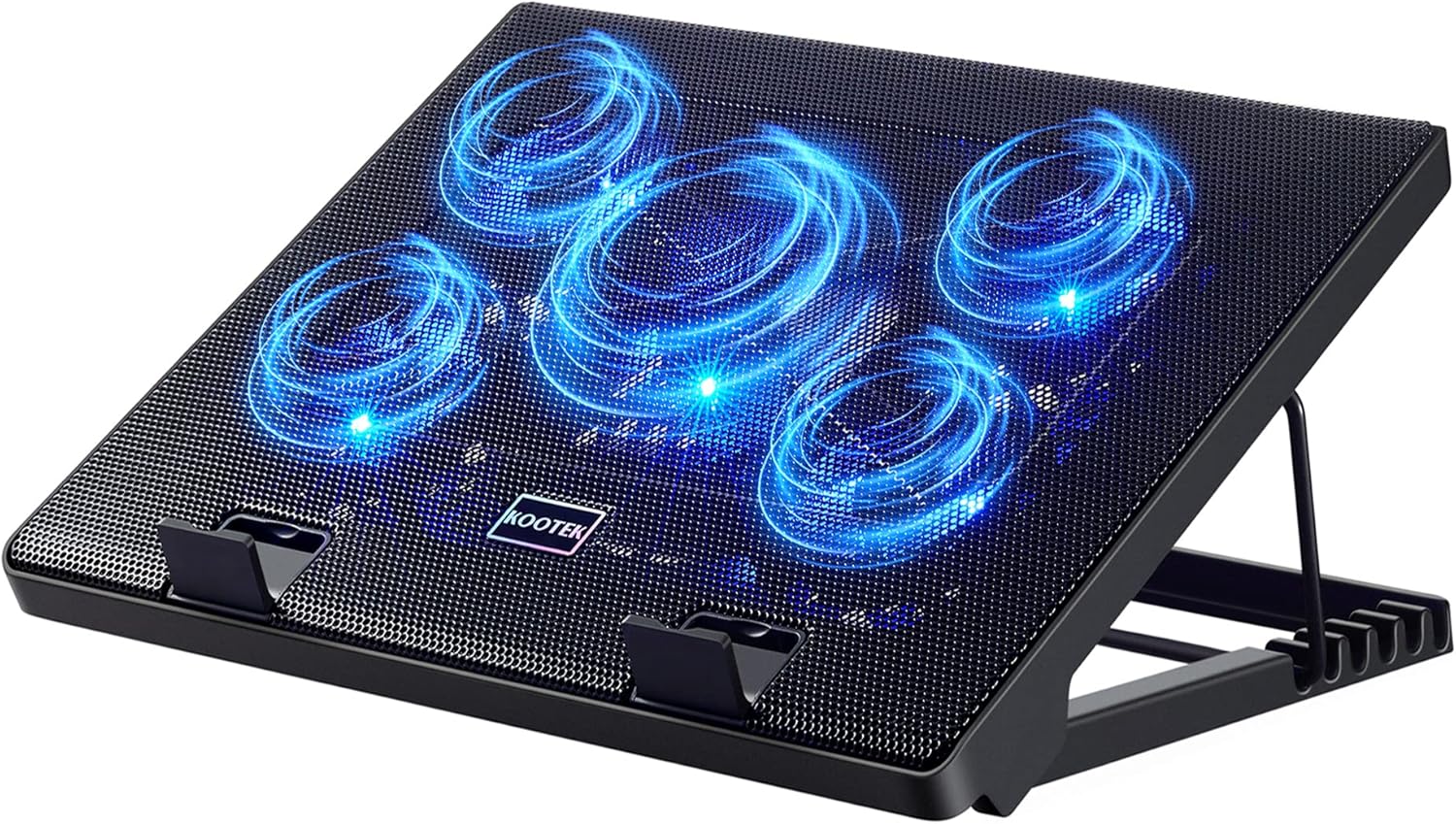
[Adjustable Heights] 7 levels of height adjustment, 20-40 degrees from 14.5-21.5cm / 5.7″-8.5″ for ergonomic comfort, the computer fan prevents and relieves shoulder and neck problems
[Dynamic RGB Lighting] With 10 adjustable modes with a memory function to recall your last setting, or turn it off completely, the laptop fan cooling pad allows you to set a gamer atmosphere when gaming with your team
[Versatile Compatibility] The Laptop cooling stand measures 16.85″ x12.44″ x2.3″, compatible with 14-19 inch laptops with magnetic memory foam for a secure fit. At the front of the laptop stand with fan, a control panel makes it easy to adjust fan airflow, RGB lights setting
[Multi-Scenario Noise Levels] The laptop cooling pad & external fan make an amazing noise. We suggest using 600-1100RPM with low noise for normal use, adjusting to 1200-1700RPM when editing videos, 1800-2800RPM for intense gaming
8 reviews for AICHESON Gaming Laptop Cooler Cooling Pad, Ultra Cooling with 10°C-35°C Temperature Drop, RGB Turbo Fan Stand Base for 14-19 inch Computer Laptops
Add a review

$69.99
Drew –
Very loud but cools by 30 degrees for my HP Omen gaming laptop
Power on/off button does not work however it was purchased used and open box. It starts just being plugged in. When playing Microsoft flight simulator 2020 the above temps of 200 CPU and 148 ish GPU were average. When the fan was turned on at max CPU averaged 160-166 and GPU was 130-136 which is a drastic plummet in temps. I will say that this fan is absurdly loud. Thats to be expected for as powerful as it is however you will no longer be playing without headphones if you turn this on max. Even with headphones on it can be heard through them unless their noise canceling. The purpose of my purchase was to cool down my laptop significantly which is what it’s done. I don’t care about the power button working or not so I will keep it as again, it was already open box which is why it might’ve been returned to begin with.
Viktor –
Good!!
Very good, recommend it!!
Billy Melvin –
Great Temp Drop
Reduced GPU Temps on my ASUS Tuf Dash Laptop from 81c to 57c. However, those temp drops come with a loud fan, wort it.
Elsewhere –
Some Major Design Flaws
Cools down the laptop significantly, but the included power cable is definitely way too short. Investing in a power cable with a longer wire solves this issue.Another con I would have is that without looking it’s hard to guage if the ‘feet’ are fully locked into place because it tends to disengage if you lift your laptop up by any small amount.UPDATE:On further inspection, the laptop is actually very cheaply built. After a while the adjustment knob WILL break off completely and fall directly through into the cooler chassis.Pictures included explains how poor the build quality of this cooler is and just how likely that this same situation will happen to your purchase.
Luke –
LOUD!
You remember when you were a kid, getting your game on, and suddenly your mom comes in with the vacuum? This thing is the vacuum… This is my first cooling pad, as a former desktop gamer, so I’m not sure how it compares to others. I was looking for a slightly larger cooling pad since my laptop measures 17.5″ wide at the base and bottom vents are at the back quarter. The fan cavity of this pad seemed logical for optimal flow with my laptop. It moves a lot of air and does keep my laptop cooler than without it. The laptop’s internal fan temperature reading would suggest otherwise, but the air coming out of the exhaust vents is cooler and the keyboard doesn’t get warm like it does without the cooling pad. This thing is also IncRedibly loud in my opinion. Even at lower speeds it’s significantly louder than my laptop’s fans at max speed. The cooling pad is bearable on max speed with a closed-back headset on but without a headset it’s like a jet is taking off from the room. You will need to adjust your TV volume for this one. Noticeable vibration felt on the keyboard and desk from the fan at most speeds. Plastic case is very light and feels very cheap, the fake carbon fiber is.. just that. The foam padding helps seal the laptop to the pad but I can still feel a lot of air leaking all around the laptop. The foam is slickly magnetized to the case which makes it nice for removal and cleaning. The RGB is lackluster, kind of reminds me of toys from the 90s. I turn it off regardless because it’s not my jam. The wheel for speed adjustment is touchy, sometimes speeds will go down when trying to go up and vice versa. The phone holder will barely support itself let alone a phone unless the holder is contacting the same surface as the pad base. My setup is on the edge of a desk and there is no support beyond the laptop/pad on the left side, mouse on the right. None of the USB ports in the back function for charging. The supplied power cable is only a few feet long, a bit too short to reach the nearest outlet that my laptop is plugged into. Does come with a couple extra dust filters. I give 4 stars because it (mostly) operates, offers cooling for my laptop, and they do give a noise warning. Although, all in all, even though I have nothing to compare it to, I would not purchase this again.
Chris –
Works great
Works great, not much to assemble, easy to use and adjust.
Jose A Reveron Jr –
Best cooling pad
Excellent keeps my Alienware M17-R4 cool to game on it.
lisa –
Cooling Power
If you want pure cooling power this is the one to get. I’ve gotten other ones and they lack the power. It can be loud on high settings but if you’re wearing headphones it shouldn’t bother you. The LED lights are great as well