
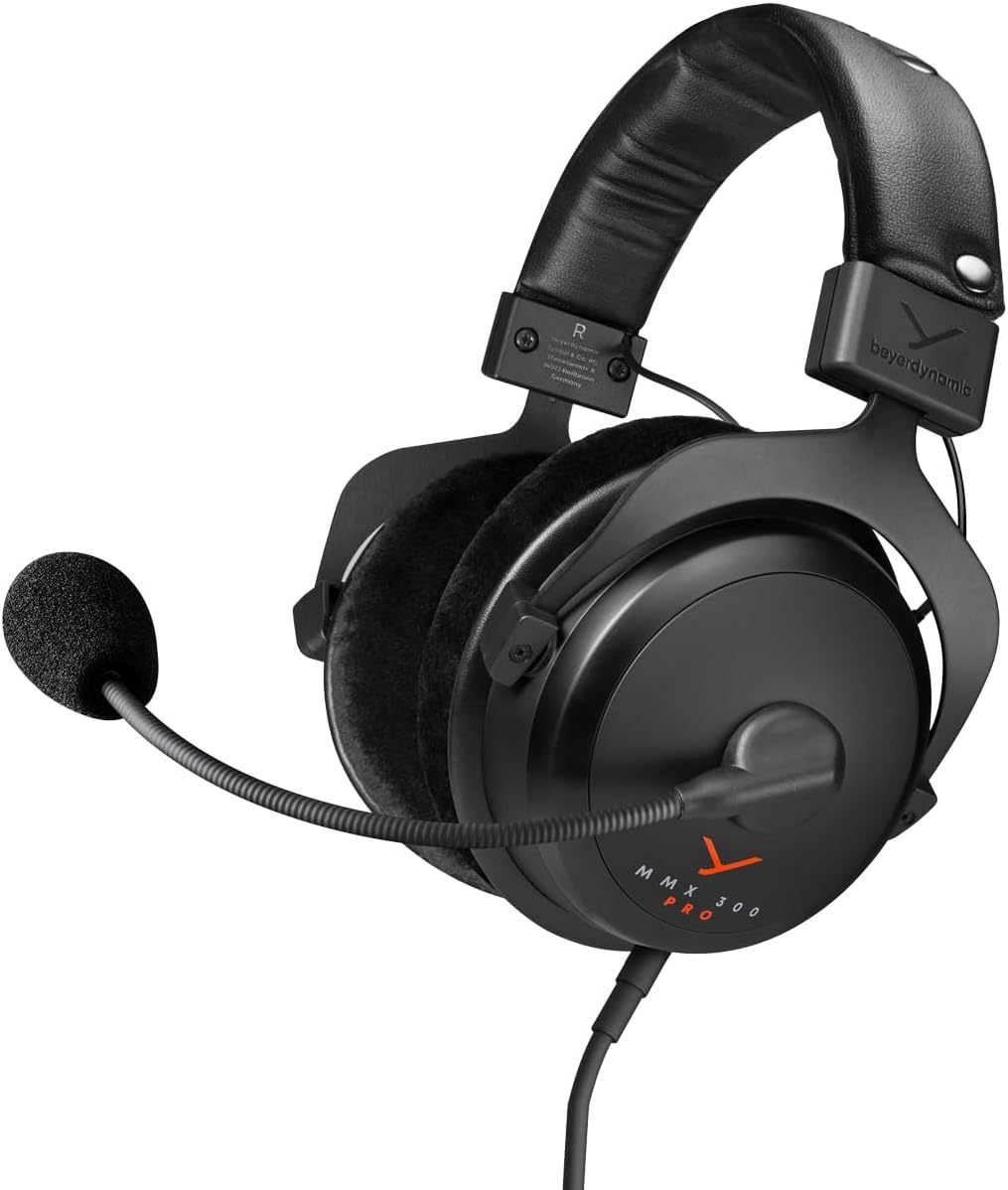
beyerdynamic MMX 300 PRO Closed Gaming Headset with Stellar.45 Driver and Condenser Microphone, Wired Gaming Headset Suitable for PC, Xbox, PlayStation and Nintendo Switch. Handmade in Germany
Original price was: $329.99.$299.99Current price is: $299.99.
Related Products
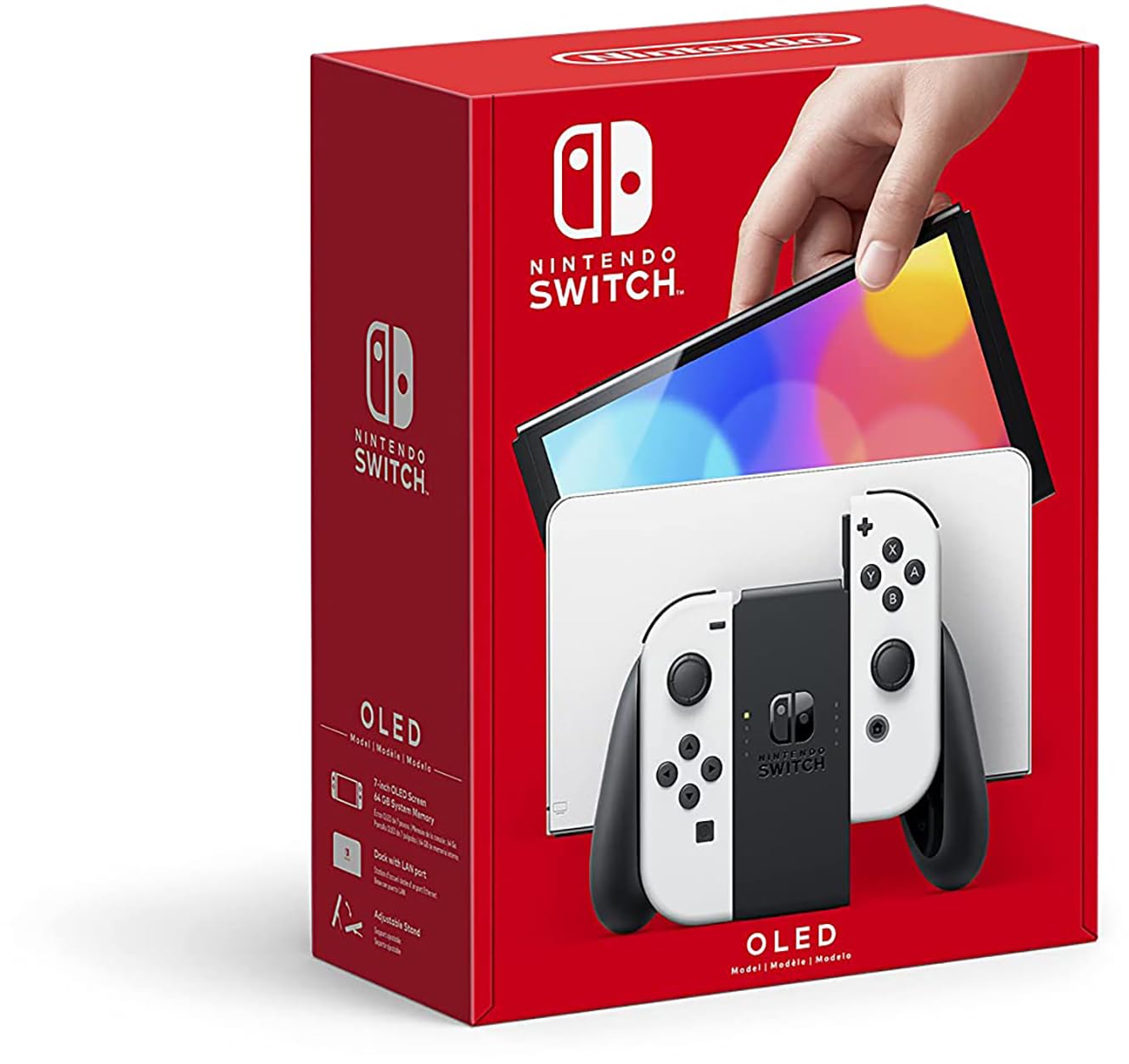
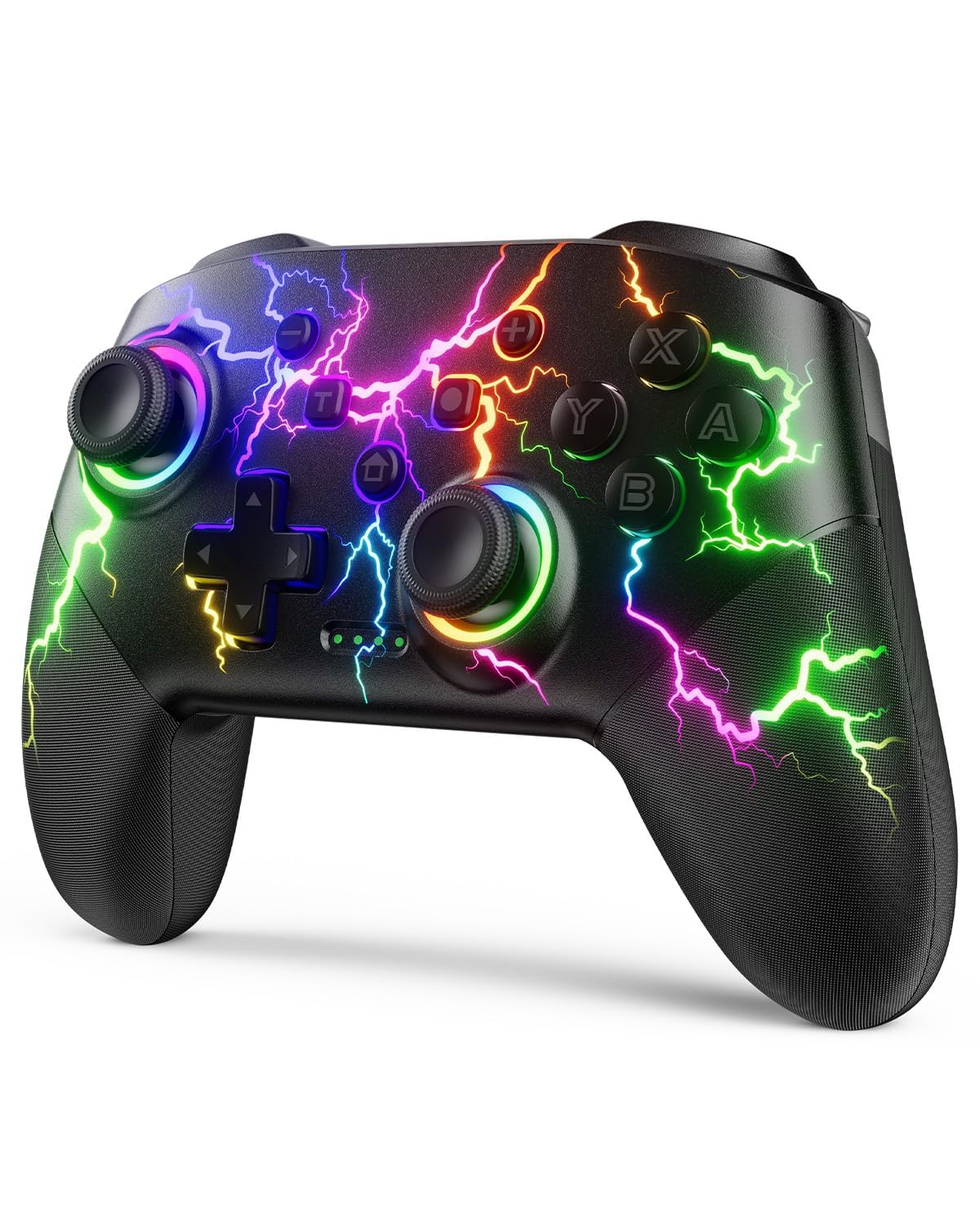

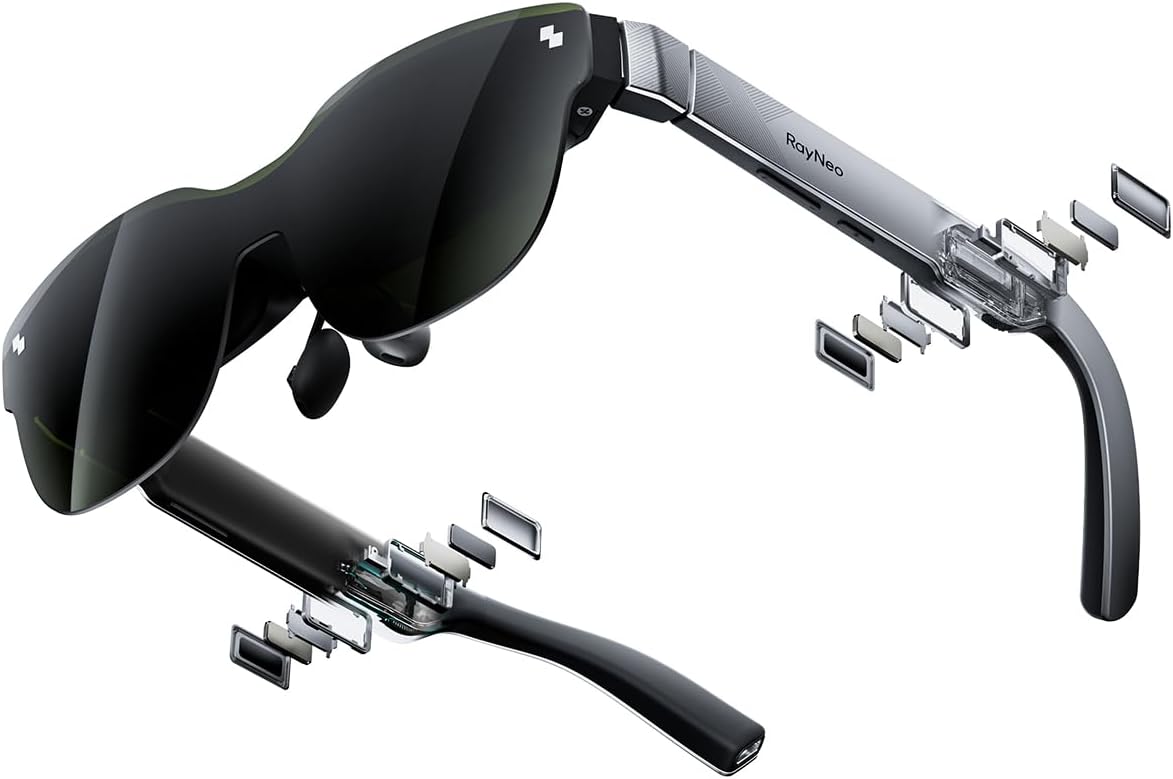


From the brand


GAMING
For avid gamers, audio quality is a major factor that significantly influences the gaming experience. Our headsets combine studio sound quality with crystal-clear speech transmission and maximum comfort.
With precise surround sound, full bass and crystal-clear trebles, you can immerse yourself in virtual worlds like never before. Whether wired or wireless for added freedom of movement, our gaming headsets cater for every need.
The only question is: which headset will you choose?
Your META Pick for Gaming


Closed gaming headset with professional studio sound in gaming coordination
Unique voice intelligibility thanks to high-quality condenser microphone
Maximum comfort for extended gaming sessions
Ear pads, headband and cable as interchangeable replacement parts
Made in Germany
7 reviews for beyerdynamic MMX 300 PRO Closed Gaming Headset with Stellar.45 Driver and Condenser Microphone, Wired Gaming Headset Suitable for PC, Xbox, PlayStation and Nintendo Switch. Handmade in Germany
Add a review

Original price was: $329.99.$299.99Current price is: $299.99.
Darcy –
Some may experience a quiet mic & Experiences setting up Sidetone
This is not going to be a review of the quality of the headphones as there is already a lot of very valid information and opinion on that topic in the reviews here and on the web. I’m going to focus on a a challenge I had and how it was solved, in an attempt to help others who may experience the same issue.The headphones are designed specifically to interface with the 3.5mm jacks on your computer (or phone for that matter). They come with two cables – one that ends in a combo mic/headphone jack and one that splits into separate mic and headphone jacks. I haven’t used the combo, i have solely used these headphones on my gaming PC and used the split cable. Its relevant to say that I use these for Sim racing and need to hear the car and environment sounds, but also communicate with other drivers.So, after plugging in the headphones everything functioned great. But the microphone was very quiet – basically inaudible to other users. This is easily fixed however by the windows settings for the microphone – go to levels and set volume to max and boost to max (+30dB). If you cant find the boost slider then you may need to update your drivers or go through the soundcard dedicated software (which is sometimes tricky to find..). This should get you up and running with all computers.The next thing was i had no idea how much of a benefit ‘sidetone’ has been giving me. My previous headphones had this built in (Astro A50 wireless – older generation). Basically sidetone takes the unfiltered microphone signal from the mic and sends it directly to the speakers in the headphones, allowing you to hear what you are saying. The isolation these headphones provide from the outside world, plus the relatively loud volume of the sim, meant my voice was completely inaudible to myself. Fine for others in the game hearing me though. For some this wont be a big deal, but for others that have had headphones with this feature in the past it might be very weird. I can imagine living without this feature in a sim racing setup as communications are infrequent, but with other games that require constant communication it would be too much of a compromise for me personally.So, to setup sidetone there are a few options. First, you need to understand that it is not a feature that Beyerdynamic has in any of its regular (non-broadcast focused) headphones. There are 2 options you can try in windows right off the bat. The first is under mic settings and check the box for ‘listen to this device’. The positive to this is that it provides clear and loud signal from your mic to your headphones. The well documented catastrophic failing (for this use) is the lag – it is unbearable. Other users may have a different experience, but mine was very negative. The second option is to go through the speaker settings, the levels tab, and find the input that corresponds to the mic (it could be simply ‘microphone’ or something a bit more obscure like ‘FB in) just max the volume slider and uncheck the mute to find which one gives sidetone). Once you’ve done that you should have good sidetone with no lag. Within the windows environment there maybe more options related to 3rd party software. Musicians may be able to provide more guidance on how DAW software deals with this.I had two different experiences. On my non-sim rig the volumes were just fine and the amount of sidetone was okay. I did have to boost the mic volume up to max vol and 20dB boost (one notch down from max), which introduced a fair amount of hiss into the equation – but I was trying a comparison to my sim rig settings and deliberately turned up higher than what you would need in an office type environment or ‘light gaming’ were headphone volumes are much lower. Note that both setups only had motherboard based on-board sound, not separate internal or external soundcards. This may give you additional options – but do the research, sometimes the options focus on the sound out and not the sound in.if my sim rig had the same sidetone volume as my other PC then I would probably have stopped there, but the volumes were just too low. The next option get complicated. Sidetone is what we call something that musicians use all the time. For a singer, being able to hear their own voice is critical, and this is called ‘mic monitoring’. The setups are quite straight forwards but need additional components. The first thing you need to know is that the mic on this headset is not a passive mic. Its a back-electret design that needs a voltage (not really a current incidentally). You may not know this, but your computer mic-in actually provides a voltage (3.2v on my sim computer, 2.8V on my other PC). Any setup that doesn’t provide a voltage between 1.5v and 9.0v to the mic will simply not work. As a note, within this voltage range it seems that the level of voltage doesn’t change the level of mic output. its more like a switch for an amplifier circuit in the mic itself. it works or it doesn’t.The setup that worked for me was to buy either a USB audio interface (M-Audio 192/4) or a stage type ‘personal monitor’ – but critically it needs to be something that can supply something called Phantom Power. This is a 48v signal that is ‘sent’ to the mic. It is designed for high quality condenser mics – i.e. not this one! (desk mounted separate mics for podcasts or studios etc are often condenser mics). So to make this work you need to step down the voltage to something in the acceptable window. On the Beyerdynamic website it states that 48v will damage the mic., it might not, but don’t be temped to try it – you may regret your decision. Instead a component like the Rode VXLR+ adapter is what you need. Plug that in in series with your mic-in in your new piece of kit (m-audio for me), hook up the device to your computer using suitable cables (XLR to 3.5mm jack for the mc and 1/4″ jack to 3.5mm jack for the line out from your computer). Enable phantom power to power the mic, and you now should be able to get a good loud mix of sidetone direct from the mic and game audio (or whatever) from your computer.Note: On the Beyerdynamic website it states that you need to find a Phantom Power to T-Power adapter. You do not need to do this. T-Power is 12v, could damage your mic and is exceptionally difficult to find as it is basically obsolete technology – Phantom power replaced it. To be accurate what you need (and what I created) is called ‘Plug in power’ – a low voltage Phantom Power, just like the soundcard in the computer.This journey took me many hours and a lot of wasted time as I discovered more things I never knew. I had to back out of a few rabbit holes and return a few items that didn’t work out. Just be aware that if the windows options don’t provide the volume you need, you may need to return the product for a SteelSeries/Astro/etc that do have sidetone, or jump in with both feet and start buying cables and electronics to do the job with the beyers.The end result is I have high quality headphones, and clear loud sidetone that is controllable and mixable, and the ability to control my speakers from the same USB interface. Additionally my electric guitar may be dusted off an I may try my hand at recording – that is really what the USB audio interface is designed for – not us gamers!I hope this helps someone that has similar questions. And all of the above is correct to my knowledge, but my knowledge is less than a week old, so if anything in the writeup above is incorrect, i ask that you be constructive with feedback!
Fernando Mendez –
Just WOW!!! One of the best headsets you can get.
I am absolutely in love with these headsets super versatile games, music, movies all sound fantastic. I have tried all the top end headsets on the market right now. I would say the top two you can get are these and the gsp 600 with the artics pro+dac behind them. I tried these with my gsx1000 and they do not have enough amp to drive these it says 32 ohm but you will definitely need at least 300 ohm to get the most out of these bad boys. I use them with my Soundblaster AE5 I use the high gain 150-600 ohm and they sound fantastic for games I boost the lows and highs, when I listen to my music I will just boost the lows a little. I have never owned a headset where I could use it for everything just change my EQ for different stuff. The comfort is awesome, the sound is fantastic, the mic is a beast these are perfect for me never been happier with a set of headsets. You don’t really hear about these headsets I guess beyerdynamic didn’t go to the extreme on marketing them but man these are a gem. When it comes down to it my main use for a headset is gaming I am a gamer to me. The most important part for gaming are the lows have to be punchy and I need some passive isolation to keep me immersed in the game I can’t stand being sucked into a game only to hear a lot of noise around me totally breaks the immersion and these have excellent passive isolation without being tight around the ears and the bass is deep and punchy. Kind of rambling off but I can’t recommend these enough. One main thing I didn’t mention when I play fps games I have never heard a headset that can pinpoint where the enemy is it is hard to explain but I can actually not only know what direction but also the distance from me. Just awesome I will share some of my specs that I use for these headsets on the Soundblaster AE5.Gaming= 7.1 Headphones, High Gain, 4 4 0 -2 2 2 1 2 4 2 EQ, Surround 20, Crystalizer 30, {32bit 96000HZ} 5.1 in windows sound settingsmake sure you select 5.1 settings in your game always want it to match what you have selected in windows sound settingsMovies= The same as gaming I think good bass adds alot to your moviesMusic=Direct HP, High Gain, 2 2 0 -2 2 2 1 2 4 2 EQ, Surround 10, Crystalizer 30, {32bit 192000HZ} Stereo in windows sound settings
Anthony Sarlija –
Que dire de ce casque à part si ce n’est qu’il est une des références du monde audio avec un micro intégré ?Je suis passé d’un dt990 pro pour la musique à celui là et j’ai trouvé les mêmes tonalités et profondeur de musique avec mmx300.Le plus, le micro intégré (pour les gamers comme moi) est de super qualité. Je n’en attendait pas autant pour un micro intégré dans un casque mais la clarté des voix est vraiment au rendez vous. Le petit plus, il est branché à un soundblaster gx6 qui vient sublimer le son !Je recommande les yeux fermés ce casque tout en un.
Damiano Fiorinz –
Qualora stiate valutando se acquistarle oppure no devo subito avvertirvi che (come da titolo) se volete un volume bello elevato serve collegarle ad un buon amplificatore per cuffie. Dipende tutto a quale fonte vengono collegate, per esempio dal mio PC riesco a pilotarle discretamente perché ho una scheda audio di buona qualità, anche se non basta, mentre ascoltando musica dal cellulare o dal portatile il volume è bassino. Hanno un’impedenza molto più elevata a confronto alla maggior parte dei prodotti in commercio (impedenza = livello di resistenza di un apparecchio al flusso di corrente elettrica continua). Andando nel dettaglio, queste cuffie, essendo professionali, sono pensate per essere usate per esempio negli studi di registrazione, motivo della loro grande impedenza poiché in questi posti la corrente che arriva in input è molto maggiore a confronto ai dispositivi normalmente usati perché e ci sarebbe un alto rischio di danneggiare seriamente l’udito. Quindi, se le volete acquistare, vi consiglio di comprare anche un amplificatore; ne viene consigliato uno come acquisto abbinato se notate bene, io infatti ho proprio quello. Se invece pensate di collegarle ad apparecchi semplici ve le sconsiglio, non compratele perché non le sfruttereste neanche per il 30%. Non le ho provate con le console PS4 e Xbox ma ho letto che i risultati sono buoni, ma ritorniamo ancora sul discorso dell’amplificatore anche quì.Parlando della qualità, già soltanto indossandole verrete ammaliati dalla loro aura di qualità estrema, isolano benissimo e sono comodissime, padiglioni molto soffici e con incavo, quindi vanno ad avvolgere le orecchie senza premere sulla cartilagine. Posso subito dire che c’è una distinzione netta delle varie frequenze: bassi, medi e alti si possono apprezzare alla grande, anche con file audio lossless come gli mp3 ogni strumento musicale è ben distinto. Vi divertirete ad ascoltare come queste cuffie riprodurranno i vostri brani preferiti, la differenza è palese nella qualità, hanno solo bisogno di essere pilotate a dovere. Riguardo il gaming, con queste cuffie starete sempre un passo avanti, ve lo posso assicurare: ogni suono è perfettamente comprensibile da dove arriva e di che tipo è, per esempio si può intuire se un nemico sta camminando al piano sotto a voi (suono più ovattato), se sta camminando all’aperto, se è vicino a voi e si sta girando da accovacciato. Ogni rumore è perfettamente chiaro. Prima avevo delle cuffie molto economiche pagate 30€ e faticavo molto a comprendere i suoni, tanto che dovevo seguirli con il mouse per cercare di comprenderne l’origine, cosa che spesso purtroppo non avveniva perché lo avvertivo da un’altra parte ed è comunque una cosa molto frustrante, ma adesso non ho più bisogno di seguire i suoni con la visuale e perdere altro tempo ad interpretarli. Altra cosa che mi viene in mente è anche il rumore generato da fenomeni atmosferici quali la pioggia sulle varie superfici differenti, oppure dei passi sul fango, sul pavimento ecc.Il microfono è eccezionale, qualità inarrivabile dagli altri headset. Non è rimovibile ma lo si può far ruotare fino all’archetto, mentre l’asticella è di libero movimento. E’ provvisto della spugnetta antivento ma io l’ho rimossa, l’audio si sente meglio a mio parere, basta che però non ci si va a soffiare mentre si parla, ma ne consiglio la rimozione.Sono davvero soddisfatto, ribadisco però che per sfruttarle al 100% hanno bisogno di un DAC esterno, io uso un Sound BlasterX G6 e ve lo consiglio. Certo, il prezzo finale è per pochi.SI) Chi ha sistemi potenti e vuole giocare ad alti livelli, per gli audiofili più fissati, per chi lavora con il suono ecc.NO) Ascoltare semplicemente musica dal cellulare/tablet/portatile, piuttosto risparmiate e andate su qualcosa di molto più easy, cuffie del genere non vi occorrono.- Ho allegato diverse foto dei componenti principali: cuffie, padiglioni in tessuto, custodia per cuffia e accessori, custodia aperta + cavo classico jack 3.5 mm ed infine il cavo Y per collegare il microfono (ve lo faccio già vedere collegato in foto). Non l’ho fotografato ma è disponibile anche un adattatore a 6.35 mm.
Anónimo –
Llevo usándolos unos 6-8 meses.Buscaba un posicionamiento del sonido en juegos excelente ya que competía en CS:GO y era una prioridad, un buen micrófono para comunicarme con mis compañeros de equipo en TeamSpeak, y la mayor calidad de sonido posible en este rango de precio para todo lo que no es jugar (música, etc.). También partes intercambiables como orejeras, diadema y cable para ir cambiando a medida que pasan los años y se van deteriorando.Cumplió todas mis expectativas y más: El posicionamiento del sonido a pesar de ser de orejera cerrada es increiblemente preciso, mucho mejor que cualquier otro headset que he tenido. La calidad del sonido es buena, aunque no te van a impresionar nada más ponertelos. Noté que les faltaba bastante volumen así que recomendaría parejarlos con un amplificador, yo aún no lo he hecho pero me imagino que les dará una mejora considerable. Tiene un sonido cálido con bajos acentuados.La calidad del micrófono es simplemente increible, nada que envidiar a un micro dedicado de sobremesa, parece de estudio. En cuanto a comodidad, perfectos. No pesan absolutamente nada, y a la vez son muy robustos ya que los materiales son de una calidad sublime. Son tan cómodos que hasta da gustito ponertelos en la cabeza. Los he tenido puestos más de 8h seguidas y ni se notan.Mi única pega es que el mecanismo de bajar y subir el micrófono está muy mal hecho, es decir, baja y sube a tropezones, hay que hacer más fuerza para moverlo de la que se debería. Se nota como que roza y no es nada suave. Molesta un poco pero nada grave.Recomendación absoluta.
Skorpionking –
Ich habe lange nach einem Gaming Headset für die Xbox One gesucht. Nach dem ich die Astro A40 TR mit Mixamp Pro getestet habe – ging meine Suche weiter.Astro A40:Der Klang war zwar laut aber nicht klar und definiert, eher wie ein Brei an Höhen und Bässen. Auch die verschiedenen Equalizer Einstellungen in diversen Astro Foren brachten keine Besserung -nein- der Klang wurde sogar noch schlechter. Von daher waren die Werkseinstellungen am erträglichsten.Nun zum Beyerdynamic MMX 300:Ich habe die Kopfhörer über die Warehouse Deals für 150€ kaufen können.Design und Wertigkeit:Packung war leicht lediert, aber alles andere war wie neu. Die Kopfhörer sind sehr hochwertig verarbeitet. Weiche Kopfbügel – guter Komfort beim Tragen. Das Verstellen der Bügel funktioniert auch einwandfrei.Das wichtigste – der Klang:Über den Xbox One Controller kann man die Kopfhörer auch anschließen. Der Klang ist klar und differenziert, es fehlt aber an Power und einer höheren Lautstärke.Mit der Soundkarte von Creative Soundblaster X G5 (WH Deal 80€ bei Amazon) kann man alles aus dem Kopfhörer rausholen.Die Soundkarte wird per optischem Kabel angeschlossen. Es ist ratsam die Soundkarte am PC zu konfigurieren- hier kann auch die Hauptlautstärke erhöht werden. Da die Xbox One keine Möglichkeit bietet Soundkarten per USB anzuschliessen – ist das die einzige mir bekannte Möglichkeit.Ich muss ehrlich sagen-sowas als Kopfhörer habe ich noch nie gehört. Es knallt sowas von!!! Es ist so als ob ich eine Surround Anlage auf dem Kopf hätte.Als Referenztitel reichen hierzuGame: Battlefield 1Film: Blade Runner 2049 UHD Bluray mit Dolby Atmos TonspurEndlich kann ich die Bässe am Kopfhörer spüren und nicht nur hören. Die Höhen und Mitten sind nicht übersteuert, sondern sehr differenziert, neutral und klar.Bei Battlefield kann man seine Gegner gut orten und trotzdem richtig Gas geben.Blade Runner hört sich dann genauso an wie der Regisseur es vorgesehen hat. Abgrundtiefe Bässe, starke Stimmen, und ein Sound der einen noch besser in den Film hineinzieht.Es macht einfach Spass den Sound zu geniessen. Die Kopfhörer sind auf jeden Fall 300€ wert. Wenn man Glück hat geht es auch günstiger.Tipps:Beim Anschluss über die Soundkarte an die Xbox One ist es wichtig das kürzere Konsolenkabel zu verwenden, sonst gehen Informationen vom Sound verloren. Das längere Kabel ist nur für den PC gedacht.Wegen der kurzen Reichweite ist es ratsam ein längeres Optisches Kabel zusätzlich zu kaufen. Man kann die Soundkarte mit einem anderen USB Netzteil am Strom anschließen.Dann steht dem Spielspaß nichts mehr im Wege.Edit: Man kann das Stromkabel für die Xbox One Controller Akkus (USB und Mini USB) auch zur Stromversorgung der Soundkarte verwenden. Aufgrund der Länge von 2 Metern passt es perfekt für das Zocken auf der Couch.Ich hoffe diese Rezension hilft weiter. Über ein Feedback würde ich mich freuen.
IsaacGB –
Headsets don’t get pricier than the 200-300 bracket and there isn’t much compeition in this range other than the Audezee Maxwells. However, having bad experiences with wireless headsets in the past, and especially noting issues with competitors, I decided to go with this wired headset from a classic brand.I chose Beyerdynamic because of the build quality. Unlike cheaper plastic headsets, this will not break with any accidental fall or taking it off your head roughly. Each part is available to be bought to replace if this ever happens. I also paid more for this headset as I wanted a quality microphone. This is the best I have used compared to V-Moda, Razer, and Logitech. It does not pick up my keyboard or other voices at all being a Cardoid 1 direction Mic, and it captures the fullness of my voice rather than the tinny noise cancellation effect of other Microphones.Audio quality wise it is comparable to lower cost Beyerdynamic headphones, you pay more the convenience of an installed Microphone. You can hear the space between sounds and the bass is amazing. Voices are clear and flavourful, even on Discord. The other reviewers with audio issues did not plug and twist the cable in properly (it is a unique mechanism so the cable doesn’t get pulled out).The Microphone has not begun to sag at all and the mechanism remains sturdy.I look forward to enjoying this headphones for another 10 years.