
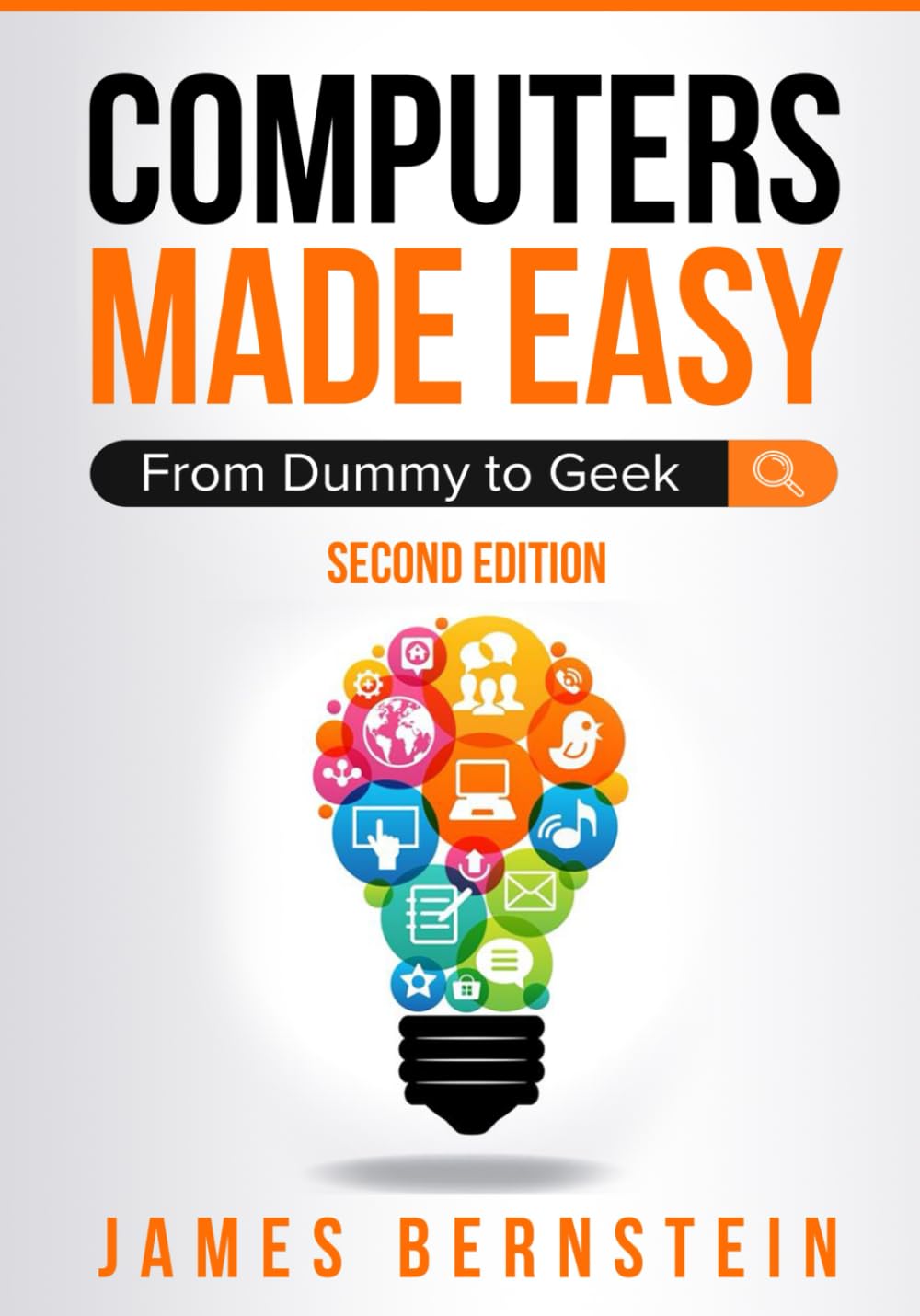
Computers Made Easy: From Dummy To Geek
$19.99
Related Products
![Mkeke Screen Protector for iPhone 16 Pro, 3 Pack Tempered Glass [9H Hardness] [Military-Grade Drop Protection] [Sensitive Touch] [Easy Installation Frame] [HD Clear] for 6.3 inch](https://bestdealsavvy.com/wp-content/uploads/2025/12/61Pbnevx3JL._AC_SL1500_.jpg)






UPDATED FOR 2026 WITH NEW CONTENT AND WINDOWS 11 FEATURES.
A Foundation in Computers & Software That’s Easy to Understand.
Take the mystery out of using a computer with Computers Made Easy: From Dummy to Geek — the ultimate beginner’s guide to understanding modern computing. Whether you’re new to technology or just want to sharpen your skills, this book gives you the confidence to use your computer efficiently and safely.
Discover how to navigate Windows 10 and Windows 11, manage files, browse the web securely, and handle everyday tasks like email, cloud storage, and document creation. Each chapter is written in plain English with simple explanations, screenshots, and real-world examples that make learning easy and frustration-free.
You’ll learn how to:Set up and customize your computer for everyday useOrganize files and folders for better productivityInstall and update software safelyProtect your system from viruses, scams, and online threatsUse the internet, cloud storage, and Wi-Fi with confidenceTroubleshoot common issues and keep your PC running smoothly
Perfect for beginners, seniors, students, or anyone who wants to feel more comfortable using technology, this comprehensive guide turns confusion into clarity.
If you’ve ever felt overwhelmed by computers or worried about making a mistake, this book shows you that anyone can become tech-savvy. With Computers Made Easy, you’ll gain the essential skills to navigate the digital world with ease and confidence.
Introduction
Chapter 1 – What is a Computer?
Chapter 2 – Computer Peripherals
Chapter 3 – Microsoft Windows
Chapter 4 – Software
Chapter 5 – Printers
Chapter 6 – The Internet
Chapter 7 – Email
Chapter 8 – Office Productivity Software
Chapter 9 – Antivirus and Antispyware Software
Chapter 10 – Avoiding Scams
Chapter 11 – Error Messages, Crashes, & Troubleshooting
Chapter 12 – Wi-Fi and Internet Troubleshooting
Chapter 13 – Backup and Protection
Chapter 14 – Security
Chapter 15 – Cloud Storage
Chapter 16 – Basic Networking
What’s Next?
About the Author
James Bernstein has been working with various companies in the IT field for over 20 years, managing technologies such as SAN and NAS storage, VMware, backups, Windows Servers, Active Directory, DNS, DHCP, Networking, Microsoft Office, Exchange, and more.
He has obtained certifications from Microsoft, VMware, CompTIA, ShoreTel, and SNIA, and continues to strive to learn new technologies to further his knowledge on a variety of subjects.
He is also the founder of the website OnlineComputerTips.com, which offers its readers valuable information on topics such as Windows, networking, hardware, software, and troubleshooting. James writes much of the content himself and adds new content on a regular basis. The site was started in 2005 and is still going strong today.
From the Publisher

Add to Cart
Add to Cart
Add to Cart
Add to Cart
Add to Cart
Customer Reviews
4.2 out of 5 stars 261
4.2 out of 5 stars 102
4.1 out of 5 stars 19
3.8 out of 5 stars 33
4.2 out of 5 stars 42
Price
$19.99$19.99 $16.99$16.99 $14.99$14.99 $15.99$15.99 $14.99$14.99
PC Training
✓
✓
no data
✓
no data
File Management
✓
✓
✓
✓
✓
Windows 11 Content
✓
✓
✓
no data
no data
Windows 10 Content
✓
no data
no data
✓
✓
Windows Installation
no data
✓
no data
✓
no data
Troubleshooting
✓
✓
no data
✓
no data
Networking
✓
✓
no data
✓
no data
Hardware & Software Management
✓
✓
no data
✓
no data
Permissions & Sharing
no data
no data
✓
no data
✓
ASIN : B084DFQT25
Publisher : Independently published
Publication date : February 3, 2020
Language : English
Print length : 273 pages
ISBN-13 : 979-8608506109
Item Weight : 1.06 pounds
Dimensions : 7 x 0.62 x 10 inches
Book 1 of 9 : Computers Made Easy
Best Sellers Rank: #69,571 in Books (See Top 100 in Books) #4 in PC Hardware #11 in Windows Operating System #115 in Internet & Social Media
Customer Reviews: 4.2 4.2 out of 5 stars (261) var dpAcrHasRegisteredArcLinkClickAction; P.when(‘A’, ‘ready’).execute(function(A) { if (dpAcrHasRegisteredArcLinkClickAction !== true) { dpAcrHasRegisteredArcLinkClickAction = true; A.declarative( ‘acrLink-click-metrics’, ‘click’, { “allowLinkDefault”: true }, function (event) { if (window.ue) { ue.count(“acrLinkClickCount”, (ue.count(“acrLinkClickCount”) || 0) + 1); } } ); } }); P.when(‘A’, ‘cf’).execute(function(A) { A.declarative(‘acrStarsLink-click-metrics’, ‘click’, { “allowLinkDefault” : true }, function(event){ if(window.ue) { ue.count(“acrStarsLinkWithPopoverClickCount”, (ue.count(“acrStarsLinkWithPopoverClickCount”) || 0) + 1); } }); });

Ruben Rodriguez –
Helpful resource
Great book good rearchitect book for people beginning to improve their computer skills.
Amazon Customer –
Computer made easy book
I have looked at this book, but have not actually started reading it. It’s looks like it will be helpful when I have a question on what to do on my computer.
RICK F. –
Home
Good book
Edward –
Ok for beginners
Ok. Rather antiquated book
scott rhoades –
Great, book Would highly recommend. easy to understand.
The book has great information and easy to understand which makes it enjoyable , Would highly recommend,
William Harrison –
Computer Made Easy: From Dummy to Geek.
I will be using this book on my college course Workplace Readiness Computers begining January 8, 2024 spoke to teacher veryful and current.
G. Yearwood –
Great gift idea for the not so computer savvy
A gift for a learned student wishing to know more
Dog owner –
Computer info book
Not well organized. Seemed like I was reading quick notes from a classroom. Not well written,paragraphs jumbled together.
JOHN BOWLES –
Absolutely necessary for beginners and seniors.
Ricardo GP –
Very useful to prepare a class for beginners
Arthur Woods –
I started a computer course lately and i needed a book or something to help me learn what i was doing, i found the book very helpful and very easy to follow and use.
Stephen Elson –
Easy to understand!
TIMMYTIMP1403 –
Very interesting book.. great read.. fast delivery