

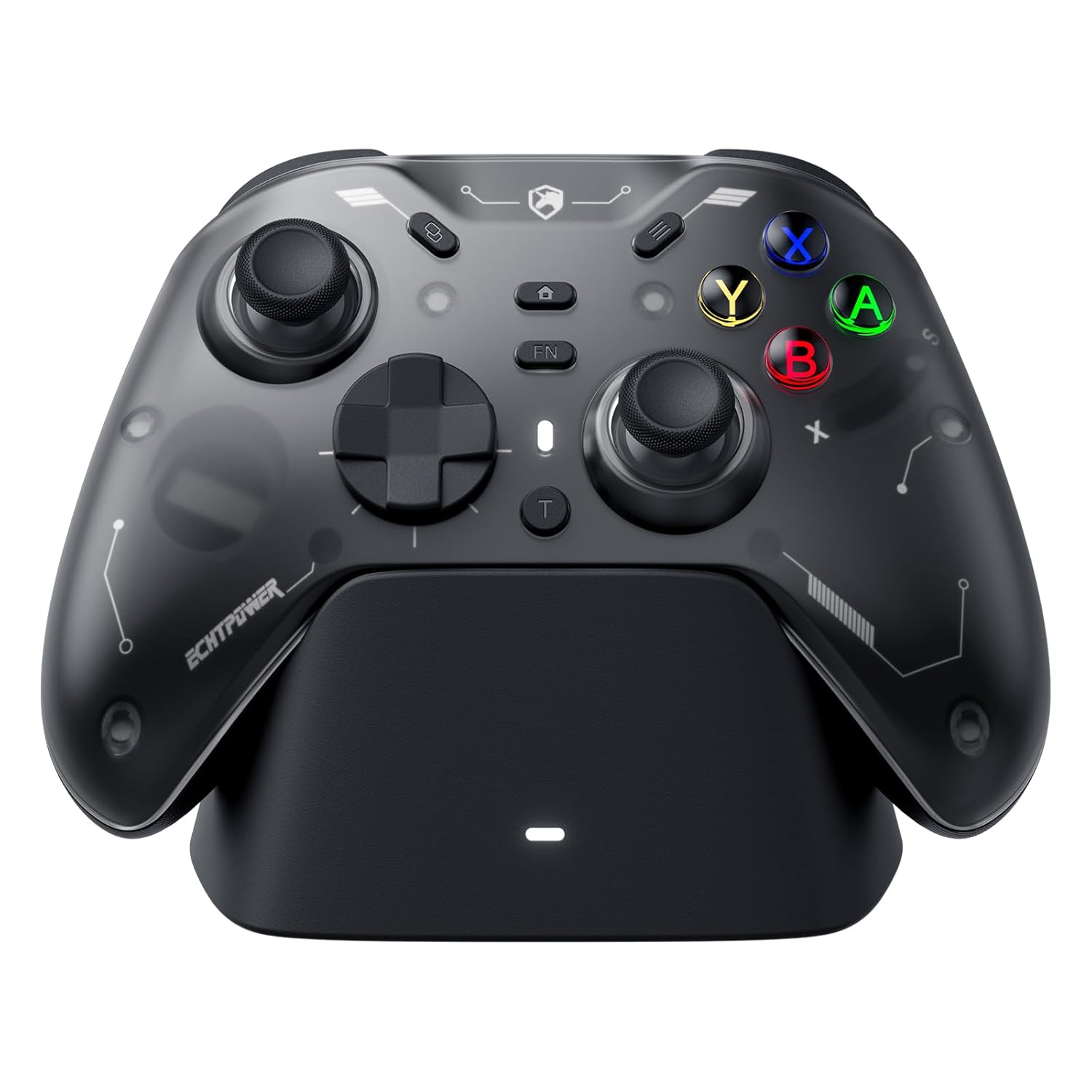
ECHTPower EP04 Wireless PC Controller with TMR Joysticks & Dual Hall Triggers, Multi-Platform Gamepad for PC/Switch/Switch2/iOS/Android, 4-Motor Vibration, Smart Charging Dock, One-Click ABXY Switch
Original price was: $69.99.$49.99Current price is: $49.99.
Related Products
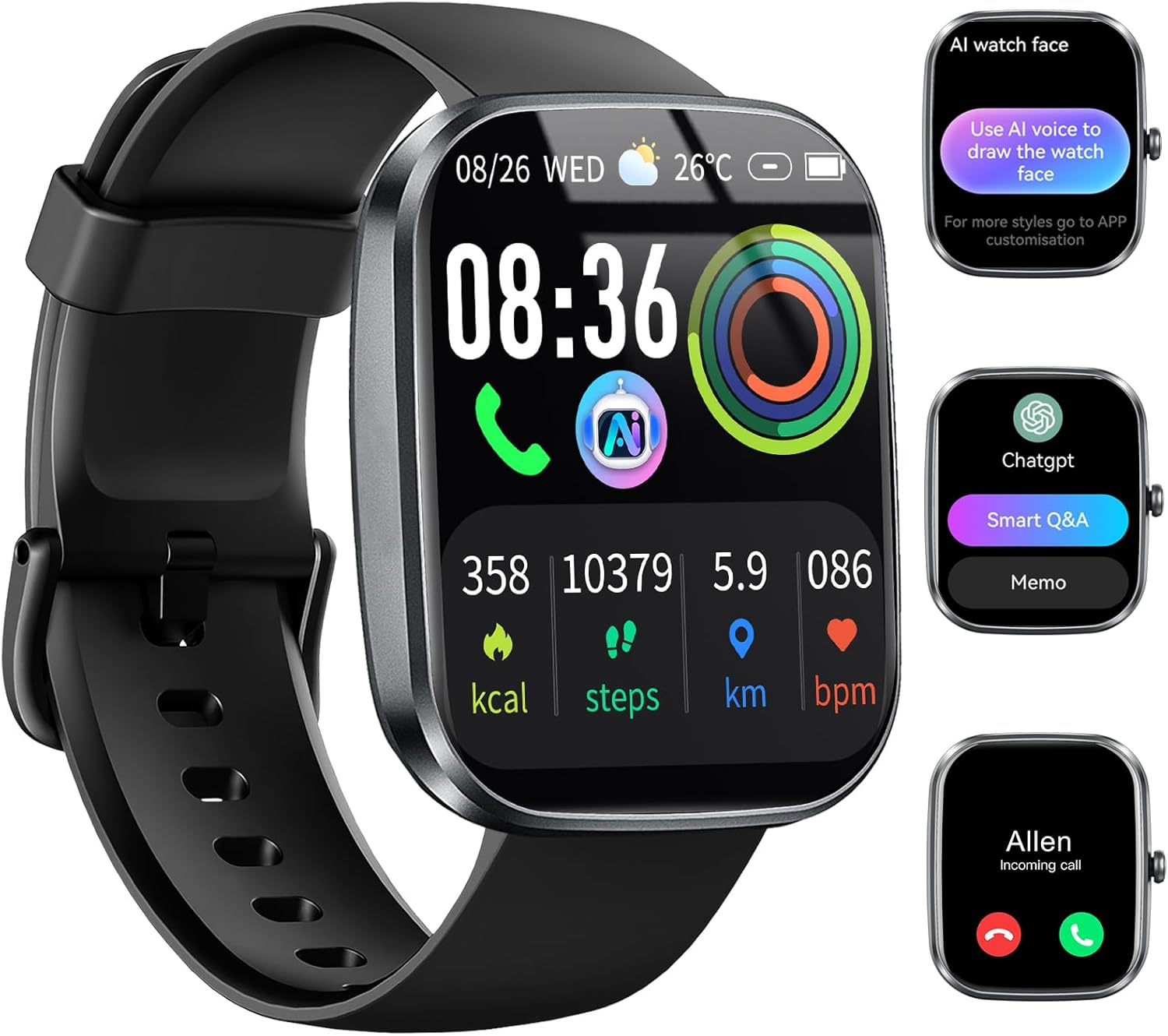
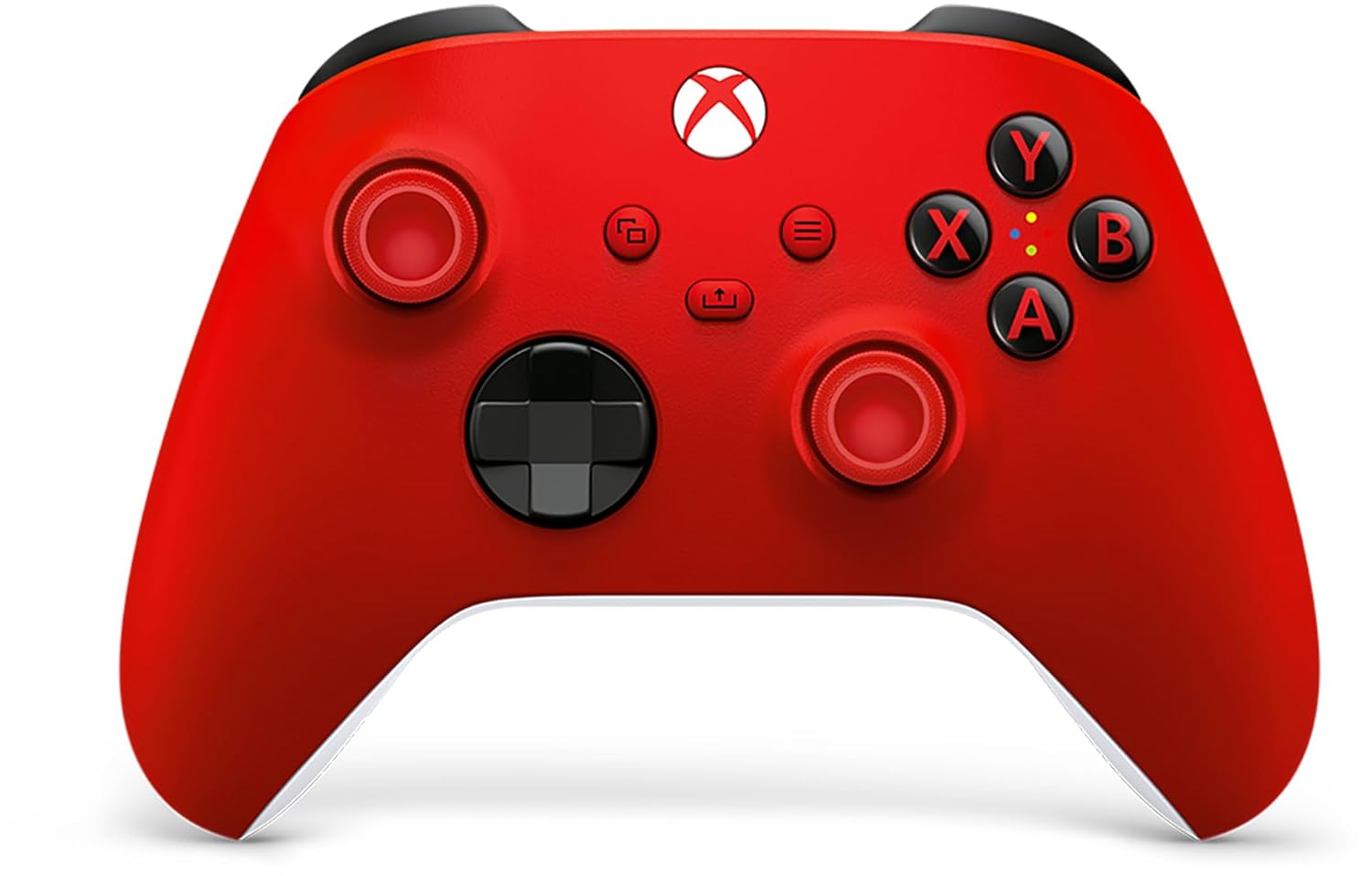
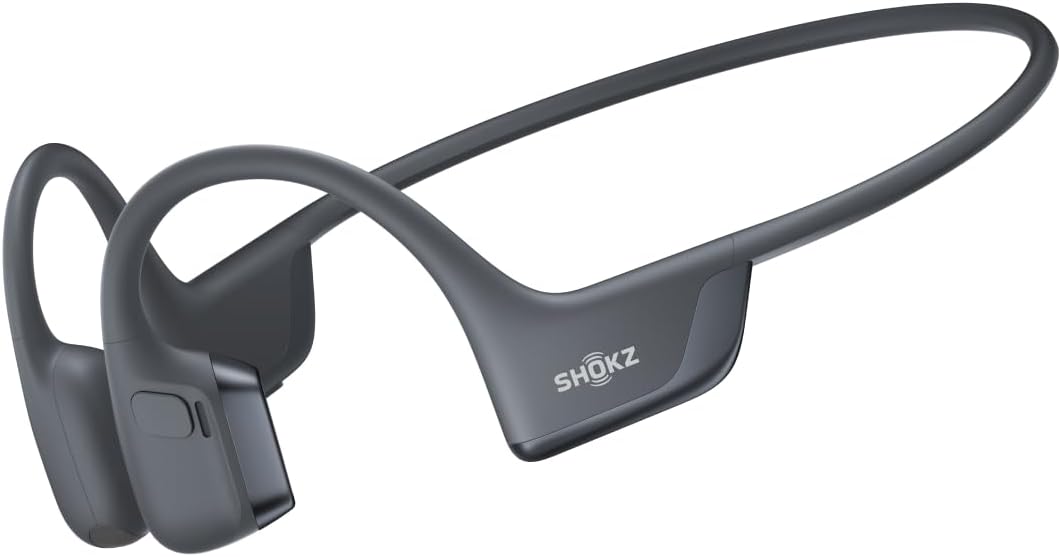





Product description
The video showcases the product in use.The video guides you through product setup.The video compares multiple products.The video shows the product being unpacked. ECHTPower Wireless Game Controller Merchant Video


1 PACKAGE CONTENTS
2 MAGNETIC COVER
3 STORAGE
4 INTERCHANGEABLE DPAD
【One-Click ABXY Layout Switch — For PC & Switch】Switch between PC and Switch button layouts with a single click. When connected to a PC, press to switch to the “X” layout for instant PC-style controls. When connected to a Switch, press to switch to the “S” layout for native Switch-style controls. No remapping or software needed, making this wireless PC controller perfect for gamers who play on PC, Switch, iOS, and Android.
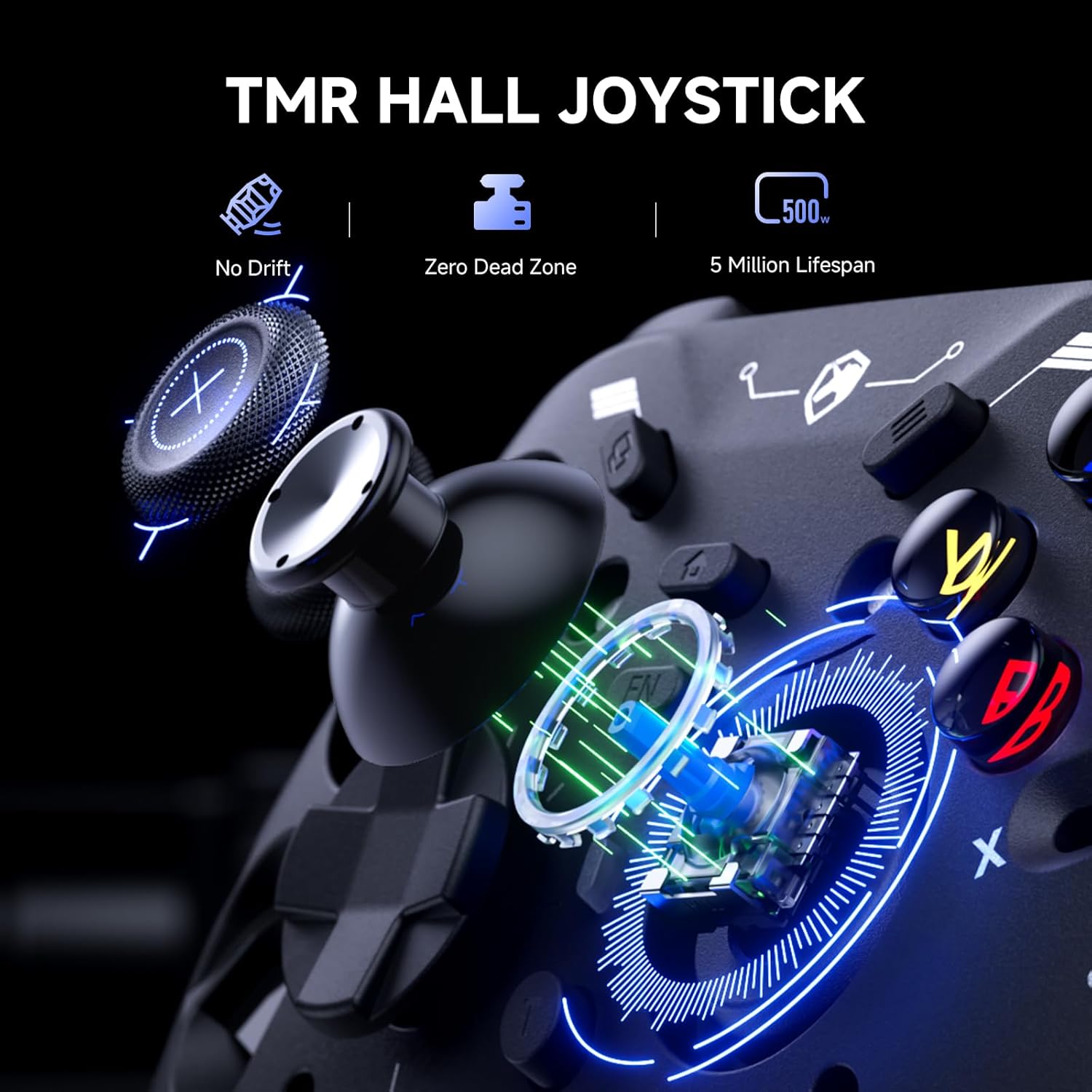
【TMR Hall Effect Joysticks – Precision Control for PC & Switch】Equipped with advanced TMR Hall joysticks that resist drift and wear, ensuring long-lasting accuracy and smooth control. Ideal for FPS and action games where precision is key.
【Dual Hall Triggers – Adjustable Travel for Racing & Shooting】Switch instantly between 9 mm long trigger travel for immersive racing games and 2 mm short travel for rapid shooting response. Perfect for players who need both speed and precision on PC and console.
【4-Motor Vibration Feedback – Immersive Gaming Controller Experience】Feel every impact with four vibration motors in both triggers and grips. Delivers realistic haptic feedback for racing, shooting, and adventure games, enhancing immersion and control.
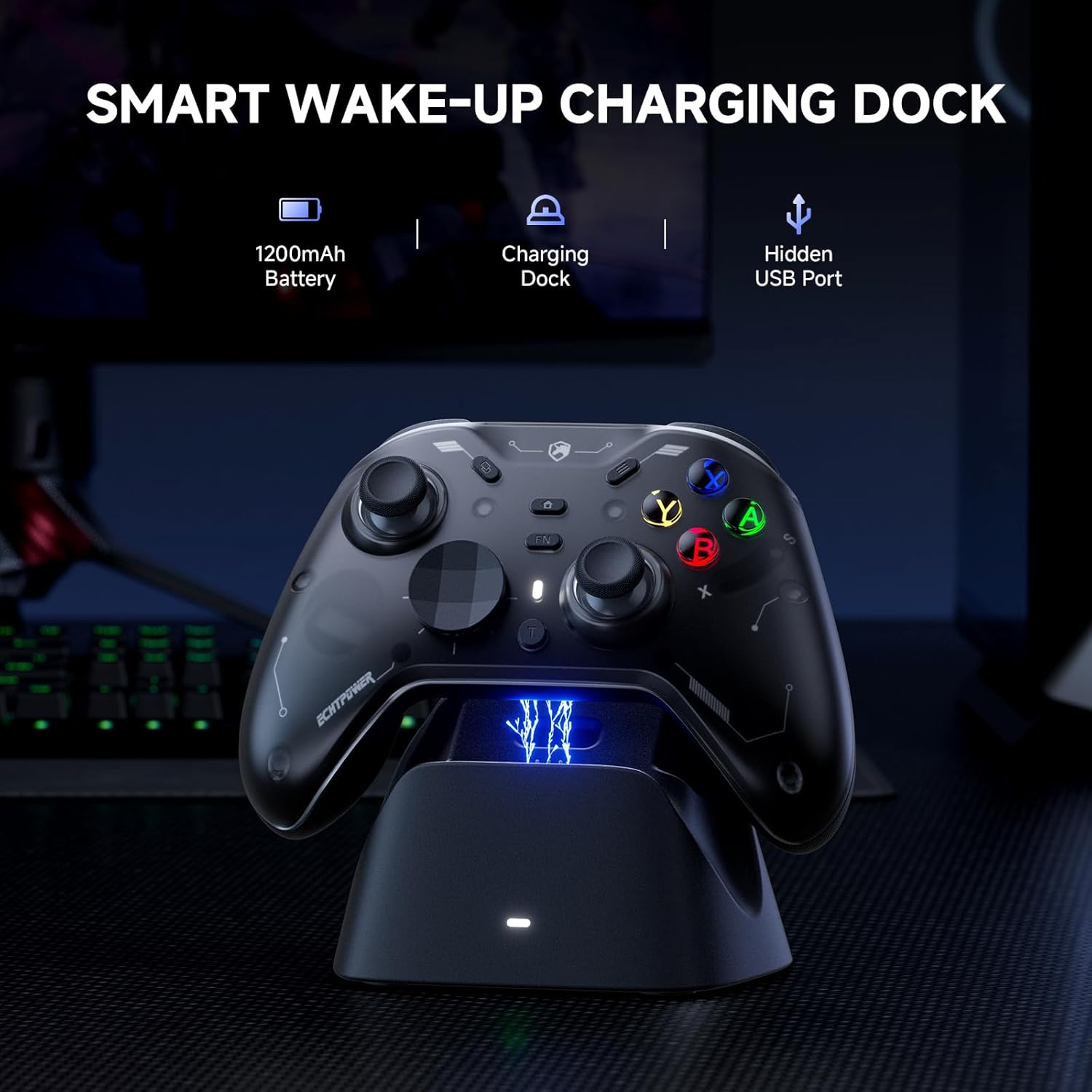
【Smart Charging Dock – Auto Sleep & Instant Reconnect】Place the controller on the included intelligent charging dock and it automatically charges while entering sleep mode. Pick it up and reconnect instantly—no low-battery interruptions, always game-ready.
10 reviews for ECHTPower EP04 Wireless PC Controller with TMR Joysticks & Dual Hall Triggers, Multi-Platform Gamepad for PC/Switch/Switch2/iOS/Android, 4-Motor Vibration, Smart Charging Dock, One-Click ABXY Switch
Add a review

Original price was: $69.99.$49.99Current price is: $49.99.
Linc TV –
Perfect Budget-Friendly Controller for Tesla Model Y Juniper!
I honestly didn’t expect this to work so flawlessly — but it does! This controller paired via Bluetooth with my Tesla Model Y Juniper without a hitch. After struggling to find a compatible option that wasn’t overpriced, this one hit the sweet spot.The pairing was quick, the controls are responsive, and it just works. I was so impressed, I immediately ordered a second one for my kids to use on the rear screen — can’t wait for them to try it out!Bonus points for the versatility: it also supports wired mode and charges via USB-C. It really feels like it was designed with Tesla in mind. If you’re looking for a reliable, affordable controller for in-car gaming, this is the one to get!✅ Tesla Model Y Juniper compatible✅ Bluetooth + wired mode✅ USB-C charging✅ Great priceHighly recommended — especially for Tesla families!
Tony Snark –
Pretty much perfect third party Switch controller, with a minor modification
I’ll start off by saying I love the official Switch Pro Controller from Nintendo. I think it’s super comfortable. The only thing I want is a controller just like it with extra programmable buttons, and this thing is the best controller I’ve found that fit the bill!I love how the button layout is exactly like the Switch Pro Controller – a lot of other third party controllers will swap the Home buttons with turbo or something else and it messes me up because of my muscle memory. The shape is pretty close with the handles being a bit thicker, which I have found I like. It’s just as comfortable to hold for long periods, if not more.. The plastic feels very nice and high quality! I love the black on white aesthetic as well and the RGB lights are just a bonus (do wish it had a color fading mode that just rotates through colors without breathing/turning off though. Also wish the ABXY buttons could be changed and match the color of the sticks instead of always Xbox colors, but it still looks nice).I also love how easy and intuitive it is to set the programmable buttons or create a macro (and the LEDs for that matter). I’ve tried other controllers with these features where if you don’t do it for a while, you forget how the hell to set it and have to reference the manual.I don’t have a big need for macros right now, but I have tested it out and it works super well! It’s pretty robust honestly. You can even record analog stick movements to the macros which opens up a lot of possibilities! As well, you can set the buttons to be one specific direction on a stick, so you could hold the button to simulate holding the stick in that direction. Seriously the best macro feature I’ve seen on a cheap controller like this!The wake function is very realiable! More reliable than the official Nintendo controller actually. It works flawlessly the first time every time.Now the main issue I had was the placement of the macro setting buttons. They really should be further away from where your middle fingers test, because I found that I would often hit them by mistake, which doing so would reset the macro button to do nothing. I got this controller pretty much just for Tears of the Kingdom so I could run with XL and jump with XR, thereby being able to move the camera around while running and jumping. This really is a game changer if you like exploring on foot like I do. However, pressing your jump button, expecting to jump, and not jumping (because the macro button got accidentally unset) obviously is a frustrating problem that led to many goofs and deaths.They could fix this issue a few different ways. Either by moving the buttons further in or up, or even a simple software change so you had to long press the button to unset it and otherwise pressing it without any other button simultaneously would be ignored. That would probably be the best way to solve it. Or they could recess the buttons so they’re not easy to press by mistake – and that’s exactly what I took it upon myself to do! I opened the controller up with a screwdriver and sanded down the macro setting buttons so now they’re about 2-3mm in and it’s impossible to press them by mistake. I have to intentionally push the tip of my finger into the hole to hit the button. Completely solved the problem!There is another minor issue I’ve seen other reviewers mention: the very short disconnect/sleep time, but this is entirely fixable as well—and officially! All you have to do is use the KeyLinker app on your smartphone. Pair the controller to your phone (in the app, not in your Bluetooth settings). You’ll see all the settings you can play with. On the last tab to the right “Other”, you’ll find “no operation shutdown time”. It’s set to 5 minutes by default, but you can set it anywhere up to 30 minutes or to never shut off. Perfect!The only thing that isn’t fixable but I can live with is the battery life. It’s not bad but I wish it was better. The official Nintendo Switch Pro Controller has crazy good battery life. Whenever I use it I feel like I don’t have to charge it for days. This, I feel like I have to plug in at least once a day or every other day (tbh I haven’t properly measured). Also to be fair, this has LEDs sucking the juice up too and I have not tested the battery life with them off. I like the lights and have a cable nearby so it’s no problem to plug it in when I need to. Though, I wouldn’t have minded this having a slightly higher price tag to have a larger battery inside. But I’m happy with it either way.Only other minor issue is I wish the screenshot and home buttons weren’t so raised – they can more easily be pressed accidentally, and I find myself hitting screenshot sometimes when I’m reaching for -, but this isn’t a deal breaker.Overall, this thing is great and the only real issues were easily fixable, so I totally recommend it!
MysteryManInABox –
Awesome controller (with asterisks)
I was really excited to try this controller. Here’s are some things to consider if you’re looking at this as a new or replacement controller.Pros- It was super easy to set up and you get multiple options to connect to your devices. The single is stored inside the controller, you just have to remove the face plate.- The faceplate is magnetic and very simple to remove. Just quickly pop off the D-pad and the plate comes right off.- Directly inside the faceplate, you can manually switch between button layouts for the Nintendo Switch and Xbox.- Some people might not like it, bit I thought it was really cool that the buttons are effectively blank. When you turn the controller on, the letters on the controller are backlit and show the button mapping for whichever setting you prefer (Switch or Xbox)- The back buttons are easy to program and require no external software.- The hall effect joysticks are very responsive- The buttons, triggers, and bumpers feel really nice.- Comes with a charging dockCons- The controller doesn’t feel cheap, but also not quite as premium as I would like for the price. For a $70 controller, it is competing with the likes of the Flydigi Vader 4 Pro, which is a much nicer feeling controller with more buttons and customizability where it matters, like joystick tension and thumbsticks.- The thumbsticks were a big issue for me. I prefer to play my games with extended thumbsticks. This controller does not have swappable thumbsticks, nor can I use my KontrolFreaks because the thumbsticks are not the same size as the Xbox. This was my biggest issue because of how I use my controllers.- Another issue I have with the controller is that I like having additional buttons for certain games. This controller has two additional buttons on the back that are minimally distracting and responsive. If it had two more, I would like this controller quite a bit more.- The magnetic faceplate…. It’s such an awesome feature for customizability and yet I can’t find any faceplates on Amazon or from the manufacturer. If you’re going to provide a feature like this when you launch an item, it would be a great idea to have at least a few options available.- The turbo button is a cool feature but sometimes gets stuck on and I have to turn the controller off to turn the turbo off.This controller is very nice and I think it has a lot of potential, but the price is a bit high for the feature set offered. I would absolutely recommend the controller based on performance and features. But at this cost, I would choose the Vader 4 Pro over this. I would choose it over an Xbox controller, absolutely. And if it’s on sale, that helps, not even then it’s competing against established competition like the EasySMX, which offers a near identical experience for slightly less, especially on sale.In short, don’t overlook this controller. There is a lot to love and be impressed by, but I personally need a better value proposition and improvements to customizability before I can give this controller 5 stars.
Ismael Rodriguez –
Feels good, works good, looks good!
Looks and works great so far!!! Quickly connected to my steam big picture, can even shut down my computer through steam with the controller.
Ty –
Super responsive and feels great in the hands
I grabbed this ECHTPower controller expecting “decent at best,” but it’s honestly way better than I thought. It paired with my PC instantly, the buttons feel tight and responsive, and the joysticks are smooth with zero drift so far.The build quality doesn’t feel cheap either. it’s lightweight but still solid, and the grip texture actually makes it comfortable for long gaming sessions. Battery life is great, and there’s no weird lag or connection drops as I’ve had with other off-brand controllers.If you want something affordable that still feels legit, this one gets the job done and then some. Super impressed.
The liberal snowflake –
Great controller, works well and seems to hold its charge. The instructions weren’t the best, it took me a while to figure out that you use the mode selection switch to turn it off (change to another mode, than back to your chosen mode and it switches off). To switch back, on just press the connect button and it’s straight back online. I’m not a gaming expert, but I’ve found this accurate and responsive and I’m really happy at the price. Oh and it has lights and vibration that can both be varied using the joysticks.
clv –
Acquistato per Tesla Model3. Perfetto
Luca Polpettini –
Ho una Switch piuttosto datata (2°/3° mese dal lancio) e dopo aver comprato Zelda TOTK ho riscontrato che i Joycon erano ormai alla frutta. Considerando oltraggioso il prezzo degli originali ho optato per un prodotto compatibile. Inizialmente ero un po’ scettico a causa di esperienze non proprio positive con controller Xbox ma questa volta mi sono dovuto ricredere.Dato il gioco per il quale mi sono convinto ad acquistare un nuovo controller sta subendo un vero e proprio stress test.L’ergonomia è buona ed è leggermente più grande dei Joycon nell’adattatore originale, quindi più comodo nelle mani di un adulto. Le levette analogiche sono precise e rigide al punto giusto, i vari tasti (quelli frontali sono retroilluminati) sono ben posizionati e non capita di premerne 2 assieme come nei (minuscoli) Joycon originali. Manca il sensore infrarosso del Joycon destro ma non avrebbe senso dato il suo scopo.Gli accelerometri funzionano a dovere e anch’essi sono precisi.Non so se sia presente il sensore NFC per gli Amiibo non possedendone uno, comunque anche fosse assente possono essere usati direttamente sulla Switch quindi poco male.Bella l’idea della potenza regolabile del force feedback anche se (personalmente) avrei posizionato i tasti di regolazione in un punto meno accessibile. Ma questa è una questione di gusti. Il gap va da appena percepibile fino a sentire che l’eccentrico fa rumore nel supporto interno (quindi molto forte).Sono presenti 2 pulsanti aggiuntivi per funzioni macro programmabili. Se si utilizzano c’è bisogno di abituarsi alla loro esistenza perché sono posizionati sotto al controller nell’area adibita a reggerlo. Non sono scomodi, assolutamente, ma non essendo convenzionali potrebbero essere premuti per sbaglio.La batteria dura abbastanza a lungo (finché è nuova, col tempo si vedrà) da non essere fastidiosa quando si scarica e il controller può continuare ad essere utilizzato anche durante la ricarica col cavo (Usb-c). Si poteva optare per una soluzione che ne permettesse la sostituzione ma ormai il trend è quello della batteria integrata.Ho testato la compatibilità con il pc su Windows 11. Il controller viene visto solo col cavo e non sembra che sia compatibile con il Bluetooth del pc (devo dire che non ho insistito più di tanto) .Non l’ho provato sul cellulare nè su altri device, ma tutto è corrisposto alla descrizione del venditore, quindi non mi aspetto brutte sorprese.Tirando le somme:PRO – buona ergonomia, precisione e durata della batteria. Tasti retroilluminati, regolazione del force feedback e (per chi li usa) tasti macro programmabiliCONTRO – il mio è bianco quindi maggiormente soggetto a sporcarsi (e non so se viene prodotto di altri colori), batteria non sostituibile (ma ormai è la norma), posizione dei tasti di regolazione della potenza del force feedback troppo a portata (ma è un fattore personale, ad altri potrebbe piacere).In conclusione un’ottima periferica che mi piacerebbe confrontare con il controller PRO originale ma che rispetto ai Joycon è in linea se non migliore (sicuramente è più comodo).Ottimo anche per la compatibilità con altri dispositivi.Consigliato
Remi g. –
Problème de joystick apres premiere utilisation. Je déconseille
Alejandro Bocho Morán –
El mando se nota de buena calidad, no se siente que esté hecho de plástico barato y parece bastante resistente. Es muy cómodo de sujetar y por ahora no me ha dado ningún problema de funcionamiento.En cuanto a los joystics y botones, todos funcionan a la perfección, los joystics se sienten algo más duros que los de la switch, pero a la vez se nota que va a tardar en presentar problemas de drift.La conexión con la consola es prácticamente inmediata y la función de wake up con el botón home va a la perfección. También he probado a utilizarlo en mi teléfono android y ha conectado sin problemas via bluetooth tal y como se indicaba en las intrucciones.Los botones configurables funcionan tal y como se explica en las instrucciones, la única queja que tengo en este aspecto es que en ocasiones se me desconfigura el macro que le pongo a uno de los botones cuando apago y vuelvo a encender el mando. Sin embargo esto solo ha sido en algunas ocasiones y puede ser porque accidentalmente haya pulsado el botón de configuración.La vibración ajustable es una maravilla, no me gusta que la vibración del mando sea muy fuerte y la posibilidad de ajustarlo añade calidad de vida a la hora de jugar.Por último, la configuración de los leds te da a elegir entre diferentes colores para los anillos de los joystics, así como 3 niveles de luminosidad para los botones principales (ABXY). Y son muy fáciles de configurarEn general estoy satisfecho y muy contento con la compra, es como jugar con un mando de xbox a la nintendo switch. Es muy cómodo y fácil de configurar dadas las instrucciones.Cabe destacar que este mando es para consolas nintendo switch y válido para pc y android, pero los gatillos ZR y ZL son pulsadores, no de recorrido, lo cuál para juegos de carreras es menos práctico.