

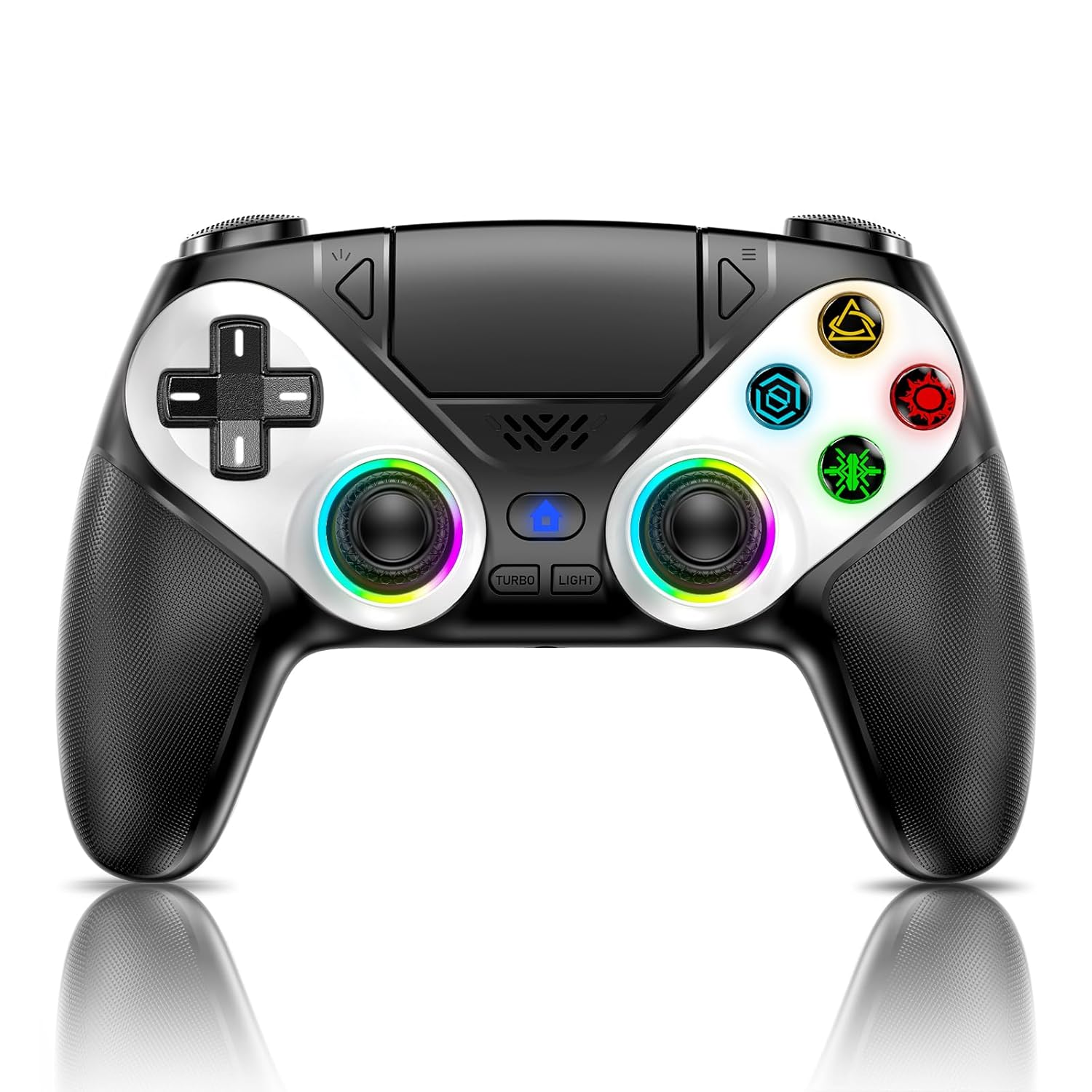
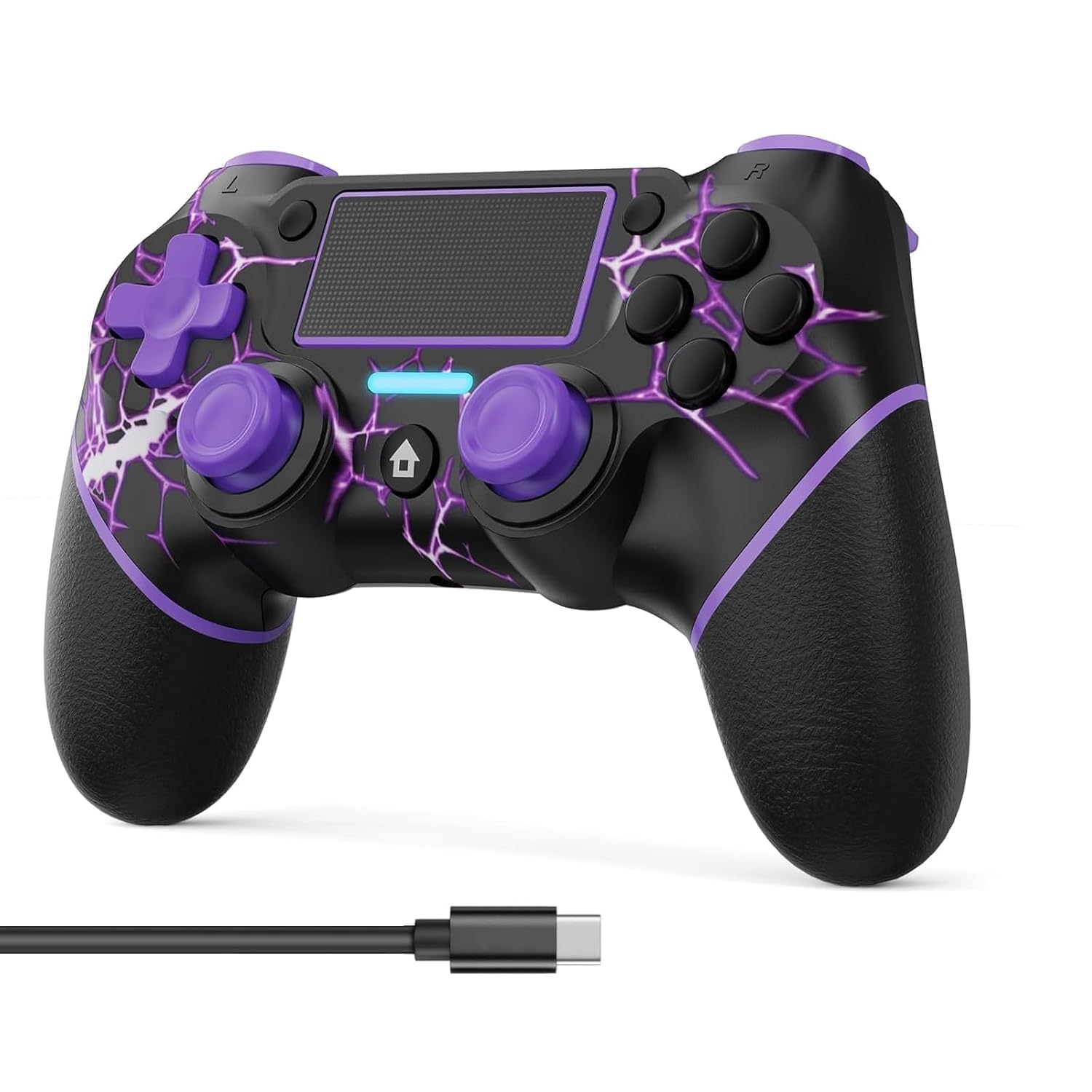
Gamrombo LED Wireless Controller for PS5, Compatible with PS5 Pro/Slim/PC, Dual Vibration, Macro/Turbo Function, 3.5mm Audio Jack, 6-Axis Motion Contro Gamepad with Speaker
Original price was: $59.99.$42.49Current price is: $42.49.
Related Products
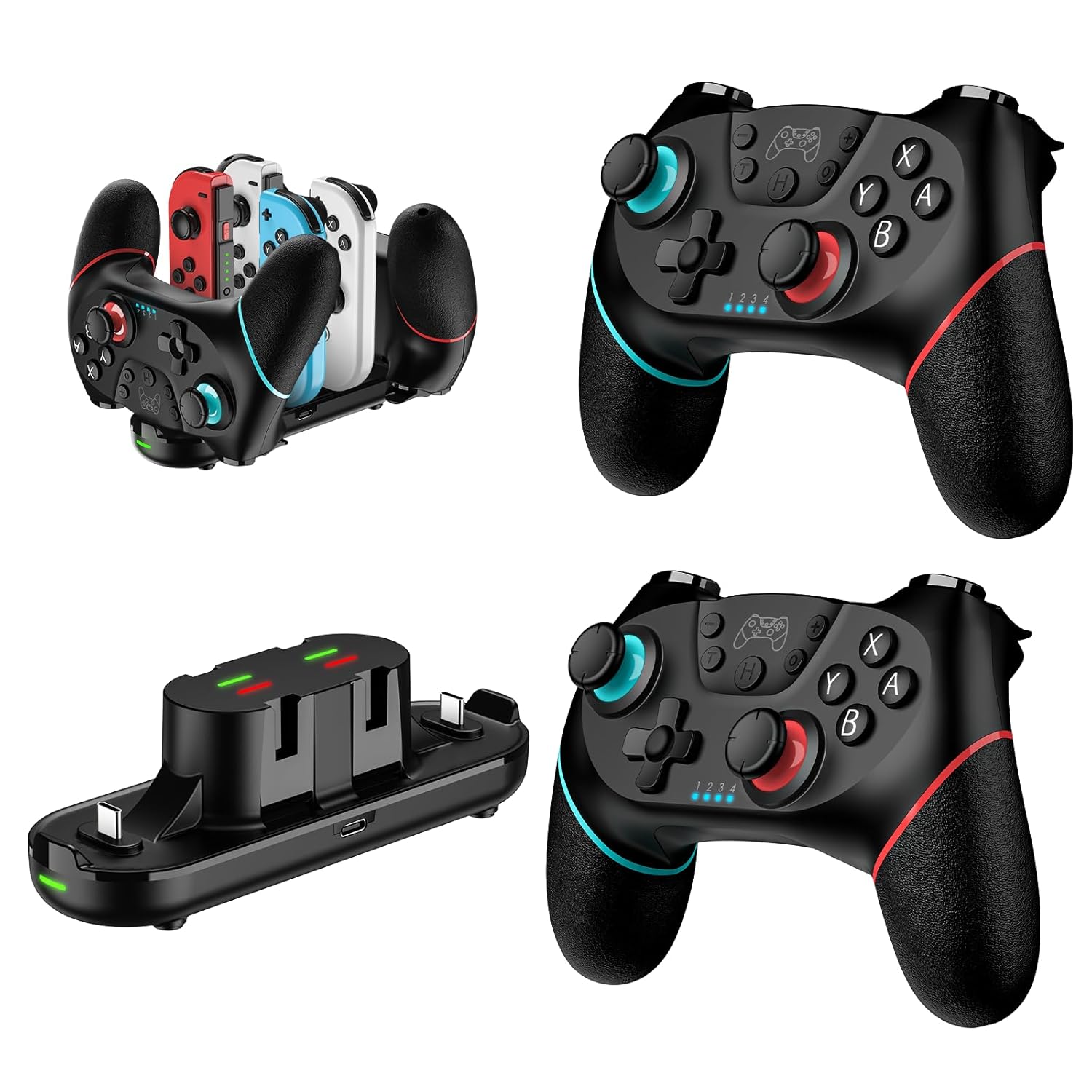

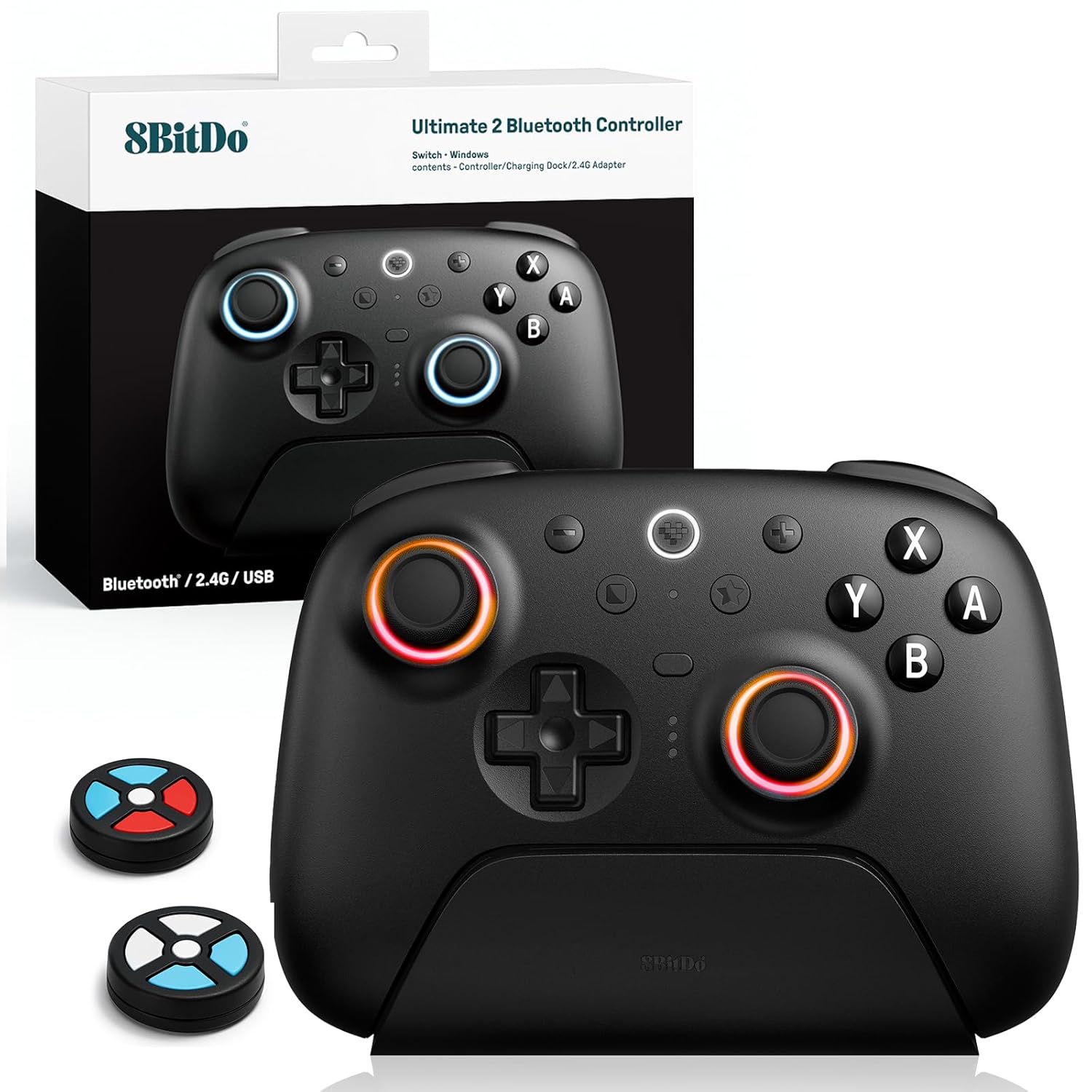
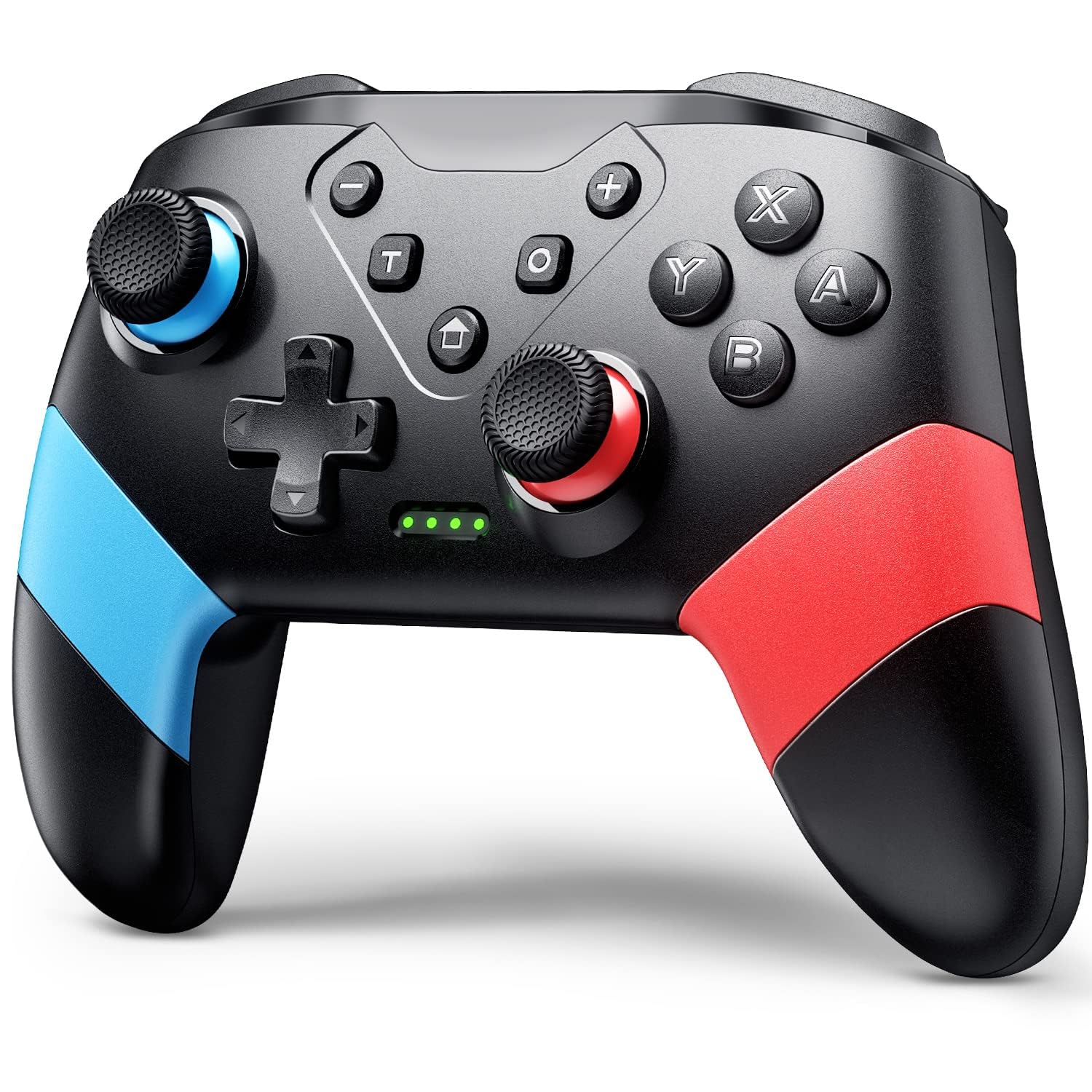


Product description
How should the controller be connected to the PS5 console for the first time? (Step 1)
Step 1: Connect the PS5 console and the controller with a USB-C data cable that comes with the package(OR PS5 original data cable ). Please note that there must be a USB-A interface at the rear of the general PS5 console.
How should the controller be connected to the PS5 console for the first time? (Step 2)
Step 2: After the connection is completed, press the Home button on the gamepad. If you see the light flashing slowly, it means the pairing is successful, and you can use a wireless connection to the PS5 console subsequently.
What hosts can the controller be compatible with?
It can compatible with PS5/PS5 Pro/PS5 Slim and Windows PC, NOT For Mac, PS4 and Phone.
Cannot charge at charging stations
The controller does not work with the charging station and only supports USB-C charging
How to calibrate the triggers and joysticks -for joystick drift and trigger problems
1. Enter Calibration Mode: Power off the controller(after connecting to PS5), hold Share + Menu, press Home. Wait for rapid Home button flashing.
2. Calibrate: Press triggers 3-5 times, rotate joysticks 3-5 circles, confirm with X. Done.


【Usage Notes】When using the gamepad for the first time, it needs to be connected to the PS5 console via a USB-C cable(It must be the data cable included in the package or the original data cable), and then press the Home button to activate it. The gamepad is only compatible with PS5 series consoles and Windows PCs, and it is not compatible with PS4.
【One-click wake-up】After completing the first connection, you only need to press the HOME button on the controller to turn on the PS5 console. It also supports use on computers with Windows operating system.
【Controller with Sound】 The controller is capable of producing sound, providing an immersive gaming experience. Please note that the controller is only equipped with a speaker and has no microphone. If you want to use the microphone fuacnction, please use an external headset. It is equipped with a 3.5mm TRRS headphone jack(not compatible with Apple headphones.)
【Customizable Colors】Press the Lighting button to switch colors and light effect modes with one click. It features a color memory function, ensuring that the next time you use it, it will still be the color you prefer.
【High – Precision Joysticks】Equipped with upgraded joysticks, these effectively reduce the joystick dead zone and extend the controller’s service life.
【Multiple Functions】10 times/second Turbo function can be set, supporting up to 16 keys programming, making your gaming experience even better
【Immersive Gaming Experience】Featuring dual – vibration function and paired with a high – precision 6 – axis gyroscope, this product elevates your gaming experience to a whole new level. It’s an ideal choice, whether for personal use or as a gift.
9 reviews for Gamrombo LED Wireless Controller for PS5, Compatible with PS5 Pro/Slim/PC, Dual Vibration, Macro/Turbo Function, 3.5mm Audio Jack, 6-Axis Motion Contro Gamepad with Speaker
Add a review

Original price was: $59.99.$42.49Current price is: $42.49.
Svitlana Kolotiuk –
Awesome PS5 Controller – Feels Great and Works Perfectly!
The Gamrombo wireless controller really surprised me with how good it feels in the hands. The buttons are responsive, the sticks are smooth, and the vibration feedback makes gaming more immersive. I like the LED lights — they look cool, especially in the dark. It connects easily to my PS5 and PC without any issues. The turbo and macro functions are a nice bonus, and the built-in speaker and audio jack work perfectly. Overall, it’s a great alternative to the original PS5 controller at a much better price!
Vanessa –
Amazing Controller – Feels Like a Pro Upgrade!
I’m really impressed with this Gamrombo LED wireless controller! The build quality feels solid, the dual vibration and motion controls add a whole new level of immersion, and the macro/turbo functions are super convenient for intense gaming sessions. The 3.5mm audio jack is a nice touch, making it easy to plug in my headset. Battery life is great, and it pairs seamlessly with my PS5 and PC. Feels comfortable even during long sessions, and the LED lights give it a sleek look. Definitely worth every penny!
Anubhaw –
Solid controller, great features for the price
Just got this controller last week and I’m really liking it so far. The LED lights are a cool touch – you can change colors with one button and it remembers your preference. I keep mine on blue and it looks great.The wireless connection works smoothly once you do the initial setup with the USB cable. After that first time, just press the home button and it connects right away.Battery life has been good, getting several hours of gameplay before needing to charge. The vibration feels nice and responsive, and the motion controls work well for games that use them. I’ve been playing mostly racing games and shooters and haven’t had any lag or connection issues. The turbo function is handy for certain games too.Sound comes through the controller speaker just like the official one, which adds to the experience. I usually use my headphones with the 3.5mm jack anyway and that works perfectly. Overall really happy with this purchase. It does everything I need and the build quality feels solid in my hands. Good alternative if you need a second controller.
Myra –
Awesome controller with cool LED lights
Really impressed with this controller! Pairing it with my PS5 and iPad was super quick, and the controls feel very smooth and responsive. The LED lighting adds a fun, stylish look, and the Turbo feature is especially handy for fast-paced shooting games. Battery life is pretty good as well. Overall, great value and I’m very satisfied with it!
Anthony Diaz –
Mic doesnt work. Speaker sucks. Buttons work and lights are pretty cool!
Seems to be a decent controller so far. Its for my kid. PS5 controllers are to much for me to buy for him while he learns the importance of hardware care. Buttons seem to work well so far month in no issues. Mic never works. Speaker is bad. Lights are cool. Would be a great controller if the mic and speaker on it worked decently. But the headset jack does work so thats a plus.
Belmild –
Works great and my son loves it!
I bought this controller for my son, and he absolutely loves it! The wireless connection works perfectly and pairs with the PS5 super fast. There’s no delay, and the vibration feels amazing — it really makes the games feel more realistic. The buttons are comfortable, and the controller feels high-quality.It even has a headphone jack and a built-in speaker, which makes gaming even more fun. The battery lasts a long time too.Overall, a great purchase — works just like the original but at a better price. Totally recommended!
S M –
Nice Controller!!
The build quality feels solid and comfortable even during long gaming sessions. The dual vibration and 6-axis motion control are very responsive, giving a great immersive experience. The LED lighting adds a nice visual touch and built-in speaker are clear and convenient to use. Battery life is excellent, and the wireless connection stays stable with no noticeable lag. For the price, this controller easily matches the official PS5 controller. Recommended for a reliable alternative to the DualSense!
Edward –
Durable and good for a child to learn with
Perfect controller for their child to learn with. It doesn’t have adaptive triggers. However, if you want to get this for like your younger child, you know how to respect a controller. This is a good bye. It works well. Connects seamlessly and it also works as another controller that works on PC. The kids really like the look of it. The RGB really makes them happy. Overall. Feels pretty dang sturdy. Honestly. Battery life is pretty good. I think Alaska does a solid 3 hours maybe longer. I would recommend it
Mohammed –
ماشاء الله الجهاز جميل ويعمل مع ps5 بشكل مثالي