


Hiearcool USB C Hub Ethernet 8-in-1, 4K@60Hz USB-C to HDMI Multiport Adapter with 1Gbps RJ45, 100W PD, 3 USB 3.0, SD/TF, Compatible for MacBook Pro/Air, Dell, Lenovo Laptops
Original price was: $35.99.$25.48Current price is: $25.48.
Related Products


Product description


1 For Game
2 For Work
3 For Entertainment


1 Compatibility Guide
2 Incompatible List
3 Incompatible List
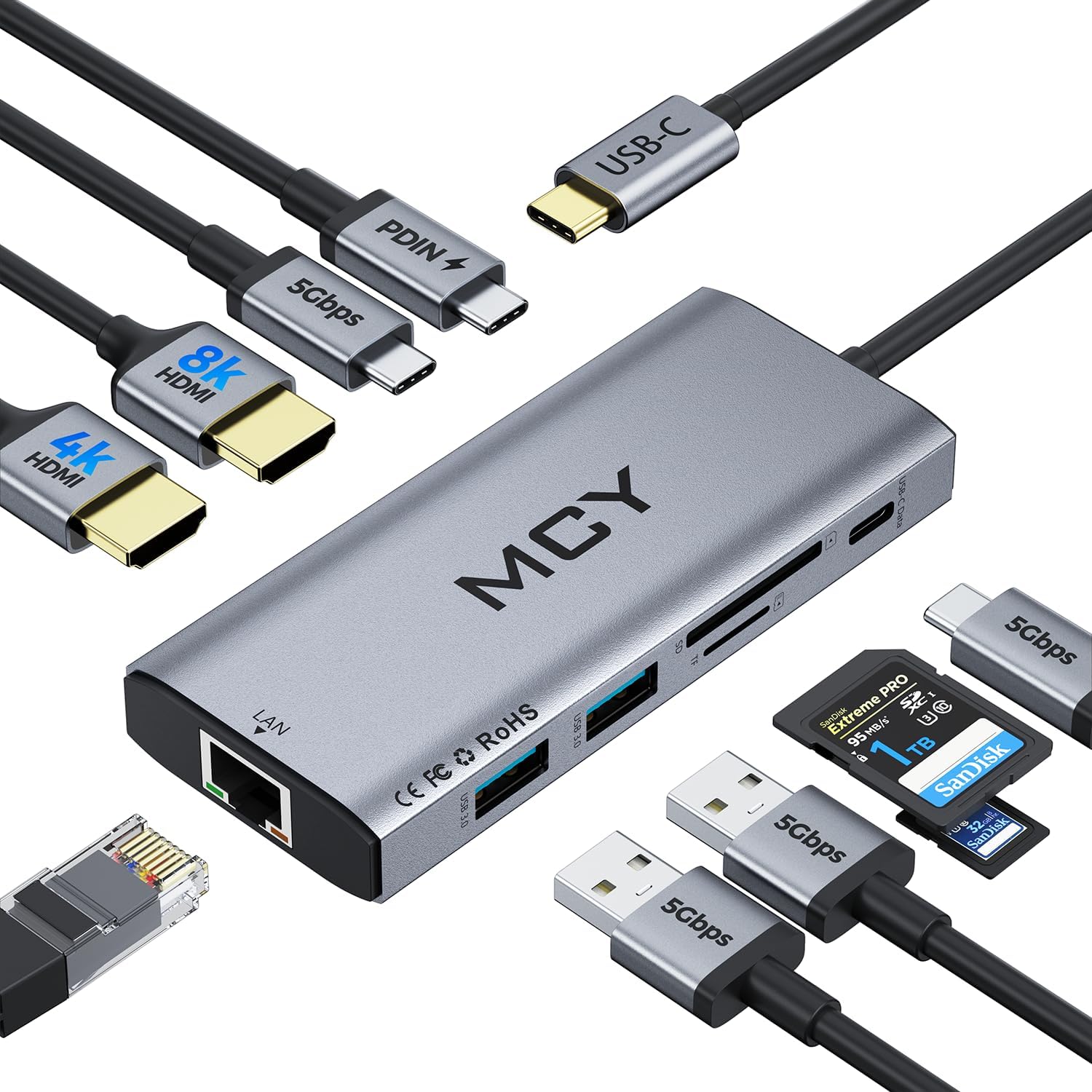
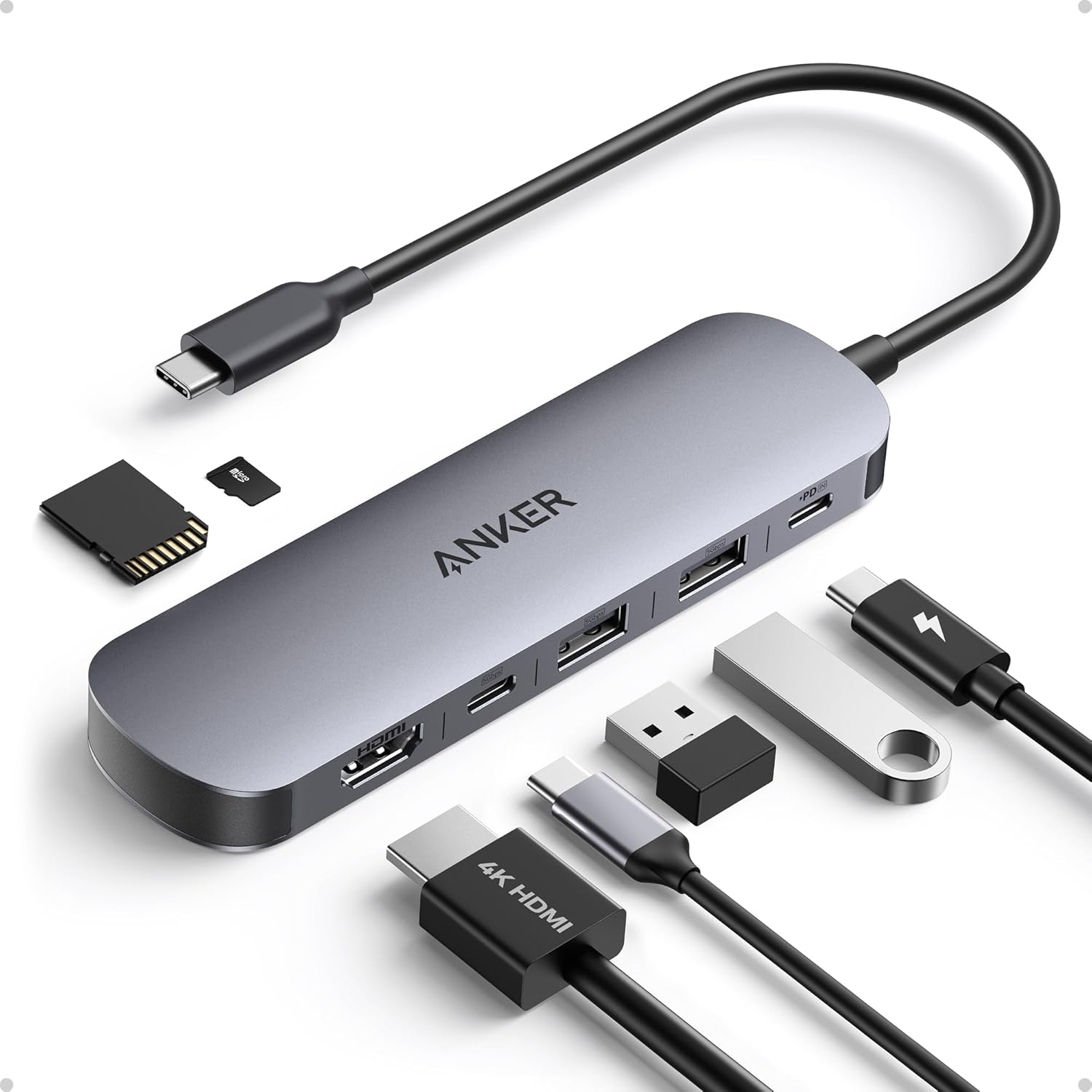
Designed for Productivity — Compatible for MacBook & Most USB-C Laptops: Built to expand your MacBook’s USB-C ports, this 8-in-1 hub delivers essential connections for office, home, business travel, online classes and video conferencing. Fully compatible for MacBook Pro/Air, Dell XPS, HP, Lenovo and more USB-C laptops.
4K HDMI for Crisp Work & Entertainment Displays: Enjoy stunning 4K@60Hz output when connecting to external monitors, TVs or projectors—ideal for multitasking, presentations, working from home or immersive streaming. Stable signal transmission ensures smooth, detailed visuals every time.
High-Speed Wired Internet — Reliable 1Gbps Ethernet: Upgrade your laptop with fast and secure 1Gbps Ethernet, ensuring smoother video calls, lag-free online meetings, stable remote work and reliable large-file downloads—perfect for office or home networking environments.
100W PD Charging + Multi-Port USB Expansion: Pass-through USB-C charging supports up to 100W, powering your laptop while using all ports simultaneously. Includes three USB-A 3.0 ports for keyboards, mice, flash drives and hard drives—boosting your daily productivity.
SD & TF Card Readers for Creators and Daily Transfers: Easily transfer photos, videos and documents using built-in SD and microSD card slots. Perfect for photographers, designers, students, teachers and professionals who need convenient, on-the-go media access.
9 reviews for Hiearcool USB C Hub Ethernet 8-in-1, 4K@60Hz USB-C to HDMI Multiport Adapter with 1Gbps RJ45, 100W PD, 3 USB 3.0, SD/TF, Compatible for MacBook Pro/Air, Dell, Lenovo Laptops
Add a review

Original price was: $35.99.$25.48Current price is: $25.48.
Nicholas Duncan. –
Solid product at great price, fast delivery
Having never heard of the company I was weary of buying from them initially but for the price it was hard not to give them a try and boy am I glad I did offers up all the versatility I needed for my apple MacBook Air it’s light weight, semi small in nature so it doesn’t take up a lot of space, and it has worked really well for me for everything I have needed to use it for, and at its price it’s a steal, shipping came on time as promised and didn’t take long to receive. I would buy from this company again if given the need
Michele A Meyer –
Timely delicery
Sufficient and works well
RA Deleon –
Does not work with m4 max macbook pro
I got this for when I did on-site IT work for clients and I needed an ethernet adapter to be able to connect to their network to test lines and get in. On windows 11 new laptop it works great and also on my old macbook from 2016 intel but after upgrading to 2024 Macbook Pro m4 MAX it will no longer recognize the chip and I ended up wasting time at a job. Do not buy if you have a new m4 macbook pro
Harry –
Doesn’t work with MacOS Tahoe/MacBook Pro
After I upgraded my MacOS to Tahoe, it stops to work and cannot detect the external monitor … I have another Anker Adapter I bought last year and it works fine…. Seems that it might have some quality issue. I have to return it.
Jimaco B. –
Works as advertised on an iPad Air M2 w/external HDMI display
Bought this to connect an existing HDMI display to my IPad Air M2 after dumping a full cup of coffee on my MacBook Pro (Hint: Don’t try this at home 🙂 ). So far it’s been working great. One thing, though, either the hub but, more likely, the display kept slowly draining the iPad battery even with a power source plugged into the hub USB C port. Fixed this by getting a 70 Watt Apple power source. All good now. Battery stays charged and will also recharge. (You may not need the 70 Watt power source; really depends on your set up.). NOTE: I haven’t really tested any of the other ports on the hub, so I can’t give feedback on those.
DNP –
Great product.
Delivers numerous ports and connected my ethernet also which was a plus. Good quality
Bob Healy –
Works great and good price on a Mac
Works great
yaffir –
HDMI Problem and Weird Sound
Pros and Cons of the Multi-Port Hub!My Own Experience, But Buyer Beware!Devices Tested:- MacBook Air M1 with Elgato 4K X Capture Card and 8K HDMI Cable- iPad M1 connected via Hiearcool Multi-Port Hub (with Ethernet, HDMI, and Charger cables connected)- TV with a certified premium HDMI cable from my internet service providerPros:- Most functions on the hub work reliably, except for the HDMI port.- Compact and easy to set up for streaming on various platforms (tested for YouTube).- Reliable performance with USB ports, Ethernet, and power passthrough, showing compatibility across multiple devices.Cons:- HDMI Port Reliability: The HDMI port showed inconsistent performance. When connecting to a TV, the screen occasionally displayed incorrect colors, requiring the HDMI cable to be unplugged and reconnected multiple times to resolve.- Audio Disturbances: When testing the iPad M1 setup, audio began to crackle and pop unexpectedly. This issue has not occurred with other hubs tested on similar setups.- Background Noise: The hub emits a faint motor sound, especially noticeable within 1-2 feet. For users not wearing headphones, this may sound like white noise, which can be distracting.- Spontaneous HDMI Compatibility Issues: When tested with the MacBook Air M1 and high-quality HDMI devices like the Elgato 4K X and 8K HDMI cable, the screen occasionally displayed colors incorrectly. This issue could sometimes be fixed by reconnecting the HDMI cable but is inconsistent.In comparison, my older UtechSmart Multi-Port Hub has not had issues with HDMI and continues to perform well, despite one slightly buggy USB port. Since I need the HDMI to work at all time I will be returning this product if you don’t need/use the HDMI port this would be a good product for you.
Samuel –
Un adaptador muy bueno, costo accesible y muy buena calidad