

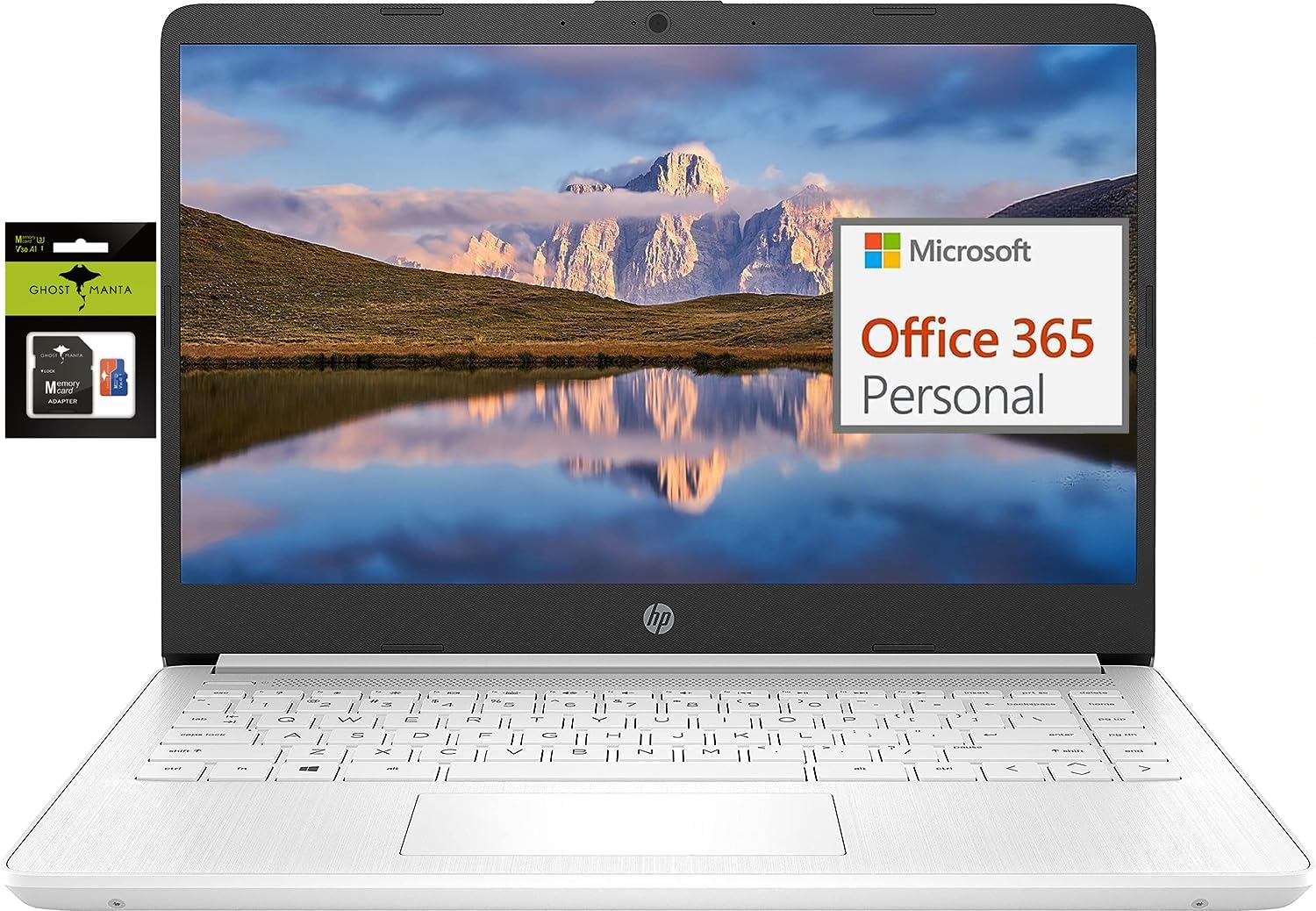
HP 14″ Ultral Light Laptop for Students and Business, Intel Quad-Core, 8GB RAM, 192GB Storage(64GB eMMC+128GB Ghost Manta SD Card), 1 Year Office 365, USB C, Win 11 S
$248.88
Related Products




Switching out of S mode in Windows 11
Windows 11 in S mode is designed for security and performance, exclusively running apps from the Microsoft Store. If you want to install an app that isn’t available in the Microsoft Store, you’ll need to switch out of S mode
1. On your PC running Windows 11 in S mode, open Settings > System > Activation.
2. In the Switch to Windows 11 Pro section, select Go to the Store. (If you also see an “Upgrade your edition of Windows” section, be careful not to click the “Go to the Store” link that appears there.)
3. On the Switch out of S mode (or similar) page that appears in the Microsoft Store, select the Get button. After you see a confirmation message on the page, you’ll be able to install apps from outside of the Microsoft Store.
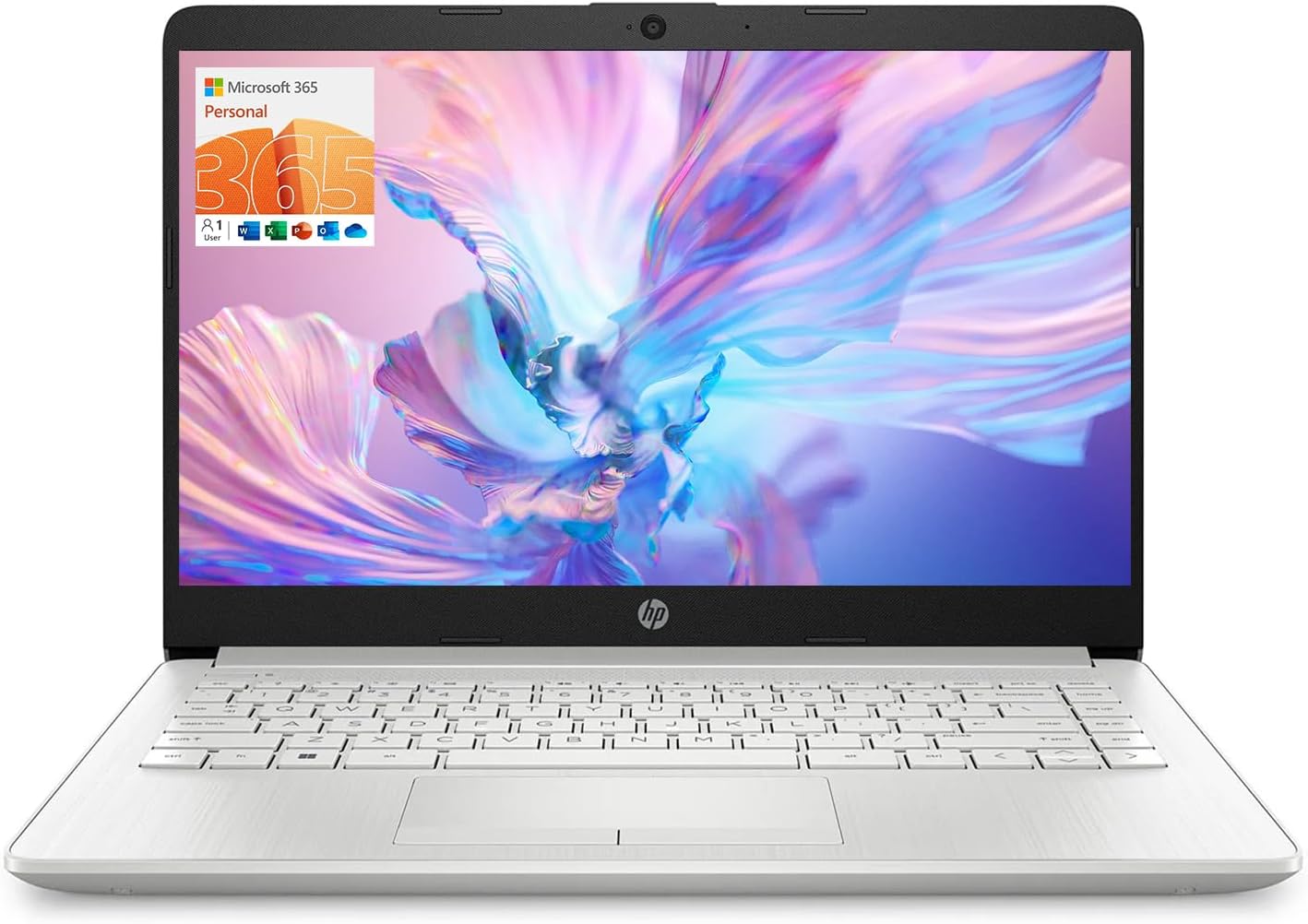
HP 14 inch Laptop for Business and Student:
Sleek design: Easily take this thin and light PC from room to room or on the road
Dual array microphones: With two microphones and advanced noise reduction software, you’ll always sound crystal clear when you video chat or record
Display: 14.0-inch diagonal, HD (1366 x 768), micro-edge, BrightView
Processor: Intel Celeron N4120, 4 Cores & 4 Threads
Memory: 8GB DDR4
Storage: 64GB eMMC+128GB Micro SD
Graphics: Intel UHD Graphics 600
Operating System: Windows 11 Home in S mode
HP Fast Charge: Go from 0 to 50% charge in approximately 45 minutes
Battery Life: Up to 11 hours and 30 minutes (video playback); Up to 9 hours (wireless streaming)
Webcam: HP True Vision 720p HD camera with integrated dual array digital microphones
Connectivity: 802.11a/b/g/n/ac (2×2)(19a) Wi-Fi and Bluetooth combo
Dimensions: 12.76 x 8.86 x 0.71 inches
Weight: 3.24 lbs
【Intel Celeron Processor】Powered by the Intel Celeron processor (Beat i3), this HP laptop delivers reliable performance for your everyday needs. Smoothly handle web browsing, document editing, and video streaming, making it a perfect home office laptop and a good laptop for college students.
【14 inch Display】Enjoy a maximized view on the 14 inch HD display. The innovative Micro-edge design minimizes the bezel for an ultra-wide viewing experience, ideal for online learning, reviewing documents, or watching movies.
【RAM & Storage upgradable】Upgraded to 8GB high-bandwidth DDR4 Memory, Adequate high-bandwidth RAM to smoothly run multiple applications and browser tabs all at once. 【Ports】1 x USB 3.1 Type-C ports, 2 x USB 3.1 Type-A ports, 1 x HDMI, 1 x Headphone/Microphone Combo Jack, and there’s a microSD slot. Ghost Manta SD card.
【Immersive & Portable】Designed to be ultra-thin and lightweight, this HP laptop is your go-to portable laptop for work and school. It easily slips into a backpack, so you can study at the library or work from your favorite coffee shop without any hassle.
【Ultimate Student&Daily Notebook 】 This is the cheap laptop for everyday use you’ve been looking for. A trusted student laptop for classes and a reliable home office laptop for remote work, it combines essential features, HP quality, and exceptional value into one versatile machine.
8 reviews for HP 14″ Ultral Light Laptop for Students and Business, Intel Quad-Core, 8GB RAM, 192GB Storage(64GB eMMC+128GB Ghost Manta SD Card), 1 Year Office 365, USB C, Win 11 S
Add a review

$248.88
Juan AkA Kermittherunner –
Budget friendly for college students
I bought this computer for my 18 year old for her cfirst year in college. After reading all the reviews I decided to give it a go and purchased it.My sister has been loving it since day one. The computer is sturdy, well made, with great battery life. It’s not ideal for gaming since it tends to slow down. But the screen quality is fantastic for a budget device.I couldn’t be happier with this purchase. It’s perfect for college students or anyone who uses the device for watching videos online, shopping, research or just the average computer user. It’s light and compact with great sound.
Lauren –
Great for college freshman or anyone
I purchased the HP 14″ Ultralight Laptop for my son as he started college, and it’s proven to be a smart, budget-friendly choice for his academic needs.We needed something:Lightweight and portable for carrying between classesAffordable but reliableCapable of handling schoolwork, video calls, and light multitaskingThis model checked all the boxes.
an –
Keep getting pop up message that is totally distracting
I keep getting this pop up message: Because you’re accessing sensitive info, you need to verify your password. And it’s greatly interfering with my work. If this isn’t fixed by tomorrow, I am returning this laptop. I am not contacting customer support wasting my time. The sellers should be monitoring the reviews and they should be fixing this issue on their end which I know they are very aware of it because the issue has been reported all over the internet in various forums. I am very upset they sold me a computer with this horrible glitch.Update*** still have the same problem, along with other problems as well. This laptop is a nightmare to do my work and school work on. I am going to list problems as I go along. One of many major problems I have is that you can barely find a black space to let the mouse rest while you work without it pulling down a drop down menu. I am so sick of these menus appearing any and everywhere.Next major problem is, if you go back to delete something you’ve written, which is what humas do many times, the backspace and cursor jump somewhere else which makes you have to wase time, your blood pressure rises because it makes no sense of why this happens. Every single time I have to delete something I’ve written it becomes a major problem.Another major problem, when you are sitting down and the laptop is resting on your lap, EVERY SINGLE TIME you get up from a seated position, moving your laptop, the mouse mechanism clicks itself so your browser closes out or your mouse clicks on something and you lose where your at or wind up sending something you didn’t mean to which is A BIG NO NO.I REALLY, REALLY, REALLY DISKLIKE THIS LAPTOP. HORRIBLE!I feel very badly for kids whose parents make them use this laptop. I can only imagine the poor kids losing their work or their work getting messed up through NO fault of their own but they don’t know how to convey that to the parents so it winds up being the kids fault according to the parents. I already know how many arguments this laptop has caused families.There is NO reason in this day in age for a laptop to be this horrible. As I am typing now, my cursor jumps everywhere and I had to restart what I’m writing 10 different times already in the last 5 minutes. I wish I could give this laptop negative stars!!!! I wouldn’t take this laptop if it were for free!
pureatheart –
For the money
It would be worth to spend another hundred dollars if you can get a better product. It’s slow.
Renae B. –
I would recommend for a starting laptop! Good for basic needs!
Great, cheap laptop! It runs surprisingly well for the price and I haven’t had a ton of issues. My trackpad is kind of sticky and it is very sensitive so I do recommend using a mouse, but honestly you kind of get used to it and I barely ever use a mouse anymore. The battery life is okay, lasts about a day, so as long as you recharge it every night, it works just fine. It’s rather fast, the speed is nice as well. Biggest downsides would be the trackpad and battery life, but that’s still a bit of a stretch and it is honestly a great computer to have for the price.
Joseph –
Solid investment
My daughter has been using this computer for a while now, and I’m really impressed with its performance. It runs fast, handles her Clases without slowing down, and starts up in seconds. The screen is bright and clear, and the keyboard feels comfortable for long hours of school or work.
Wanderer –
10/10
I recently purchased the HP Newest 14″ Ultralight Laptop and let me tell you, it has been an absolute game-changer for both my student life and my business needs. As someone who is always on the go, I needed a reliable laptop that could keep up with my busy schedule, and this laptop has exceeded all of my expectations.Let’s start with the design – this laptop is sleek, lightweight, and portable, making it perfect for carrying around campus or taking to meetings. The 14″ screen is the perfect size for both work and play, and the Intel Quad-Core N4120 processor ensures that everything runs smoothly and quickly. The 8GB of RAM and 192GB of storage (64GB eMMC + 128GB Micro SD) provide more than enough space for all of my files, photos, and videos.One of my favorite features of this laptop is the 1 Year Office 365 subscription that comes included. Having access to all of the Microsoft Office programs has made it so much easier for me to stay organized and productive. The webcam is great for virtual meetings, and the HDMI, WiFi, and USB-A ports make it easy to connect to external devices and accessories.But what truly sets this laptop apart is its incredible value for the price. I was a bit hesitant at first because of how affordable it is, but I can confidently say that this laptop is worth every penny. The performance and quality are on par with laptops that cost twice as much, and I couldn’t be happier with my purchase.In conclusion, if you’re a student or a business professional in need of a reliable, efficient, and affordable laptop, with amazing battery life, look no further than the HP Newest 14″ Ultralight Laptop. It’s a 5-star product that will truly make your life easier and more enjoyable. Trust me, you won’t be disappointed!.
Shereff Richardson –
It lasts as long as the factory warranty
This laptop freezes up and have to power off and on