
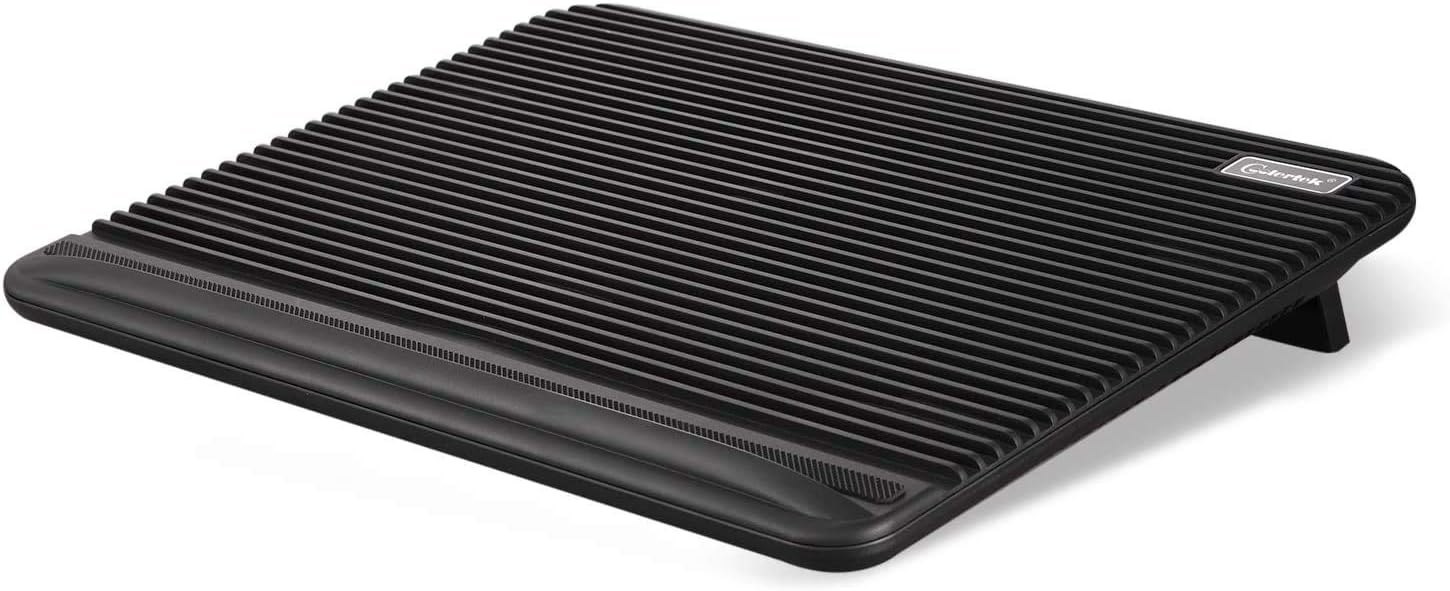
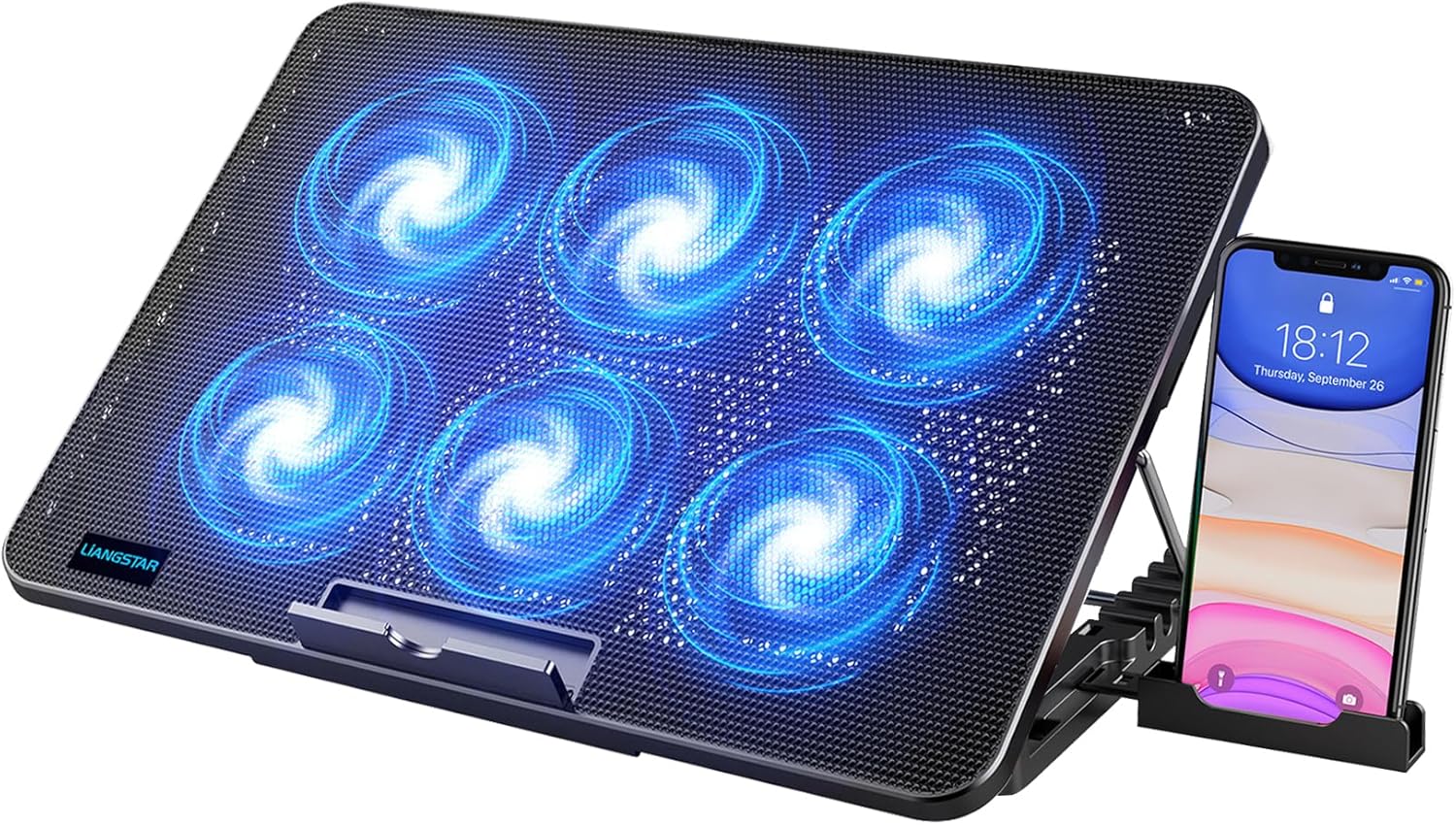
Laptop Cooling Pad, Coolertek USB Powered Laptop Cooler, 2 Blue Silent Big Fans, Height Adjustable Non-Slip Laptop Stand with Dual USB 2.0 Ports, Fits 11-17 Inch Notebook – Black (N2)
$23.88
Related Products






Product description


√ Ultra Durability Laptop Cooler – The high-quality ABS material provides your laptop a wear-resisting and firm laptop carrying surface. Unique panel design can increase airflow, improve heat dissipation.
√ Super Cooling & Quiet Fans – Laptop cooling pad with 2 pcs 160mm quiet fans creates a noise-free & interference-free environment for you. The fans rapid cooling effect prevents your laptop from overheating and is perfect for gaming.
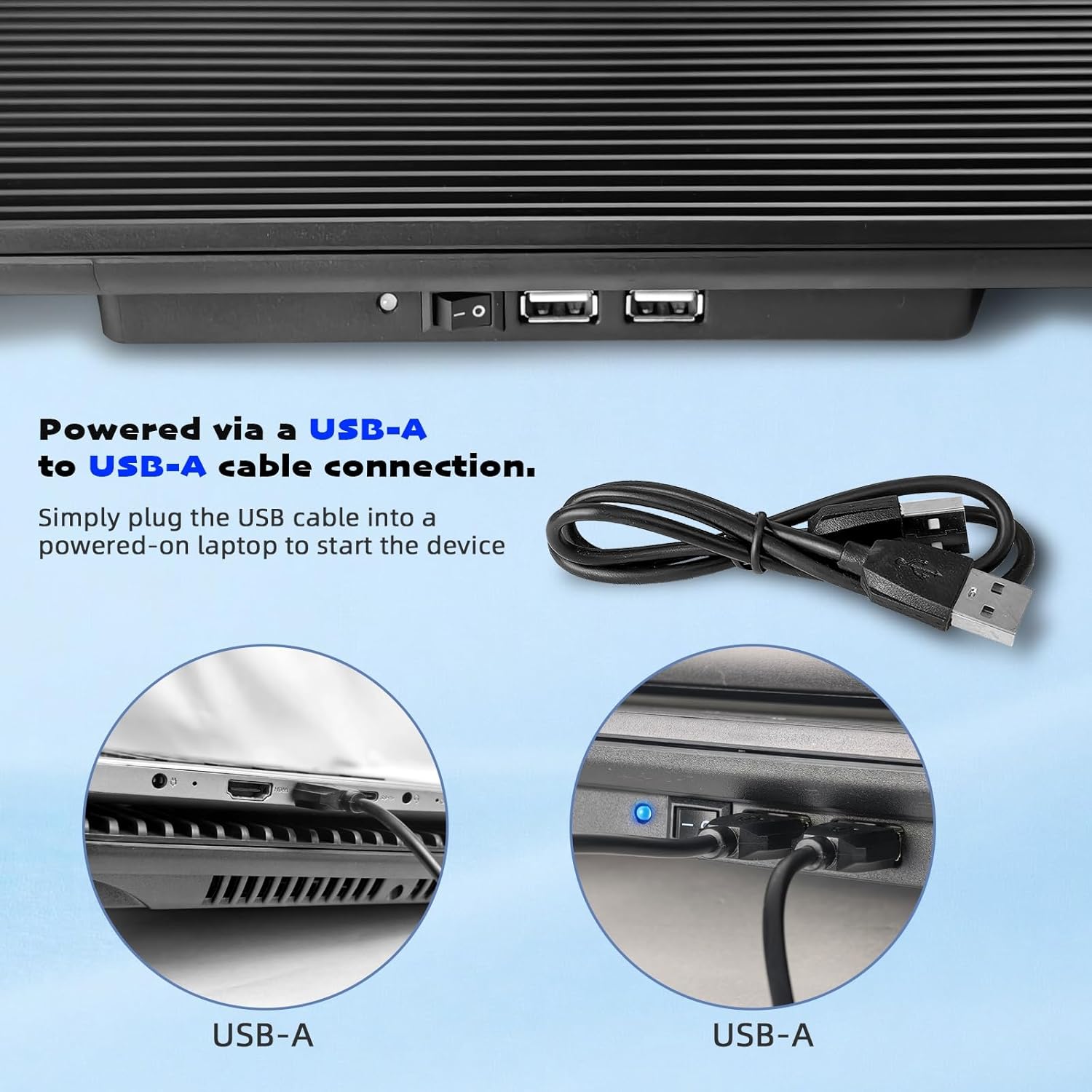
√ Easy Operation & Extra USB Ports – Laptop cooling stand just plug in the USB port of your laptop to use. Equipped two USB 2.0 ports for data transmission or connecting other devices.
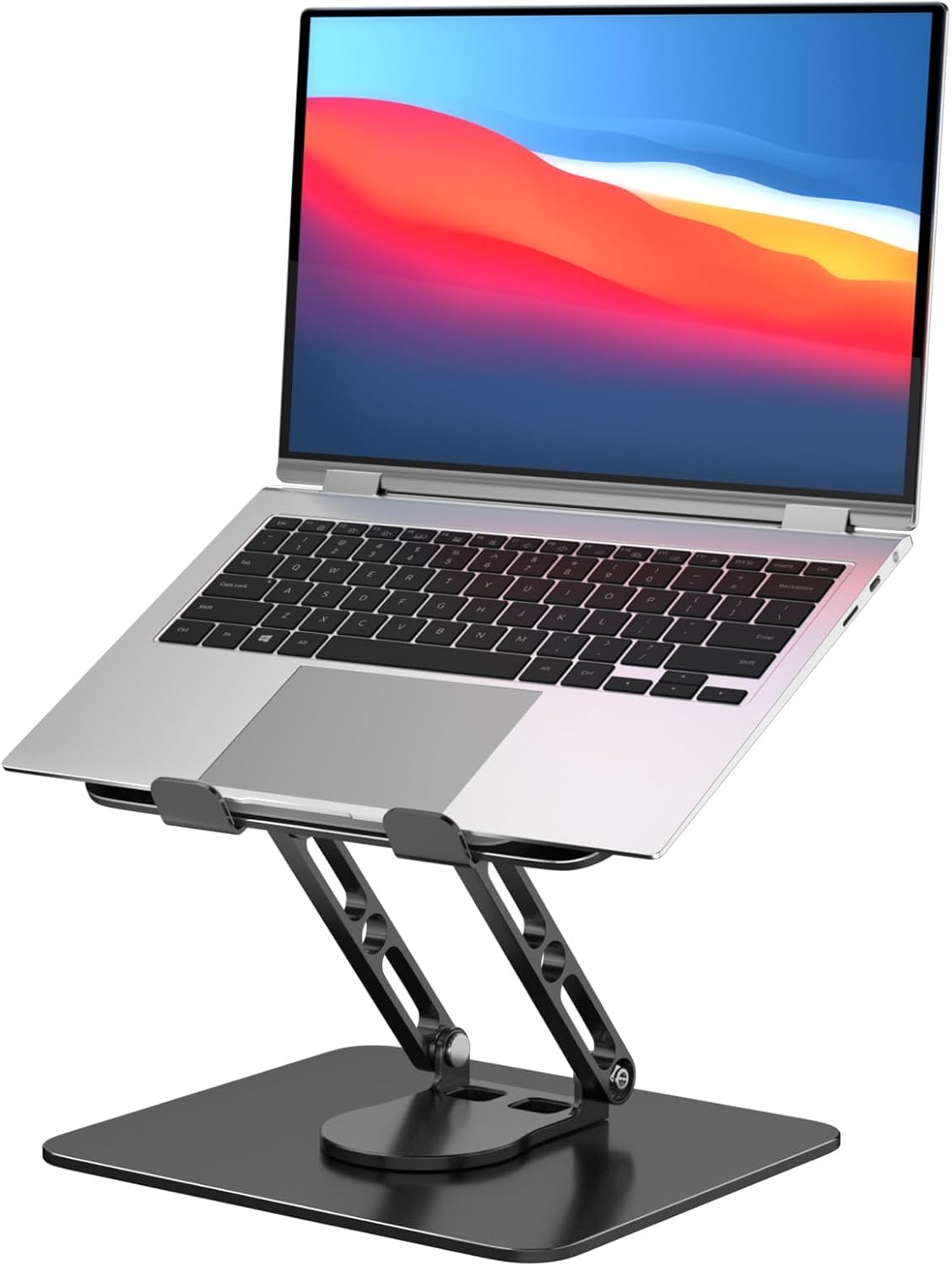
√ Ergonomic Comfort – Two adjustable supporting angles aim to accommodate different users’ habits for better human body accommodation. Help you to get the most comfortable angle when playing games, watch videos or doing work for all-day reviewing.
√ Compatible Laptop Cooler – The Laptop fan cooling pad compatible with a variety of 11”-17” laptop, such as Apple Macbook Pro Air, Surface, Acer, HP, Alienware, Dell, Lenovo, ASUS, etc.
8 reviews for Laptop Cooling Pad, Coolertek USB Powered Laptop Cooler, 2 Blue Silent Big Fans, Height Adjustable Non-Slip Laptop Stand with Dual USB 2.0 Ports, Fits 11-17 Inch Notebook – Black (N2)
Add a review

$23.88
Steve O –
Works great
Like the way my laptop stays in place does not slid around. Keeps my laptop from getting hot when using for a long time. Fan is really quiet don’t hear it when on
goofy1978 –
Works
This is a pretty good product it gets the job done. It came new in the box. It comes with a usb cord the fan of course. The sounds you can’t hear when the fan is on which is a plus. It cools my lap top down. It’s got feet so it tilts if need.
Rev Dr. J. Dan Renfro D.D. –
Does a great job!
Does a great job. I looked at all the reviews in comparison for cooling pads. This one didn’t rate the best. I really like the size area of the fans so I thought to give it a try. Two big fans in the middle. You can look at the pictures the manufacturer provides. What I did like is the dissipation of heat. This thing works great. Literally will drop the heat five the 15° in just a few seconds. A previously submitted the video on that. I’m not sure where it went.In any case I think this is a good cooling pad. I’ve been using for little while now.Pros:wide area (fits my 15 inch laptop no problem)huge fansquick dissipation of heatlow-profile disappears when using not obtrusive.It has an extra USB spot for the one you lose theoretically plugging it in. Do not plug it into your laptopConsit’s quiet. But there is a sound there are two big fans going aroundthe number one reason this did not get a five star rating? The switches on the back. You have to reach around the back to turn it on and depending where you set your laptop that could be a problem. It is for me and cost one staralso note that this is sitting on a flat surface there’s not a lot of escape area for the air to get out. I place two full posted no pads to raise it somewhat to get a better air exchange.Pro tip: do not plug this into your laptop for power if possible. This would be a drain on your power supply to run this continuously exchanging some of the heat dissipation that you purchased this for. In addition it will be using laptop resources. Simply use a block that came with your cell phone or other device and plug it into an Al out of possible.Overall grade device not too expensive, not too loud, really dissipates the heat on my laptop from where it’s too hot to touch to it’s actually cool.If you found this helpful please Click the helpful button
Amazon Customer –
Very well built.
Let preface this review by lettinh the reader know that I have owned 3 similar cooling pads. None of them were built as well as this one. None of them were designed as well as this one. It has a ridged design that helps with air flow and strength. None of them were as thin as this one. The fans move an ample amount of air and fan noise is almost non-existent. An extra USB port in back is nice as well as the off/on switch. I expect this one to last much longer than all of the previous units.
Imperial Gemini –
Just what was needed
I spent hours looking for a good laptop cooling pad. I even returned one that I thought would be perfect and ended up teaching me a lesson. In fact I am surprised more people have not commented or had the issue I faced. The original laptop cooling pad I got has a metal grated top for the laptop to sit on. In fact it seems all the laptop cooling pads have this metal screen now. They even state that it helps keep the laptop cool and so promote it as a feature. However when I had my laptop on that first laptop cooling pad with the metal, my wifi connection suddenly went downhill. You might not notice too much if just browsing the web. You may not even notice when streaming video and chock it up to just normal wifi instability. But when I tried playing a game you could truly see how that metal interfered with the wifi signal. The lag I encountered was incredible and as soon as I lifted the laptop off that cooling pad and removed it, the lag disappeared. This makes sense, most articles suggest keeping your router away from metal objects that might interfere with the signal. To try and maximize wifi signal, you want to try to keep any metal from blocking the way.Why no one else has not encountered this issue, I am not sure. Granted I had not received my new laptop yet, so the laptop I used on that original cooling pad was about 10 years old. Maybe the wifi receiver in it, just was showing its age and simply was not as powerful and efficient as newere wifi5 and wifi6 receivers. So possibly my new laptop with the wifi6 would not have had issues. However, even if the newer laptop could have overcome the interference, they would have to work that much harder to do so and so you still likely are not getting the best signal.So I sent back that original laptop cooling pad and searched again. It was very difficult to find one that did not have metal on it. But this one popped up. It does not have the fancy LED lights or DIsplay. It does not have a USB HUb or seperate power cord. It only has the two fans. But it is all a fairly durable yet light plastic.I am not suggesting you can throw this around. Slam things on it or not damage the moving components inside if you are to rough with it. BUT, for the purpose this is supposed to serve, the plastic is quite durable. The grooves are also a nice feature to help channel the airflow, which I think is better than some of the flat metal grates. In fact some of the more expensive laptop coolers have the metal with channels added to increase the airflow underneath and not have the laptop flat on the metal. So this does it by having the plastic channels. No metal to interfere with the wifi (okay maybe some ball bearings and wiring for the fans, but not enough to be an issue).I purchased this for my ASUS ROG G15 gaming laptop. I had heard about the heating issues on that laptop and wanted to just have something to add a little more cool airflow and lift the laptop up. This serves that purpose perfectly. You can hear the fans, but they are not super loud and are easily lost in the background unless you focus on them. The cooling pad fan noise is usually drowned out by the Laptop GPU fan engaging during heavy gaming (which in itself is not super loud and will easily be lost in background).The laptop pad is light and fits in my small carrying backpack with the laptop. While it does have to be powered by USB, You can plug it into a USB HUB or into a surge protector that might have the USB charging power ports. Keep in mind though, that you will have to use the on/off switch manually when you have it plugged in to something other than the laptop or a laptop powered USB Hub.It will not win any beauty contrests. But my laptop sits securely and that slight additional cool air is a benefit along with keeping the laptop elevated and free of obstructions.Overall a good buy and product. Nothing outstanding or fancy. The average 3 stars means this does exactly what it is supposed to do.
Brian Gibson –
Hoping to extend my laptop with cooling
This is a durable fan. More durable than needed. I’ve seen reviews for this product that almost turned me away. About the noise – I can’t even hear it running with everything else on in my home. Supposedly the on/off switch breaking – It’s usb connected to my laptop. As soon as my laptop turns on so does the fan so I just leave it on and haven’t even used the switch but you’d have to be very rough to break the switch. Bright blue light to let you know it is running. I bought to cool my laptop in hopes of extending the life of it really. You have legs on the rear to raise at an angle or fold legs in to have flat which is nice when I’m laying down and need to raise my laptop to be able to see the keys. The venting is enough to hit the open vents in your laptop to blow cool air in. And there is a lip to keep your laptop from coming toward the front of the fan unit. You won’t need the lip anyway there’s no slipping and sliding.
Alex Atkinson –
The fans make a ticking noise even powered. When the power is cut and the fans are still spinning it’s completely silent. Both fans do this.
Gabriela R. –
Me gusto el tamaño, la forma, no hace ruido