

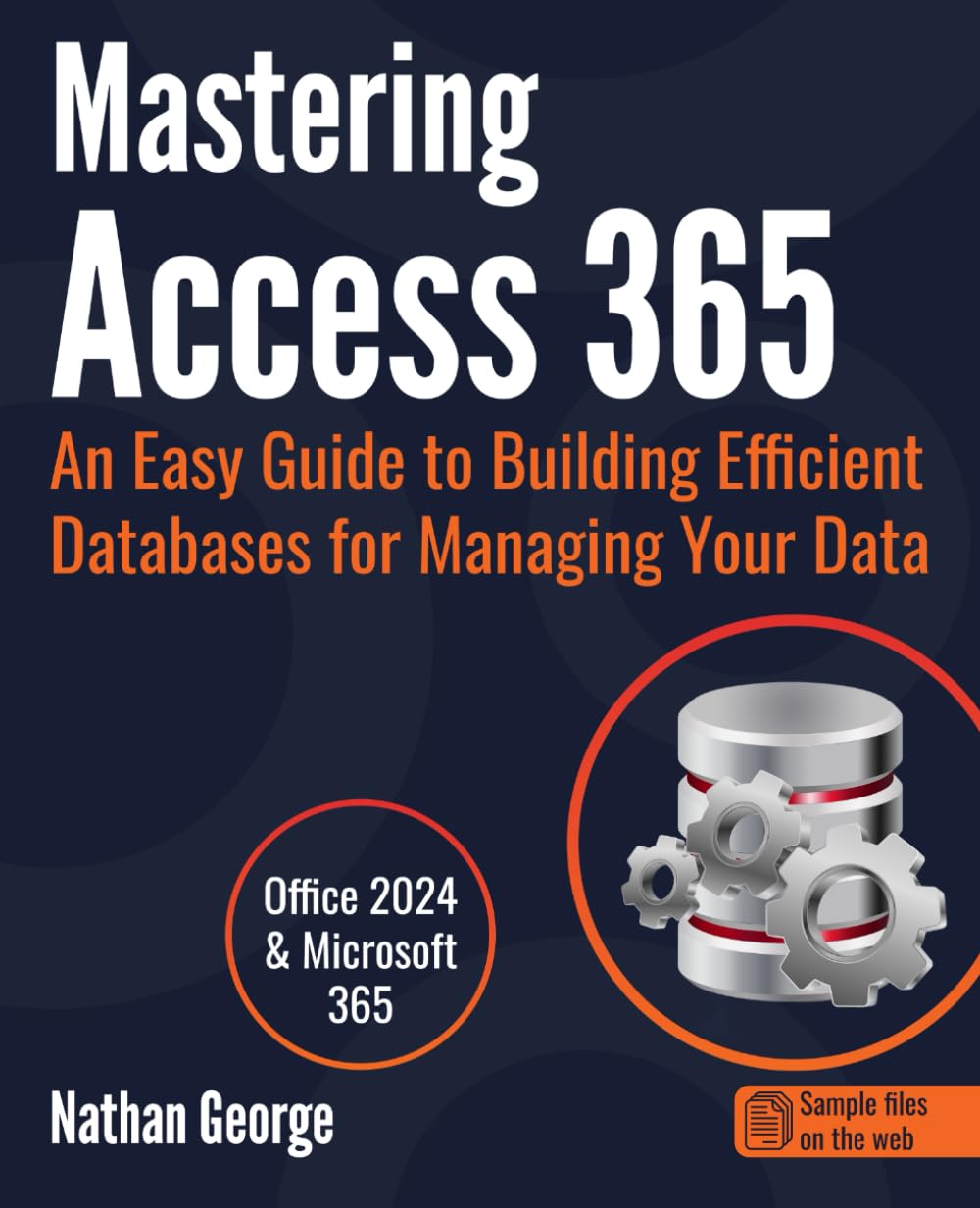
Mastering Access 365: An Easy Guide to Building Efficient Databases for Managing Your Data
$27.28
Related Products







Database creation and management made easy
Whether you’re new to Access or looking to refresh your skills on this popular database application, you’ll find everything you need to create efficient and robust database solutions for your data in this book.
Even if you have no formal database training, don’t worry. This book starts from the basics and shows you how to structure your data for a relational database.
Clear, concise, and straightforward
This book offers clear and straightforward explanations on creating tables and relationships, building user-friendly forms, importing data from external sources, writing queries to answer questions, and presenting information with reports.
Practical examples for hands-on learning
Mastering Access 365 is a practical guide, using examples from a case study to demonstrate each aspect of Access. Screenshots illustrate the concepts, features, and tasks being discussed.
The best way to learn is through practice, so downloadable sample files have been provided to enable you to follow the examples in the book hands-on.
Revised and updated!
This book covers Access 2024 and the latest version of Access for Microsoft 365 (2025).
Learn how to:Plan your database, including how to capture and refine your data requirements.Structure your data design for efficient data storage.Create Access tables and define table relationships.Quickly generate feature-rich, user-friendly forms to simplify data entry.Write queries to answer questions and perform data updates.Build quick and powerful reports to present and analyze your data.Perform different data transformation tasks to clean up or organize your data.Import and export data to/from external sources like Excel, text files, and SQL Server.Split your database into front-end and back-end files in a multi-user environment.
Scroll up and click on the Buy Now button on the top right-hand side of the page and get started with mastering Access today!
From the Publisher

Every Information You Need To Build Your Access Database
This book provides expert advice using a friendly, step-by-step approach. You’ll learn how to build your own Access databases and enhance them to meet user needs. Mastering Access 365 is a practical guide, using real-world examples to demonstrate each aspect of Access. Even if you have no experience with relational databases, this book will guide you through the process of designing your data for a relational database system. Whether you’re new to Access or have some experience, Mastering Access 365 has all the information you need to begin building efficient and robust Access databases!

Build Business Databases
Access has been around for a long time, but it is still one of the best tools for building desktop or small business databases. Learn how to create powerful working databases in your job quickly or business. Mastering Access 365 is geared towards beginners, so there are no prerequisites for starting today.

Create Personal Databases
If you want a quick way to manage personal information like lists, finances, and accounting that’s become too cumbersome for a spreadsheet, look no further than this book. You’ll learn how to design your database to handle complex, interrelated information. Store your data in the most efficient way to enable you to find and retrieve information quickly.

Gain Transferable Relational Database Skills
The skills you’ll gain from Mastering Access 365 go beyond Microsoft Access. Relational database skills are transferrable to other platforms like SQL Server, Oracle, or even Power Query in Excel. For jobs related to data management and analysis, relational database skills are invaluable in today’s job market.

Master Data Transformation Tasks
Learn how to transfer data to and from various applications and perform data transformation tasks in Access. Access’ interoperability with many other platforms makes it an excellent skill to have when it comes to cleaning and transforming large sets of data imported from different formats.

Learn With Real-World Examples
Learn how to build your own databases step-by-step by following the real-world examples used in the book.

Fully Illustrated
This book subscribes to the adage that a picture is worth a thousand words. Thus, multiple screenshots and images have been used to illustrate the features and concepts being discussed.

Downloadable Sample Databases Available Online
The best way to learn is through practice, so downloadable sample files for the examples in the book have been provided as free supplementary files enabling you to follow the examples hands-on. Put what you learn into practice right away with the provided sample databases!
Publisher : GTech Publishing
Publication date : March 28, 2022
Language : English
Print length : 485 pages
ISBN-10 : 1916211399
ISBN-13 : 978-1916211391
Item Weight : 1.94 pounds
Dimensions : 7.5 x 1.1 x 9.25 inches
Best Sellers Rank: #166,289 in Books (See Top 100 in Books) #1 in Microsoft Access Database Guides #2 in Desktop Database Books #21 in Software Suite Books
Customer Reviews: 4.5 4.5 out of 5 stars (119) var dpAcrHasRegisteredArcLinkClickAction; P.when(‘A’, ‘ready’).execute(function(A) { if (dpAcrHasRegisteredArcLinkClickAction !== true) { dpAcrHasRegisteredArcLinkClickAction = true; A.declarative( ‘acrLink-click-metrics’, ‘click’, { “allowLinkDefault”: true }, function (event) { if (window.ue) { ue.count(“acrLinkClickCount”, (ue.count(“acrLinkClickCount”) || 0) + 1); } } ); } }); P.when(‘A’, ‘cf’).execute(function(A) { A.declarative(‘acrStarsLink-click-metrics’, ‘click’, { “allowLinkDefault” : true }, function(event){ if(window.ue) { ue.count(“acrStarsLinkWithPopoverClickCount”, (ue.count(“acrStarsLinkWithPopoverClickCount”) || 0) + 1); } }); });
11 reviews for Mastering Access 365: An Easy Guide to Building Efficient Databases for Managing Your Data
Add a review

$27.28
Dean A. Bower –
Access 365 Basics
This is a good reference for Access 365. I read the description too quick and did not know until it arrived that it does not include a section on VBA programming. Oh well, now I have a up-to-date reference for Access 365 basics!!
Eric Johnson –
Best book on the subject of Access
I last used Access in about 2009-10 to build a rather complex database for my employer. Haven’t touched it since. When I was inclined to do something for a club I belong to, I thought of Access. I soon discovered that my memory had slipped and they had made some changes. Every book I tried was not up to the task I set of learning Access. Then I stumbled on this book. I got it as a Prime member but soon learned that I need a paper copy so that I could work the examples on the computer. Best subject computer book I’ve come across Chapters are short and to the point and the examples clear and concise. Now . . .back to work on the project.
John Knight –
Very easy reading and understanding.
I like this book.
ctfalcon –
Clearly written guidance with useful examples that are multi-applicable.
I have read substantial books on the subject that fall significantly short of the clarity this author conveys on a comprehensive scope for bringing useful methods together in a concise format. I will be seeking publications from the author on future subjects I need to research. Had I found this book first I would have been all set.
Louise –
It’s truly loaded with everything I wanted.
I wanted to learn Access a and this says it all.
D.Staley –
Good for beginners
Very basic step-by-step instructional guide for anyone unfamiliar with Microsoft Office applications. However, for one who has familiarity with Excel or VBA, this book offers very little to take you to the next level. The title is misleading because the book doesn’t come close to enabling anyone to be a master at Access. It’s a beginner’s guide.
George –
Covers all subject matters, easily understood.
This author, book addresses all subjects and is easily understood to get started developing databases.George
Patrick Neis –
Good reference to a new to the application
This is a good reference for a someone unfamiliar to the application, covers most of the features that are important to utilize the application. It also covers quite a bit about database design and normalization. However, the book is not an advanced reference and does not cover VBA or modules/macros.
Mark Cody –
I am finding Microsoft Access 365 easy to follow and the files where easy to download
Devinder Singh –
Very Useful Book. My favourite small scale Data Management book on MS Access.
Paul –
Excellent