

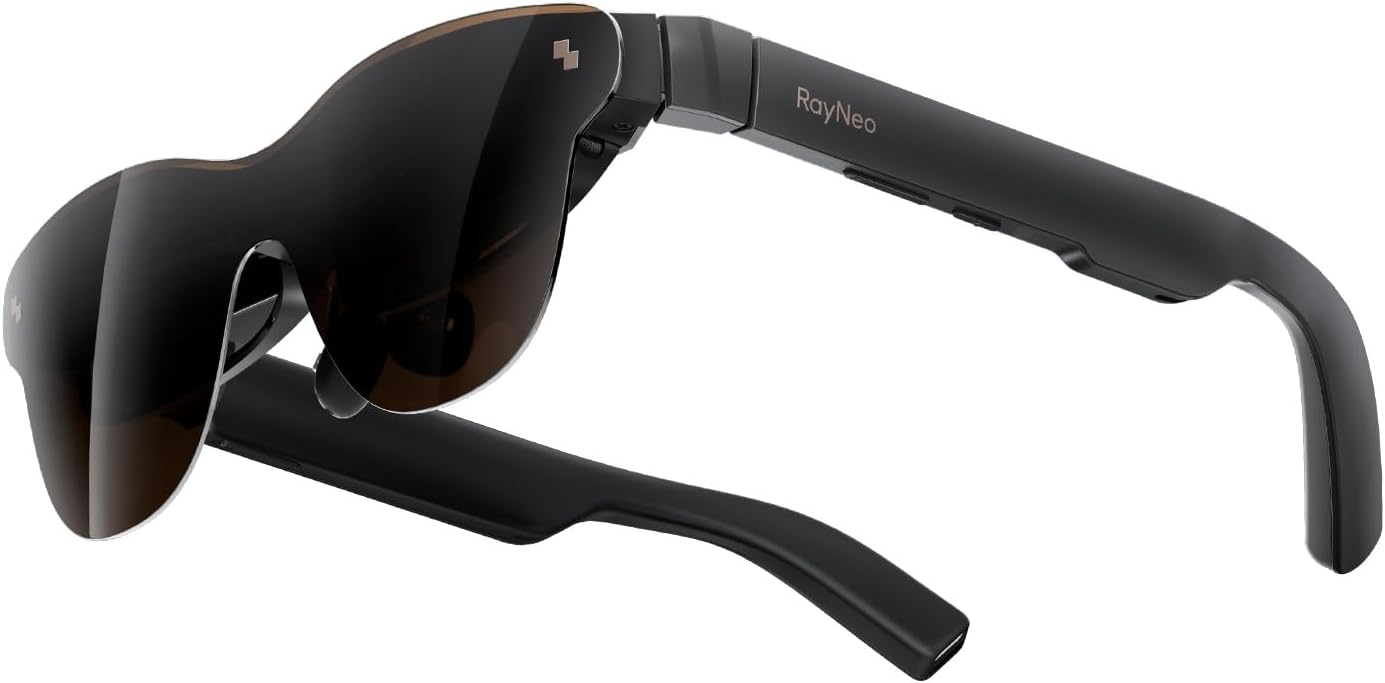
RayNeo Air 3s Pro AR/XR Glasses – 201” 1200 Nits 120Hz HueView 2.0 Video Display Glasses, Smart Gaming Glasses for iPhone 16,15/Android/Mac/Switch 2/PS5/SteamDeck-3S Pro-Dark Gray
Original price was: $749.00.$369.00Current price is: $369.00.
Related Products



Product description
The video showcases the product in use.The video guides you through product setup.The video compares multiple products.The video shows the product being unpacked. RayNeo Air 3s Pro – Official Release Video Merchant Video

Choose Your RayNeo Bundle
Add to Cart
Add to Cart
Add to Cart
Add to Cart
Add to Cart
Customer Reviews
4.2 out of 5 stars 340
4.0 out of 5 stars 244
4.3 out of 5 stars 90
4.5 out of 5 stars 70
3.6 out of 5 stars 20
4.0 out of 5 stars 14
Price
$299.00$299.00
—
$129.00$129.00
$34.90$34.90
$64.00$64.00
$89.00$89.00
Best For
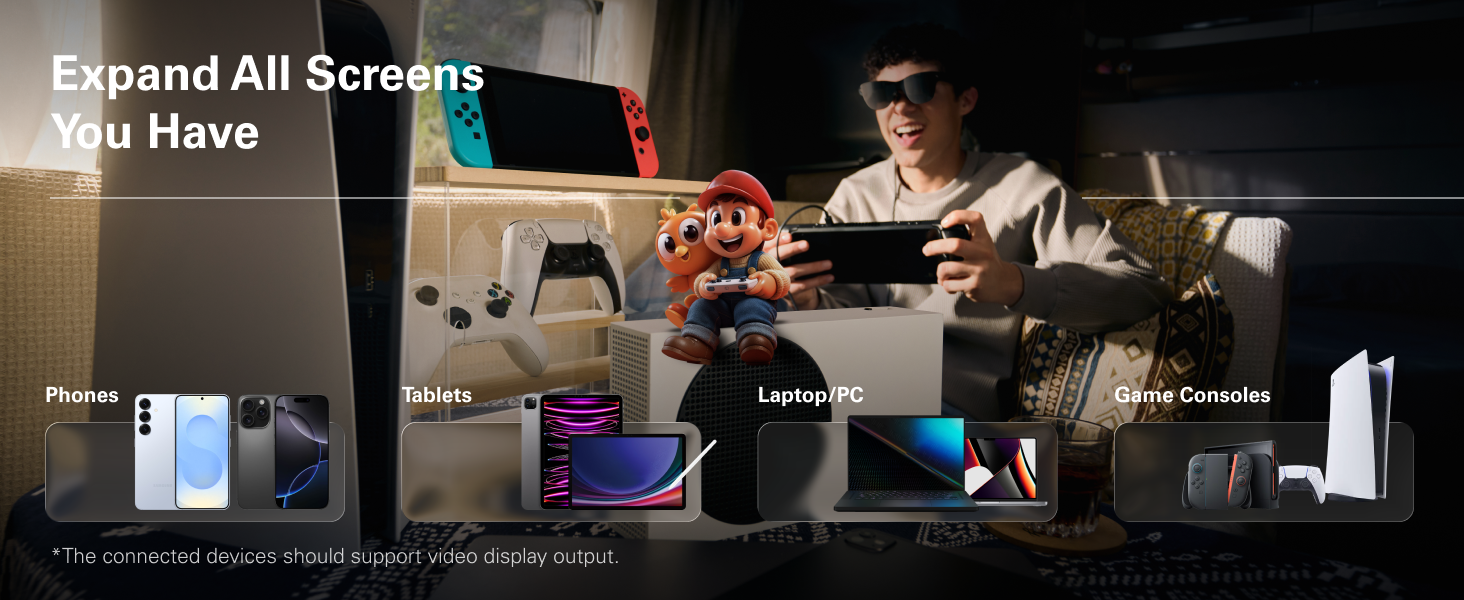
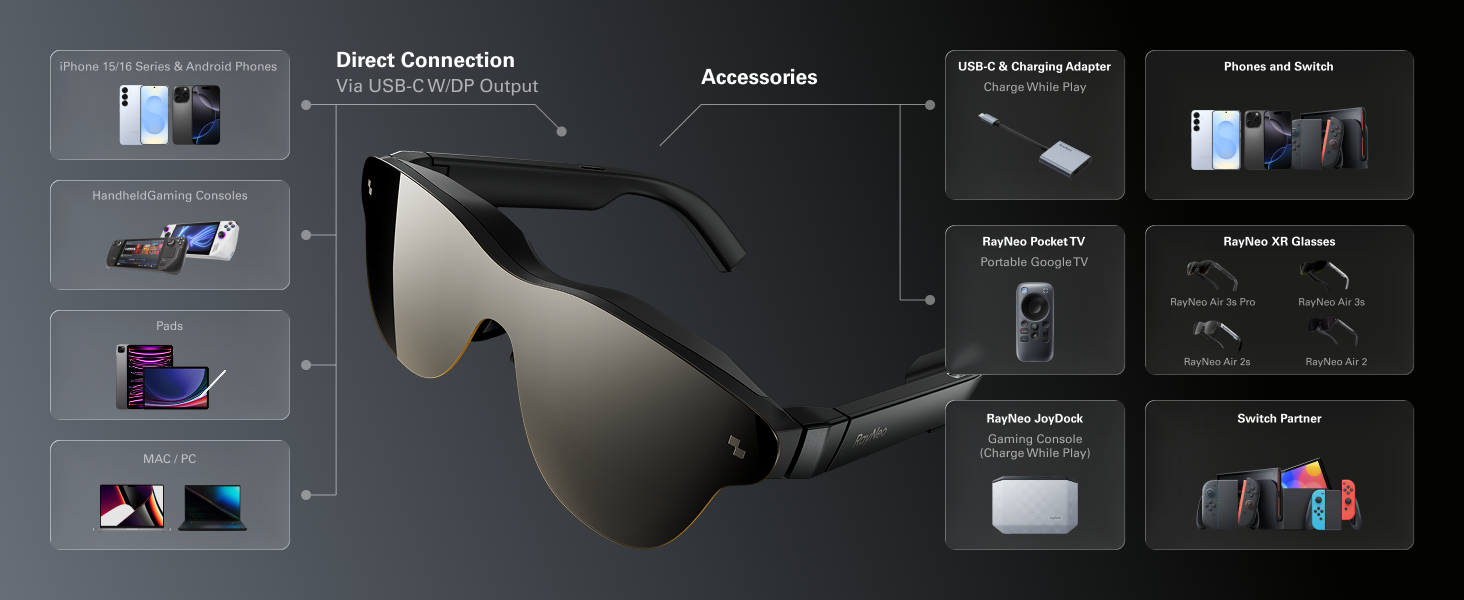
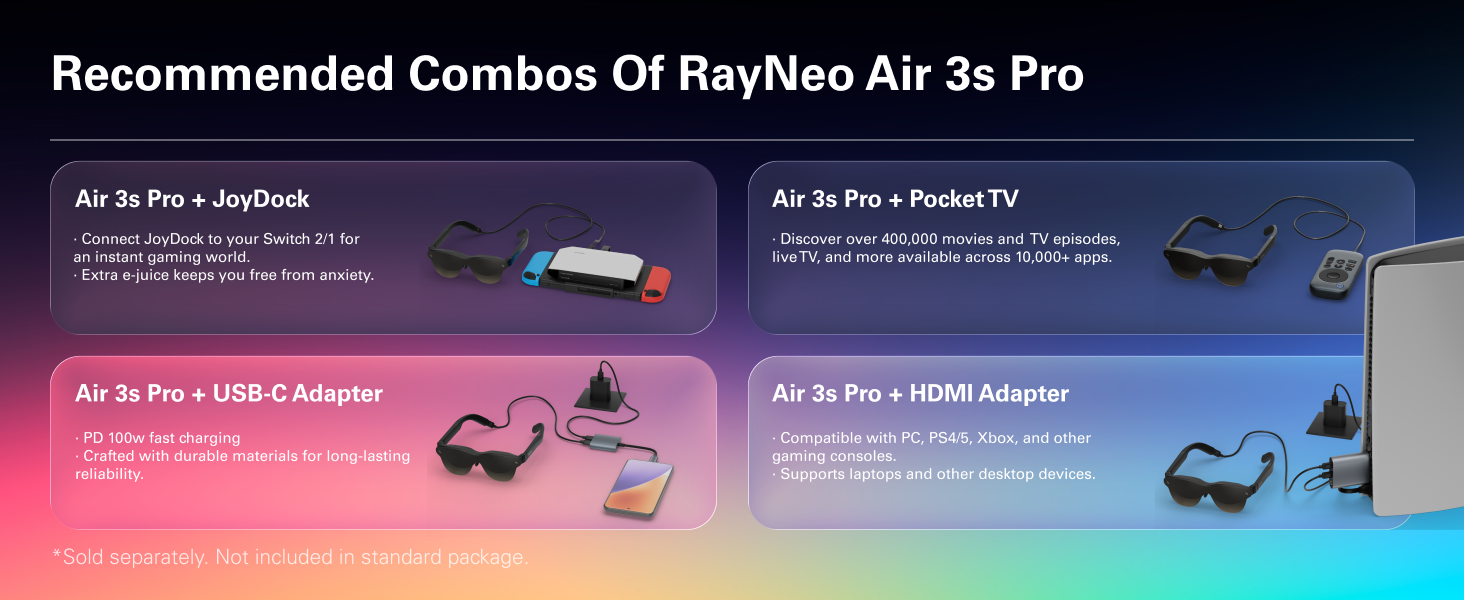
Handheld/iPhone 15、16/iPad
Handheld/iPhone 15、16/iPad
Goo-gle TV Entertainment
USB-C DP Device(Charge & Play)
HDMI & Lightning Devices
Switch/Switch 2
For Device with USB-C DP Port?
√
√
√
√
X
√
For iPhone 15/15 Pro /16?
√
√
√
√
X
√
For iPhone 14 or Earlier?
HDMI Hub&Apple AV Adapter Req.
HDMI Hub&Apple AV Adapter Req.
Direct Connect with AR Glasses
X
Apple AV Adapter Required
X
For Switch/Switch 2?
Compatible (Hub Required)
Compatible (Hub Required)
Direct Connect with AR Glasses
X
Compatible
Best
For Device with HDMI Port?
RayNeo HDMI Adapter Required
RayNeo HDMI Adapter Required
Direct Connect with AR Glasses
X
Best
√
Charge & Play at same time?
Extra Adapter Required
Extra Adapter Required
√
√
√
√
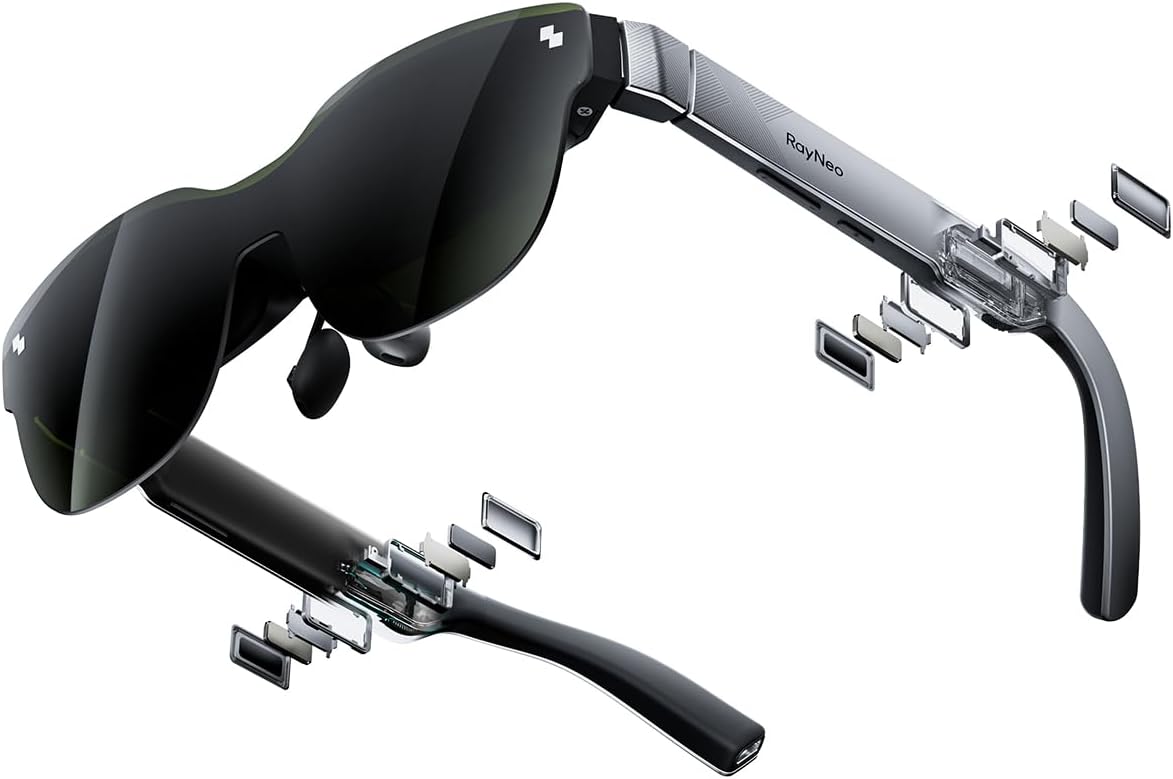
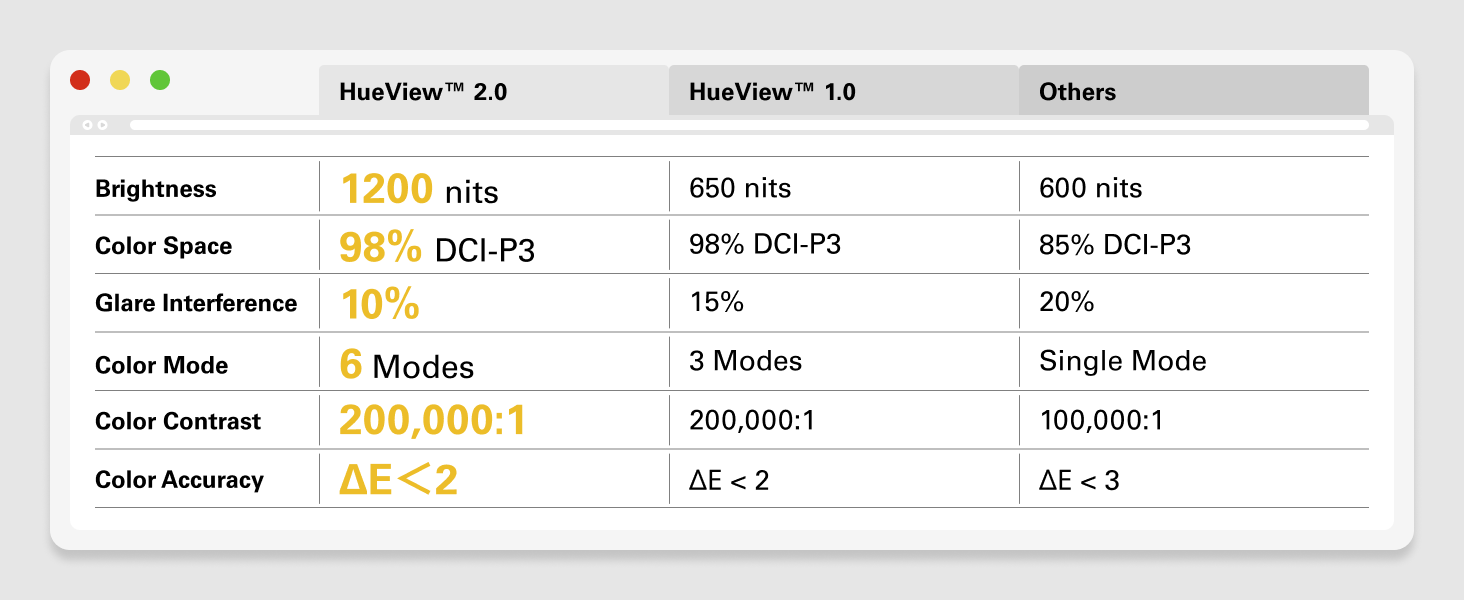
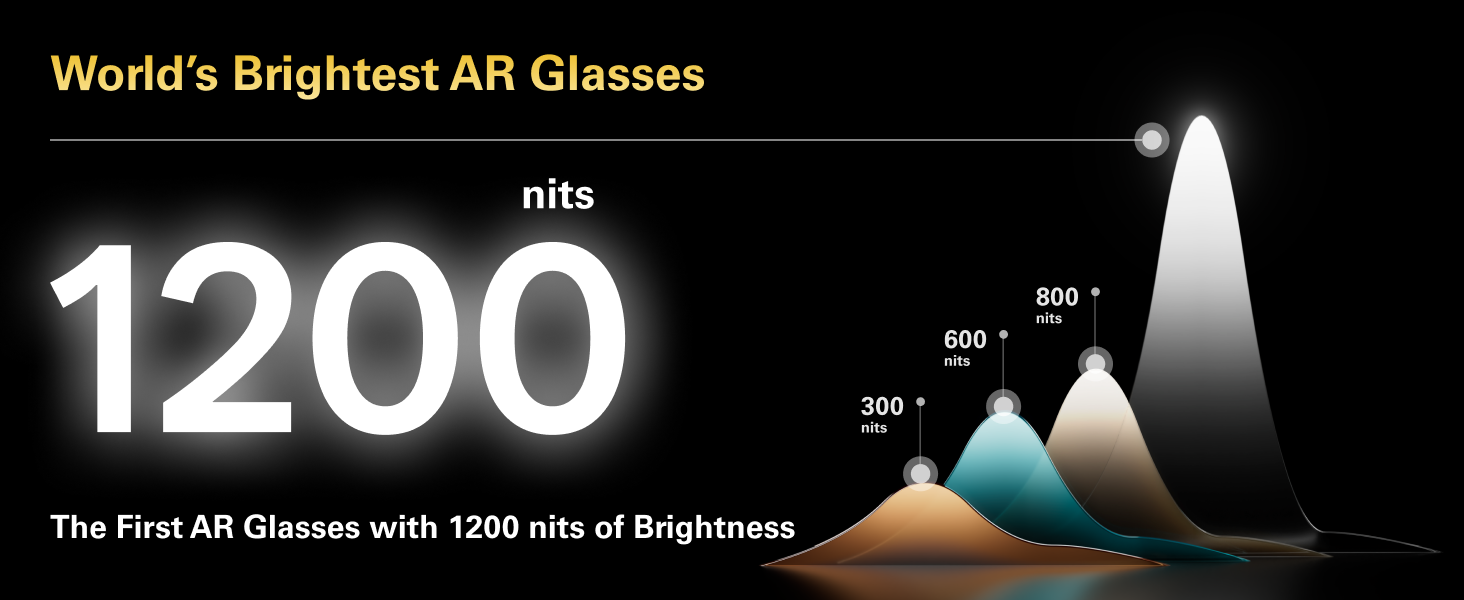
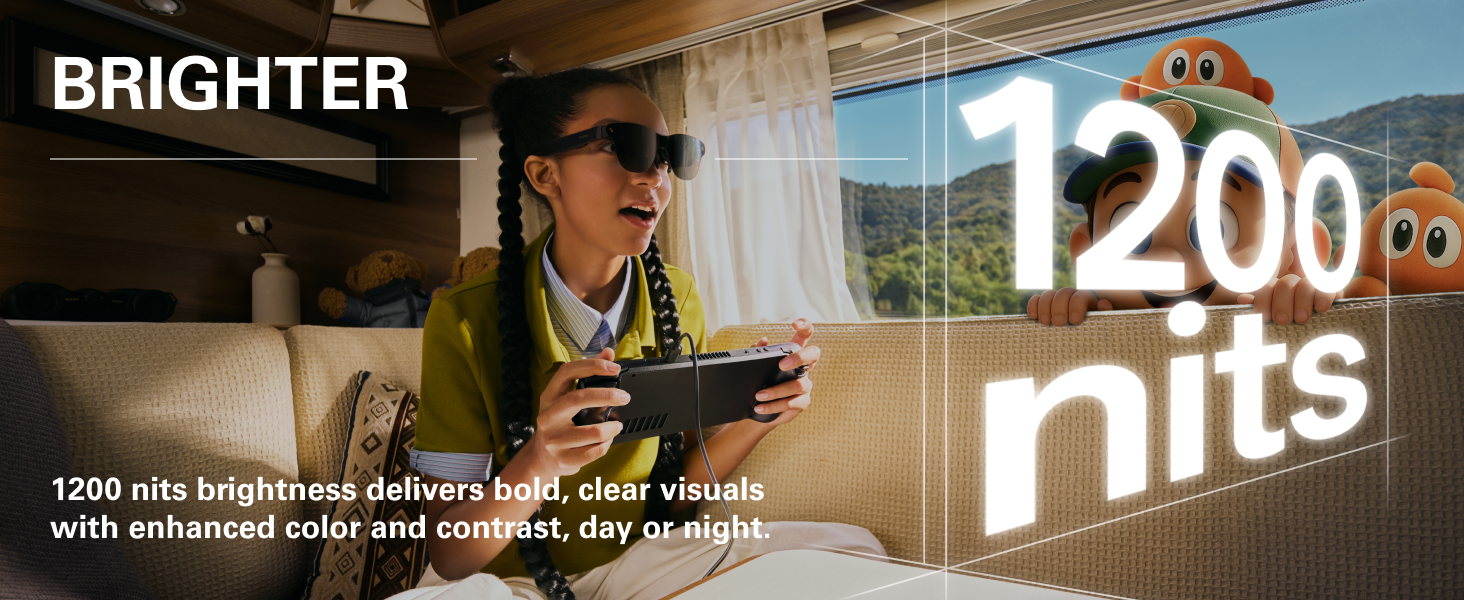
[World’s Brightest AR Glasses – 1,200 Nits] RayNeo Air 3s Pro smart AR glasses — now with an upgraded 1,200 nits to-eye brightness, the highest in any AR glasses today. Even the faintest stars in the movie are visible instead of pure black, while others can’t.
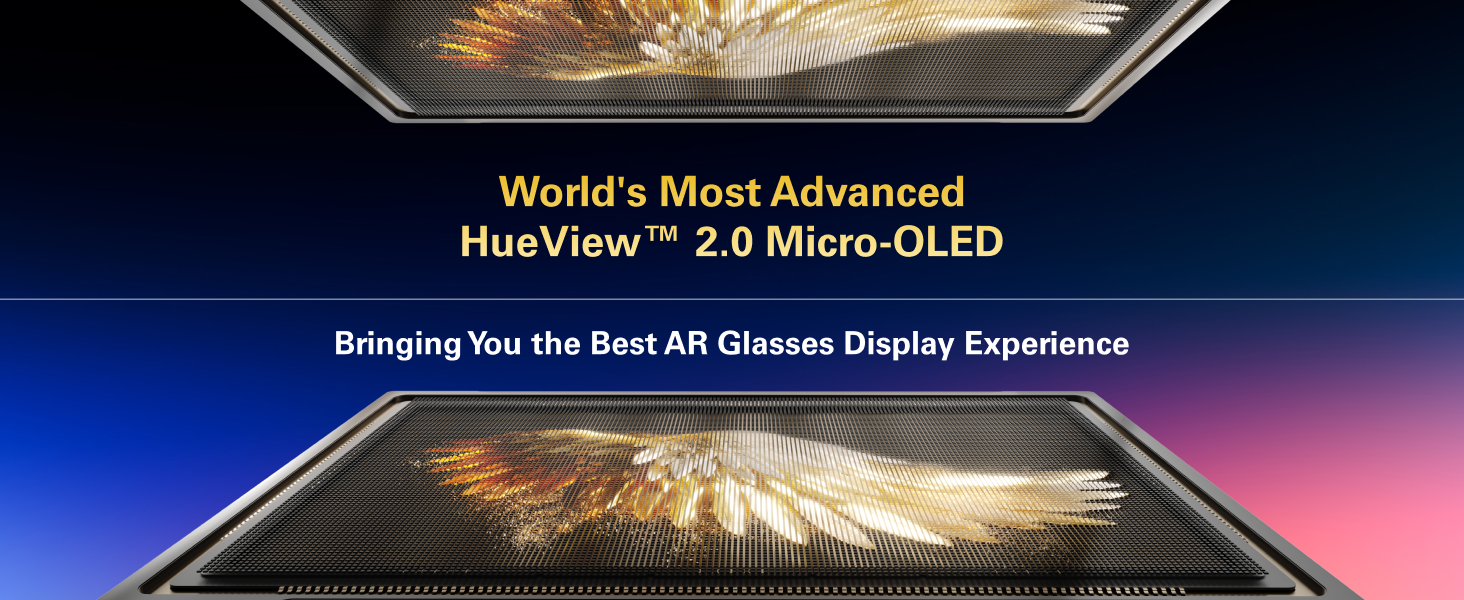
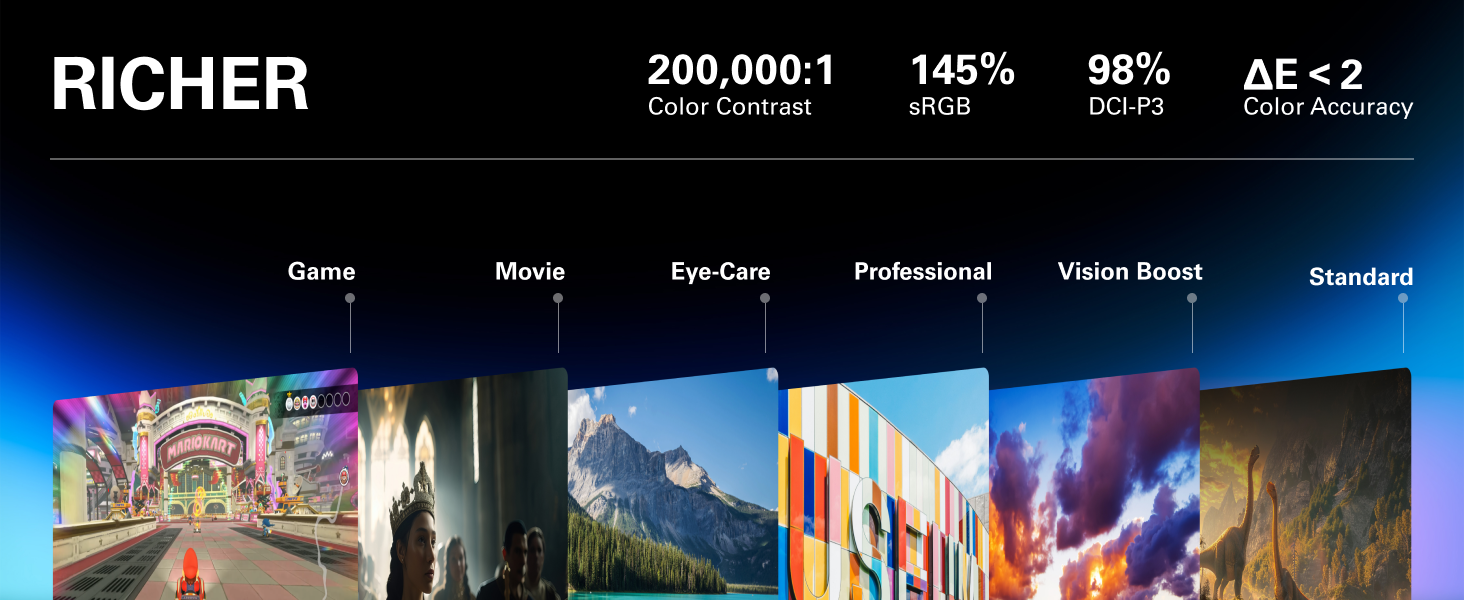
[HueView 2.0 – Leads Even Father in Micro-OLED Display] Combined with HueView 2.0 — the 5.5th-gen tandem Micro-OLED display, you’ll experience how 200,000:1 and 98% DCI-P3 shape you the most pure and lifelike visuals ever in wearable display glasses.
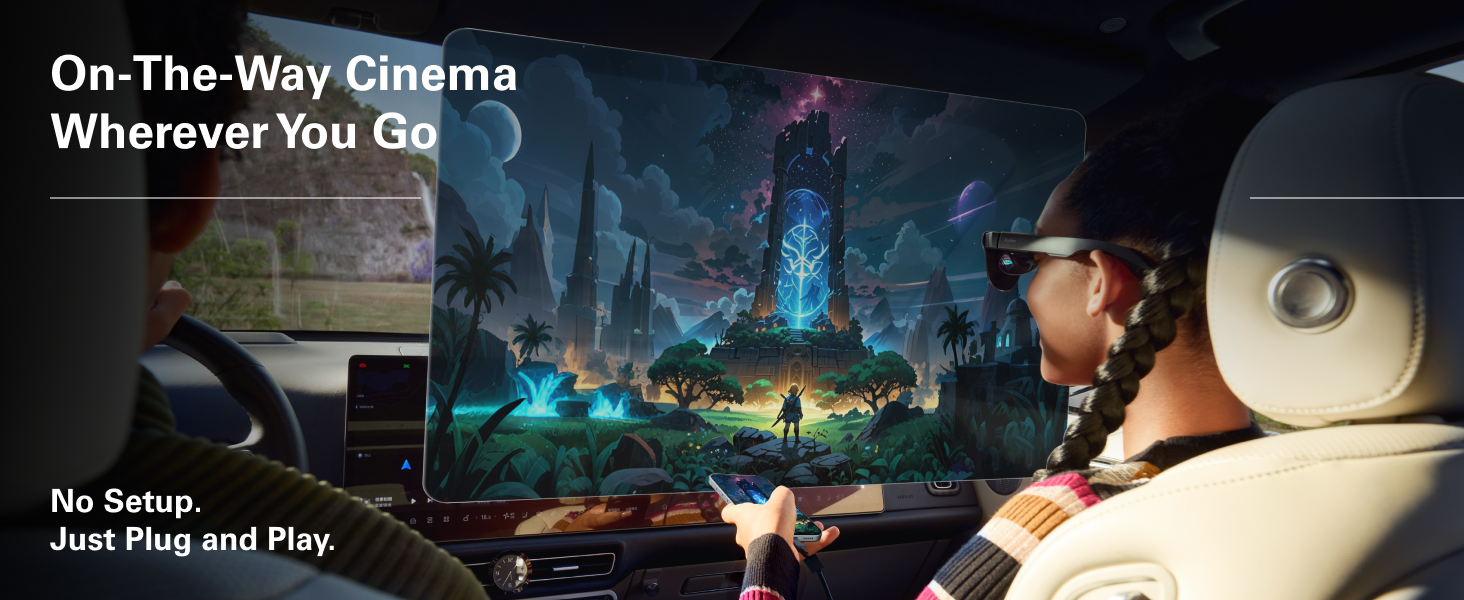
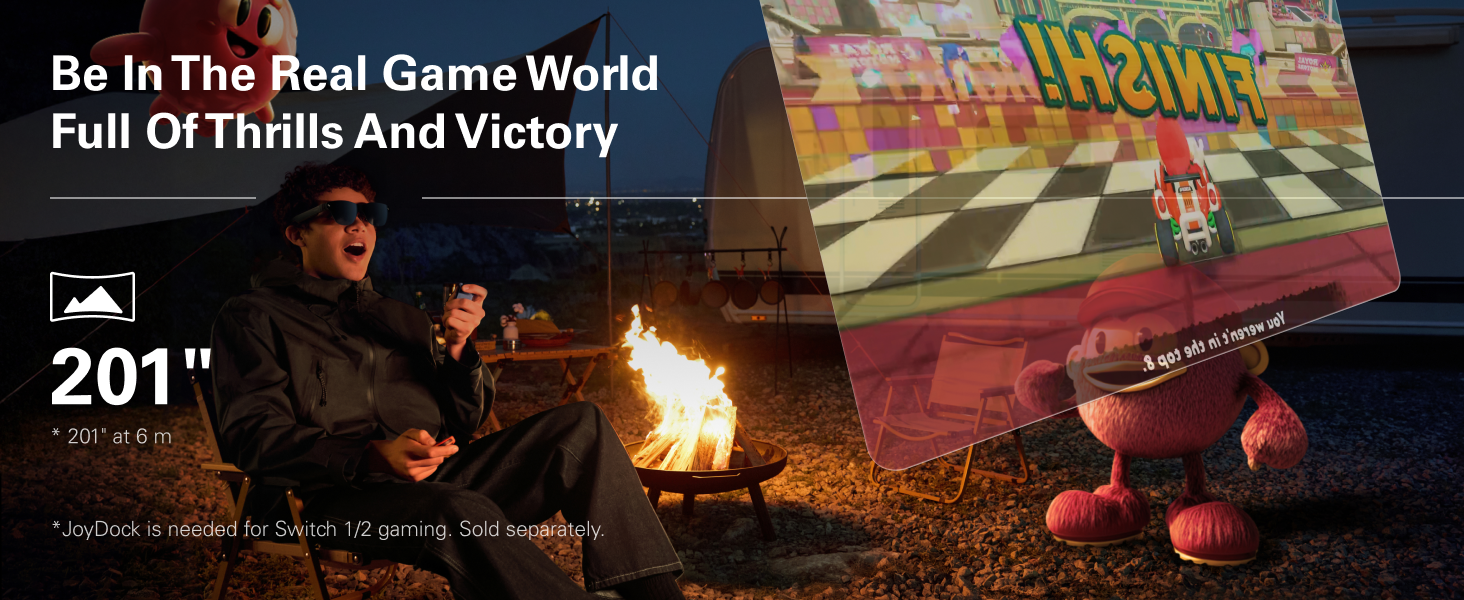
[201” IMAX-Level Screen – Movies, Games & Apps Anywhere] 201″ virtual display (at 6 m away) glasses for immersive streaming & gaming on any device. Enjoy vibrant colors on your personal cinema with 6 optimized viewing modes, replacing bulky TVs or projectors.
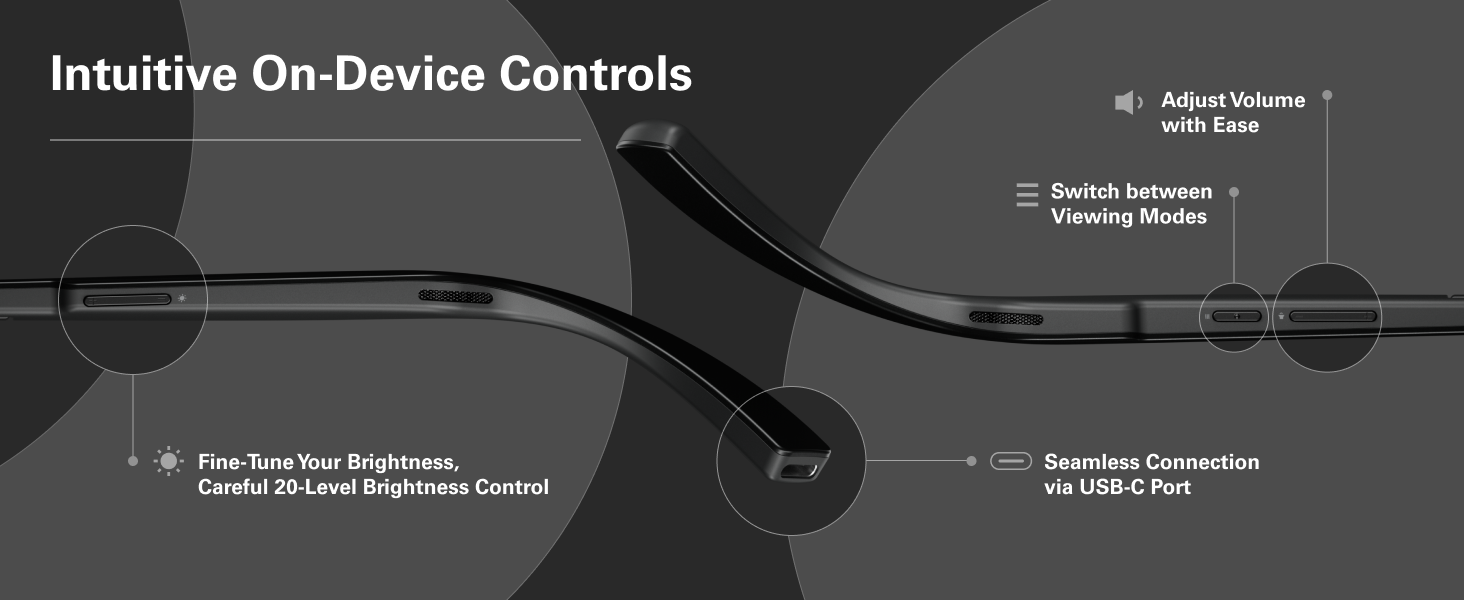
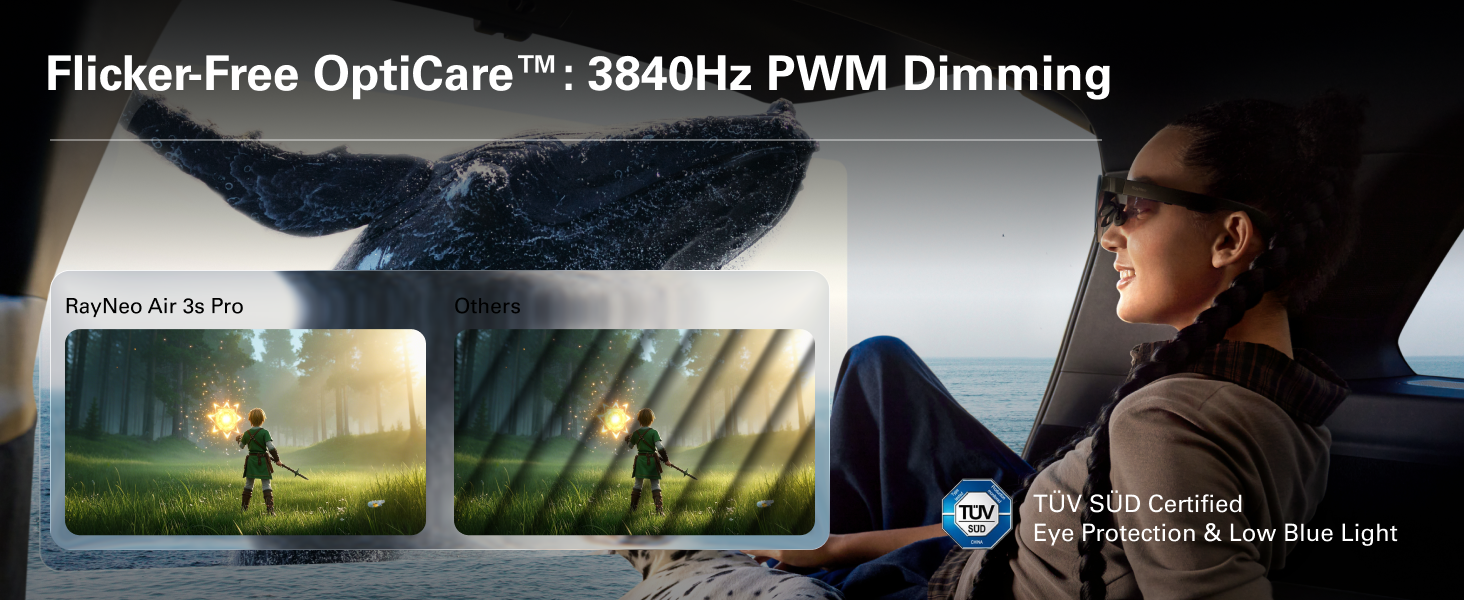
[Eye Comfort Certified – Binge Without Strain] The only wearable display glasses with TÜV SÜD Low Blue Light & Flicker-Free dual certification, 3,840Hz high-frequency PWM dimming, and 20-level brightness control. Enjoy hours of content with reduced eye fatigue.
8 reviews for RayNeo Air 3s Pro AR/XR Glasses – 201” 1200 Nits 120Hz HueView 2.0 Video Display Glasses, Smart Gaming Glasses for iPhone 16,15/Android/Mac/Switch 2/PS5/SteamDeck-3S Pro-Dark Gray
Add a review

Original price was: $749.00.$369.00Current price is: $369.00.
Johnny –
Bright glasses at a price others can’t match
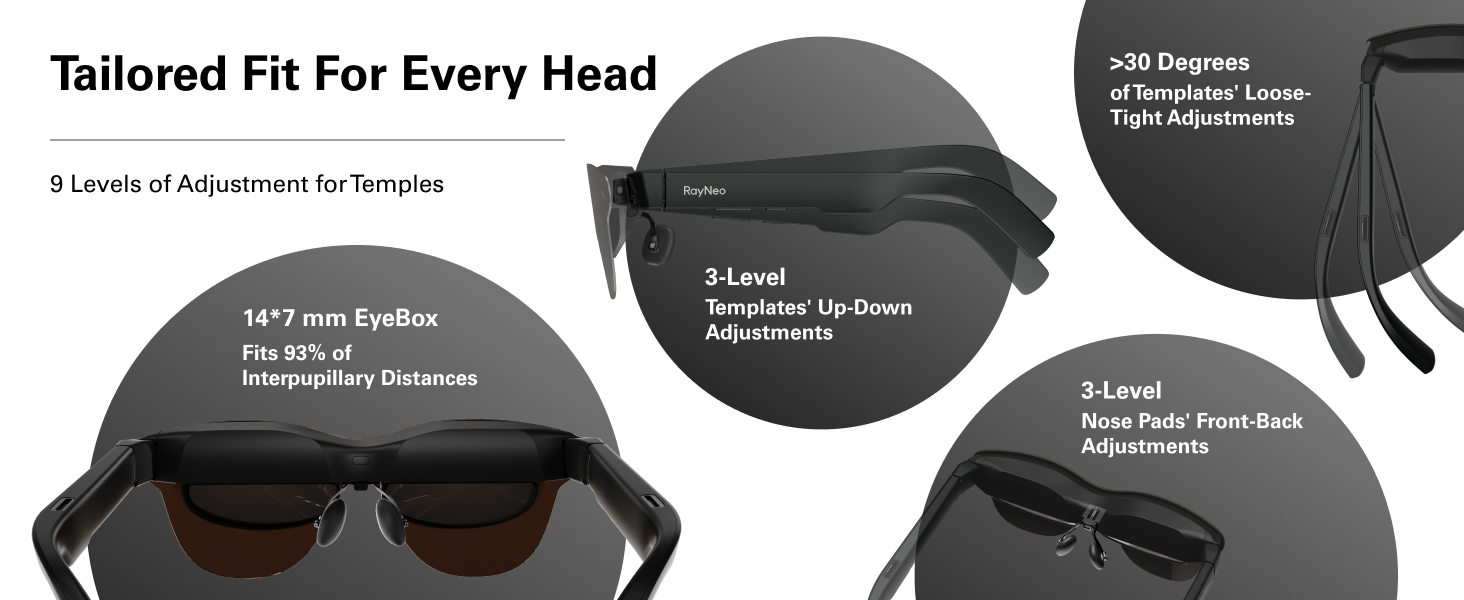
When first putting these on, you may be duped in to thinking they are not all that special. For instance, when I initially put them on, I connected them to my iPhone, and started a new movie in the Max app. Because the movie had a thick layer of film grain applied to it, it tricked me in to thinking the screen in these glasses is not great. But I was wrong.When I continued the same movie on a regular screen, that’s when I realized my error. So next I loaded up GeForce Now in these glasses and continued my save in Arkham Knight. And suddenly my impression of the glasses got better. I could see the appeal now. But it didn’t stop there. Loading up the game Guardians Of The Galaxy in GeForce Now was a revelation. That game really shows off the strengths of these glasses. Colors were bright and colorful and the picture was sharp. I was hooked.I’ve used these glasses for two weekends now and learned some important things. First, adjust those nose pieces. You can really push them with a good bit of force in order to get the glasses to sit closer to your face. This likely will improve the sharpness of the screen and allow you to see most of the screen in focus.My second tip is that while some content looks great at max brightness, such as the movie Thunderbolts and the TV show White Lotus, other content looks better with the brightness dialed down. When I started an episode of Twisted Metal on Peacock, I was appalled at the quality of the stream. But dialing down the brightness really hid the imperfection’s that were revealed at higher brightnesses. This was also true for the fabulous show Penguin on HBO Max. The show does not look good at max brightness, but really improves as you lower the brightness some.I’ve tested these glasses with my Rog Ally and laptop and phone. One day I was having some intermittent issues in which the image on the glasses was cutting in and out randomly. I was concerned at first and thought maybe I would have to return the glasses but whatever was causing this issue seems to have disappeared at least for the time being.I tried to play some side-by-side 3D content in the glasses by putting the glasses in to 3D mode but I did not exactly get a 3D effect. I don’t know if I was doing something wrong or if these glasses are just not great for 3D video. But that is definitely not a deal breaker for me.RayNeo, I would like to see you and other glasses manufacturers add a microphone plug to the glasses cord. This would give us more options for better audio when our wireless earbuds start running low on battery.These glasses are a game changer for those who game on mobile devices. Nothing beats reclining and being perfectly comfortable while your game stays perfectly in your field of vision.For those who want to use these glasses with a laptop for work purposes, it’s definitely doable but not perfect. I don’t believe anyone is going to get the entire screen perfectly sharp but I also don’t think it would probably prevent anyone from being able to do work using these glasses.Sound is okay using the built-in speakers but I definitely will use my AirPods whenever possible. And it’s so easy to just plug these glasses in to your preferred device. I was a little worried that using these would be kind of a hassle but it has turned out to be the opposite. There are games I’ve put off playing and now I am eager to finish because they look so good in these glasses. I know competitors offer more features at higher prices, but I think these glasses have the best value proposition because of their lower price.
143beau –
Price and performance value.
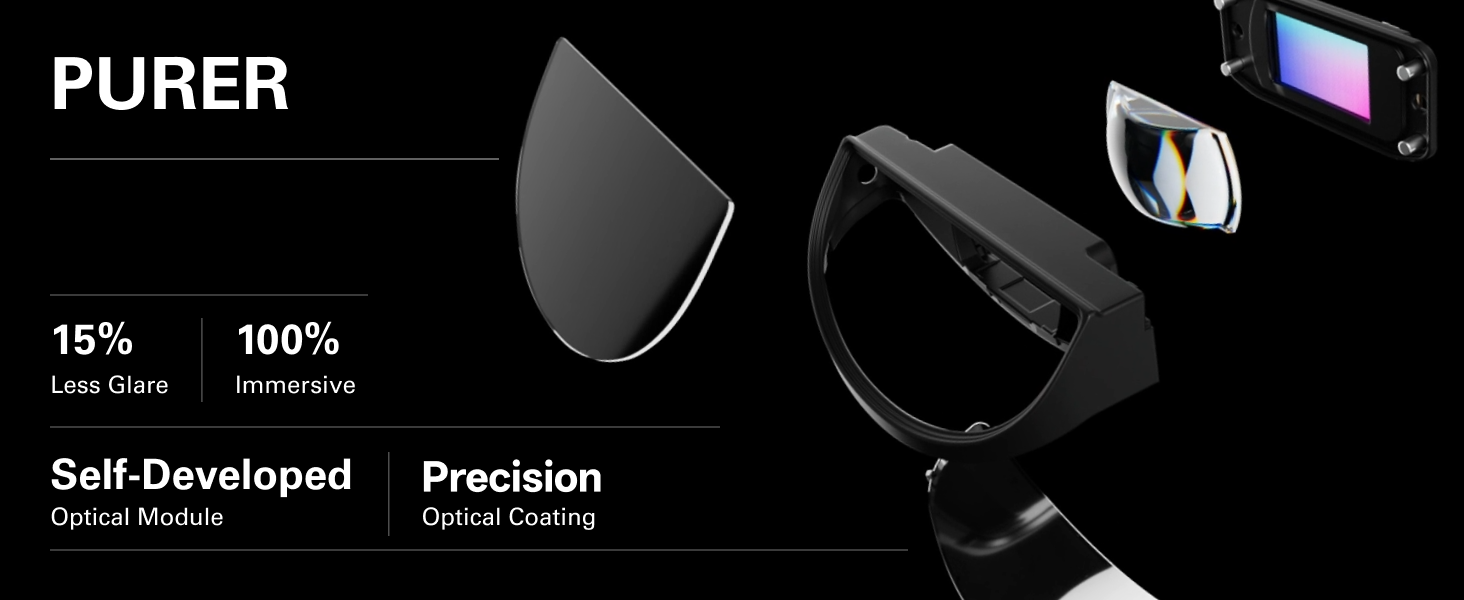
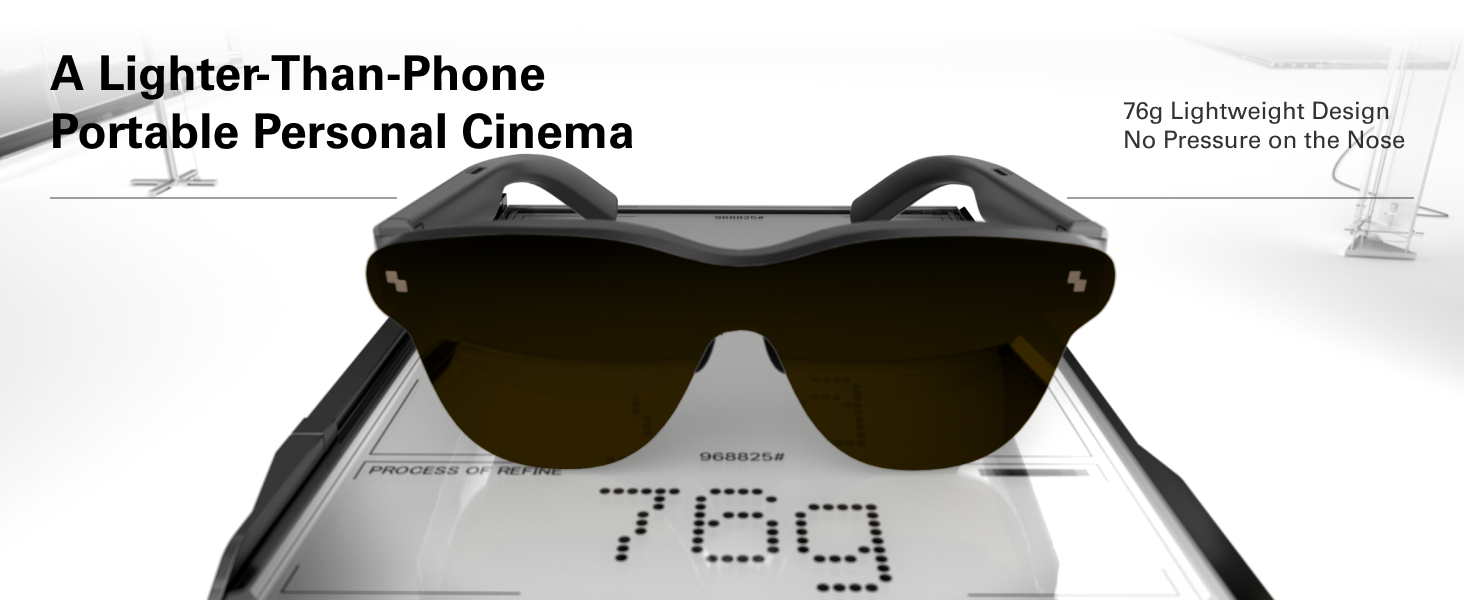
I’ve been using the RayNeo Air 3s Pro AR glasses for a few weeks now, and they have completely transformed how I experience media and gaming on the go. As someone who’s tested several AR smart glasses, including the Viture Pro, XReal Air 2, and even the Rokid Max, I can say the Air 3s Pro stands out for its exceptional performance in a category that’s often dominated by high-end, expensive options. These glasses turn your phone, tablet, or console into a massive virtual screen with stunning clarity and immersion, and they do it better than most at a fraction of the cost.The display is the real highlight here—dual micro-OLED panels with a peak brightness of 1,200 nits, which is the highest in any AR glasses on the market today. This means even in bright outdoor conditions, like sunny parks or well-lit rooms, the image remains vivid and washout-free, showing details like faint stars in movies that competitors simply can’t match. Compared to the Viture Pro (around 1,000 nits), the Air 3s Pro feels noticeably brighter and more versatile for real-world use, while the XReal Air 2 struggles in anything but dim environments. The 1080p resolution at 120Hz refresh rate delivers smooth, sharp visuals with a 46° field of view, 98% DCI-P3 color coverage, and a 200,000:1 contrast ratio for deep blacks and vibrant colors—on par with or better than the Rokid Max, but without the bulk. Plus, the HueView 2.0 technology reduces glare by 15% and enhances immersion, making 3D movies and games feel incredibly lifelike.Sound performance is another strong suit, with upgraded spatial audio that provides a 3D surround experience, pulling you deeper into the action than the standard stereo on the XReal Air 2 or the somewhat flat output of the Viture Pro. Battery life via your connected device is efficient, and the glasses themselves are lightweight at just 76g, with improved weight distribution for all-day comfort—I’ve worn them for 2-3 hour sessions without fatigue, outperforming the heavier feel of the Rokid Max.But what truly sets the RayNeo Air 3s Pro apart is the unbeatable price point. At around $299 (often discounted to $249), it delivers premium features like eye-safe OptiCare™ dimming (3840 Hz PWM+DC for flicker-free viewing) and TÜV-certified low blue light protection that you’d expect from glasses costing $400-500 or more. It’s $100 below the market average for similar tech, making it an absolute steal compared to the Viture Pro at $499 or XReal options that often exceed $400. If you’re looking for top-tier AR glasses that punch way above their weight without breaking the bank, the Air 3s Pro is unbeatable value. Highly recommend for anyone into portable entertainment or gaming!
Nick Adams –
Impressive but With Quirks
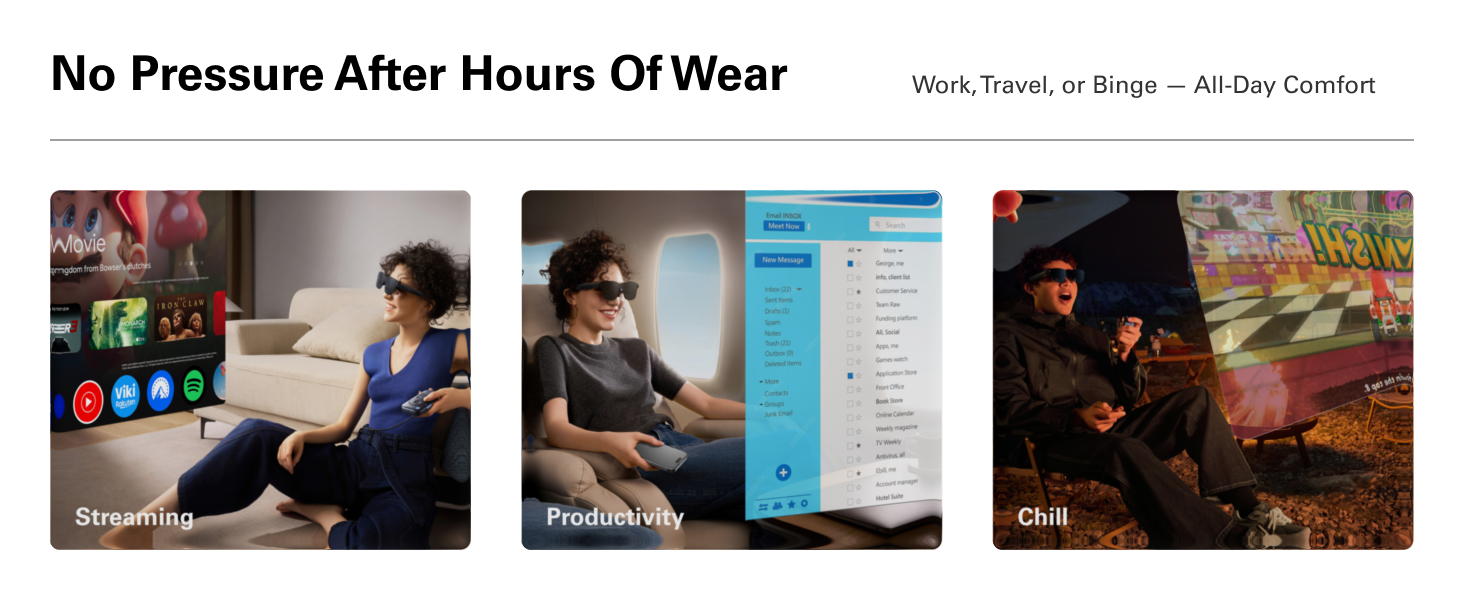
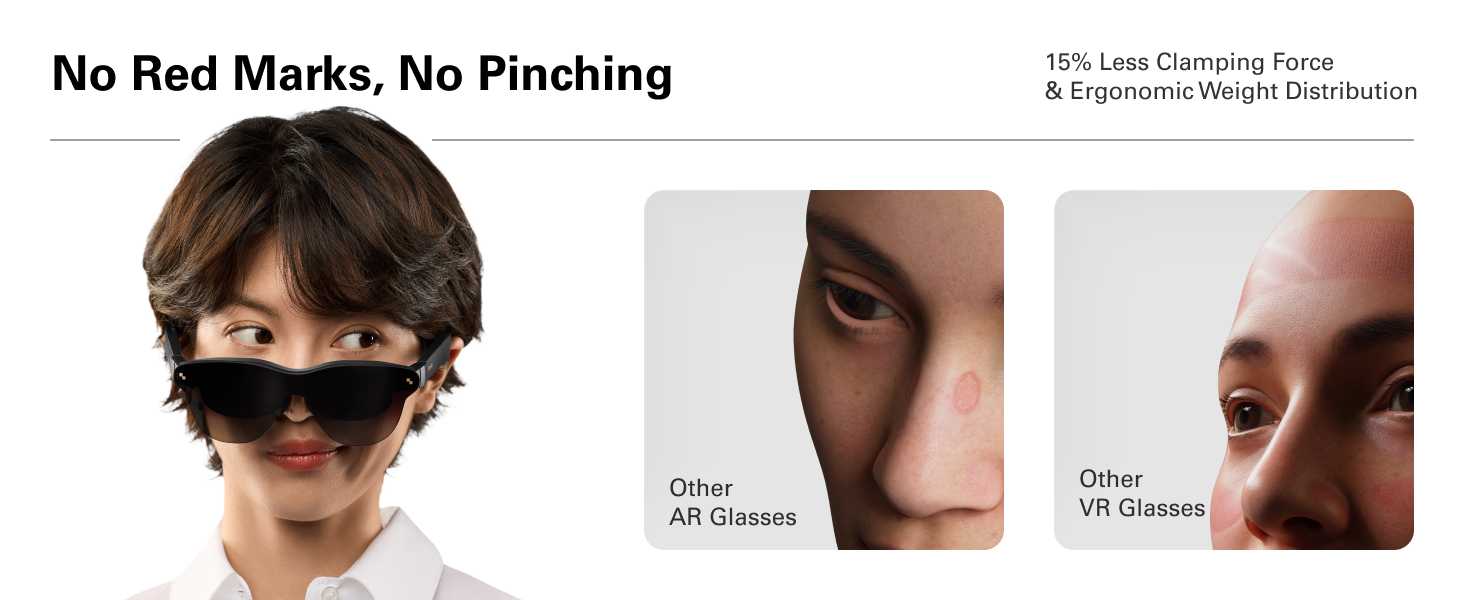
What stood out to me first was how comfortable these glasses are. They feel well-made and easy to wear for long stretches. The display colors look spot on, the image is sharp, and there’s zero tearing. Audio is clear enough that I didn’t feel the need for headphones.That said, the viewing experience isn’t perfect. The virtual screen is huge, so large it dominates your entire field of vision. There’s no built-in way to shrink or reposition it, which makes it tricky to get everything framed comfortably. I tried adjusting how the glasses sit on my nose, but no matter how I wore them, I’d end up with part of the image cut off.Verdict:Nails comfort, build quality, and picture performance, but its lack of screen adjustment keeps it from being perfect. For movies or casual use, it’s a great experience.
Carlos Escalante Pedraza –
Esta bien, cumple con lo que prometido, es sorprendente lo nítida que se ve la pantalla en los pequeños cristales, lo considero más un lujo que una herramienta de trabajo.Un detalle importante a tener en cuenta es que no todos los dispositivos móviles son compatibles, solo aquellos que si soportan salida de video USB-C (generalmente solo los modelos de gama alta)
Ismail Ali –
The lens is missing..
年休残り僅か –
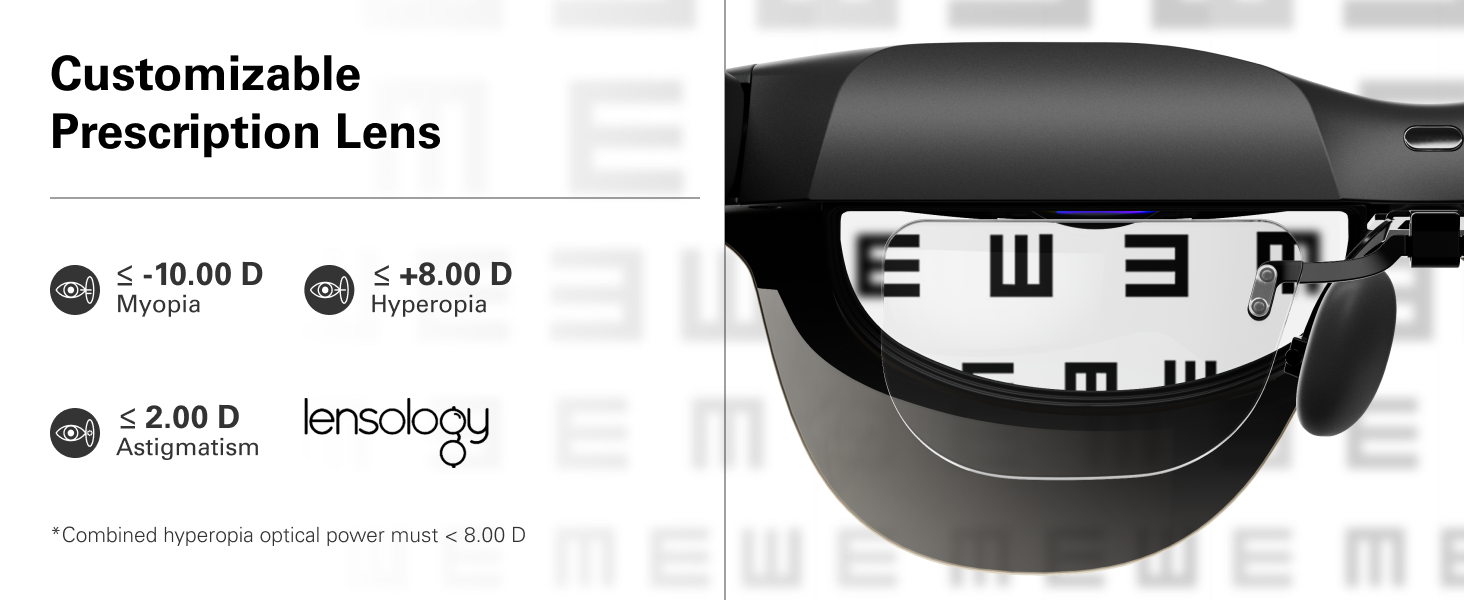
寝っ転がって映画を見る用途で購入しました。・DP Alt Modeに対応したスマホ(AQUOS Sense9)にType-Cを接続するだけ・Fire TV StickのHDMIをType-Cにコンバートする製品を別途購入(Lemorele HDMI to USB C 変換アダプター ※Fire TV Stickを内蔵できるタイプがあります)この2つの方法で何の問題もなく使用できました。近視なのでちょっと試しました。専用のメガネフレームが付属していますが、これをZoffに持ち込んでもレンズ代+加工料8800円と結構な出費なのでこれは試してません。試しにダミーレンズのまま付けてみましたが、鼻パッドのパーツに取り付けるためレンズが目に近すぎて、日本人の彫りの浅さではマツゲが確実に当たります。そこで、・コンタクトレンズ・メガネとなる訳ですが、私のメガネを先に掛けてその上にRayNeoを掛けても視野角?などの問題はなく、重たいながらも普通に見れました。メガネの大きさや形状で視野角?のズレが出ますので、手持ちのメガネいくつかを試して、いちばんフィットするものをさぐりました。画面もたいへん綺麗で、ツルに仕込まれたスピーカーもまあまあです。手持ちのBluetoothイヤホンならばもっと良いですが、顔、耳周りがてんこ盛りでだんだん煩わしくなってきます。初めてのARグラスですが、価格、品質とも満足です。
ゆうき –
何度か映画を見ましたが大画面で画質も綺麗です自分はスマホに繋げて見てますがスマホに配線1本繋げるだけで電源も充電もなくすぐ見れるから簡単です音質も3種類設定できますがめっちゃクリアに聞こえますし音漏れも無いです手軽に映画館を楽しめる感じです寝転んで見てますが耳にかける部分の終わりの部分に線を繋げるので枕が当たるので枕で調整してますこれはオススメです高額だから迷いましたが買って良かったです
Luilly Bros –
Muy satisfecho la calidad de imagen es increíble y el brillo mas de lo esperado !!!