
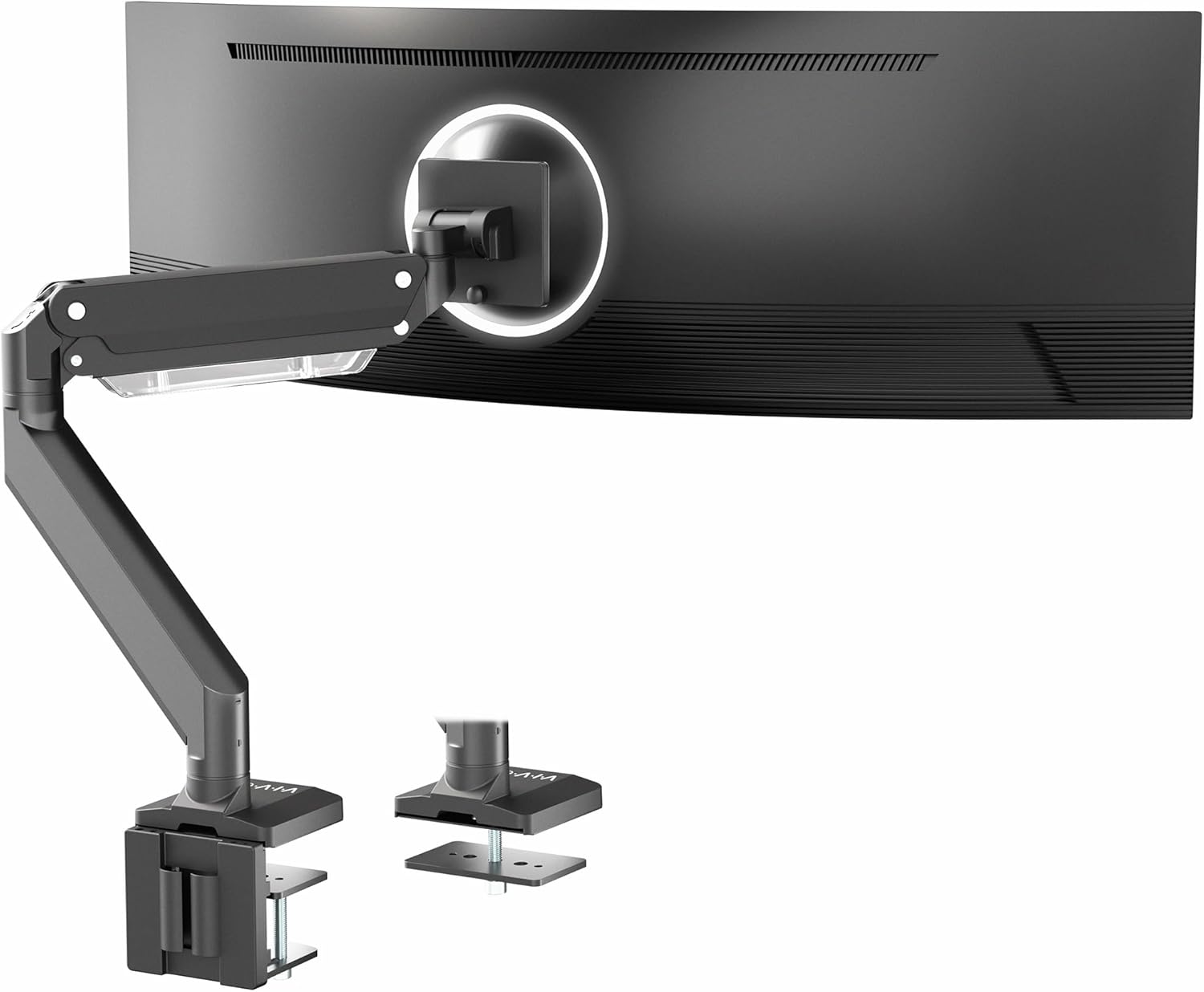
VIVO Premium Aluminum Monitor Arm for Ultrawide Screens up to 49 inches and 33 lbs, Heavy Duty Single Desk Mount, Pneumatic Height, Max VESA 100×100, Black, STAND-V101G1
$99.99
Related Products




From the brand



Electric Desks
Desk Converters
Desk Accessories
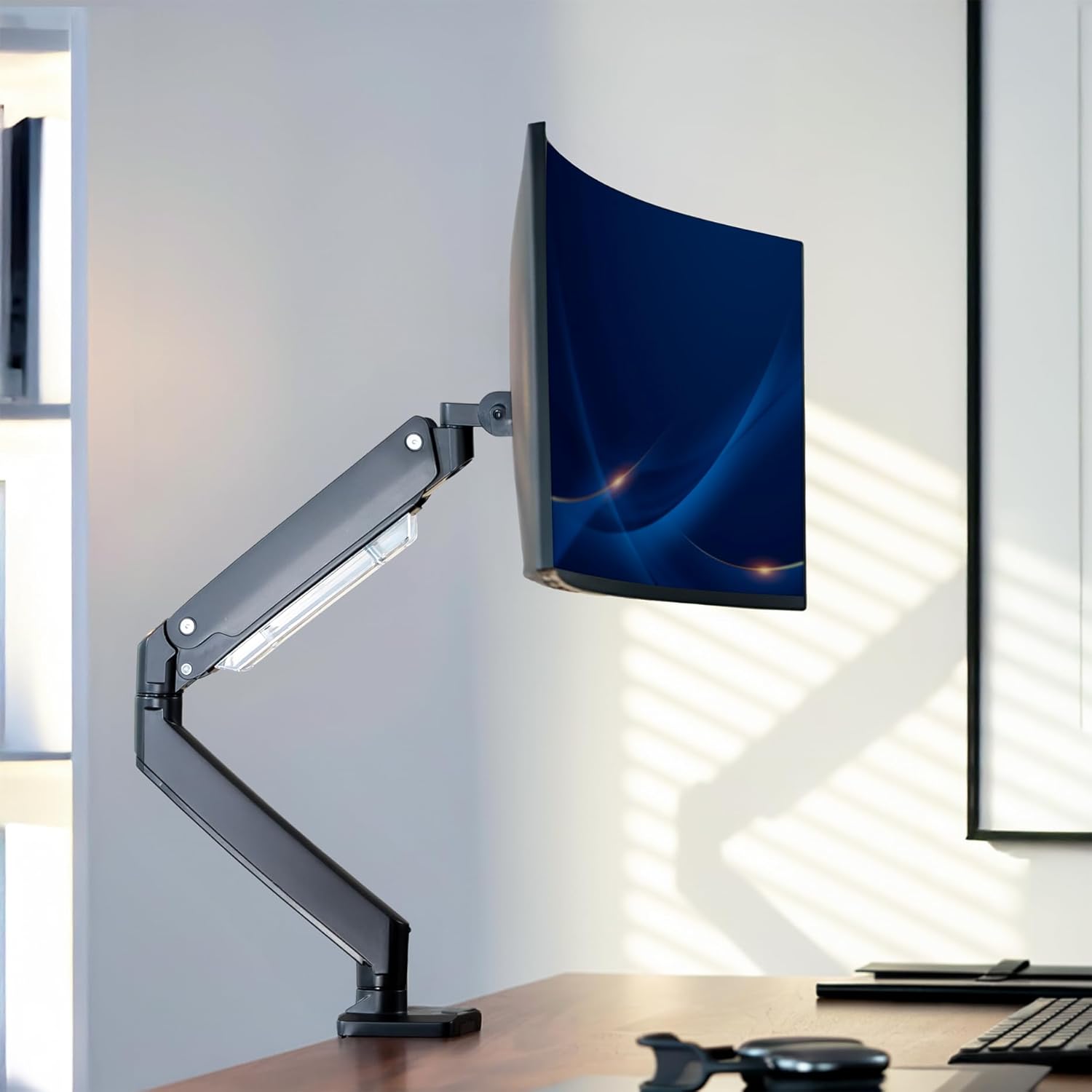
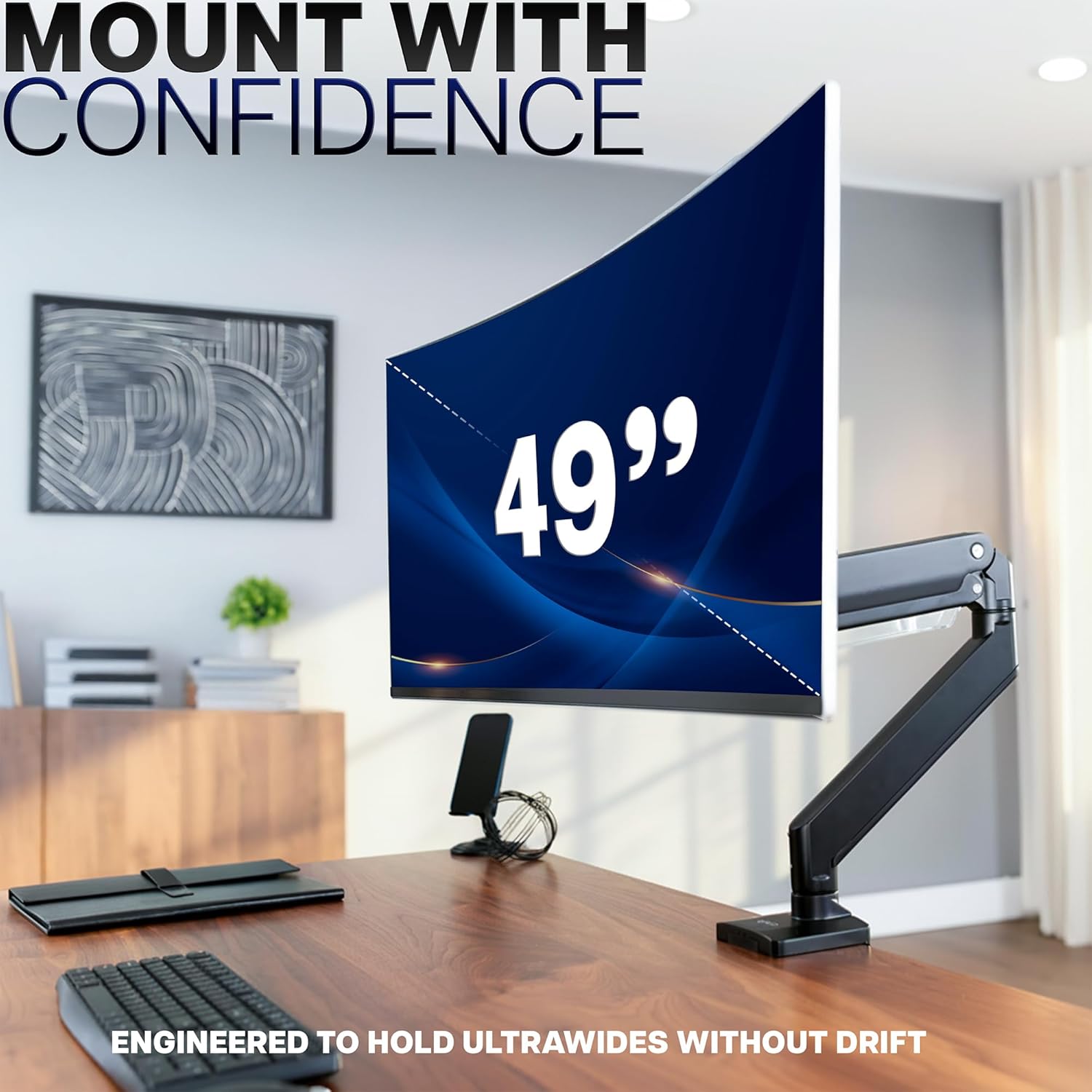
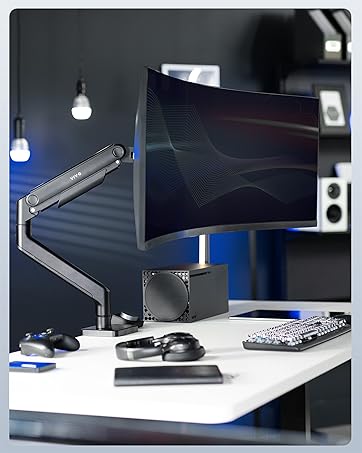
Ultrawide Compatibility: Fits ultrawide monitors up to 49″ and standard flat and curved monitors up to 32” including the 1000R Curved Screens
Premium Aluminum Arm Mount: Securely holds one screen weighing up to 33 lbs. Features an elbow spring gauge for perfect weight adjustment, clear cable management, and a quick-release VESA plate for simple monitor installation
Quick Release VESA Bracket: Has 75x75mm and 100x100mm mounting capability. Please Note: If your monitor does not have VESA holes, it will require an adapter that is not included with this stand
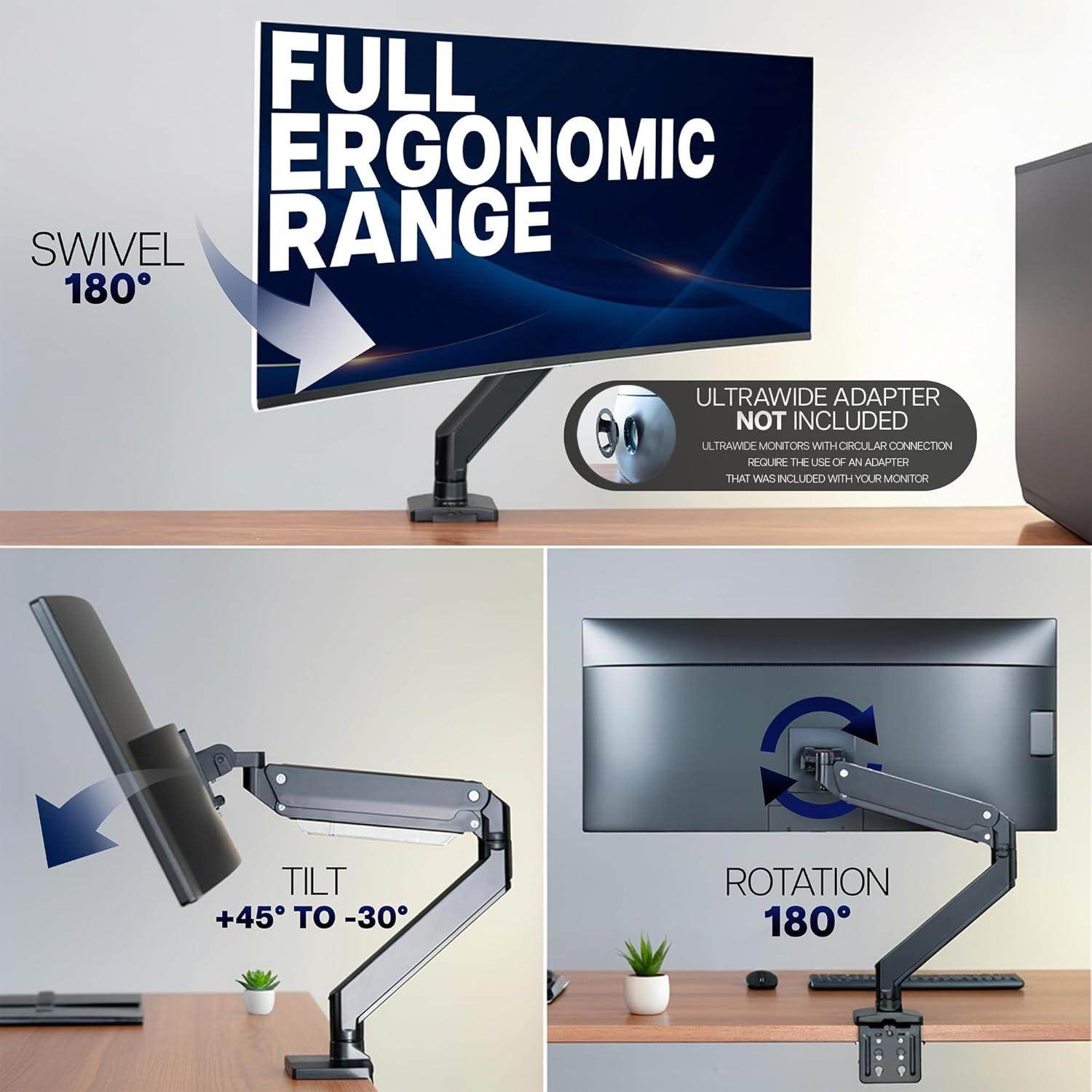
Fully Adjustable: Mount offers a range of flexible motion featuring -30° to +45° tilt, 180° swivel, 180° rotation, and 13 inches of smooth height adjustment with pneumatic spring lift
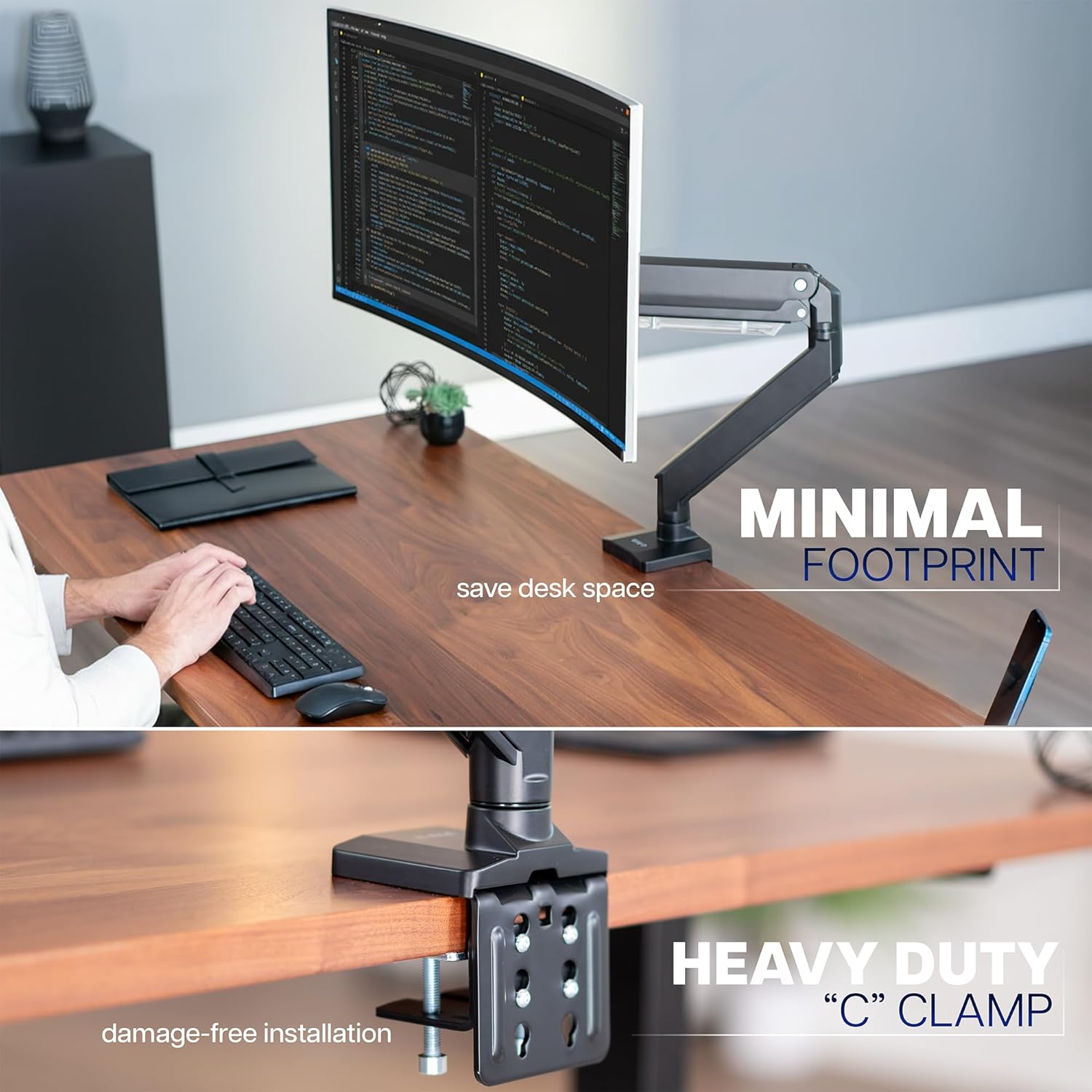
Mounting Options: Sturdy desk clamp provides excellent support, and an equally secure grommet mount is provided to accommodate a variety of desk layouts. Fits desks 0.4” to 3.3” thick with clamp and 0.4” to 1.9” with grommet
9 reviews for VIVO Premium Aluminum Monitor Arm for Ultrawide Screens up to 49 inches and 33 lbs, Heavy Duty Single Desk Mount, Pneumatic Height, Max VESA 100×100, Black, STAND-V101G1
Add a review

$99.99
Adam –
I trust my monitors life in the hands of this arm
So I got one of the cheaper ones on this site that said it could handle up to 3 lbs over my monitor weight (wide screen) and the brace started to warp after 2 weeks. This one I have had for a month now. Works perfect for my widescreen monitor that is not light. Easy to move around out and in as well as up and down. Adjustable tension which is nice. Comes with the Allen wrenches to help with the install and makes it super secure. Also has this nice holder that clips on the desk portion, on the back, to hold the wrenches so you don’t lose them in some random drawer never to be found again when you want to adjust the arm.
Derek W. –
Nice, sturdy arm for large ultra wide monitors
I am pretty skeptical about something holding a $1000 monitor, but I read the reviews here and decide to purchase one. It arrived in a neatly packaged box. All the components felt very sturdy (and a bit heavy). The instructions were really easy to follow for installation. It also comes with tools required to get everything tensioned correctly and installed.The VESA bracket fit my 45” LG OLED ultra gear monitor almost perfectly (the monitor has a few minor plastic bits that stick out around the VESA mounting area, but was still able to get it to work.The arm itself comes with integrated cable and tool management. I thought those extra were really nice and so far have worked really well.You can adjust the arm sections to either rotate 90 or 180 degrees from their center (basically full rotation). This helped a lot with how I have mine setup.The tension is adjusted pretty easily. For a monitor that is large and curved, you’ll definitely want someone to help you get the monitor mounted to the arm and screwed in. The pre-tension was pretty loose for me so we had to spend a few minutes tightening it, moving it around, and making sure it wouldn’t slowly fall down. Once it’s set though, it’s very easy to move, doesn’t make any noises, and blends right in with the other matte black items I had.It’s a very nice monitor arm and I would recommend it.
MRBMTR –
Rock-Solid Monitor Arm – Perfect for Ultrawide Screens
I purchased this VIVO Premium Aluminum Monitor Arm to support my 49-inch ultrawide monitor, and I couldn’t be happier with the results. The build quality is outstanding — heavy-duty aluminum that feels incredibly sturdy and reliable. Even with a large, heavy monitor, the arm holds everything securely with zero sagging or wobbling.The pneumatic height adjustment is smooth and easy to use, allowing me to fine-tune the monitor position with minimal effort. Tilt, swivel, and rotation are all precise and stable, making it simple to adjust for both productivity and gaming setups.Installation was straightforward. The instructions were clear, and the included hardware worked perfectly with my desk. The cable management system is also a nice touch, keeping everything clean and organized.After weeks of daily use, the arm continues to perform flawlessly. It has freed up a huge amount of desk space and has improved my posture by allowing me to position the monitor exactly where I need it.If you have a large or ultrawide monitor and want a heavy-duty solution that combines strength, flexibility, and professional design, this is an excellent investment. Highly recommended.
Tk –
Decent arm for the price
Bought this for my samsung g6 32″ curved monitor. Overall, it’s a decent arm. Holds my monitor well after some necessary tweaking.Biggest complaint, is when folded up, the base plate is not centered with the monitor. Its offset by about 2inches. Which if your concerned about symmetry it’ll be an issue.Mounting was simple enough. I used the grommet install method and drilled a hole. Super sturdy, the arm hardly moves at all. There’s probably less shake than if it was on its oem stand, and the arm is extended out most of the way.Minor issue is I believe there was missing hardware for the Vesa mounting in the box. For my set up, my monitor came with the bracket to convert from oem mounting to Vesa. And I had no extra bolts from either the monitor or arm. So I had to run out and buy some m4 bolts to make the monitor mount connect to the arm plate.
Adrian –
Bought this since it was a LOT cheaper than the typically recommended ErgoTron HX arm, and was pleasantly surprised to find that it can hold up my Samsung 49″ display with no issue.Been using this arm since June 2021, no sagging or droop issues. Had to crank the tightness on the swivel head where it connects to the monitor though, but after tightening it, the arm holds up with no sag over time.The in-built cable management is also pretty okay, but the bottom piece is a slide-on cover instead of being screwed on like the top piece is. Can be a bit of a pain in the ass to slide back on if you have a lot of cables running through it.
Richard Desilva –
Amazingly great at handling the weight, I love it. You can turn it wherever you want.
FMachado –
I am super glad I went with the more expensive option this time. For my first setup, I tried a cheap arm and it was a total pain to adjust and keep steady. This VIVO arm is the best I could ask for it’s sturdy, smooth, and holds my monitor perfectly. If you want a frustration-free setup, this is the one to get.
Sam –
Good arm and sturdy for a 9kg monitor. Good mounting. The only problem is the the thing that sits between arm and monitor needs to be screwed in but it was poorly manufactured wich made the install take 3hours to fix the screw hole. If there where no manufacturing problem i would put 5/5
Alexandra Rein –
Super pratique et solide, il tient parfaitement le Samsung G9 !