
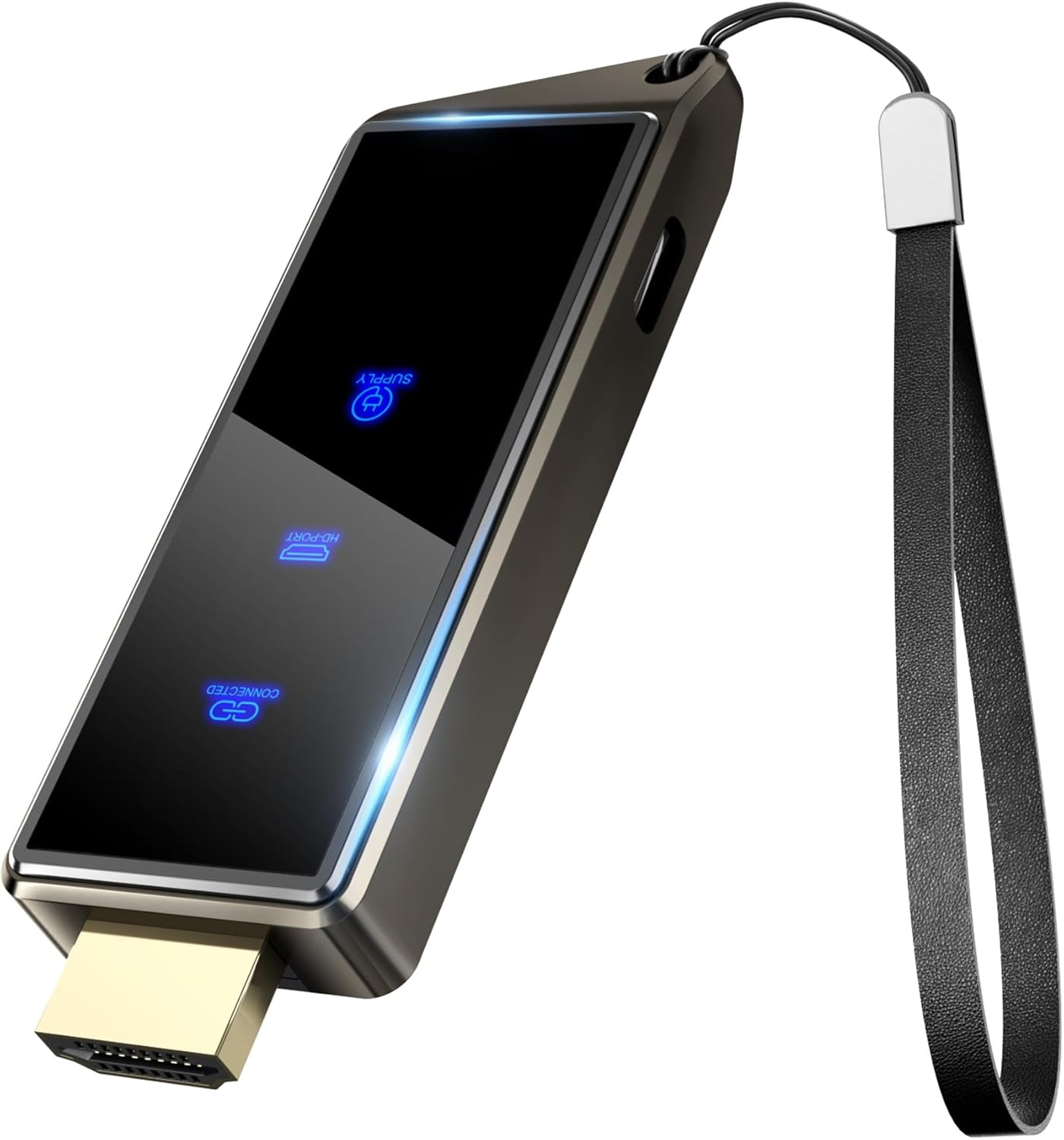
Wireless HDMI Display Dongle Adapter, Portable Transmitter, Streaming Media Video/Audio/File HDMI Wireless Extender from Smartphone, i-pad to HDTV/Monitor/Projector, Support Airplay DLNA Miracast
$59.99
Related Products





From the brand


At BRAIDOL, we prioritize quality in every aspect of our product.
From meticulous research and development to rigorous manufacturing standards.
We ensure that each BRAIDOL Wireless HDMI Transmitter and Receiver undergoes stringent quality control to deliver a flawless performance.
We are committed to making your office and life easier and more convenient.


2.4G + 5G Dual-band
Dual-core provides stable audio and video transmission. Aluminum alloy casing ensures long-term operation and rapid heat dissipation.
Choose our products


Seamless HD Wireless Streaming: Experience crisp, high-definition visuals with our wireless HDMI display dongle adapter, supporting 4K and delivers an impressive 1080P/60Hz Full HD output.
Plug & Play: Supports 4K decoding and 1080P Full HD output at 60Hz for immersive visuals. No apps, no Bluetooth, no Wifi required, one-click to mirror the screen of mobile phones or Pads to a big screen, with support for privacy mode and one-click disconnect. You can easily switch between landscape and portrait mode to enhance your viewing experience.
5G + 2.4G Dual-Band & Dynamic Stability Equalizer Engine: Featuring 2.4+5GHz dual-band high-speed antennas. Wireless HDMI adapter featuring an advanced dual-band chip and the Dynamic Stability Equalizer Engine, this system delivers strong anti-interference performance and stable signal transmission under all conditions. Ensures stable transmission and high-quality video.
Cross-Platform Compatibility: This portable Wireless HDMI Dongle Adapter supports Airplay for Apple IOS and MAC systems and Miracast for Android and IOS systems. Its powerful Integrated chipset ensures compatibility with a wide range of HDMI output devices. Easily switch between landscape and portrait modes for a versatile viewing experience. It’s perfect choice for conference rooms, home entertainment, and multimedia education.
App Limitations: Please be aware that certain apps with “HDCP” protocol, such as Netflix, Amazon Prime Videos, Hulu, Comcast TV, Xfinity, Vudu, Sky Go, BT Sport, may not be supported due to copyright protection.
Important Tips: If you encounter any problems when using Wireless HDMI, please contact our professional technical team for help, responding promptly within 12 hours to your inquiries and providing extensive warranty protection. We provide a 24-month high-quality replacement service to ensure you have no worries after sales.
6 reviews for Wireless HDMI Display Dongle Adapter, Portable Transmitter, Streaming Media Video/Audio/File HDMI Wireless Extender from Smartphone, i-pad to HDTV/Monitor/Projector, Support Airplay DLNA Miracast
Add a review

$59.99
Amazon Customer –
Excellent value
Great little device. Works flawlessly with my new iPhone 17. Setup was quick and everything runs smoothly. Perfect for travel and everyday use. I do wish it supported a few more streaming services (they’re pretty clear about the limitations), but it handles YouTube without any issues. Overall, I’m very happy with it — excellent value for the price.
Arash Torabi –
Great quality and very helpful
My friend had bought another model from another brand and was not happy with it. I had seen it disconnect and reconnect many times. I found this interesting when I was searching on Amazon. Even though it was a little more expensive and had fewer reviews, I took a risk and bought it. But now I am very happy. It works great. It doesn’t disconnect and reconnect at all. It is very fast. It is very easy to use. In my opinion, it is excellent in every way. I wish I had bought it sooner. I recommend it to you too.
Scholarly Reviewer –
Defective… or is it?
I know there are those saying that they had success with this item. I did not. I wasted a lot of time, effort and frustration trying to make it work.First, the HDMI extension cable sent was defective. I tried using it, but the TV would not recognize the adapter. When I plugged in the adapter directly into the TV, it finally was recognized. But that was the limit to my success.Even though I could find the Renkchip link, I could not connect to it. I kept getting “No device found” as I saw the blue “circle of death” going on and on… and on… and on. Apparently, this device I got was defective, but I really had no way of knowing for sure. It could be a problem with my own hardware, but I have no way to troubleshoot that. So I’ve returned it, and will not buy it again.To make matters worse, the writing on the manual is so small as to be unreadable save for the youngest of eyes. I used a magnifier with LED light and still could barely read it. Illustrations were fuzzy and unclear. In addition, they provide another card with instructions that is apparently a “quick start” card, but this is not explained. Also, on this card “screen casting” is listed as “Wireless Projector”… or is it? I had no way of knowing for sure, and wondered if I needed some other app to make it work.This stuff is supposedly easy, so apparently I’m just a dubba. I guess I need to spend more money to get a better item, but after spending much time messing with this one, I really am not that desperate to stream videos from my phone.
Annette –
Why this adapter beats the competition
Let me tell you about this little gadget that’s quietly revolutionized how I share content – the BRAIDOL Wireless Display Adapter. After weeks of testing, I can confidently say it’s one of those rare tech purchases that actually delivers on its promises.It’s genuinely plug-and-play. Just slot it into your TV’s HDMI port, connect to WiFi. What really impressed me was the smart visual guide that pops up, showing exactly how to connect whether you’re using iOS or Android. Genius. No more frantic Googling of setup instructions at 11 PM.In my house, we’ve got the whole tech ecosystem – iPhones, Androids, Windows laptops, MacBooks. Most wireless adapters play favorites, but this one? It’s the Switzerland of screen mirroring. My partner can cast her Android gameplay one minute, and I can mirror my MacBook presentation the next, with zero hiccups.Crisp Visuals That Actually Impressed MeHere’s where I got really excited – the Full HD quality is no joke. Whether I’m streaming 4K cooking tutorials (my latest obsession) or presenting slides to clients, everything looks razor-sharp. And the audio? Perfectly synced. No more awkward lip-flapping moments where the audio trails the video.More Uses Than I ExpectedTurns out this isn’t just for YouTube binges (though it’s great for that). I’ve used it for:Movie nights with the projector.Looks as Good as It PerformsThe sleek metal casing gives it a premium feel – none of that cheap plastic nonsense. It’s so compact I’ve literally carried it in my pocket between home and office.It’s not perfect. Streaming cooking tutorials looks sharp, though I did notice Netflix wouldn’t mirror – turns out that’s a common DRM issue. Overall it’s been reliable for casual use. Pushing past 40 feet?Expect some signal hiccups.One of the most reliable wireless display solutions I’ve tried. Highly recommended for anyone who values simplicity and performance over flashy gimmicks.Pro Tip: Keep it within 30ft/10m of your device, and you’ll forget you’re even using wireless tech. That’s how seamless it gets.
Dean Hammond –
Best Android phone Smart View screen mirring
Works awesome for Android phone Smart View screen mirroring to older smart TV that no longer has software uodates available for DRM with copy protection HDCP. Setup was fast and simple with easy instructions.Streaming services block screen mirroring using Digital Rights Management (DRM) and copy protection like High-bandwidth Digital Content Protection (HDCP), preventing unauthorized duplication, with Netflix recently tightening restrictions by limiting casting to premium plans and specific devices, forcing users towards native apps or a black screen/error message on unsupported connections. Technologies like Stream Shield also actively detect and block AirPlay/recording attempts, while new Android features can disable protections, though this is generally for developers.
Andrey Estrada –
El audio no está sincronizado con el video y eso arruina toda la experiencia