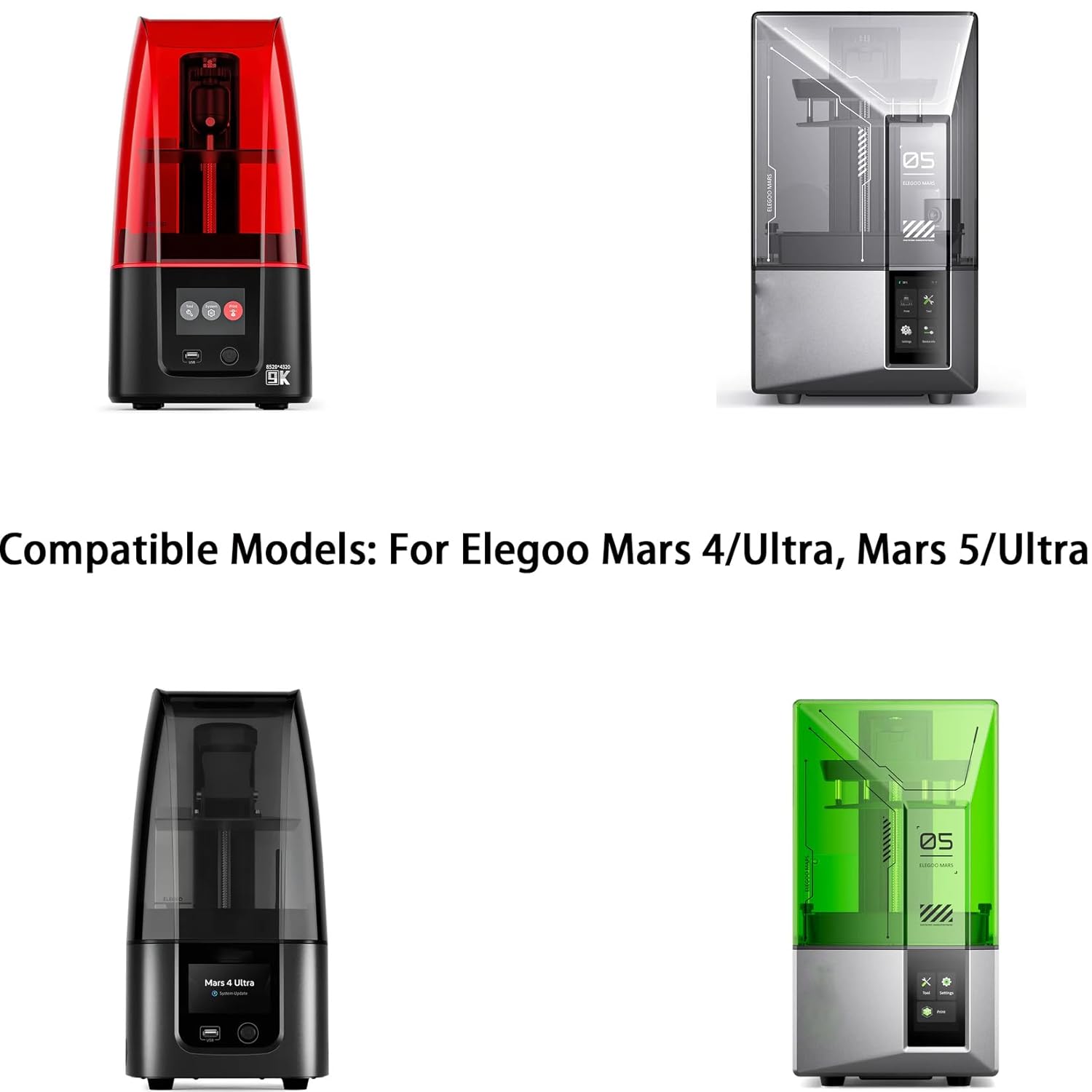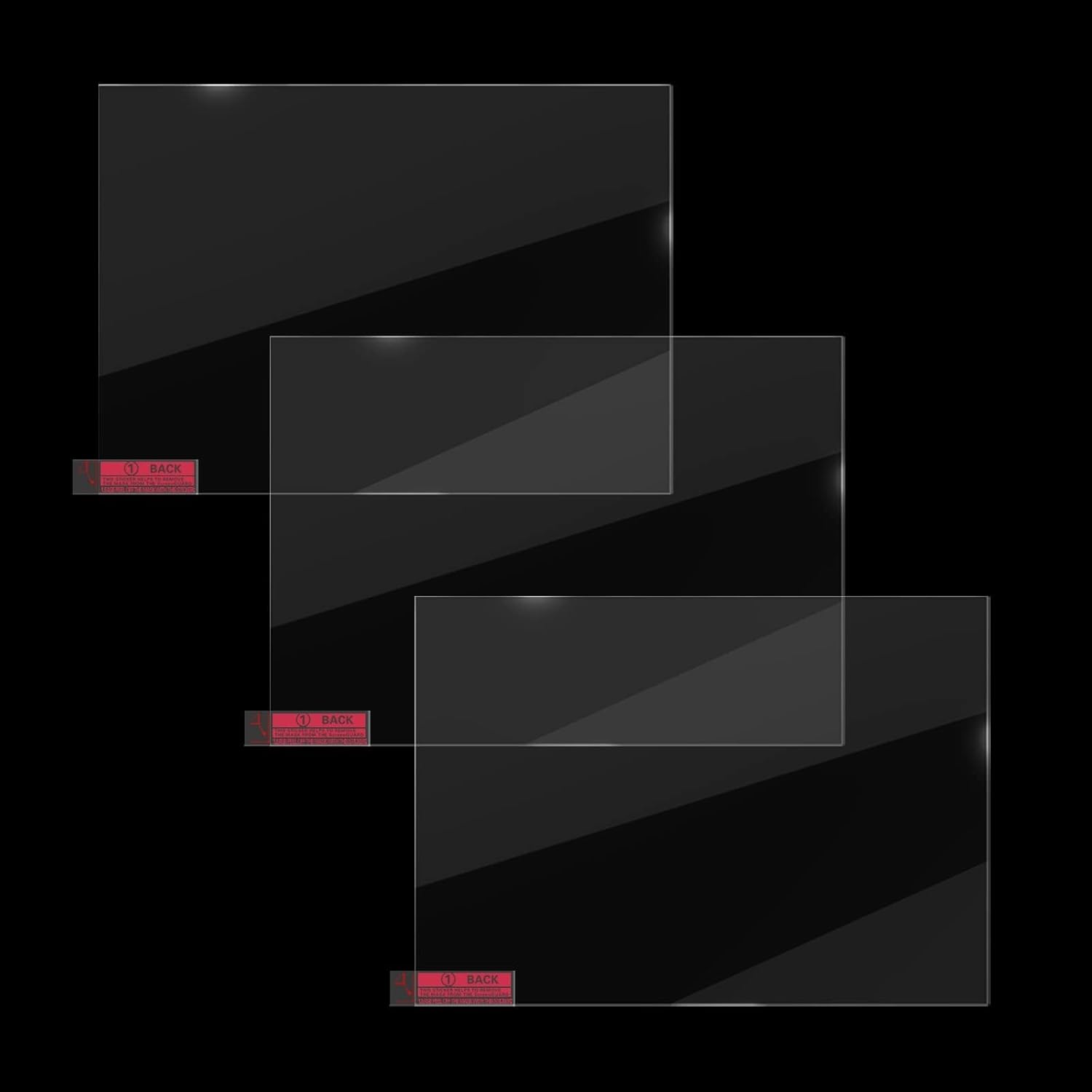


7 Inch Monochrome Screen Tempered Film for Elegoo Mars 4, Mars 4 Ultra, Mars 5, Mars 5 Ultra resin 3d printers.
Installation instructions:
Installation of the tempered glass screen protector
1.Tear off the black shading tape and dirty screen protector, then clean the curing screen with tool set.
A. Wipe the screen with alcohol prep pad
B. Wipe the screen with a dry cloth
C. Use dust absorbers to remove fine dust.
2. Peel off the back of the screen protector, align the protector to the edge of the screen and stick it from one end to the other. Bring the installation carefully without air bubbles.
3. Reattach the shading tape and clean the front of the screen protector with tool kit.
Compatible Models: Only Compatible with Mars 4/Ultra, Mars 5/Ultra.
Package: 3PCS Tempered Glass Screen Protector, 3PCS Tool Kit, 1x manual.
Compatible Models: 7 inch tempered glass screen protector is only compatible with Elegoo Mars 4, Mars 4 Ultra, Mars 5, Mars 5 Ultra. It comes with tool kit and manual, please read the introduction of the manual before installation.
With good protection, the tempered film can not only protect the monochrome screen from being scratched by sharp objects in daily use, but also prevent the resin from leaking and polluting the screen from the damage of the release film.
The light transmittance of the tempered film is 95%, which will not affect the light of the monochromatic screen to cure the resin in the resin tank through the tempered film.
Easy to use, the back of the tempered film is covered with a protective film. Please keep the screen clean before use, then remove the back protective film and install the tempered film on the monochrome screen. Use a plastic scraper to avoid air bubbles. After the installation is completed, please use cleaning fluid and The non-woven fabric wipes the tempered film clean.
Small Tips:The tempered film has a thickness of 0.35mm. Before installation, please remove the black shading tape, remove the old screen protector, install the new tempered film, and reattach the shading tape. In order to avoid printing problems, it is recommended to level the 3D printer again after installing the tempered film.
13 reviews for KOYOFEI 3PCS LCD Screen Tempered Glass Protective Film for 7 inch Resin 3D Printer, High Light Transmittance Protective Film for Elegoo Mars 4, Mars 4 Ultra, Mars 5, Mars 5 Ultra LCD 3D Printer
Add a review
$16.99

Ernie –
Bought this for Mars 3 pro.
I was at first discouraged that it seemed too big.then I trellised there was already a protective glass on my printer.
Jason –
Fits my Mars 2 perfectly.
Ordered these items to help reduce the maintenance needed for my Elegoo Mars 2. My FEP screens kept getting holes in them causing resin to leak onto the LED screen and it would take hours to clean without scratching the screen. After receiving the package it only took a few seconds to apply the protective film, although the air bubbles were a little annoying. So far they have worked great, but I would recommend putting some black tape around the edges and re-leveling after putting the protective screen on.
RRJ –
Had no challenges with install or operation
Not a lot to dislike. People complained that the glass didnt lay flat, bubbles were a problem, etc. I saw none of that. It is tempered glass, and it will flex a bit at install- perhaps people are afraid to sort of roll it down, or their LCDs arent flat etc etc. No idea if this has more scratch resistance than anything else- heck, FEP may be just as good or better if the concern is just leaks. My concern is residual hardened resin being crushed by the plate into the LCD, so I wanted something with good hardness. I did not see any real changes with resolution or exposure, but that may have more to do with the optical system/parallelism of your UV, and not specific to this glass or FEP etc. But yea, quick to install, just keep things very clean, probably helps to mist your clothes with Static Guard or equivalent just to help keep dust down in your envelope. I expect removal is as easy- havent tried. I dont believe there is adhesive proper- maybe just a coating of a polymer to help with adherence.
Charlie B –
Not the correct length and width for Mars 5 screen
I purchased the 7″ screen protector for my Elegoo Mars 5 printer. The Mars 5 Screen is 7″ measured on the diagonal. While this protector is 7″ on the diagonal, it is too long and not wide enough to cover the Mars 5 screen. Thus the claim that is it compatible with the Mars 5 is false. Do not buy this product if you need a screen protector for the Mars 5. In the photo I placed blue painter’s tape even with the edges of the LCD screen. You can see the unprotected sections along the length (red arrows) and the excess length on the ends (purple arrows).
A Arhontes –
Not sticking well
For the most part it is doing its job protecting my screen. The problem i have is it is not fully adhered to the light screen. The middle sticks well the edges aren’t.
Larry Profitt –
Comes with everything you need
Surprisingly easy to apply to the plate. Came with everything needed to remove and clean before applying the new screen protector. Great price for 3 in one box.
Robert Philp –
A little bit too big for the Mars 2 Pro
While the product and the installation materials (alcohol pad, fabric pad, and alignment stickers) are adequate, the protector itself is a tiny bit too big.Since it extends a bit over the edges of the screen to the black plastic trim around the screen, it never completely adheres. It only adheres in the center. Time will tell if this affects the print quality. Since it doesn’t really adhere around the edges, a resin spill could get underneath it.Additionally, the thickness of the glass raises the resin vat up enough that you have to press the resin vat down to feel the alignment ridges. Normally you can slide the vat into place and feel when when it “clicks” into the correct position. Inserting the and screwing down the resin vat takes a bit more attention now.Since I’m more worried about getting cured resin on my screen than actually cracking it, I am considering replacing this with a plastic film protector rather than this tempered glass, which seems like overkill in a 3D printer, unless you are very careless.
Blazemithias –
Protects your screen!
Protects my screen, goes on easily and stays on without issue. I’ve cracked a few of these over the last few years. My phone screen is still in perfect condition. From what I can tell that means its working. It feel like using the actual screen and doesn’t hinder touch functionality.
Martin –
Passen perfekt und sind leicht anzubringen!
Clive L –
The 6.08 protector does not fit a 6.08 lcd screen on the Mars 2 Pro. It leaves gaps on both the left and right side. The LCD screen on the mars 2 pro already has an opening on the left side so its not covered with this protector allowing resin to enter the machine.I also wasted all 3 screen protectors before I managed to get one with nearly no air bubbles. Even the last one as a bubble on the edge and I cannot get rid of it. I tried the plastic scraper to push it out but it just appears again.I do not recommend these protectors.
mark liesicke –
I bought this after cracking my Saturn 3 screen protector, needing a replacement. It’s oversized which is fine for a Saturn 3 but won’t fit a Saturn 4. It’s a pain to apply without air bubbles under it though!The glass is really strong, stronger than the stock protector and is decent value. It functions as intended and protects your quite expensive LCD well.
Cliente Amazon –
qualità
Frederic Raguy –
Rien à redire sur le produit et le conditionnement.Le verre trempé est de bonne qualité, la taille est conforme, il se pose facilement.